Css style problems
Hello, I have two problems.
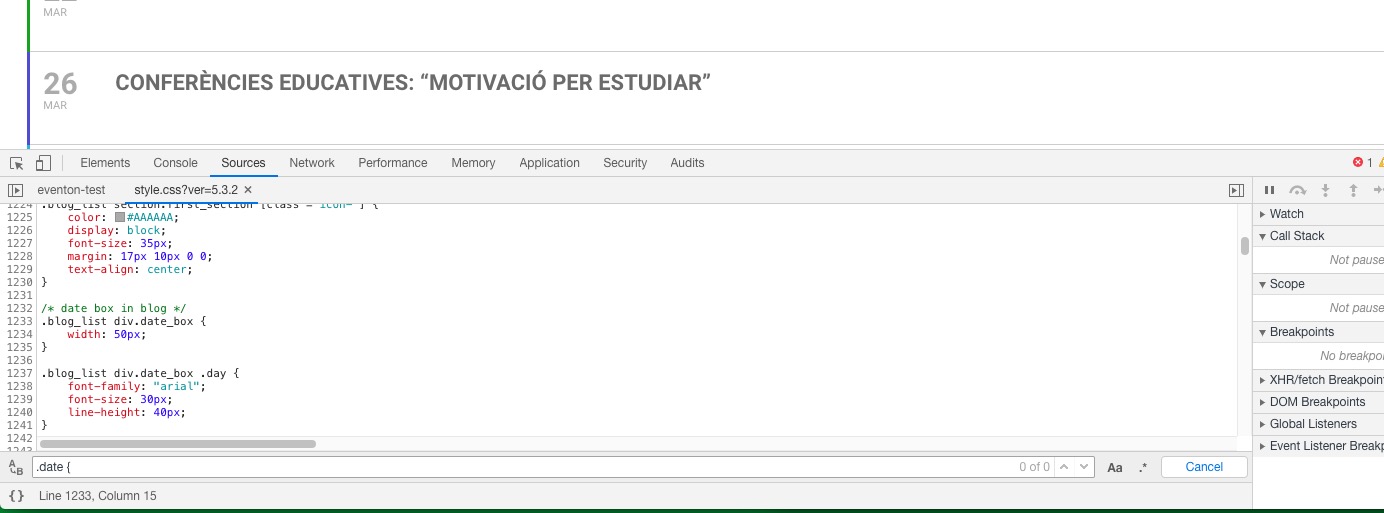
1.- date and time doesn´t appears as in the demo. Typography, colour and size of font is different. I thin that I have the same css class name in my theme "date" and "time". Could you help me?
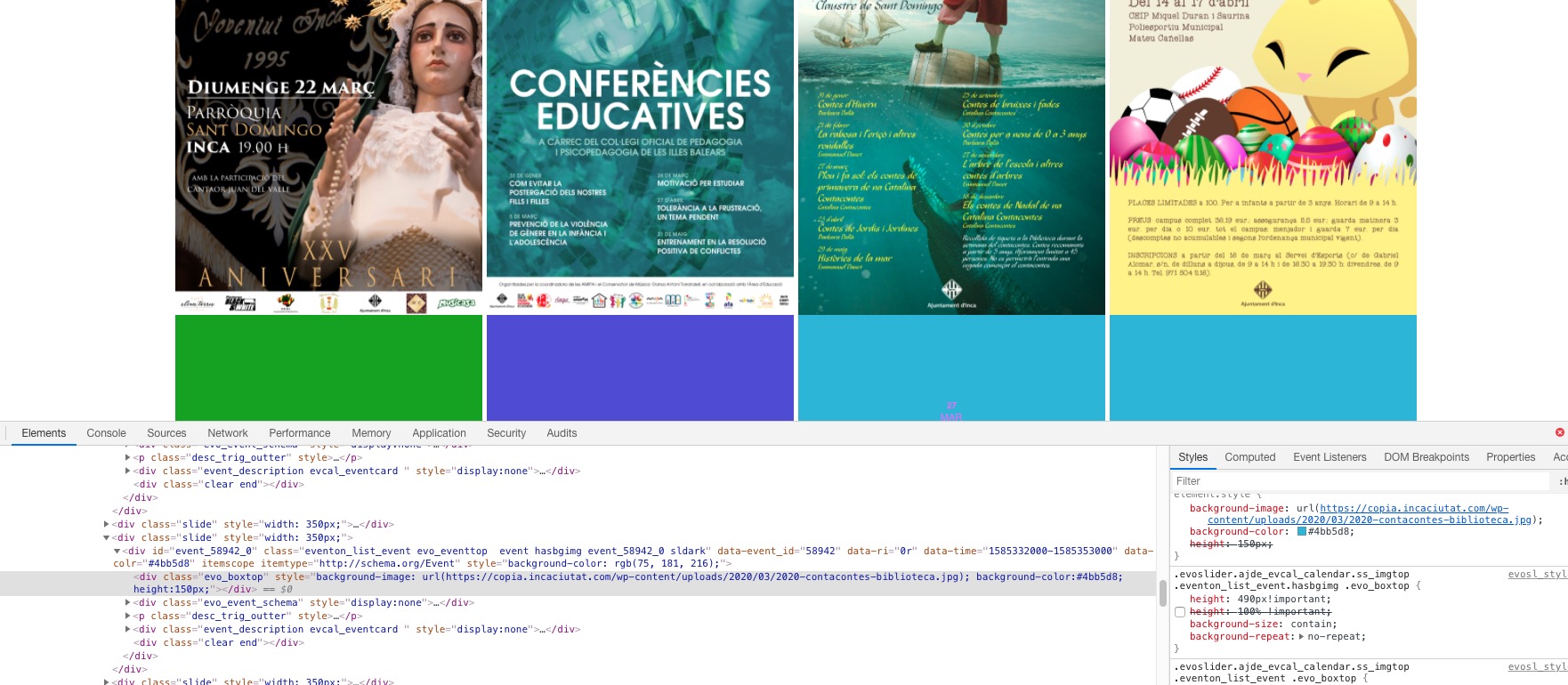
2.- I bought slider addon and I would like to show the full resized image proportionally in Multi Slider. Actually image is cropped as 345 x 200. So I want the image is not cropped because I show posters with more height than width. So for me the best should be to show the image with width 100% (in that case 345) and proportional height. How could I manage this? I tried to change evo_boxtop class but it doesnt work.
Thanks for your help.
Javier
-
-
Mar 19,2020 AT 4:44PM -
Posted 6 years ago
- #168800
Let me add some screenshots of problem 1 and 2. And let me note that I am working in a copy of the website (in a test website). When I have the event plugin 100% working I will deactivate my license in my test website www.copia.incaciutat.com and I will activate in the real public website www.incaciutat.com installing again the plugin and all… so I would like to know what you did to do it too in original website next.
Javier

-
Mar 19,2020 AT 4:44PM -
Posted 6 years ago
- #168802
How I show now!

-
Mar 19,2020 AT 4:45PM -
Posted 6 years ago
- #168804
How I would like to see it!

-
Mar 20,2020 AT 3:16AM -
Posted 6 years ago
- #168859
Hello,
1. Please remove .date style from https://copia.incaciutat.com/wp-admin/admin.php?page=rt_styling_options > Custom CSS. The same with font. Please remove this style:
* { font-family: Arial,Helvetica,sans-serif; color: #000000; } or move somewhere where it doesn’t override plugin’s defaults. To the theme’s style.css, for example.
2. Please add this CSS code to EventON > Styles (If you can’t see any change, EventON > turn off Write styles to header > save settings > turn on Write styles to header):
.evoslider.ajde_evcal_calendar.ss_imgtop .eventon_list_event.hasbgimg .evo_boxtop { height: 490px !important; background-size: contain !important; background-repeat: no-repeat !important; }
-
Mar 20,2020 AT 4:37AM -
Posted 6 years ago
- #168869
Hello,
Thanks for your answer.
1.- Now I see Eventon styles as well. But I placed css code * { font-family: Arial,Helvetica,sans-serif; color: #000000; } and .date {…} css code in styles.css of the theme wp-content/theme/css/styles.css and I can´t see the right styles for date of the theme. Any suggestion?
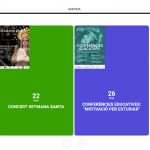
2.- It doesn´t work. I follow your instructions and I attach what I see.
I have another additional question. I would like that the slider has 5 or 6 columns. How can I do it?
Thx in advance for your help!
Javier
-
Mar 20,2020 AT 1:32PM -
Posted 6 years ago
- #168911
1. Try
body { font-family: Arial,Helvetica,sans-serif; color: #000000; }
It cannot find .date in style.css:
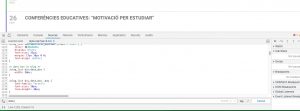
2. I put my code to wp-admin > Customize > Appearance > Additional CSS. Please check now.
-
Mar 19,2020 AT 4:44PM -
Posted 6 years ago
- #168800