Order Details page Does displays "Pm" instead of "PM". It is correct on the Events page
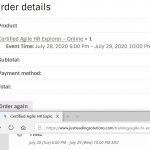
On the "Order details" page, the time is displayed with "Pm" instead of "PM" and the manual entered timezone label is not displayed.
On the event page it is correct.
See screenshot attached:
Top Part: Order details
Bottom Part: Event page
-
-
May 24,2020 AT 4:16PM -
Posted 6 years ago
- #177977
-
May 25,2020 AT 12:54AM -
Posted 6 years ago
- #177988
Hi Micael,
This is quick, you can use CSS to show the words always in caps.
Will that work for you to do it?
-
May 25,2020 AT 5:27AM -
Posted 6 years ago
- #178041
Hi Basilis,
what is the location of the CSS file where this should be changed?
Also, how can the timetzone field from the backend be added? In which file?
-
May 25,2020 AT 7:42AM -
Posted 6 years ago
- #178062
Hi Michael,
A timezone for the back-end can not be added no.
For the Size thing, please point me the page where I can see that happening, so I can provide u the correct CSS code please.
-
May 25,2020 AT 7:47AM -
Posted 6 years ago
- #178065
Hi Basilis, why can the label not be added in the frontend? It is as well on the events detail page, so I should be able to use it in the order details page as well.
Here is the link https://www.justleadingsolutions.com/my-account/view-order/6052/
-
May 25,2020 AT 1:10PM -
Posted 6 years ago
- #178127
Thank you for your messages, I am going to assign this ticket to Ashan and he will be able to take it from here and find you a solution. Please allow some time for him to get back to you, we greatly appreciate your patience and thank you for being a eventon customer! Also please disable any IP blocking on your site if there are any.
-
May 27,2020 AT 3:04PM -
Posted 6 years ago
- #178498
Hi Artem, do you have an idea about how long it could take?
-
May 28,2020 AT 9:17AM -
Posted 6 years ago
- #178620
Hey Michael,
We appreciate your patience and we know it takes a little bit longer for him to review those, as it is required to check them and manage to find the issue.
Please allow some time, we have pointed to him the exact problem and he will do follow back with that.
-
May 28,2020 AT 7:40PM -
Posted 6 years ago
- #178662
Our events also show the time on the front-end as Pm instead of PM. The back-end dropdown shows it correctly.
-
May 29,2020 AT 1:45AM -
Posted 6 years ago
- #178701
Hi John,
Please do create a new ticket, for us to check and review and we will come back
-
Jun 4,2020 AT 2:40PM -
Posted 6 years ago
- #179574
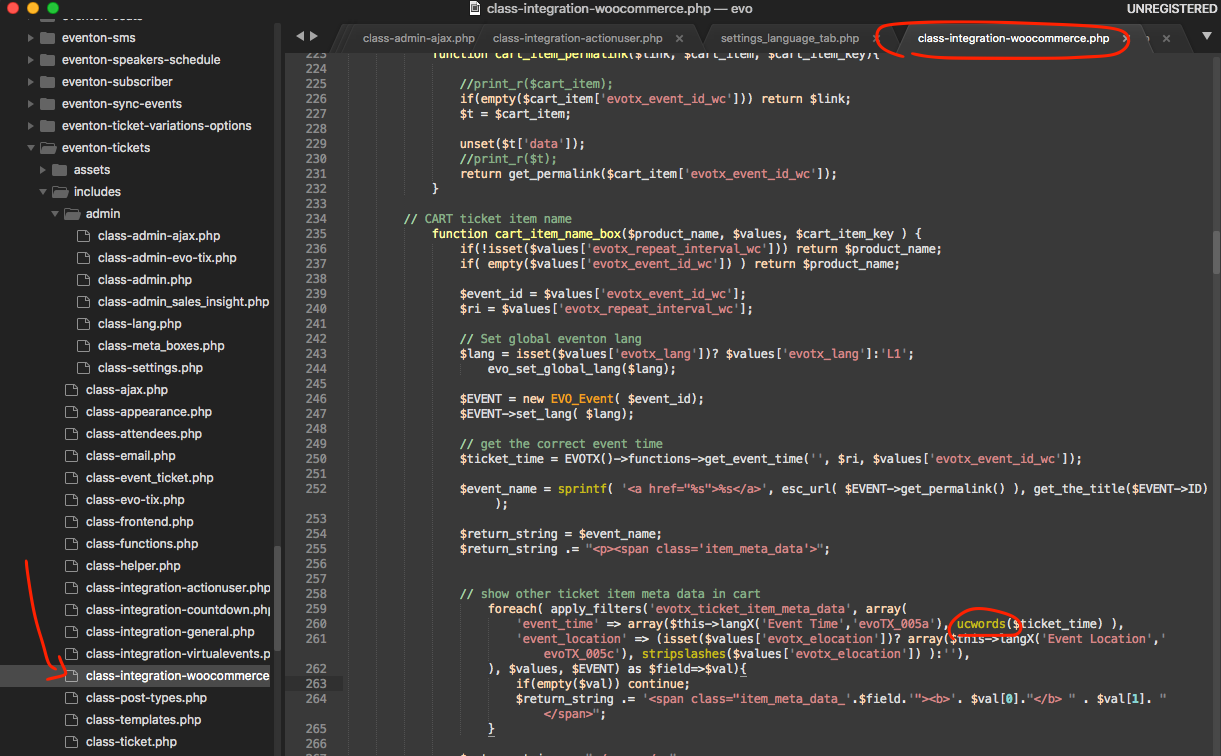
Thank you for reporting this to us it is indeed an unnecessary formatting of event time. Please apply this patch fix and it will resolve this issue. We are also going to release a new version of tickets addon most likely next week with this patch fix.
 If you have more questions, kindly send us a new ticket and we would be more than happy to help you resolve your issues!
-
May 24,2020 AT 4:16PM -
Posted 6 years ago
- #177977