Appearance Dark Theme Doesnt appear to work for me
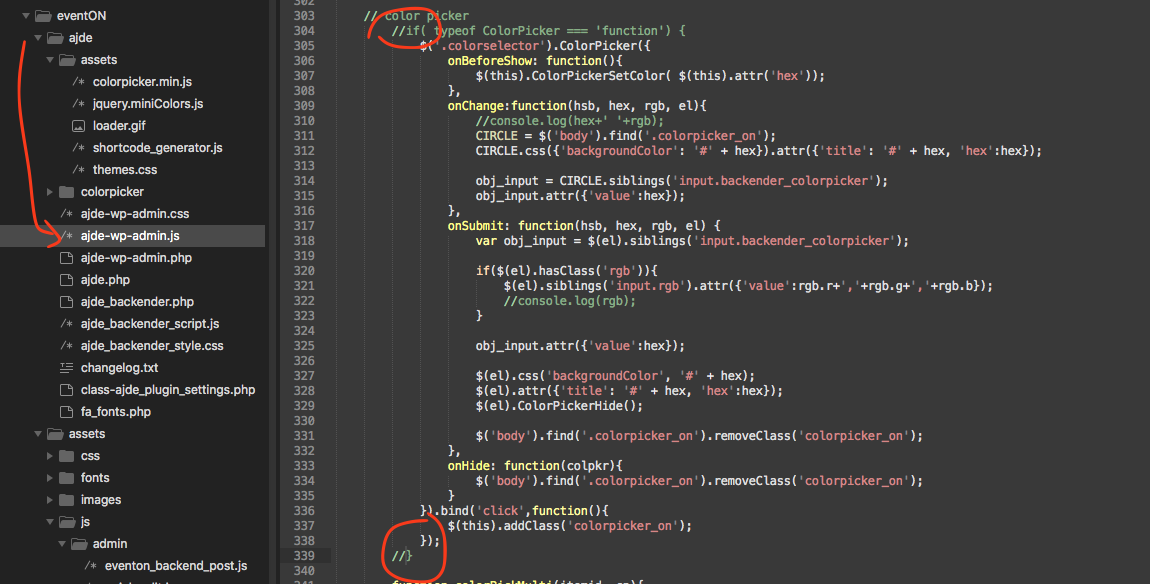
I have this working fine on my other site and i think ive set it up the same way. Ive selected the DARK theme and made one change so the text is orange but i am still seeing a light event table. Any advice for what i may have missed? I will attaach screenshots.
- Jun 15,2020 AT 3:34PM - 6 years ago-
-
Jun 15,2020 AT 3:35PM -
Posted 6 years ago
- #181088
also, al other plugins are currntly deactivated.
-
Jun 15,2020 AT 9:27PM -
Posted 6 years ago
- #181150
Hello,
Please go to myeventon->settings and turn on “Write dynamic styles to header” button.
If you still do not see any change, turn off “Write dynamic styles to header” button, save the settings, turn it back and save the settings again.
You may need to clear browser and website caches again
-
Jun 16,2020 AT 7:54PM -
Posted 6 years ago
- #181435
Thanks. Turning that on did it.
-
Jun 16,2020 AT 8:09PM -
Posted 6 years ago
- #181437
If you have a moment, we would greatly appreciate if you could kindly leave us a review at codecanyon! from your account > downloads. Cheers!
-
Jun 16,2020 AT 8:27PM -
Posted 6 years ago
- #181445
ok now this is weird.. i cant get the color picker to work on any of the settings. no color picker pops up if i click on the color button. I tried unchecking the ‘write dynamic styles..’ and i cleared the browser cache and also tried deactivating all the other extensions. It was just working before i made the previous change above. ANy ideas?
try this production site if you need to access..
https://www.brettsfirstresponders.org/qoh
usrname: eventon
password: z9P%bMI#A27^OKoA7JvX%LmG
(I changed this to private)
-
Jun 17,2020 AT 2:46AM -
Posted 6 years ago
- #181521
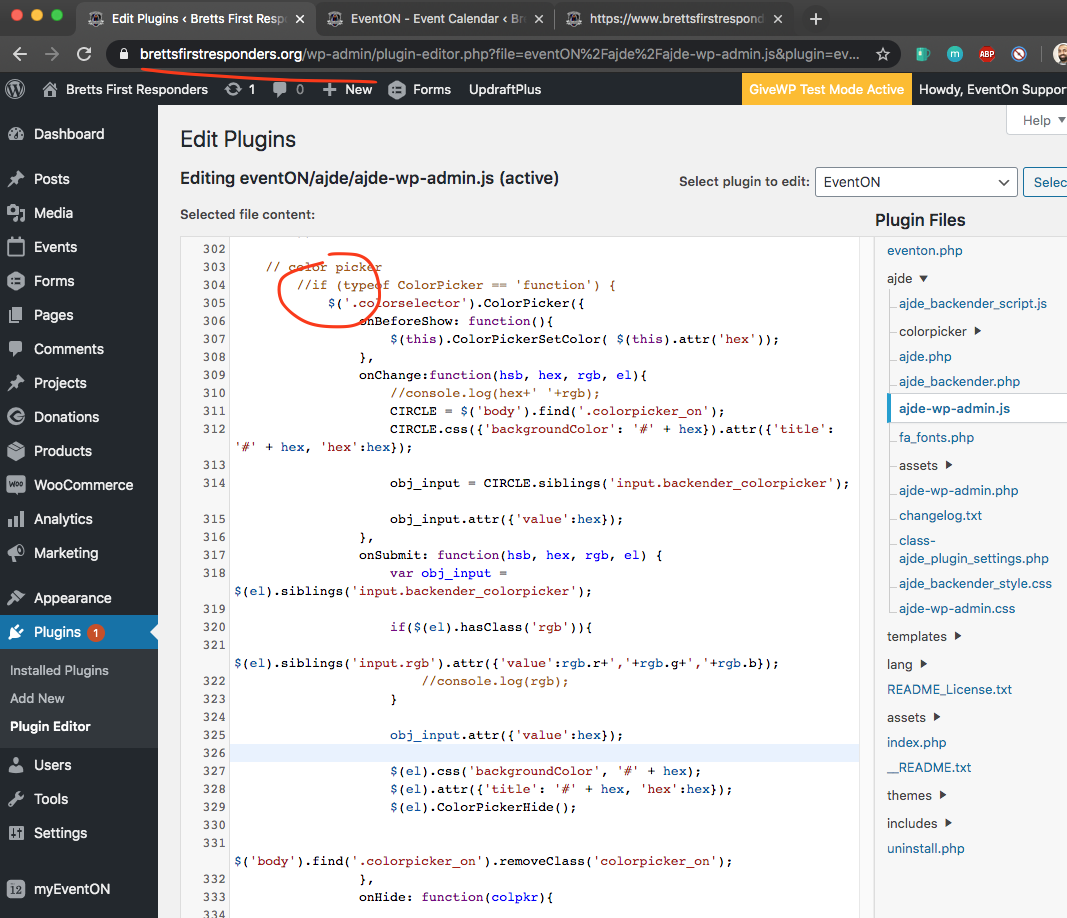
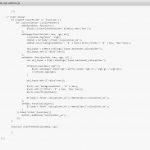
We are sorry for the inconvenience. Kindly use this patch fix to resolve this issue:
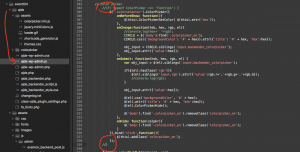
Basically comment out the circle spots in the code 🙂
-
Jun 17,2020 AT 6:49AM -
Posted 6 years ago
- #181574
it does not appear to be commented on my copy.
-
Jun 18,2020 AT 1:16AM -
Posted 6 years ago
- #181795
Thank you for your messages, I am going to assign this ticket to Ashan and he will be able to take it from here and find you a solution. Please allow some time for him to get back to you, we greatly appreciate your patience and thank you for being a eventon customer! Also please disable any IP blocking on your site if there are any.
-
Jun 18,2020 AT 6:49AM -
Posted 6 years ago
- #181885
Sounds good thanks. Reminder that the staging site is no longer being used for this as it has moved to operational testing. thanks.
-
Jun 18,2020 AT 1:03PM -
Posted 6 years ago
- #181958
I have applied the code change to your site.
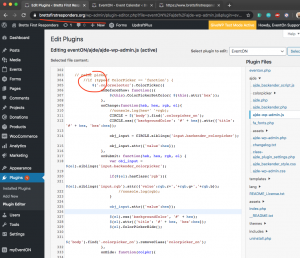
But looks like there is some sort of cache in the site that is not loading the updates code.
https://www.brettsfirstresponders.org/wp-content/plugins/eventON/ajde/ajde-wp-admin.js?ver=1.7.0
check to see if your server has cache? usually cpanel has a cache manager where you can purge server cache,
-
Jun 23,2020 AT 10:26AM -
Posted 6 years ago
- #182515
The cache at the server was the problem Thanks. I turned it off and refreshed and works again thanks.
-
Jun 23,2020 AT 10:41AM -
Posted 6 years ago
- #182520
Hey,
Thank you very much for letting us know, we appreciate it!
If you have a moment, we would greatly appreciate if you could kindly leave us a review at codecanyon! from your account > downloads. Cheers!
-
Jun 15,2020 AT 3:35PM -
Posted 6 years ago
- #181088