Location-Related Issues
I have several questions/issues with the Location aspect of the plugin.
1) On Event Tag, location only displays the street address. It does not display City/State/Zip. How can I change this?
2) The Open Location Link in New window setting does not save. It always reverts to unset.
3) There is a text box on the Location settings called "Open location link in new window", what is that for?
4) Regardless of what you put in Location Type, it always reverts to "place". What is this for?
5) Clicking on directions does not work correctly. It looks like the full address of the location is not passed to Google Maps so the directions are to the nearest location with the same street address.
6) The Disable Scroll Wheel settings for Google Maps does not work. Regardless of the setting, the scroll wheel is enabled.
7) The return to previous page link in the Location settings says "Back to Tags" (upper right of page)
Thanks,
Dana
- Dec 22,2020 AT 10:34AM - 5 years ago-
-
Dec 22,2020 AT 1:03PM -
Posted 5 years ago
- #212635
Hello,
1. This info is for admins only. Please add City/State/Zip to Location Address separated by commas.
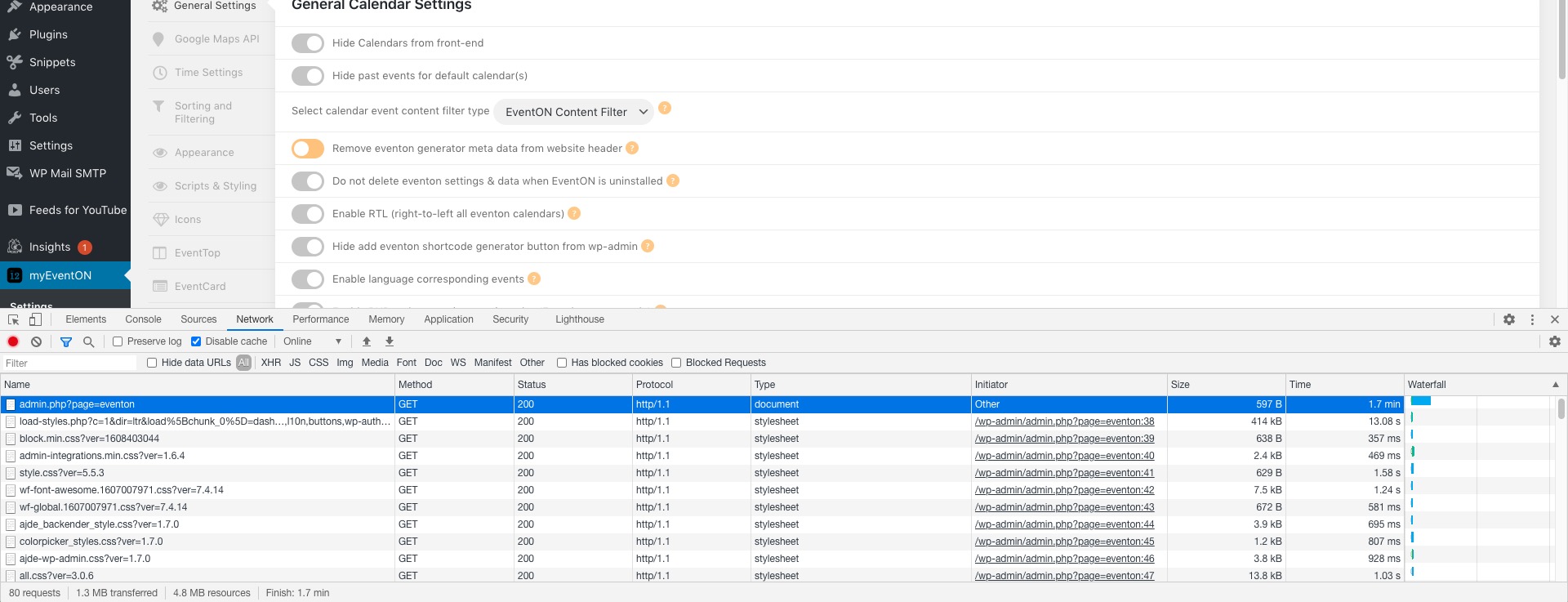
2. Could you go to Edit Event > Location > Edit > try changing it, saving and let us know? I am going to contact our developers about wp-admin > Events > Event Location. Thank you for this!
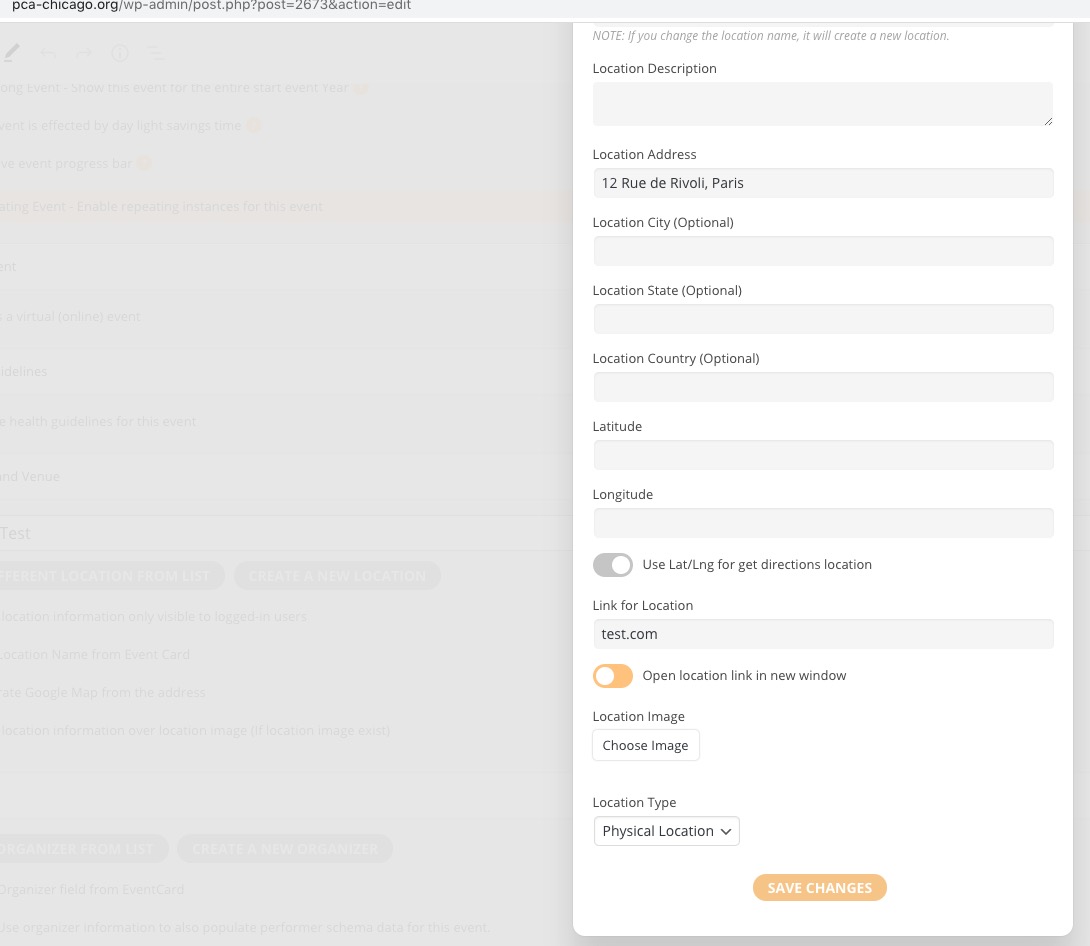
3. You can add any link you like to the location and it’ll show it on Event Card. For example, test.com like I did here:
4. Thank you for your messages, I am going to assign this ticket to Ashan and he will be able to take it from here and find you a solution. Please allow some time for him to get back to you, we greatly appreciate your patience and thank you for being a eventon customer! Also please disable any IP blocking on your site if there are any.
5. Could you try adding City/State/Zip to Location Address and check again?
6. I am going to contact Ashan about this as well. Thank you!
7. I am going to contact Ashan about this as well. Thank you very much!
-
Dec 22,2020 AT 3:52PM -
Posted 5 years ago
- #212677
Thanks for the quick reply.
- That works although it looks a little kludgy on the event card and begs the question as to why the rest of the address fields are on the location form if they aren’t really used.
- I have done this many times. The setting does not save.
- If I put a value there, nothing happens. No link to the URL is created.
- Thanks
- Yes, including the town/state/zip in the first address field fixes this. Thanks. My comments for point one still stand. Explaining to end-users will be less than ideal.
- Thanks
- Thanks
Two other things:
- I am also having an issue when I enable sidebars for the event page. The footer of the page goes onto the sidebar and any widget that is placed on the sidebar is pretty screwed up. Any documentation you can point me to that I can use to try to debug?
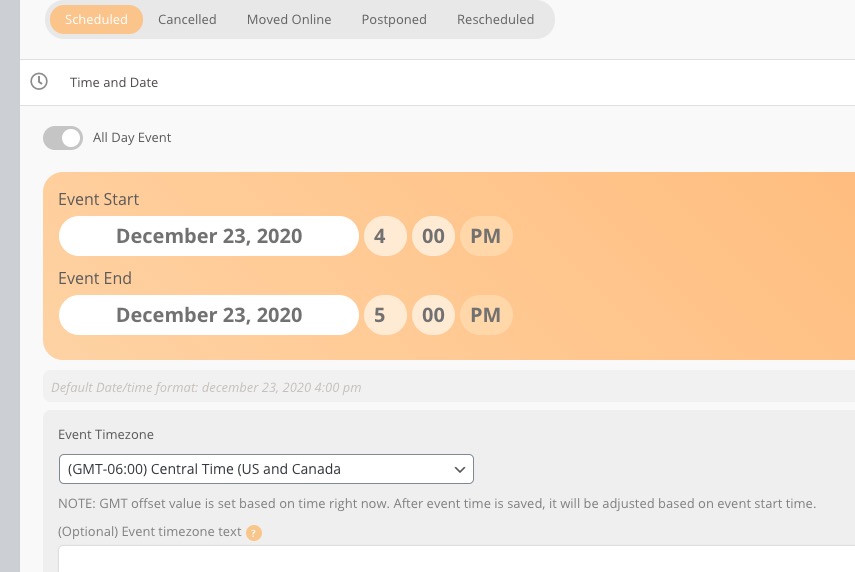
- How can I get new events to default to our timezone? No matter what I set in the time settings still results in the default timezone for an event to be GMT-11. Unless I explicitly set the value when defining the event, that is what the event timezone will be.
Thanks,
Dana
-
Dec 23,2020 AT 3:49AM -
Posted 5 years ago
- #212730
1. These options are for admins only and for future use.
2. & 3. Please send us wp-admin access to your site as a private message for us to further assist your situation.
1. Please follow
. It seems that you need to customize the single event page template.
2. Please go to EventON Settings > Time Settings > enable Apply default timezone to all events.
-
Dec 23,2020 AT 11:37AM -
Posted 5 years ago
- #212767
Your server keeps loading indefinitely so EventON Settings don’t work correctly:
Do you have similar issue?
-
Dec 24,2020 AT 4:52AM -
Posted 5 years ago
- #212846
Regarding event template. The only option is to customize it, I am afraid. Please send us a customization job request by creating a new ticket in here and selecting Customization Request as the category.
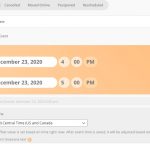
Regarding the time setting. Enabling EventON Settings > Time > Apply default timezone to all events is supposed to change Edit Event > Event Timezone, but not in your case. Could you try changing it to Central Time manually and see if it helps:
-
Dec 24,2020 AT 4:57AM -
Posted 5 years ago
- #212849
2. & 3. Everything seems to be working https://pca-chicago.org/wp-admin/post.php?post=2673&action=edit
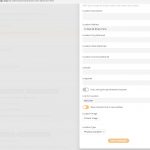
Could you check and let us know?
-
Dec 24,2020 AT 1:09PM -
Posted 5 years ago
- #212866
Hi Dona,
To provide a price for the customization you need to create the ticket for it.
-
Dec 24,2020 AT 2:09PM -
Posted 5 years ago
- #212869
Thanks. Turns out I won’t be needing it. I was able to take your base single event page and merge in the appropriate CSS and code to get it to work correctly with our theme. Your documentation and product flexibility made it pretty easy.
I do have a feature suggestion. It would be great if added an additional event status called “Preliminary” or “Tentative” for those events that have a tentative schedule date but everything has not been finalized. This is particularly an issue for 2021 given the uncertain nature of how the covid thing will pan out over the year, yet for groups like us, we need to attempt to reserve venues, etc well in advance.
Thanks for a great product.
Dana
-
Dec 27,2020 AT 3:01PM -
Posted 5 years ago
- #212984
Hi Dana,
Thank you for your great suggestion, at the moment it is not supported. However please create a new ticket and select Feature Request as category so others can vote on your idea and get it moved into development faster.
-
Jan 5,2021 AT 11:47AM -
Posted 5 years ago
- #214051
just wanted to let you know, the “back to tags” and scroll not working will be fixed in next eventON version release. which I am hoping for soon 🙂
-
Dec 22,2020 AT 1:03PM -
Posted 5 years ago
- #212635