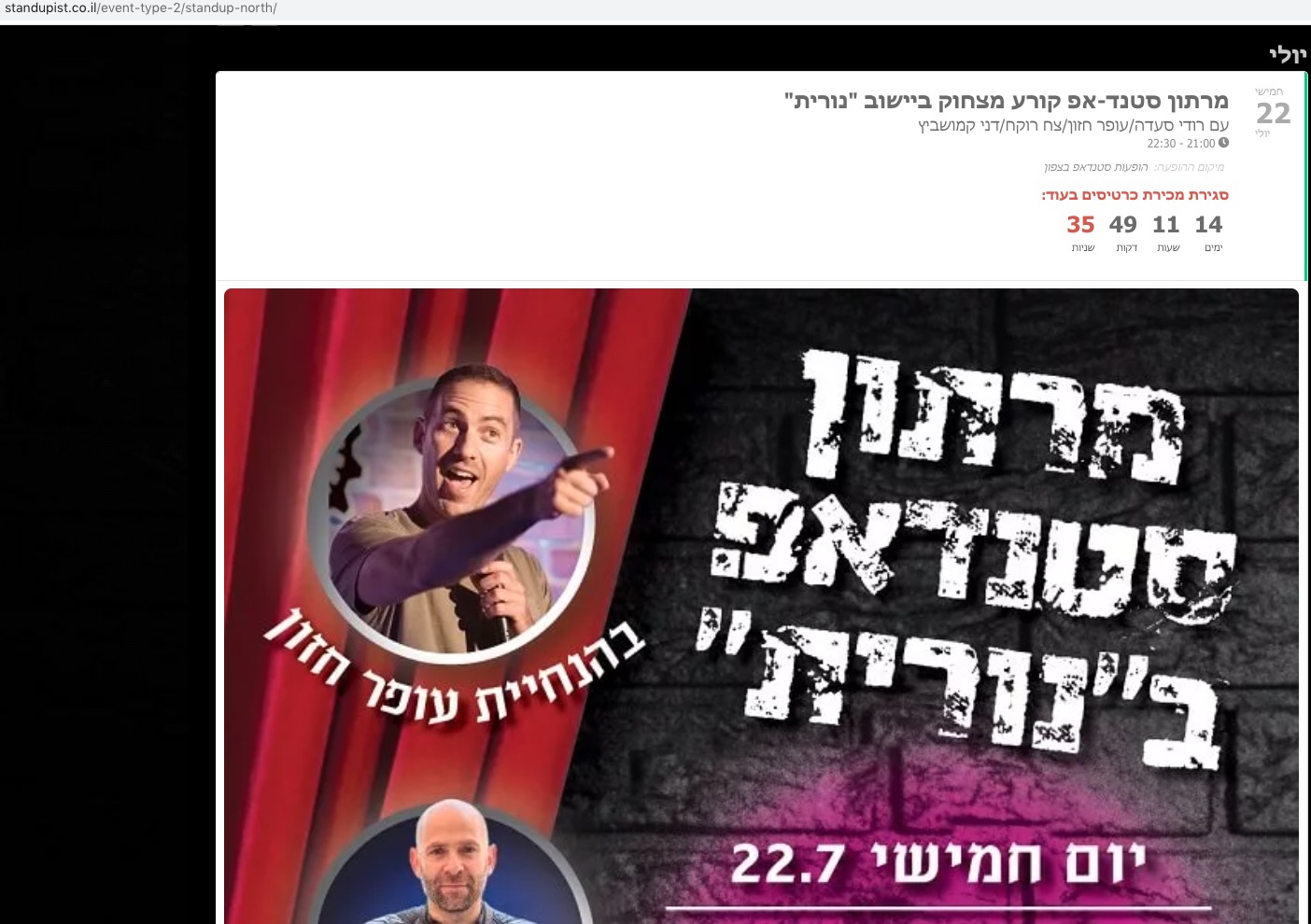
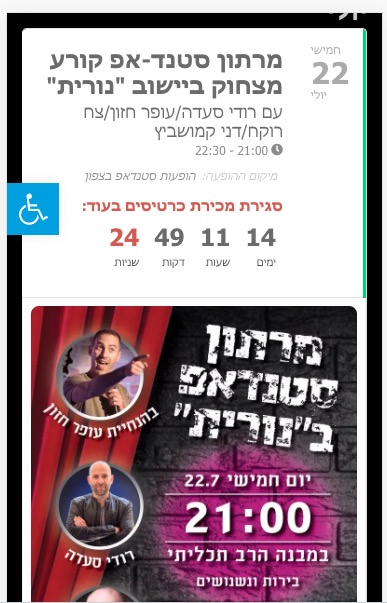
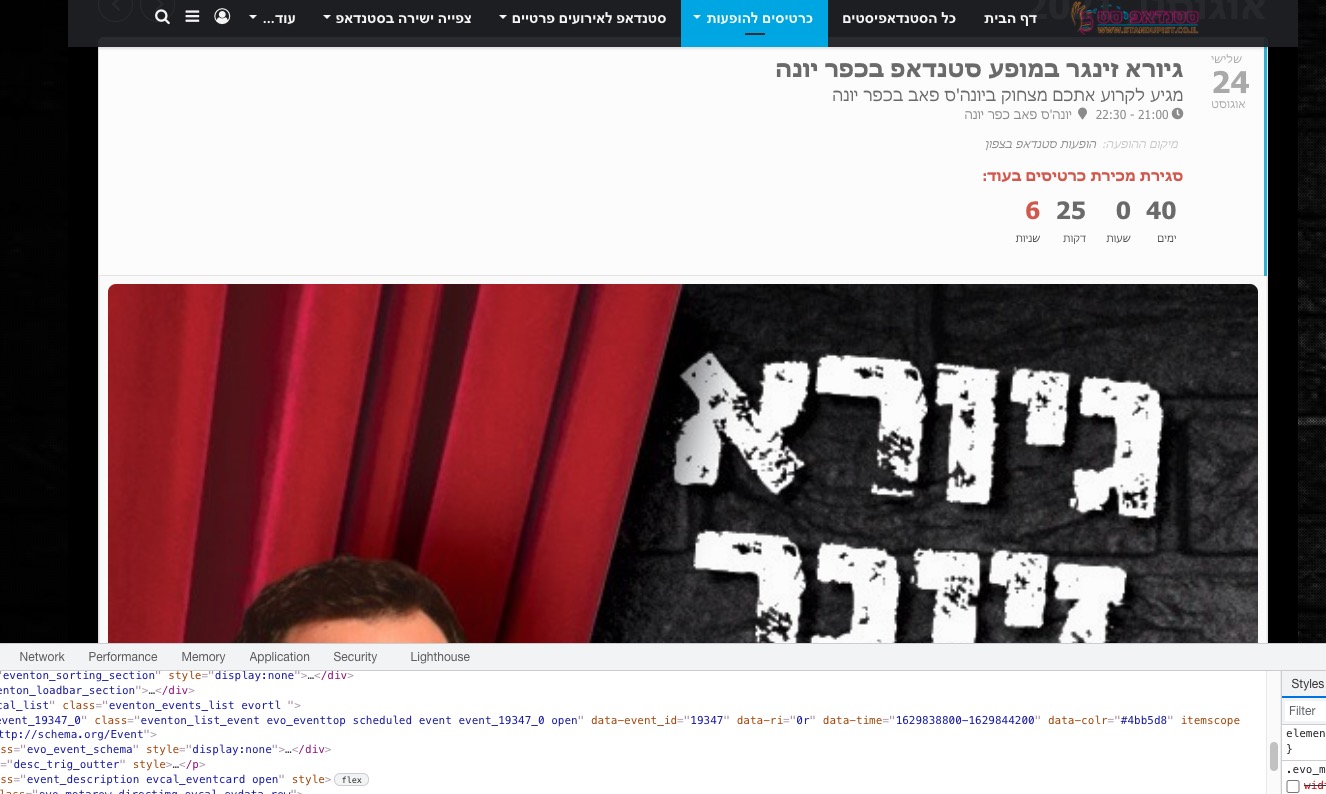
Image size not looks well
Hello
I have some event in site bit the event image not looks good, So i added the following code:
.evo_metarow_directimg img { width: auto !important }
But once i add it its enlarges the image in an oversized mobile view
is there any extra css code i can use so the main event image will display properly for both (Desktop and mobile)
Thank you
Nitzan
- Jul 7,2021 AT 4:07PM - 5 years ago-
-
Jul 8,2021 AT 12:43AM -
Posted 5 years ago
- #244336
Hi Nitzan,
Please send in a screenshot showing which image you are referring to. It will really help in us giving you an accurate solution.
-
Jul 8,2021 AT 1:58AM -
Posted 5 years ago
- #244342
Hello,
Everything seems to be working correctly:


Please send us a screenshot. It’s hard to understand what the issue is.
-
Jul 8,2021 AT 2:24PM -
Posted 5 years ago
- #244438
Ah yes I knew that. I just want to know what the issue is with this view: https://helpdeskx.s3.amazonaws.com/wp-content/uploads/2021/07/08015754/Screenshot-2021-07-08-at-10.57.11.jpg
Why do you want to use the code? Maybe we can change it somehow?
-
Jul 15,2021 AT 10:22AM -
Posted 5 years ago
- #245130
Hi Nitzan,
Thanks for sending the link. However, could you please explain how you would like the images to look like in mobile? It will really help in us giving you an accurate solution.
-
Jul 15,2021 AT 12:10PM -
Posted 5 years ago
- #245148
I removed your code and it looks normal:


I have some event in site bit the event image not looks good, So i added the following code:
Could you please tell us about what exactly is wrong, it’s quite hard to understand? Please also make sure to check EventON Settings > EventCard > Feature image display style.
-
Jul 20,2021 AT 12:50PM -
Posted 5 years ago
- #245718
Hey There,
I will be closing the ticket as of inactivity.
If you have a moment, we would greatly appreciate if you could kindly leave us a review at codecanyon! from your account > downloads. Cheers!
-
Jul 8,2021 AT 12:43AM -
Posted 5 years ago
- #244336