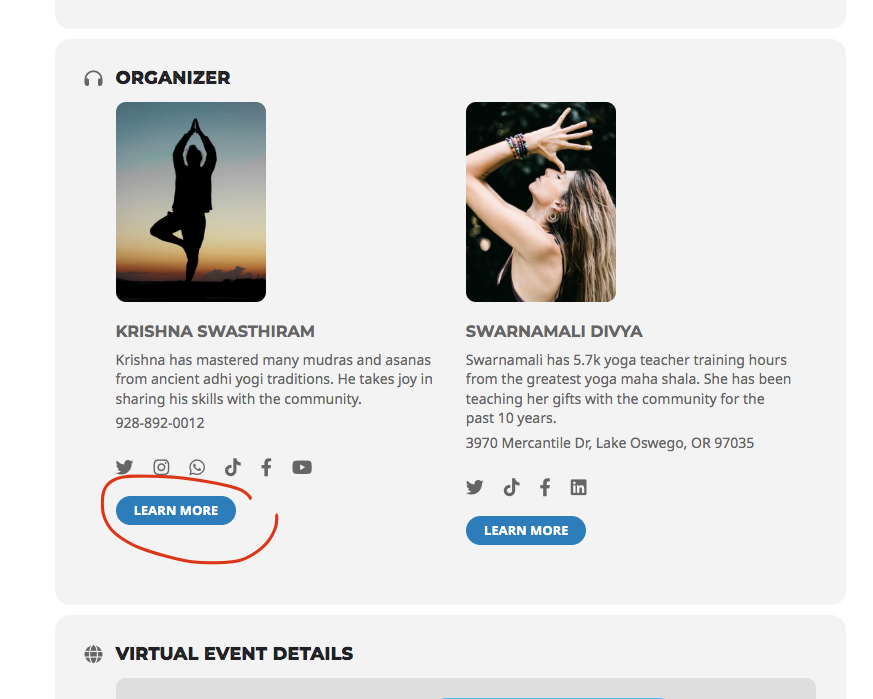
Organizer link in EventCard
Hi
I need to disable link in event organizer in single event page. Maybe is option in setting but i don't see it.
if not please send to me solution for that
Best Regards
Pawel Rauf
-
-
Nov 8,2022 AT 1:30PM -
Posted 3 years ago
- #295787
Hello,
Thank you for your messages, I am going to assign this ticket to Ashan and he will be able to take it from here and find you a solution. Please allow some time for him to get back to you, we greatly appreciate your patience and thank you for being a eventon customer! Also please disable any IP blocking on your site if there are any.
-
Nov 9,2022 AT 4:26PM -
Posted 3 years ago
- #295967
Are you hoping to remove this button on single event page only?
-
Nov 10,2022 AT 12:12AM -
Posted 3 years ago
- #295997
Hi there 🙂
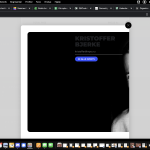
I would like to remove it myself or maybe a fix, because the profile-picture does not align correctly in the pop-up (see attached)
Thanks and keep well 🙂
-
Nov 10,2022 AT 2:03AM -
Posted 3 years ago
- #296006
Hi
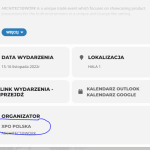
i would like to disable link which i pointed on that image.
that link is point direct for event-organizer subpage on website for example https://expoxxi.pl/event-organizer/ekocuda/.
i need to disable because that page looks not good and first of all i don’t need it.
Best regards
Pawel
-
Nov 15,2022 AT 5:22AM -
Posted 3 years ago
- #296480
We are going to add the option in the future. As a temporary solution please use this code:
p.evo_card_organizer_more { display: none !important; }
As for the link. Please wait for Ashan to reply.
-
Nov 17,2022 AT 3:18PM -
Posted 3 years ago
- #296988
Hello
unfortunatelly this is not working for me. Link is still active. i’m using the Kallyas template. Page for event organiser look terrible. this is main reason to disable this link which connect event card organiser section with organisers page.
-
Nov 22,2022 AT 4:52AM -
Posted 3 years ago
- #297286
Link is still active.
Please wait for Ashan to reply. From my understanding we’ll need to add this feature in the next update. So for now, could you let us know if we can use CSS to change https://expoxxi.pl/event-organizer/ekocuda/ to make it look more presentable.
-
Nov 26,2022 AT 3:56PM -
Posted 3 years ago
- #297655
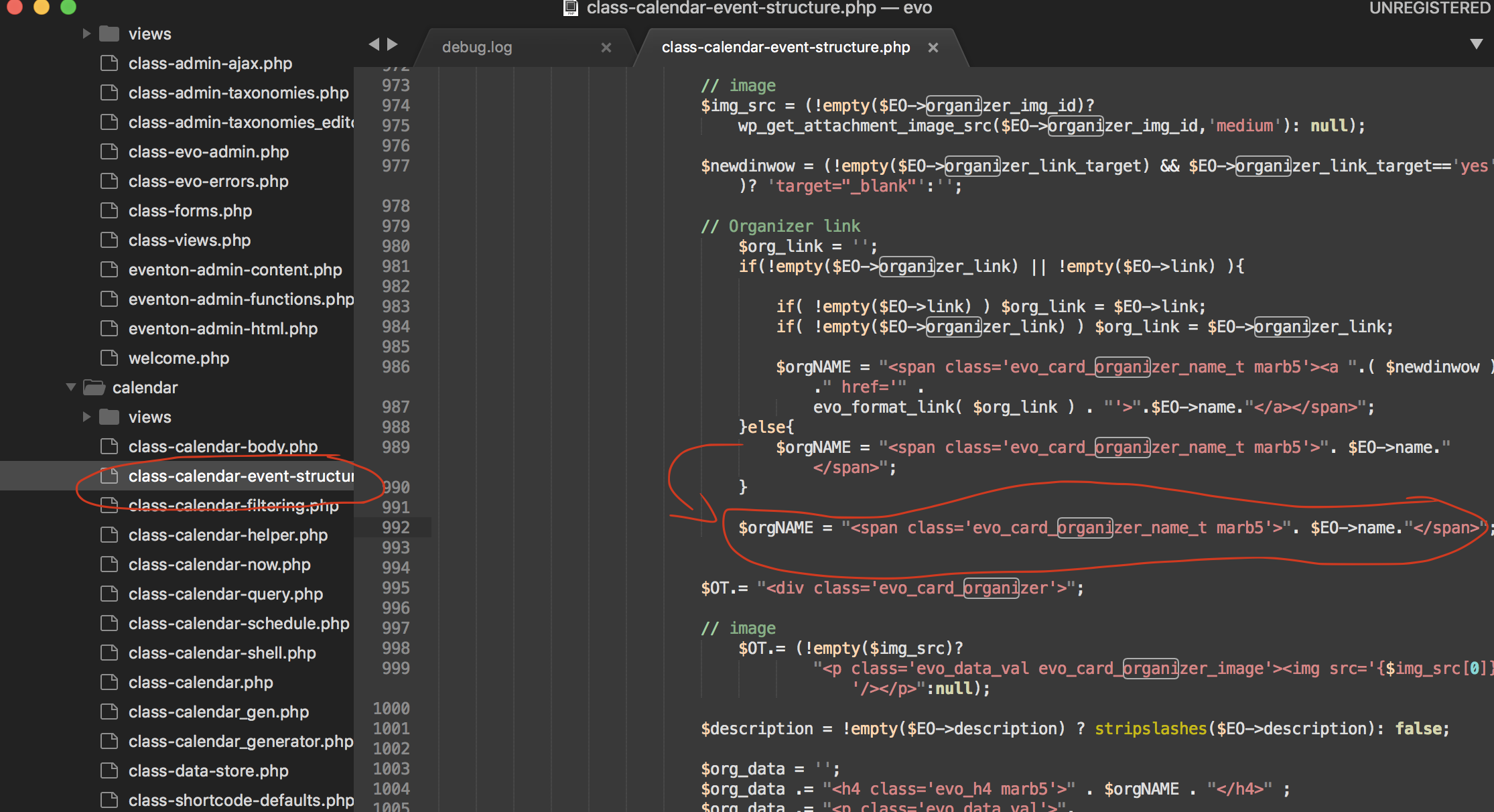
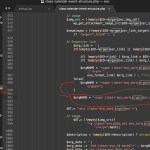
try this patch fix. it will fix remove the organizer name in the event card from being linked to organizer page.
-
Feb 8,2023 AT 2:26PM -
Posted 3 years ago
- #306342
Hi,
where exactly is the change? I see the lines in the picture just like mine. I too have the problem that I would like the link to the organizer page removed.Thomas
-
Feb 10,2023 AT 3:46PM -
Posted 3 years ago
- #306777
Thomas eventON 4.3.2 already had this change in it. Since you are replying after 2 months I am assuming you were able to update to this version and the code change was already tehre.
-
Apr 27,2023 AT 2:34AM -
Posted 3 years ago
- #314475
Hi,
unfortunately the link is back. I updated to version 4.3.5 and the problem reappeared.
I am attaching a jpg from the plugin editor with the place of the change attached. what should i do to disable this link? The created entry under the link to the organizer looks wrong and is unnecessary in my opinion. unless there is already an option to disable it that I don’t know about. please help me on this topic.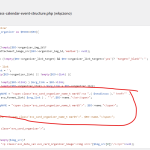
-
Apr 28,2023 AT 1:19AM -
Posted 3 years ago
- #314568
Hello,
Could you try applying this patch to remove the link:
https://helpdeskx.s3.amazonaws.com/wp-content/uploads/2022/11/26155626/Screen-Shot-2022-11-26-at-2.55.27-PM.png
Should work for 4.3.5 as well.
Make sure to make any changes by using FTP connection to your server.
-
Nov 8,2022 AT 1:30PM -
Posted 3 years ago
- #295787