Today highlight yearly view
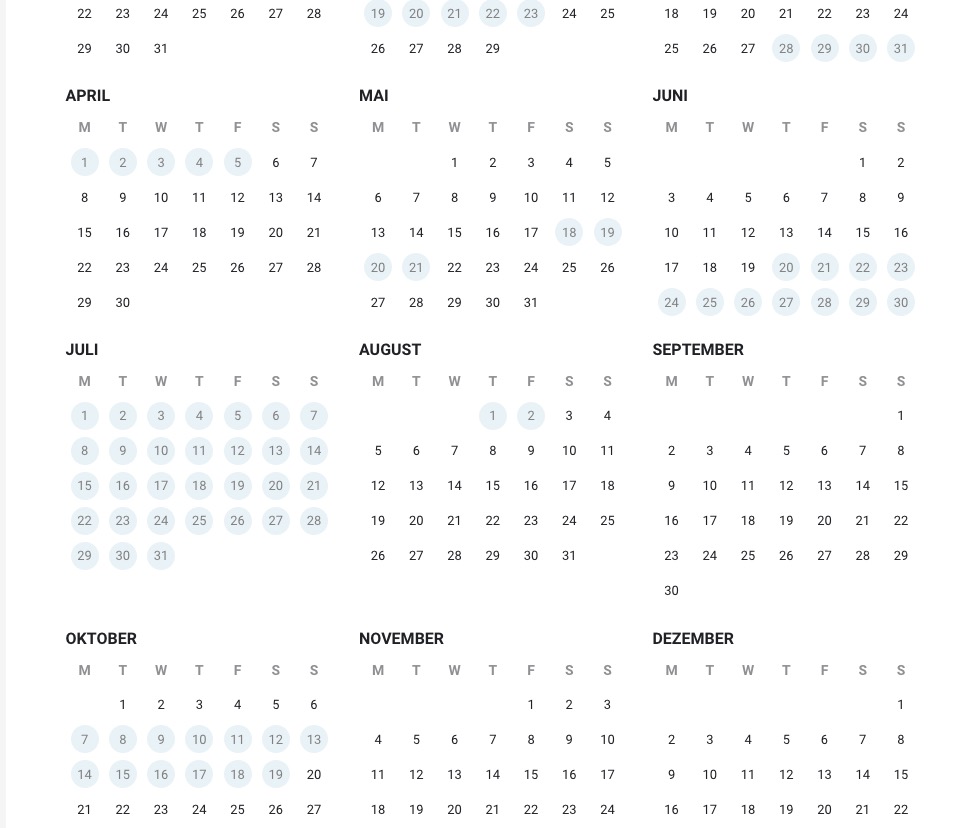
We hat a red circle to mark todays date in the yearly view of the calendar, but now it does not show that anymore and I could not find any setting where I could change it.
- Aug 5,2024 AT 6:39AM - 1 year ago-
-
Aug 5,2024 AT 6:51AM -
Posted 1 year ago
- #361141
Hello,
Could you send us a screenshot? On my side:

-
Aug 5,2024 AT 10:25PM -
Posted 1 year ago
- #361171
Hi! Yes that is exactly what it looks like on our end too, but it should / we would like for it to look like this (This is what it used to look like).
Best regards!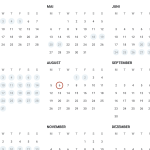
-
Aug 6,2024 AT 12:52AM -
Posted 1 year ago
- #361173
All of your styles are minified as one file. Could you try disabling the functionality or disable the cache plugin completely for a test?
-
Aug 7,2024 AT 1:45AM -
Posted 1 year ago
- #361320
Please try using this CSS style:
.month_box .day_box .day_box_in, .day_box_color { border: none !important; }
The main issue is that I simply don’t see the circle.
-
Aug 8,2024 AT 2:08AM -
Posted 1 year ago
- #361437
Yes exactly, the circle is gone – I thought there used to be a circle that highlighted todays date. That is what we are looking for. We would like to have todays date highlighted in the yearly calendar.
Best regards! -
Aug 8,2024 AT 2:09AM -
Posted 1 year ago
- #361438
Oh and we tried CSS – it changed nothing.
-
Aug 8,2024 AT 5:55AM -
Posted 1 year ago
- #361455
I believe this could be a bug- so I am going to alert Ashan to this to get this sorted
-
Aug 8,2024 AT 2:20PM -
Posted 1 year ago
- #361494
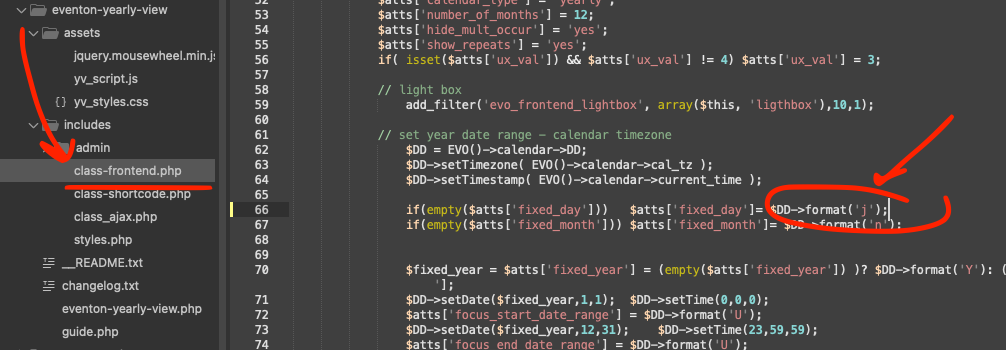
Here is the simple code change to fix this. We will include this in the next version update.
-
Aug 5,2024 AT 6:51AM -
Posted 1 year ago
- #361141