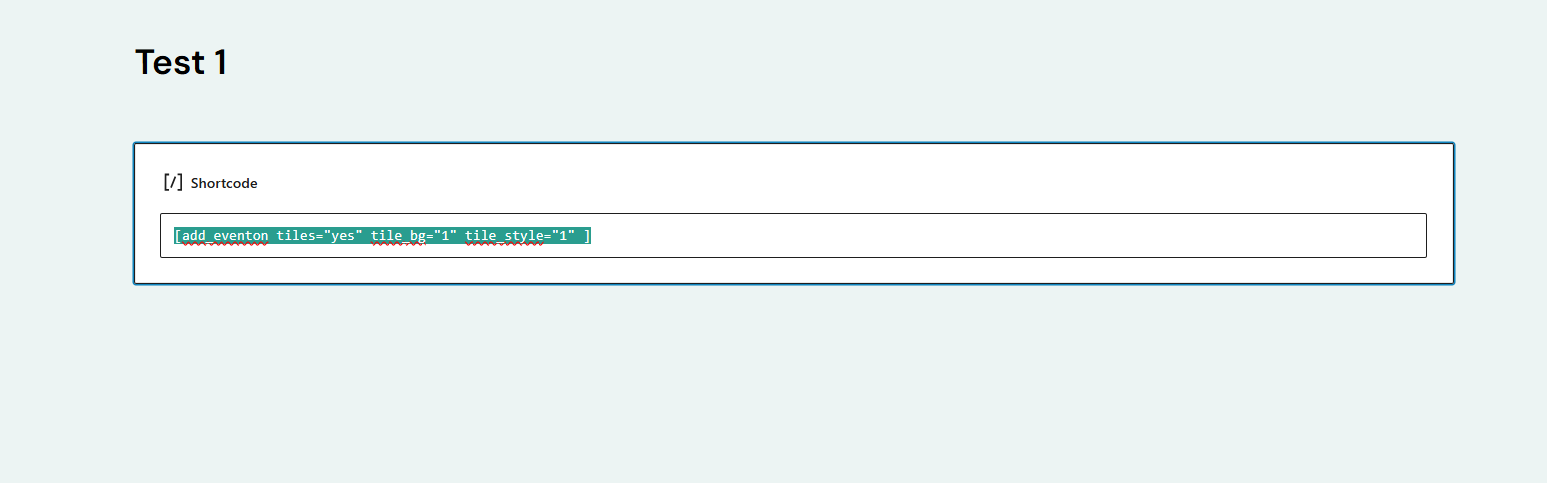
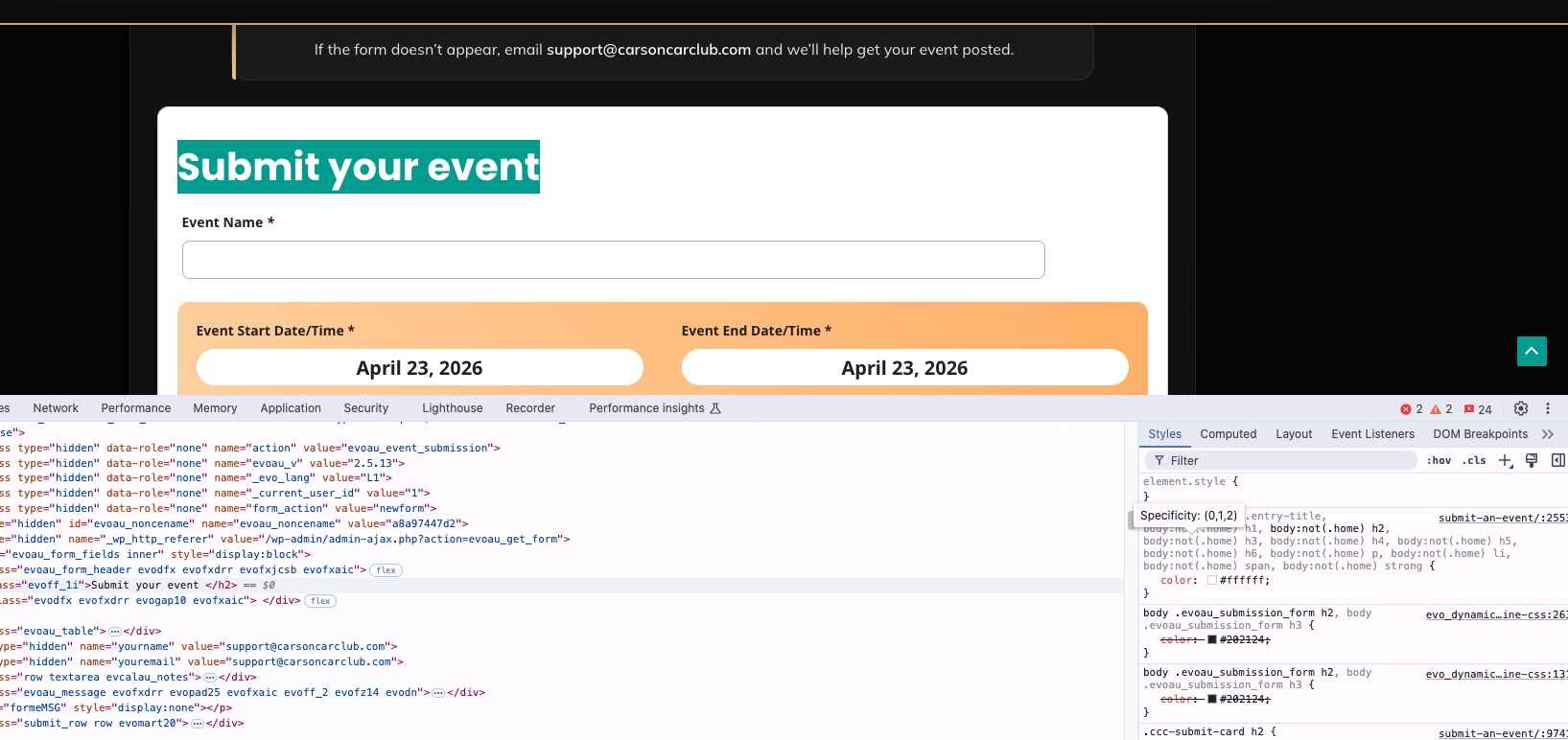
The Font not showing on the Submit your event
The font is not showing its white on a white background.
- Apr 22,2026 AT 5:34AM - 1 month ago-
-
Apr 22,2026 AT 5:37AM -
Posted 1 month ago
- #406941
-
Apr 22,2026 AT 7:03AM -
Posted 1 month ago
- #406952
Hello,
Are you referring to this part?

Because I am not sure if this screenshot is correct:
https://helpdeskx.s3.amazonaws.com/wp-content/uploads/2026/02/26214317/Capture.png
If you are referring to the submission form, please add this CSS code to EventON > Styles (If you don’t see any change, EventON > Scripts & Styling > turn off Write dynamic styles to header > save settings > turn on Write dynamic styles to header).
You can also add this code to wp-admin > Appearance > Customize > Additional CSS.
body .evoau_submission_form h2, body .evoau_submission_form h3, .evoau_submission_form .row p.checkbox_row .evoau_cat_select_field span { color: #202124 !important; }
Your theme completely changes all text colors to white, not only H1, H2 and so on, but also span.
Please check and let me know.
-
Apr 22,2026 AT 2:04PM -
Posted 1 month ago
- #406972
The screenshot is correct. I will try your suggestion—will this resolve the issue with the State and City fields? I am currently experiencing the same problem there.
-
Apr 22,2026 AT 2:04PM -
Posted 1 month ago
- #406973
https://carsoncarclub.com/submit-an-event/
-
Apr 22,2026 AT 5:37PM -
Posted 1 month ago
- #406974
I got it fixed now thank you
-
Apr 22,2026 AT 5:37AM -
Posted 1 month ago
- #406941