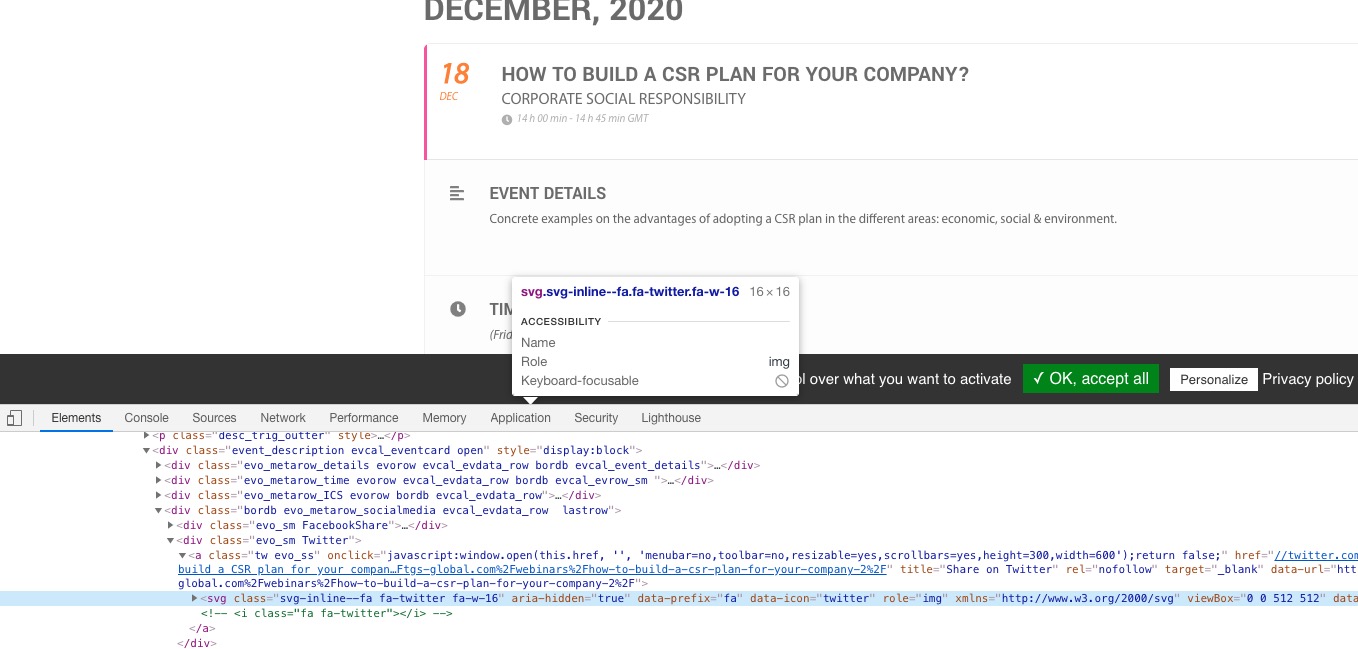
There are no errors connecting EventON to SG Optimizer, I am afraid. Only found this js error:
optimizer.bundle.js?ver=5.6.5:304 Uncaught (in promise) TypeError: Cannot read property ‘locationBeforeTransitions’ of undefined
at h (optimizer.bundle.js?ver=5.6.5:304)
at m (optimizer.bundle.js?ver=5.6.5:304)
at m (optimizer.bundle.js?ver=5.6.5:280)
at Object.dispatch (optimizer.bundle.js?ver=5.6.5:321)
at Object.d [as rehydrate] (optimizer.bundle.js?ver=5.6.5:321)
at _ (optimizer.bundle.js?ver=5.6.5:16)
at optimizer.bundle.js?ver=5.6.5:16
Please contact SG Optimizer developers and ask about this issue.
Could you please give me the updated version?
Unfortunately we aren’t allowed to do this. Please follow:
To update eventon addons: You can download latest eventon addons from myeventon > my account. Then you can go to your website, deactivate old addon and install new one and activate then delete the old addon. This link will further explain the process. Also you can follow us on twitter to get real-time announcements on updates!
OK I have figured out all the issues except these:
How to make small font bigger on EventTop as shown on this page
https://centraltexasfirearmstraining.com/eventon-calendar-test/
and when my beta testers try to buy tickets, it works for some and others got 404 pages when they click on the tickets. I am not sure that the ticketing plugin is installed or configured correctly. Can someone take a look at that? The admin login I created and shared at the start of this ticket should still be valid.
Hello,
Something replaced <i></i> elements with svg images:
 Could you please try the instructions mentioned in this documentation to make sure your issue is indeed coming from eventon.
Please also send us .csv file you are trying to import.
Hello,
Please add available location ids to the shortcode and also enable “Show only selected filters”:
event_location=”268,” filter_show_set_only=”yes”
Like this:
[add_eventon_list number_of_months=”13″ hide_empty_months=”yes” event_past_future=”future” hide_past_by=”ee” exp_so=”yes” show_year=”yes” event_location=”268,” filter_show_set_only=”yes” ]
Hello,
Please try adding this to the shortcode:
tile_height=”305″
It seems that because there is no direct compatibility between EventON and Flipbooks it doesn’t work when Lightbox is enabled.
The only option is to open events as Single Event Page, I am afraid.
Hello,
Unfortunately, autoupdate is not available for all customers at the moment. Please update EventON manually:
To update eventon to latest version: If you are unable to do autoupdate, you can go to codecanyon your account > download and get the latest eventon version as zip file. Then you can go to your website, deactivate old eventon, activate (Do not delete eventon settings & data when EventON is uninstalled) from eventon settings, delete old eventon, install new one and activate. This link will further explain the process it. Also you can follow us on twitter to get real-time announcements on updates!