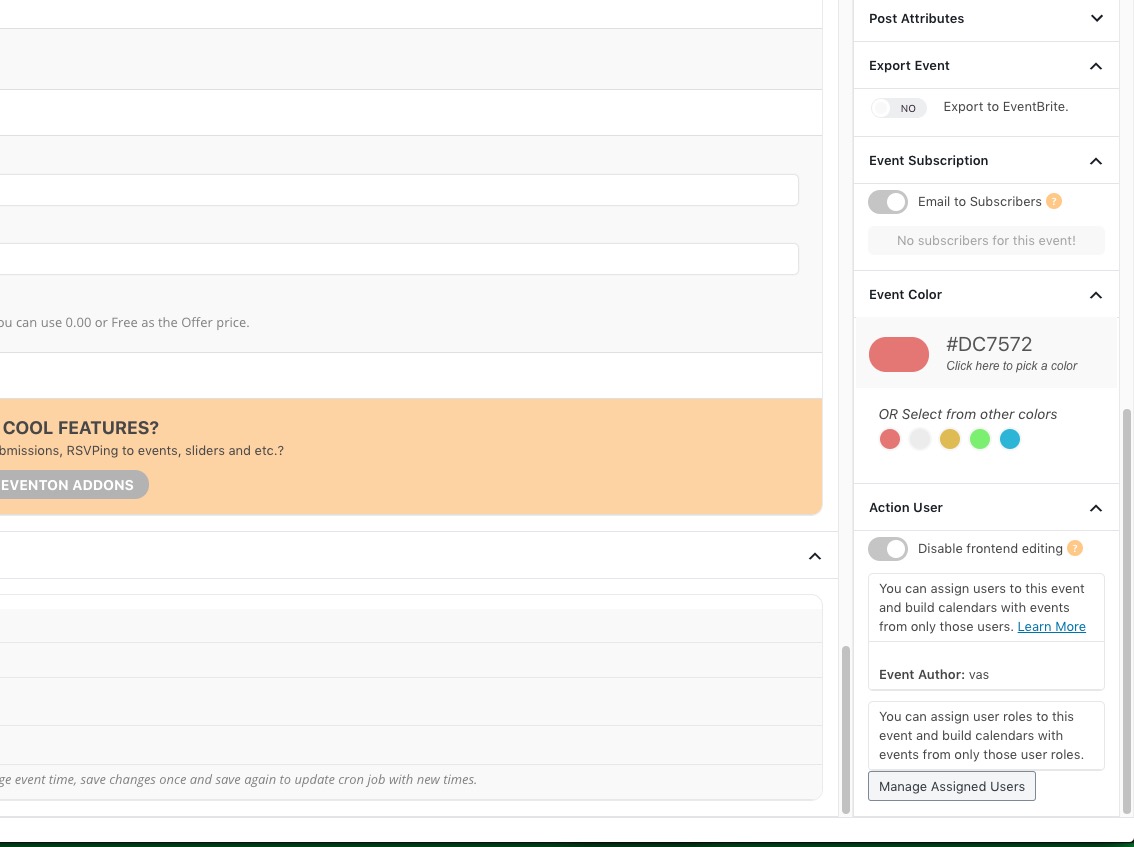
Dear Ashish thanks for the plugin progress.
Need two fixes in order to proceed with testing.
a) Greek Words are not displaying correctly. Only “?” are visible instead of Greek Words. (check attached screenshot)
b) Emails are sent successfully BUT PDF is not attached.
Thank you in advance
George
Ashan,
With the latest version of EventON and Photos add-on they cannot get Photos to work:
Could you check?
I took this screenshot https://helpdeskx.s3.amazonaws.com/wp-content/uploads/2020/09/01015639/Screenshot-2020-09-01-at-10.55.56.jpg from our test server with EventON 2.9.1.
Thank you for your messages, I am going to assign this ticket to Ashan and he will be able to take it from here and find you a solution. Please allow some time for him to get back to you, we greatly appreciate your patience and thank you for being a eventon customer! Also please disable any IP blocking on your site if there are any.
WP 5.5 caused js issues with the theme and fancybox plugin, which completely broke every other plugin that uses js on the same page.
Your events should be created in your server’s timezone, then when users export them, events time will be converted to UTC+0, then when they import them, times will be converted to their calendar’s timezone.
Unfortunately, we are unable to provide support for issues caused by their-party themes or plugins. As they are not our products, we are unaware of how they have been programmed or how it is supposed to work. As such, we recommend you to contact the plugin developer and ask them for their assistance in solving the problem. Let us know if you need help with anything else.
Please try EventON > disable Disable google web fonts and disable Disable font awesome fonts.
… on the lightspeed server
Could you send us a link to your hosting solution so we can check it’s specs? It takes less than 2 seconds to load EventON’s Ajax Dynamic Request:
Please also check https://docs.myeventon.com/documentations/why-my-site-and-eventon-page-loading-slow/
We are glad your issue is resolved, if you have any further questions or concerns please create a new ticket.
If you have a moment, we would greatly appreciate if you could kindly leave us a review at codecanyon! from your account > downloads. Cheers!
You cannot have events in multiple languages with translated labels in the same calendar, I am afraid.
Sorry, not single page event (it has popup and it works fine), but calendar main page (as you can see in the screenshots).
Are you referring to Events Archive page? Could you tell us did you change EventON > Events Paging > EventOn Event Post Slug?
Could you tell us what the final result should be?
PROTIP: If the /events page does not work due to theme/plugin conflicts, create a new page, call it “Events Directory” Insert eventon shortcode and use that as your main events page which will have a URL ending like /events-directory. This would be a perfect solution if you have conflicts with /events slug.