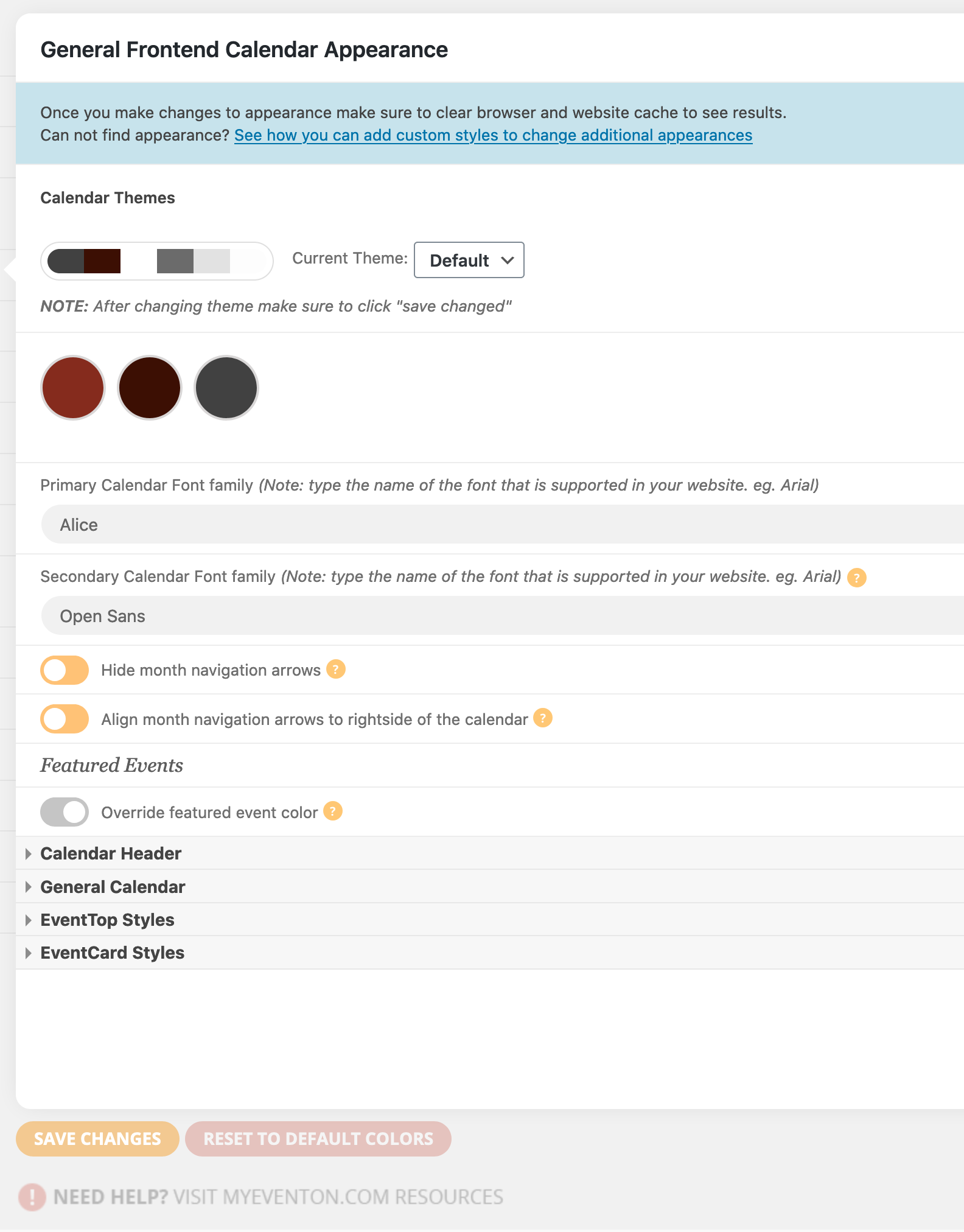
I have them defined in the settings – it has worked until this last update of the plugin. I guess they aren’t really “custom” they are google fonts that have always been supported. See the screen shot attached.
Replies for tickets on suppota
I have them defined in the settings – it has worked until this last update of the plugin. I guess they aren’t really “custom” they are google fonts that have always been supported. See the screen shot attached.
Hi,
Can you revert WordPress version, please?
OK, thank u for the feedback.
We will do provide an update quick
Hi Christian,
Provide us access to see if the hook is visible quick
May I try disabling the theme and plugins? The js error comes from Fanybox plugin so I would like to disable it first.
Thank you for your messages, I am going to assign this ticket to Ashan and he will be able to take it from here and find you a solution. Please allow some time for him to get back to you, we greatly appreciate your patience and thank you for being a eventon customer! Also please disable any IP blocking on your site if there are any.
Hi Shaan,
Understandable, promoted it again to Ashan so he can see what we ca n do.
Hi Saram
You need to define them with CSS, there is no other way to do that.
How have you added them right now? Because custom fonts need to be uploaded, added as CSS rule so they can be visible for everyone.
Hello,
Please follow https://docs.myeventon.com/documentations/setting-up-repeating-events/ > Custom Repeats. Change Event Repeat Type to Custom and then delete repeats.
You can also use Repeat Customizer add-on: https://www.myeventon.com/addons/repeat-customizer/. This add-on allows you to Cancel repeats. Try on http://dev.myeventon.com/wp-admin/