Hello,
Could you update Action User add-on to 2.2.1 and check once? Thank you!
Replies for tickets on suppota
Hello,
Could you update Action User add-on to 2.2.1 and check once? Thank you!
Could you please try the instructions mentioned in this documentation to make sure your issue is indeed coming from eventon.
Try this:
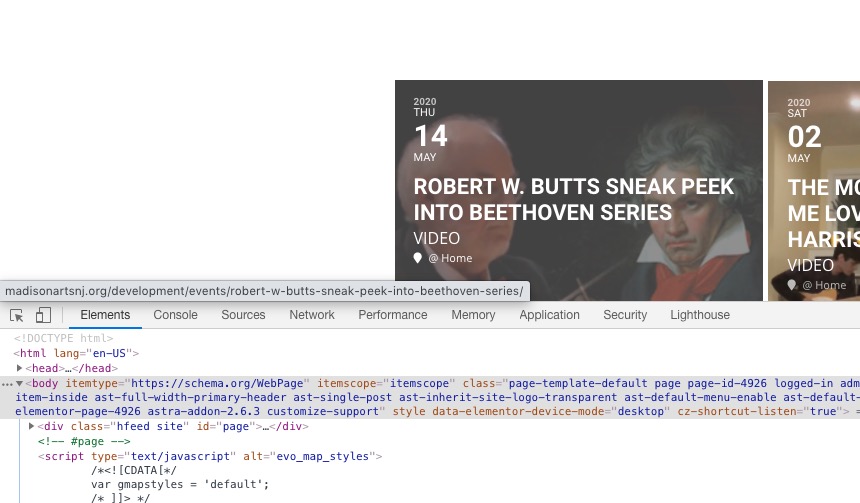
[add_eventon_list tiles=”yes” tile_count=”3″ show_year=”yes”]
Hello,
I enabled it from http://madisonartsnj.org/development/wp-admin/admin.php?page=eventon#evcal_004aa. Please check now:
Hello,
Please add this CSS code to EventON > Styles (If you don’t see any change, EventON > turn off Write styles to header > save settings > turn on Write styles to header):
.ajde_evcal_calendar .EVOWV_grid .evo_wv_day:nth-child(7) {
display: none !important
}
.EVOWV_content.wk_1 .evo_wv_day {
width: 16.6666666667%;
}
Hello,
It was designed to show all 7 days.
Can you give us url of the page where you have the weekly view calendar?
We are glad your issue is resolved, if you have any further questions or concerns please create a new ticket.
If you have a moment, we would greatly appreciate if you could kindly leave us a review at codecanyon! from your account > downloads. Cheers!
Hello,
Could you send us the file you are trying to import?
Please also note that according to EventON > CSV Importer > **CSV file guidelines you need to add a number instead of x:
cmd_{x} => Custom meta data values. You can add up to 10 custom meta field values with sepeate columns with column headers in format cmd_{x}
Please send us wp-admin access to your site as a private message for us to further assist your situation.
Is this related to paid customization work?