Hey tori,
Thank you for your understanding!
I have re-assigned the ticket to Ashan, so he can help with this
Replies for tickets on suppota
Hey tori,
Thank you for your understanding!
I have re-assigned the ticket to Ashan, so he can help with this
Hi Basilis,
I have just purged the caches. The links on newly added events still do not open in a new window.
Let me know when you have had a chance to look at it.
Thanks.
Hi,
Are you using any plugins extra for this?
Because if you do, you also need to translate the plugins
Hi,
For the email to be sent, you need to mark the tickets automatically as order received, or else you need to have the order marked as that from the admin dashboard
Hi,
I have changed the priority to be Need Immediate attention, so our CEO can review the ticket for you.
Thank you very much for your patience and understanding
Hi Nicholas,
What is t he email you have used to purchase?
Hi art,
Need some more time to locate the problem, we appreciate the patience.
Hi Basilis
Thank you for the email that confirms the refund has been made.
Can you also please also refund the payment made to Codecanyon for the original EventON plugin. I applied for the refund within the stated period but Codecanyon says this needs to be refunded by you.
Regards
Hey Mathias,
Not possible because of all the templates using the same file.
Can you clear cache please?
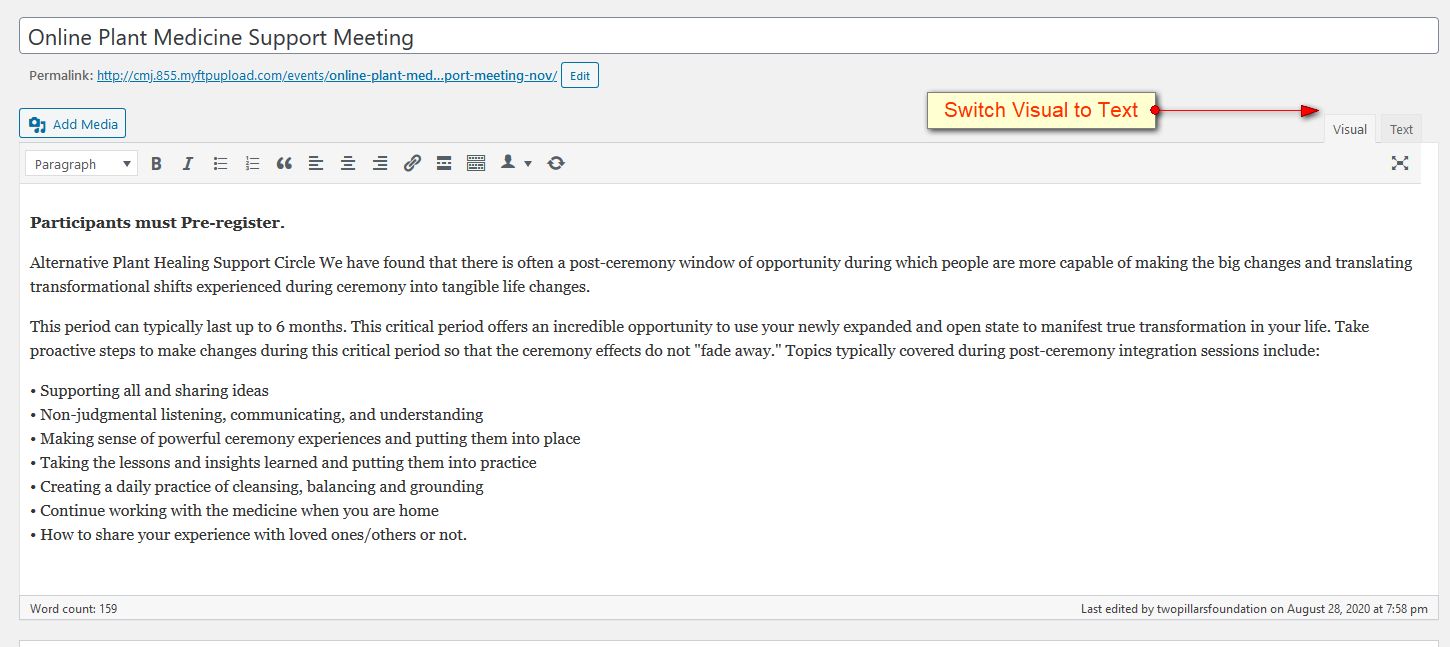
I followed your suggestions and set the following but the changes are not applying:
Sorry I am not sure why the Text/Visual screen shot did not attached last time. I have attached.