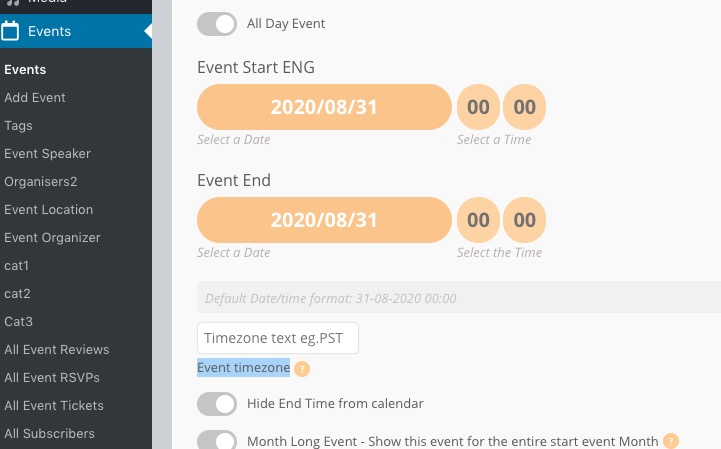
Also please try this patch fix.
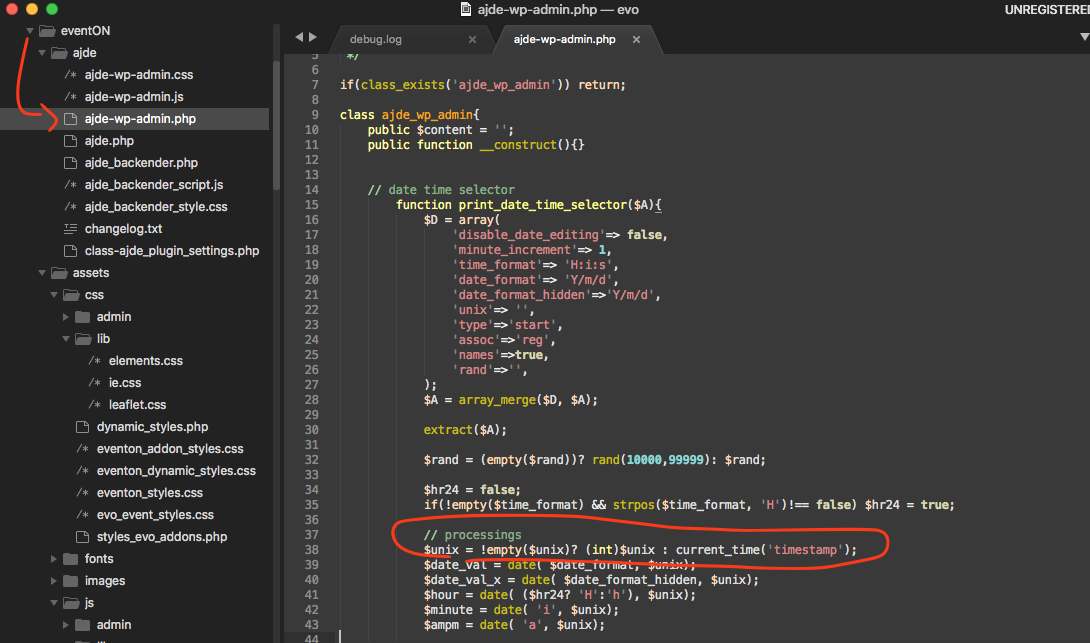
Replies for tickets on suppota
Also please try this patch fix.
Hi Will, can you pelase share wp-admin access in here? this ticket is private. Are you running eventON 2.9.2? Is the 1970 happen when you try to edit an event or create a new one?
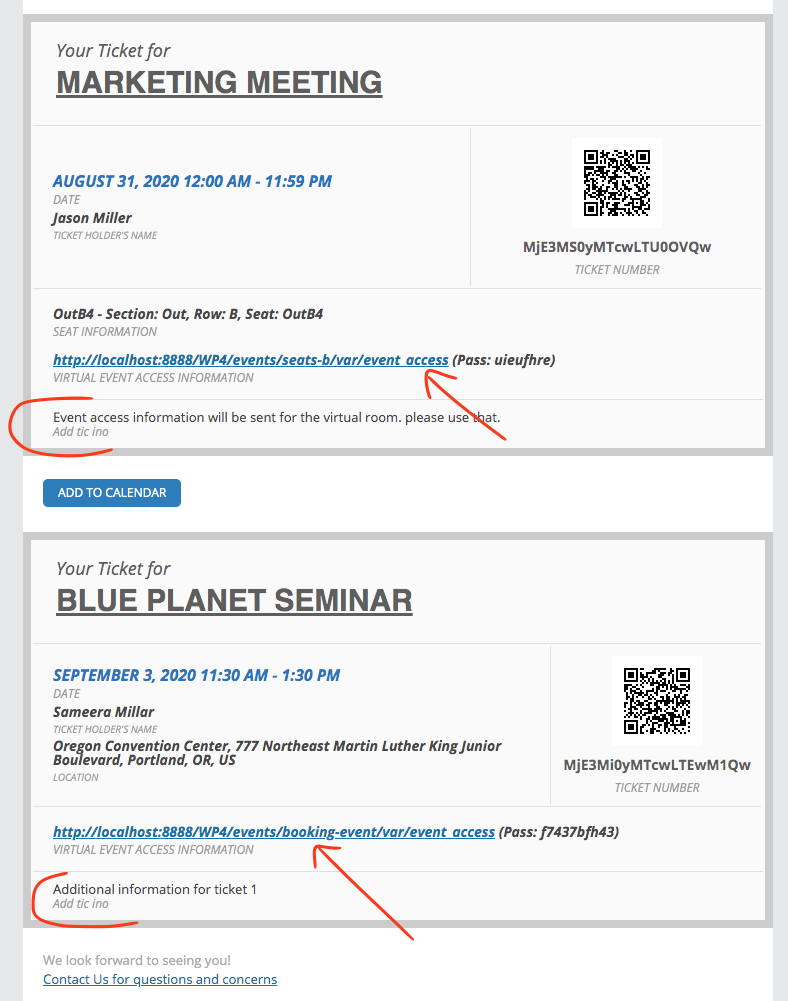
Okie dokie! got this issue resolved https://docs.myeventon.com/documentations/changelog-event-tickets/ please update to version 1.8.3 you should be able to see additional information separately now.
Thanks for the tip, Artem. But it doesn’t work for me.
I removed the line of custom CSS you highlighted in the screen shot above and the Event End Date/Time Field Contents still don’t show up at https://test.theputtytribe.com/add-event/. And just to rule out another section of our custom CSS causing the issue, I deleted all custom CSS at https://test.theputtytribe.com/wp-admin/admin.php?page=eventon&tab=evcal_3, saved the changes, and did a hard refresh of https://test.theputtytribe.com/add-event/. I still don’t see anything in the Event End Date/Time Field Contents.
Do you see the contents of Event End Date/Time Field Contents on your side when you make a CSS change? If not, I’m hoping you have other suggestions.
hi Yes if you really must, we need an option for a user to enter the time zone they are in selectable from a dropdown, can’t you just add that option to the plugin?
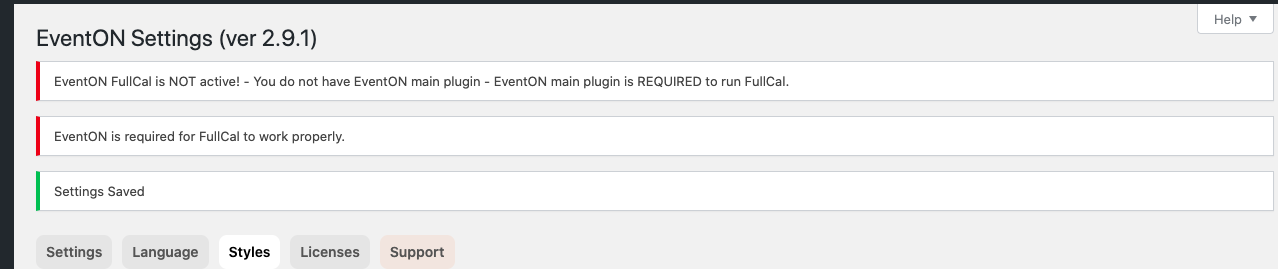
Hey Artem! Thanks for the recommendation. I’ve uploaded the updated version of the plugin, however, I’m still receiving the error (see screenshot). Any other thoughts?
Hi Art,
I can see some JS conflicts, can we disable some addons?
Hi Will,
I have emailed personally Asan. Lets see what will happen.
Could you please try the instructions mentioned in this documentation?
Hello,
I am sorry but where did you see this option? Are you referring to Edit Event > Event timezone: