Hello,
Thank you for your great suggestion, at the moment it is not supported. However please create a new ticket and select Feature Request as category so others can vote on your idea and get it moved into development faster. OR You can send us a customization job request by creating a new ticket in here and selecting Customization Request as the category.
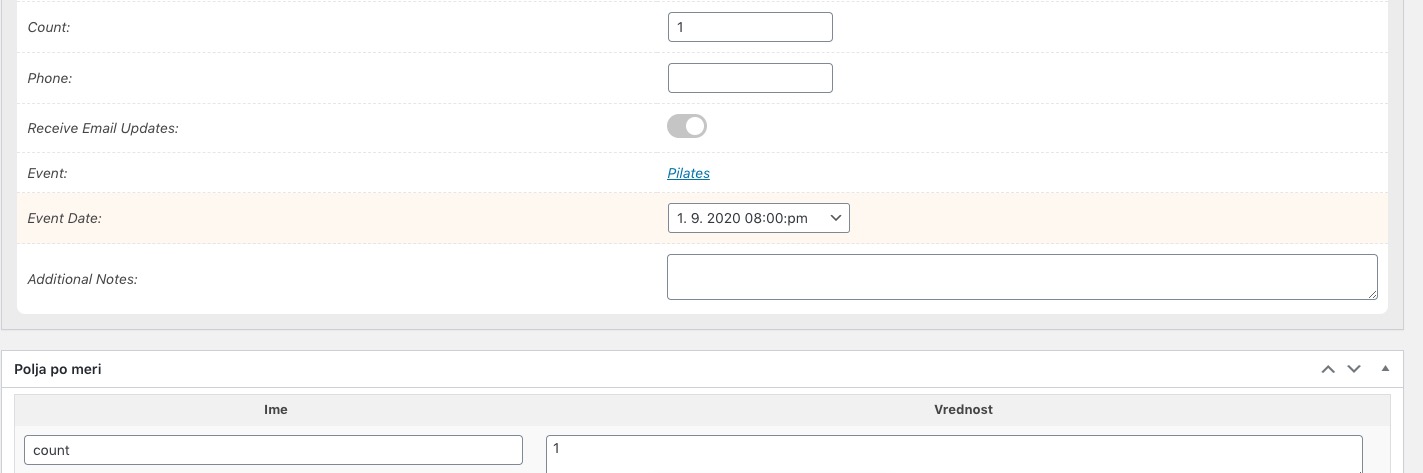
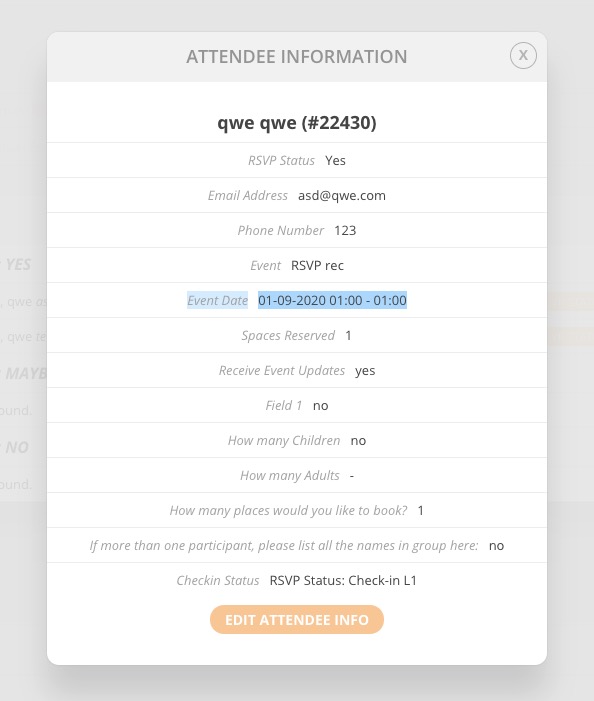
The only option at the moment is to click on RSVP ID and check Event Date:
OR Go to Edit Event > RSVP > View Attendees > click on RSVP ID > Event Time: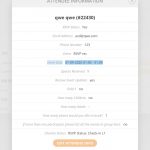
Tamara Pickrell,
Thank you very much for the suggestion.
Zannetha Newell,
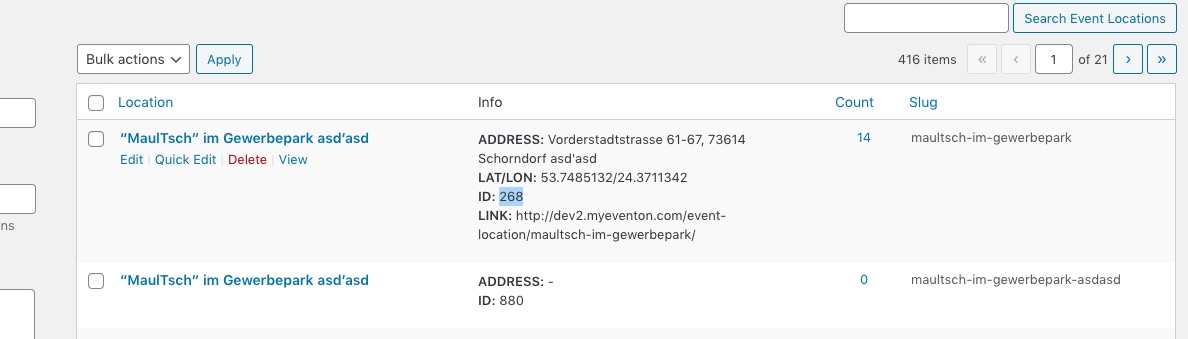
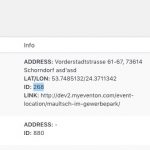
Please try Tamara’s suggestion. You can find Location ID by going to wp-admin > Event Location > ID:
Please replace the code with
.evo_lightbox { background-color: rgba(0, 0, 0, .5) !important;}
You can also try .4 or .25.
Hello,
Thank you for your great suggestion, at the moment it is not supported. However please create a new ticket and select Feature Request as category so others can vote on your idea and get it moved into development faster. OR You can send us a customization job request by creating a new ticket in here and selecting Customization Request as the category.
Thank you for the suggestion. Now I can see it but it seems like a normal post page, I’m using Divi and Elementor builder so you can see how the other oage appears. The main problem is that I can’t visualize the add to cart button. This problem is depending on a conflict with SG Optimizer plug-in that can’t connects to the API. When I deactive the EventOn then SG Optimizer works fine.
Web site:
https://www.cparityevent.com/
WP credentials:
jorge.valdeita@gmail.com
C-Parity2019JV
Can you please access and see what is the problem?
Thank you
Hello,
Please check rlink in the shortcode:
[add_evo_submission_form rdir=”yes” rlink=”test.com”]
Please also note that we have limited access to wp-admin (cannot see Pages, Events, EventON Settings) with einweisung.
Please send us FTP access to your site as a private message, so we can perform several tests from our end.
Please follow this guide: https://docs.myeventon.com/documentations/single-events-page-not-working-404-error/
Please also note that you didn’t send us login info for us to check the dashboard. If my suggestion doesn’t help please send us wp-admin access to your site as a private message for us to further assist your situation.
The problem is in WP Titles plugin. Please turn it off. This is going to fix the issue with the datepicker and you’ll be able to choose the correct date.
More than likely they are a result of other plug ins, and since I’m not a programmer, I doubt I could fix them.
You are not supposed to fix those yourself. Please contact the plugin developer and ask to fix them.
We are glad your issue is resolved, if you have any further questions or concerns please create a new ticket.
If you have a moment, we would greatly appreciate if you could kindly leave us a review at codecanyon! from your account > downloads. Cheers!