110$
Archives: Replies
Replies for tickets on suppota
Reply to: tickets(189457)
Please download the work with link:
http://momothemes.com/eventON-189457-child.zip
You can install it like regular plugin
Reply to: tickets(191016)
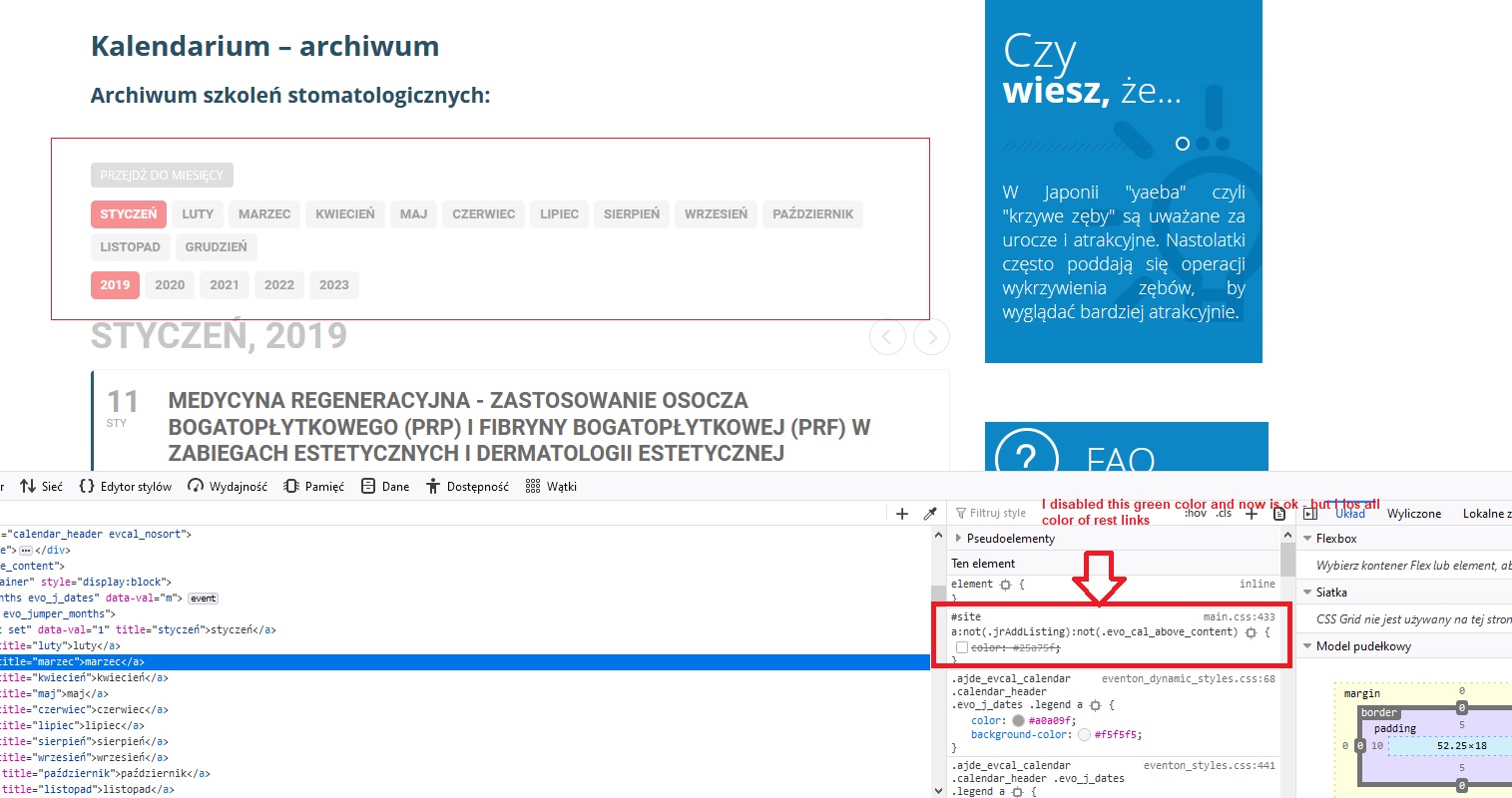
colors of others link
Reply to: tickets(191016)
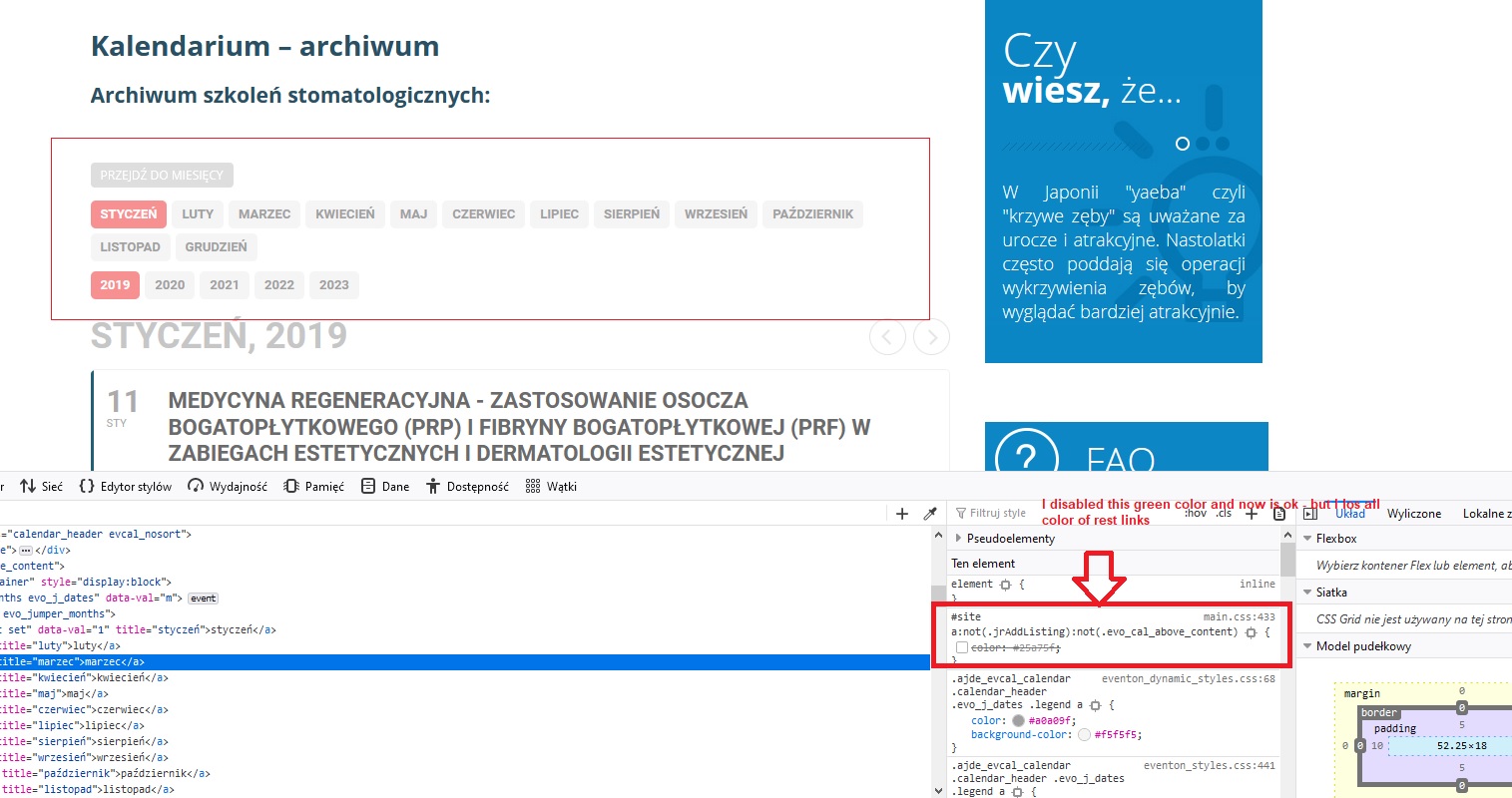
color for all links
Reply to: tickets(191016)
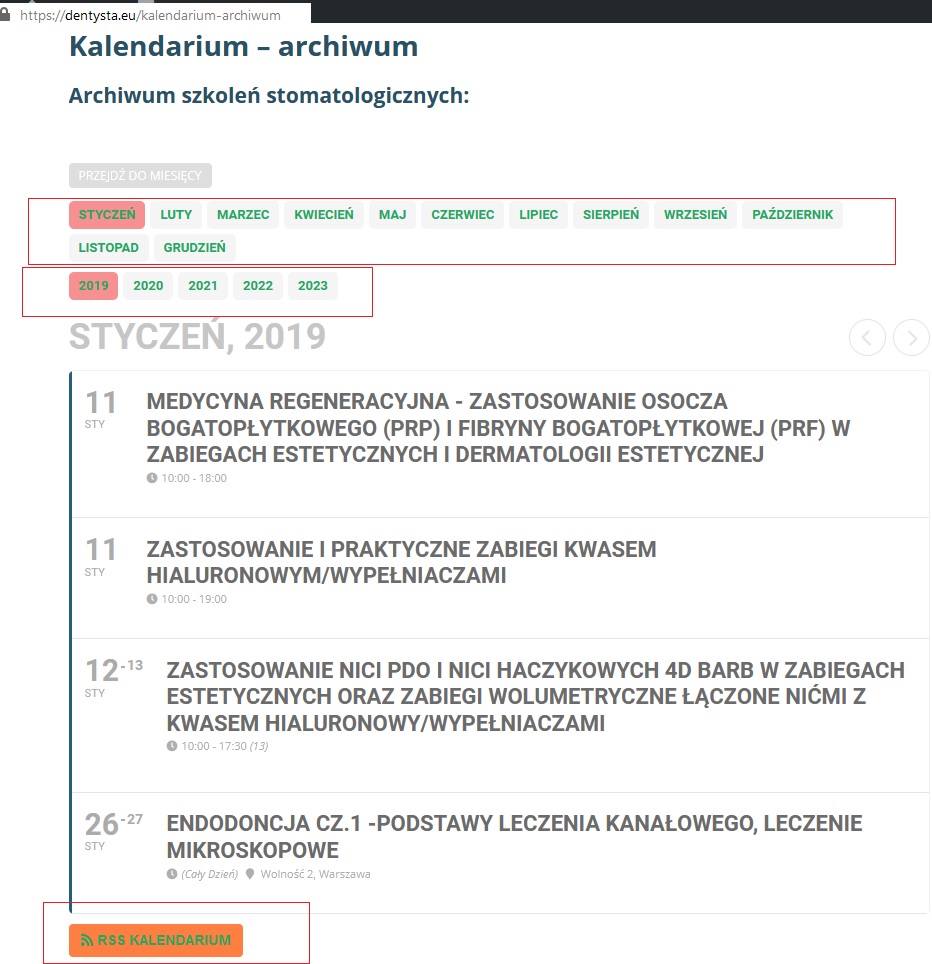
I think it you can do in few minutes amd semd me mew new css.
Sorry but apperance in WP also doen’t fix my collor I neet add :not got
https://i.imgur.com/0sgv73o.jpg

Here is main problem all of my link should be green and dev he took shortcuts and gave the whole site a rigid code (green) for links.
I’ve tried many times with :not to not parse this arem but it doesnt work 🙁
How to fix it? Please send me solution.
Regards Marcin Krufczyk
Dentysta.eu
Reply to: tickets(184220)
Hi,
Support period is 5 days for customization work so please let me know if anything is not working.
Thank You
Reply to: tickets(190831)
I don’t want to have to make a separate Event for every single one of those booking time slots, and for every single day.
PLUS, I wouldn’t get the same Calendar interface with individual Events that I do with the Booking Manager.
It quite honestly makes the Booking Manager somewhat useless…if I can’t use it and have to make different Events anyway.
Reply to: tickets(190831)
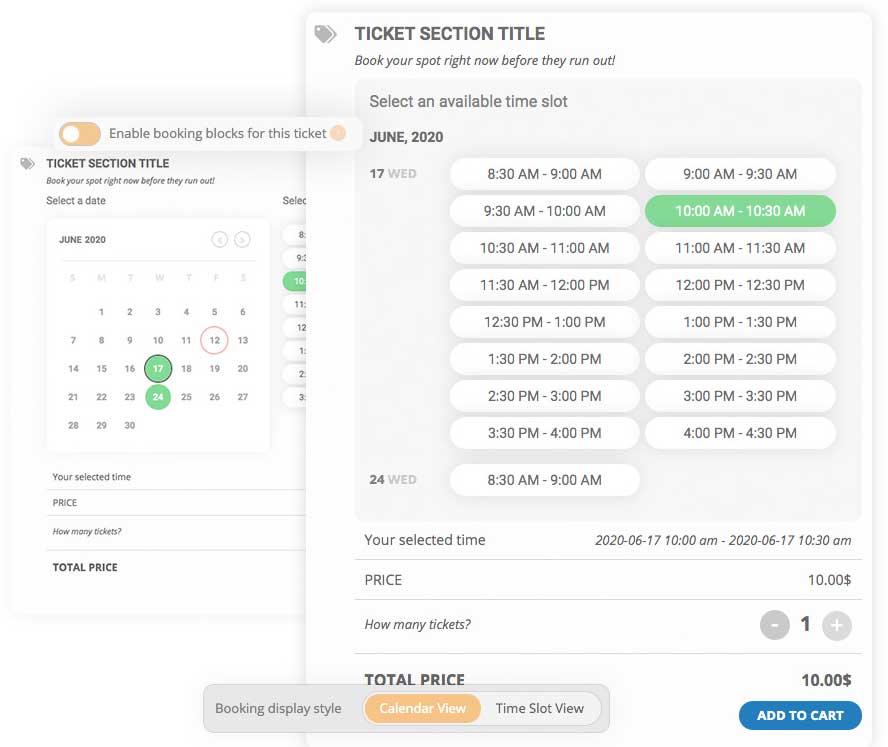
Attached is your example image.
This is 1 Event that has multiple time booking slots. Now, if I wanted to “Stop selling tickets X minutes before event”, lets says 15 minutes before the Event. Then I would have to stop selling tickets 15 minutes before the FIRST (8:30AM) Event….that would also apply to the LAST (4:00PM) Event.
What I would like to be able to do, is to “Stop selling tickets X minutes before event start” for EACH time slot. ie 15 minute before 4:00pm as well as all other time slots.
Reply to: tickets(190927)
Sorry. One last thing is the syntax error is an unexpected end of file when putting the code in my theme editor /functions.php
Reply to: tickets(190927)
**VERY IMPORTANT – I am working on a subdomain. Please only work in the directory /my-heartcheck
Thank you again for your help
David