We are glad your issue is resolved, if you have any further questions or concerns please create a new ticket.
If you have a moment, we would greatly appreciate if you could kindly leave us a review at codecanyon! from your account > downloads. Cheers!
Hello,
You don’t see any “dots” because of style=”names” in the shortcode. Please try removing it.
Is it possible to make the whole day field or die bar on top auf the day field in event color?
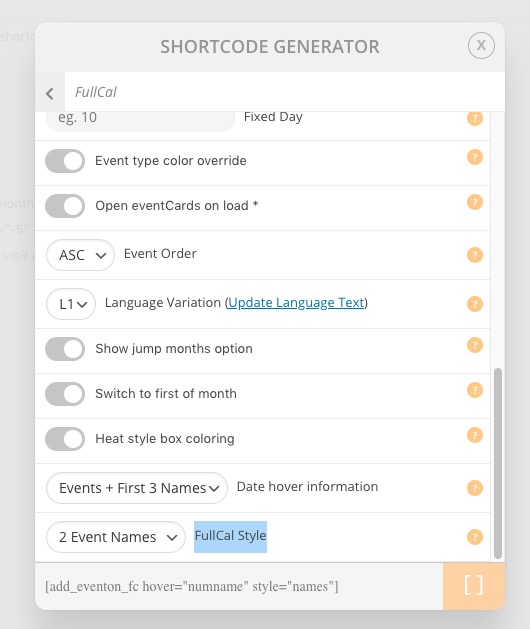
This is not possible, I am afraid. However, please try different FullCal Style you can find in Shortcode Generator:
WooCommerce Product and EventON’s Event are two completely different entities, so unfortunately, you cannot expect them to behave the same.
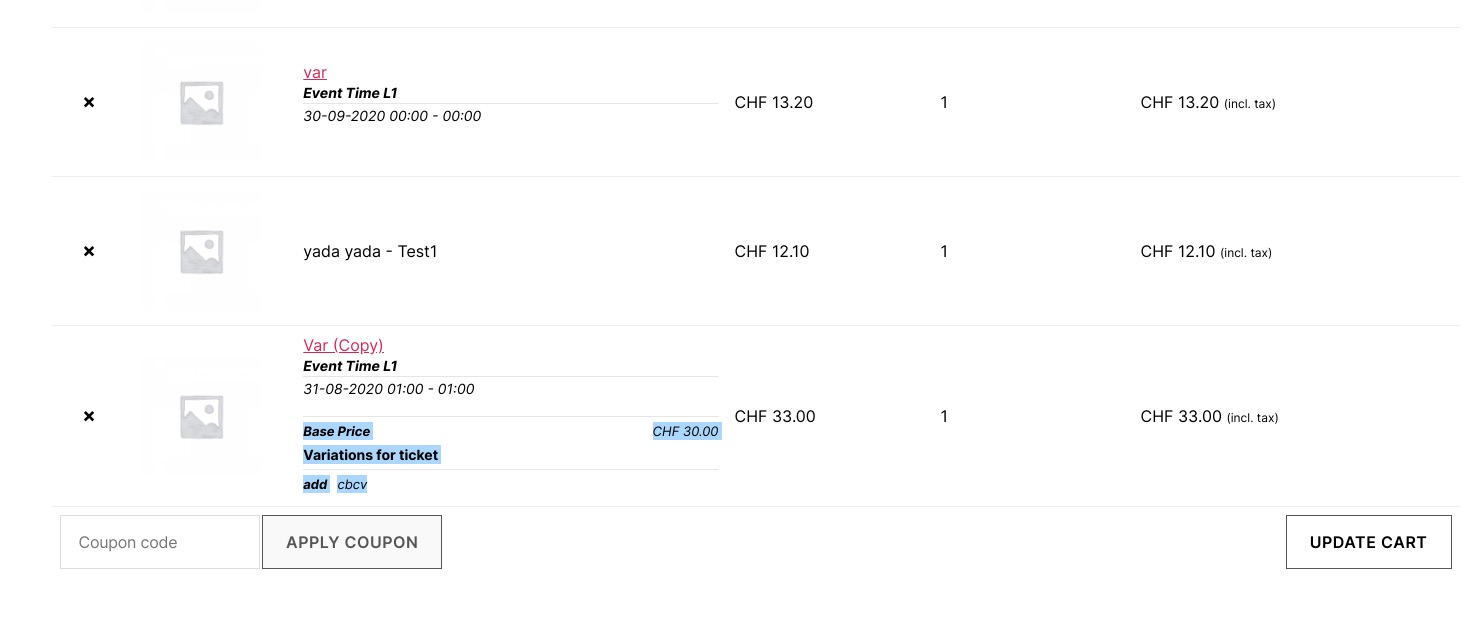
If you want to show Variation Title in Cart or Checkout page please use Variations add-on: https://www.myeventon.com/addons/ticket-variations-options/. Try on http://dev.myeventon.com/wp-admin/. How it looks on our test server:
http://dev2.myeventon.com/events/var-copy-2/
Thank you. you are a star!
We don’t think that the problem is with EventON. Please check our test server (WordPress 5.5, Twenty Twenty theme): http://dev2.myeventon.com/22726-2/
As you can see everything works like it supposed to. We think that the problem with the theme.
Please send us wp-admin access to your site as a private message for us to further assist your situation.
Hi
Is there any update on this?
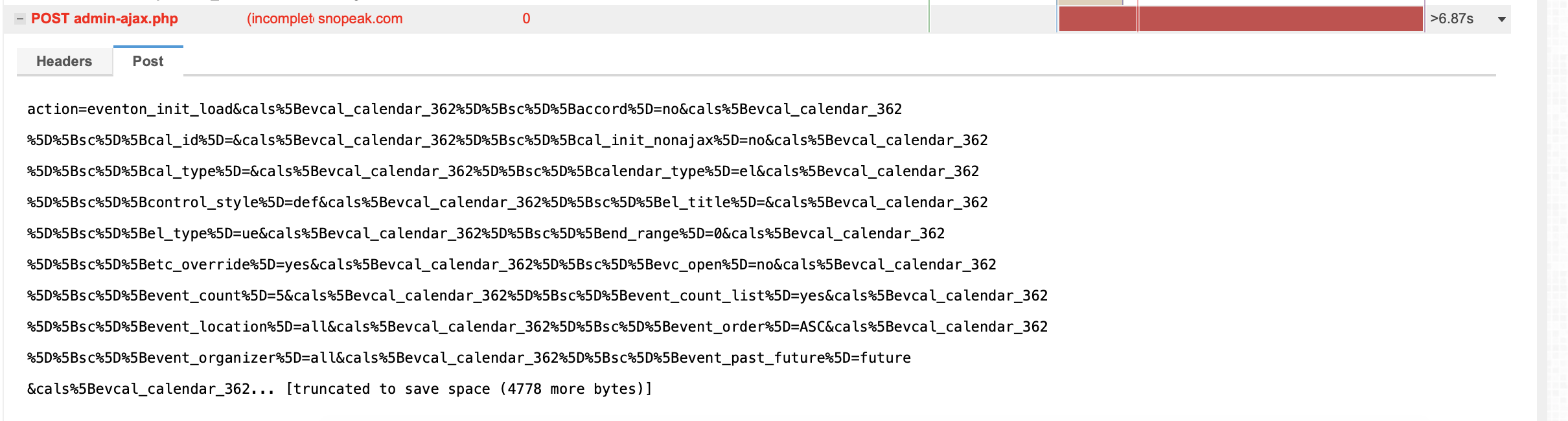
Even with JQuery migrate helper installed the load time is ridiculous.
Thx
Paul
Hi Ashan,
I’ve tried it again and it doesn’t work. I have also tried disabling all plugins.
It is the third time that I try it, I do not understand why from the first moment you are doubting. It takes me time to get an effective response and I lose a lot of time and credibility in front of my clients.
I have used Eventon in many other projects and I find it fantastic! Extremely easy and beautiful.
But as you go along, silly bugs appear that are not usually resolved in the helpdesk. In addition to receiving cold answers, little polite and many times ‘throwing balls out’.
I have more open tickets:
One, for example, is a malfunction warning (very uncomfortable) from your own helpdesk that you have not resolved yet. This link does not work and is the most prominent of the entire helpdesk:
https://helpdesk.ashanjay.com/?page=my-tickets
On the other hand, I don’t see it logical that if an event is for sale, the price does not appear in EventTop …
If you can help me with this case, if not I’ll wake up.
Thank you anyway,
Albert.
Thats not what I mean.
There are two ways to get the ticket.
Option one:
Go to https://www.blueskies.rocks/listing/skydive-luzern-paraclub-beromuenster/#events
Choose September, click on the “Skills Days Windwerk” event, a light box opens up and if you are logged in, you can buy the tickets directly from there.
Screenshots:
https://ibb.co/C7N14zQ
https://ibb.co/rxqR2dL
https://ibb.co/W6FNwYx
When you now open you cart, you see what tickets you bought.
https://ibb.co/jZGhqF1
Sadly you are not able to see clearly, what ticket you bought.
Option 2:
I use the link directly to the event ticket:
https://www.blueskies.rocks/product/ticket-skills-days-windwerk/
https://ibb.co/jRVLDzg
And i choose my ticket options there and check them in my cart.
https://ibb.co/GCz9prQ
You see, that the information about the variation is on the product, eventon just does not display the information properly. Is there a way to get that? I think it should be the standard.
thanks
Hi,
The issue with the link is fixed now, you can check it should work properly