Hi – I meant to say the ICS Importer.
File attached.
Replies for tickets on suppota
Hi – I meant to say the ICS Importer.
File attached.
Yes, the shortcode will be displayed on the homepage. Do you have an idea of when the project will be complete?
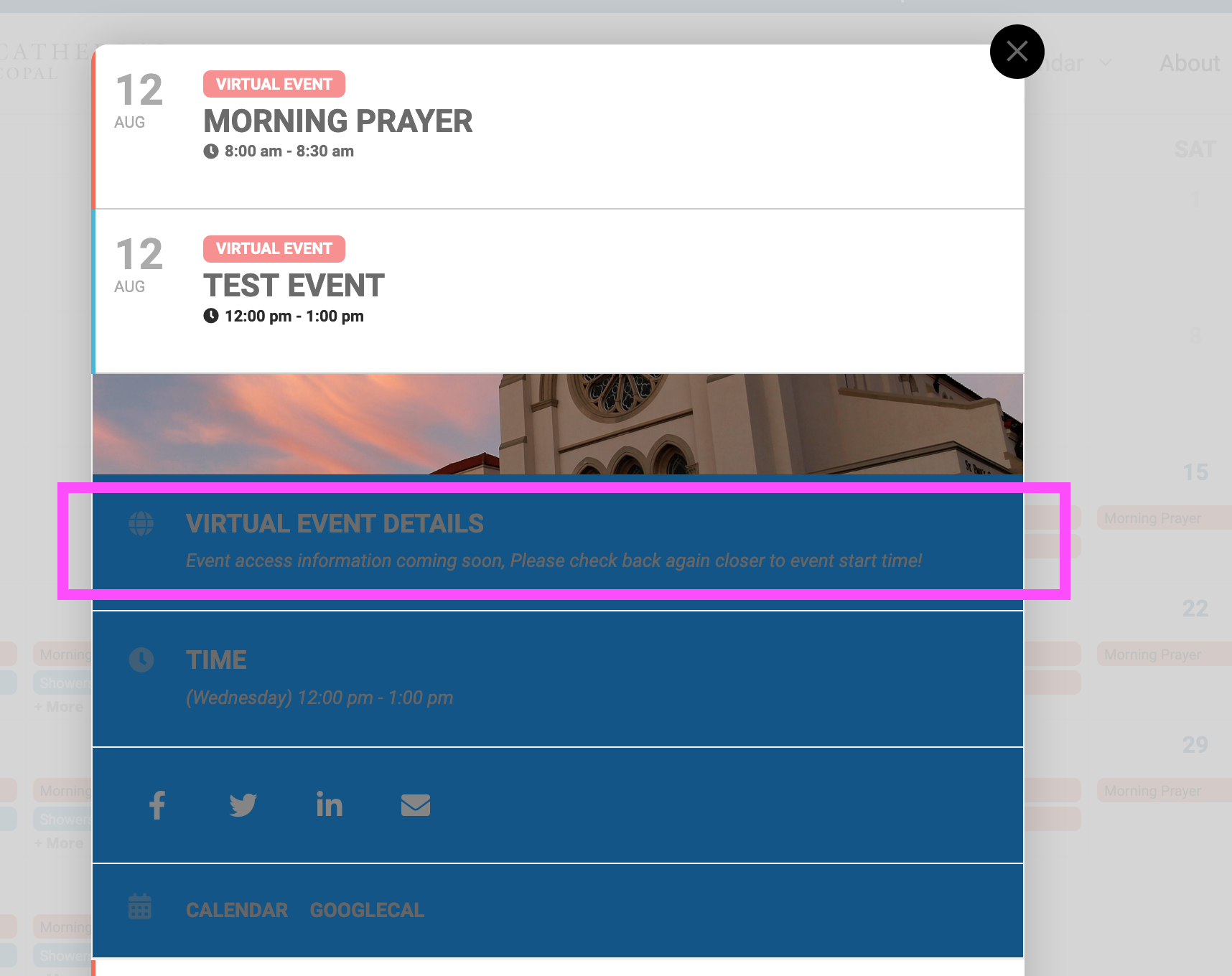
Yes, looks like you changed it to show “always”. It will show when you select “always”. I’d like to specifically show it 1 hour before the event but hide it all other times.
I created an event called “TEST EVENT” scheduled for today at 12pm, added a zoom link and selected “3 hours before the event” under “When to show the above virtual information”. Since we are under 3 hours away from this fake event it should show. But it does not.
Thank you, Artem. Looking forward to what Ashan discovers. Ashan, Let me know if you need any information or set-up.
Best,
Brad
I still cannot log in with the credentials.
Can you check please?
I checked Edit Event > When to show the above virtual event information on event card and they all had “1 Hour before the event start”. I changed it here http://biz252.inmotionhosting.com/~stpaul51/wp-admin/post.php?post=4521&action=edit and started to show the info:
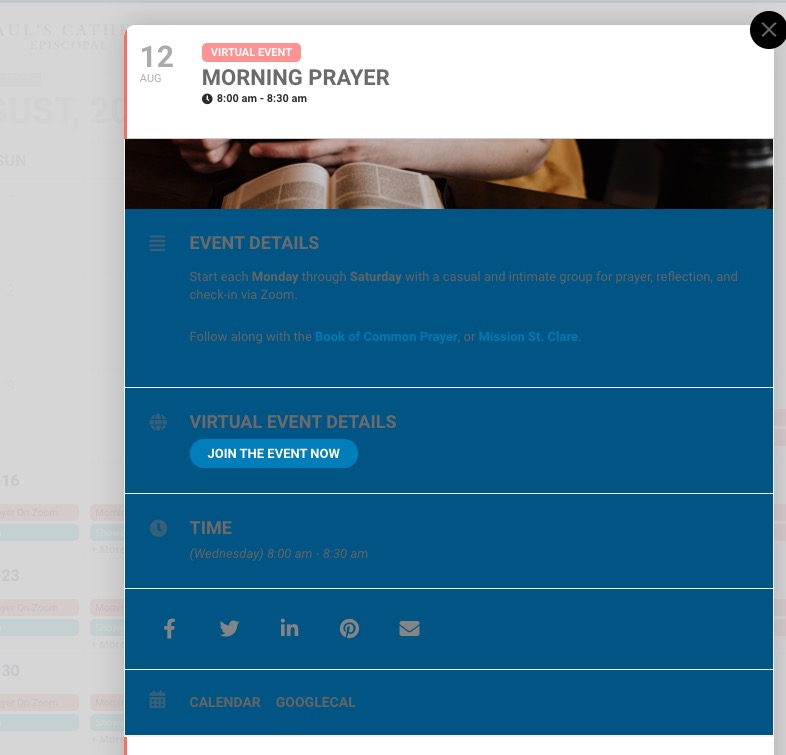
Wow. Thanks for noticing that. We’ll look into it.
Note: When I login from the front end, the “My Tickets” button throws a 404.
Thanks again for your help.
Do we need to enable something in WooCommerce?
Hello,
Could you tell how can we re-create this on your website?