Hello,
Please fix this issue:
Geocoding Service: You must enable Billing on the Google Cloud Project at https://console.cloud.google.com/project/_/billing/enable Learn more at https://developers.google.com/maps/gmp-get-started
More info: https://elfsight.com/blog/2018/06/how-to-get-google-maps-api-key-guide/
I also would like to apologize for the delay. Our helpdesk was down since last few days.
When I disabled Plugins it started to work:
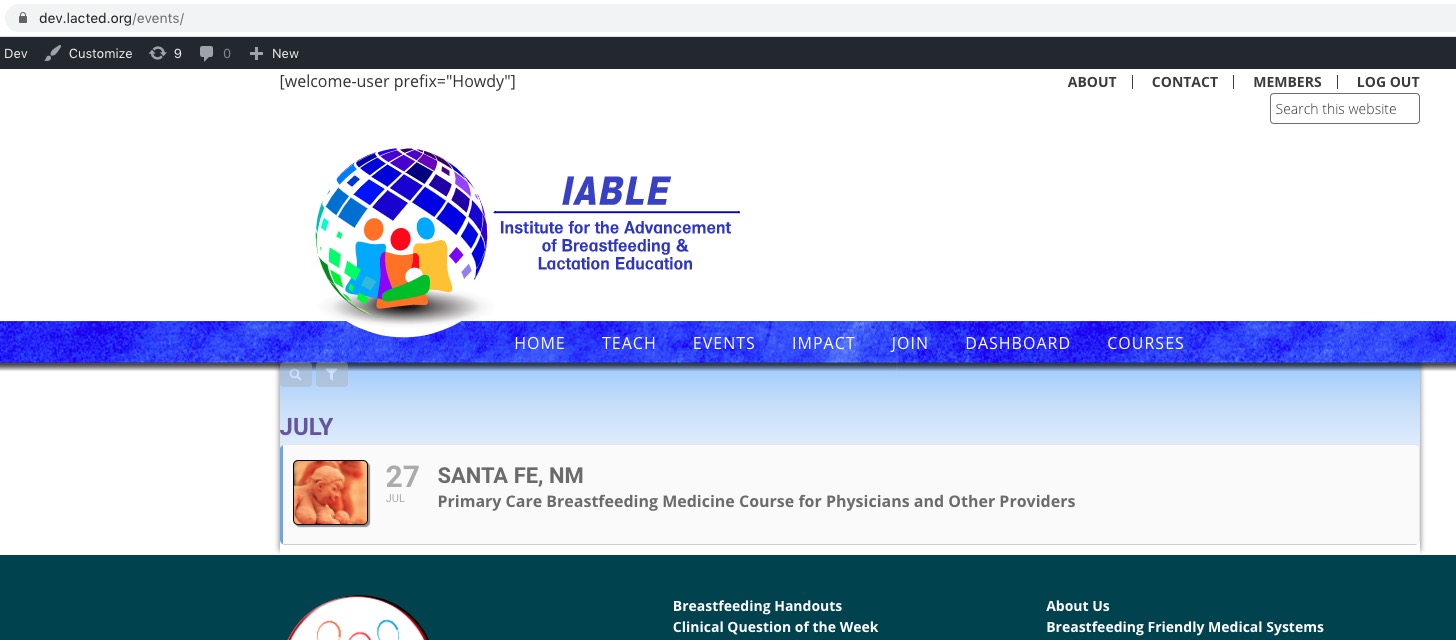
https://dev.lacted.org/events/

Please activate plugins one by one to find the one that is causing this issue.
I also would like to apologize for the delay. Our helpdesk was down since last few days.
Sorry for the delay. Our helpdesk was down since last few days.
Ashan will check this ASAP.
Ashan,
The same on dev2:
http://dev2.myeventon.com/22614-2/
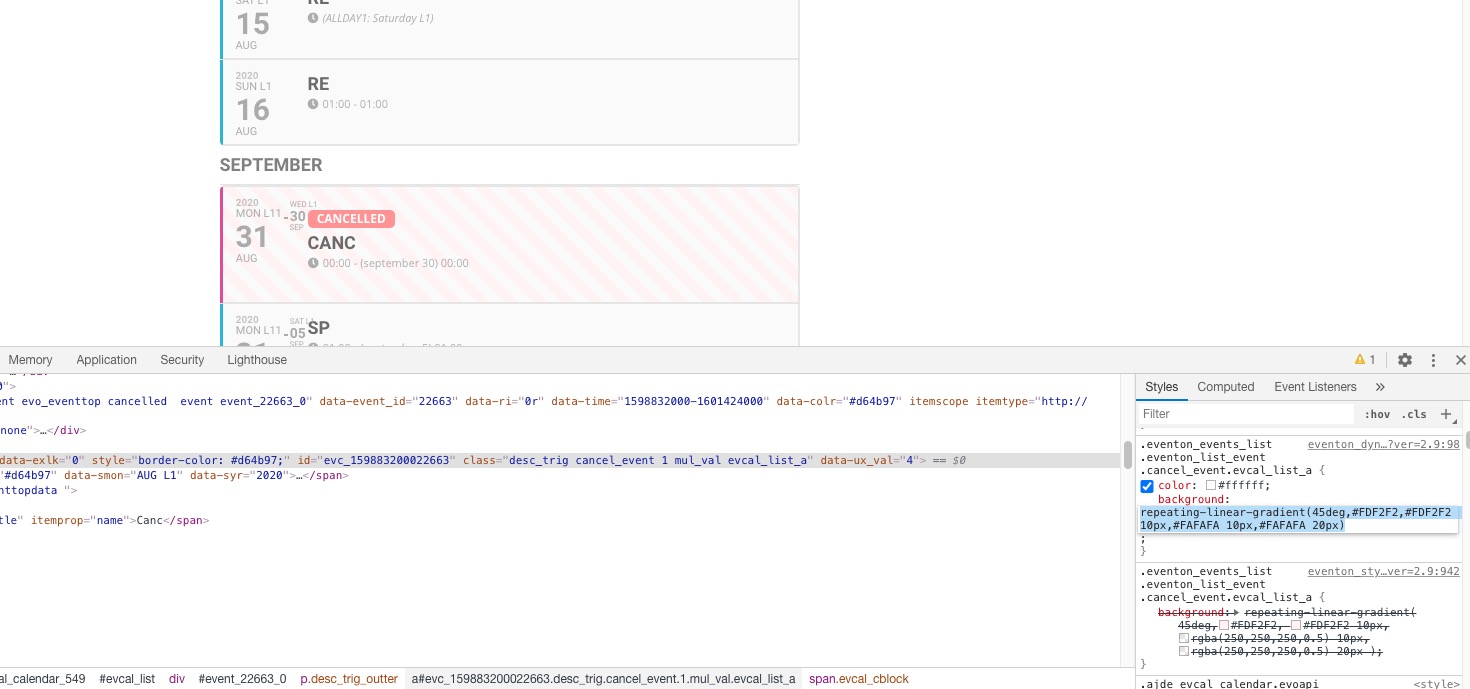
It seems that we need to update styles for external calendars.
Sorry for the delay. Our helpdesk was down since last few days.
About your original question. I am very sorry but you were correct from the beginning. It shows the correct style on https://calendario.elcampo.com/467-2/ because of EventON’s styling from the header. The same on our test server http://dev2.myeventon.com/22614-2/. However when you load the same calendar on external website it doesn’t have the correct CSS style.
Thank you for your messages, I am going to assign this ticket to Ashan and he will be able to take it from here and find you a solution. Please allow some time for him to get back to you, we greatly appreciate your patience and thank you for being a eventon customer! Also please disable any IP blocking on your site if there are any.
Hello,
Sorry for the delay. Our helpdesk was down since last few days.
Thank you for your messages, I am going to assign this ticket to Ashan and he will be able to take it from here and find you a solution. Please allow some time for him to get back to you, we greatly appreciate your patience and thank you for being a eventon customer!
I also would like to apologize for the delay. Our helpdesk was down since last few days.
I cannot find WPML among installed plugins https://aquaterrario.org/wp-admin/plugins.php. Could you install and configure it correctly?
Please also update Action User add-on to 2.2.1.
To update eventon addons: You can download latest eventon addons from myeventon > my account. Then you can go to your website, deactivate old addon and install new one and activate then delete the old addon. This link will further explain the process. Also you can follow us on twitter to get real-time announcements on updates!
I also would like to apologize for the delay. Our helpdesk was down since last few days.