Hello,
Could you try using Single Event shortcode:
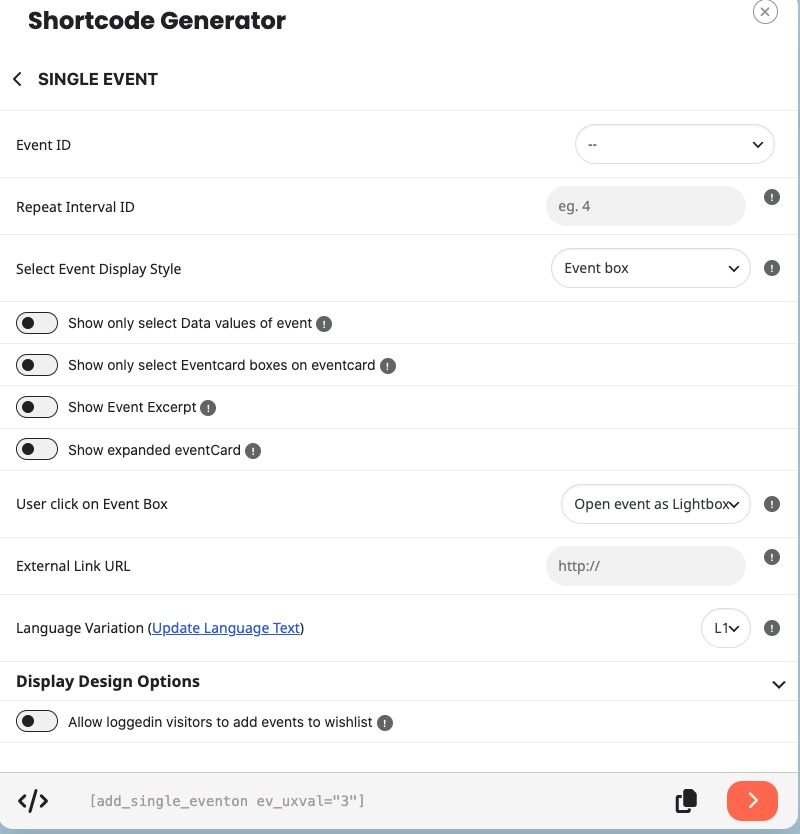
Select Event ID and also set ”User click on Event Box” to ”Open event as Lightbox”.
Replies for tickets on suppota
Hello,
Could you try using Single Event shortcode:
Select Event ID and also set ”User click on Event Box” to ”Open event as Lightbox”.
Could you try manually clearing your browser cache? I just checked and it seems to be working correctly:
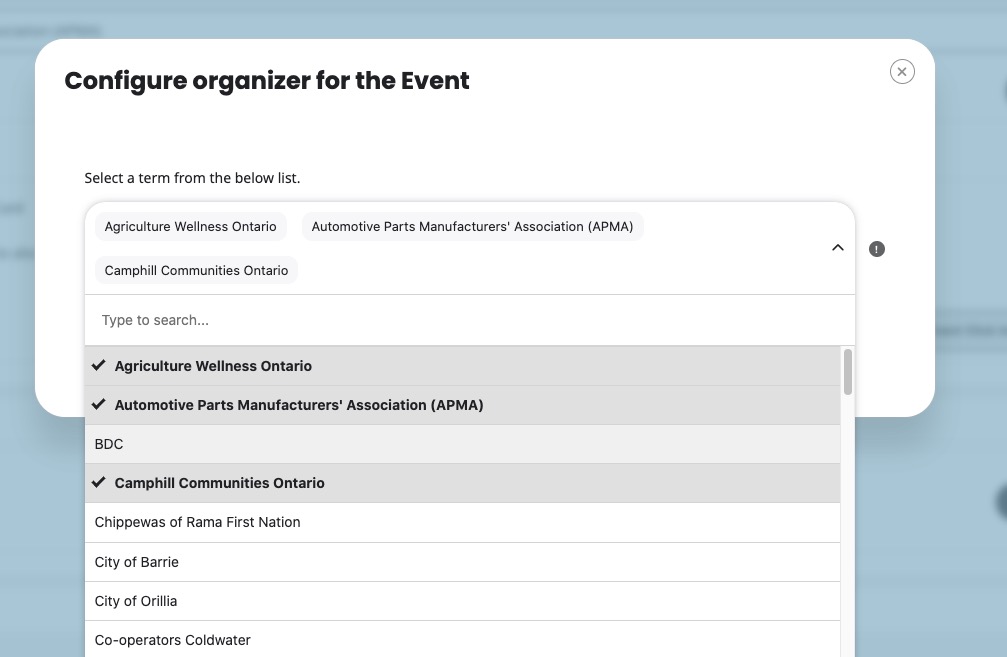
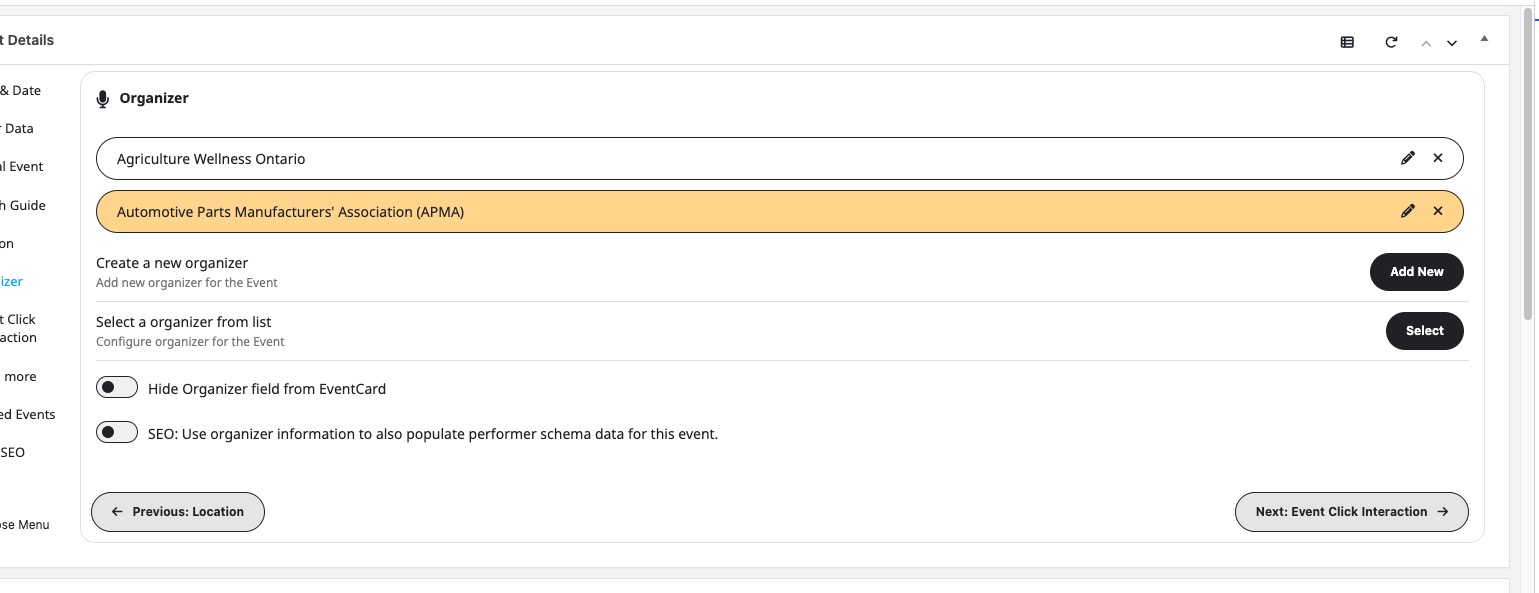
Hello,
Please add this CSS code to EventON > Styles (If you don’t see any change, EventON > Scripts & Styling > turn off Write dynamic styles to header > save settings > turn on Write dynamic styles to header).
You can also add this code to wp-admin > Appearance > Customize > Additional CSS.
.eventon_events_list .eventon_list_event .evoet_cx span.evcal_desc2, .evo_pop_body .evoet_cx span.evcal_desc2 { font-size: 22px !important; } .eventon_events_list .eventon_list_event .evoet_cx span.evcal_event_subtitle, .evo_pop_body .evoet_cx span.evcal_event_subtitle { font-size: 16px !important } .eventon_events_list .eventon_list_event .evcal_desc .evcal_desc_info, .evo_pop_body .evcal_desc .evcal_desc_info { font-size: 16px !important } .evcal_cblock .evo_start .date { font-size: 35px !important }
Thank you for quick reply, but this did not help, still the same. Could you visit and check? Logins are provided. I am leaving the css provided in the styles for now. Is this becouse of wordpress upate or smth else? Can it be resolved?
That is interesting, we have not seen this with anyone else. When you place and order what kind of error message do you get? any chance you can share us the screenshot of this?
I will go ahead and refund you for those 2 duplicate orders.
Hello,
Please go to and click ”Verify Codecanyon Purchase” to get the latest version of EventON:
https://www.myeventon.com/full/
We are glad your issue is resolved, if you have any further questions or concerns please create a new ticket.
Thanks Ashan!
Updated and that fixed the language issue on cart and checkout.
The latest version of WordPress 7.0 works completely fine with the plugin:
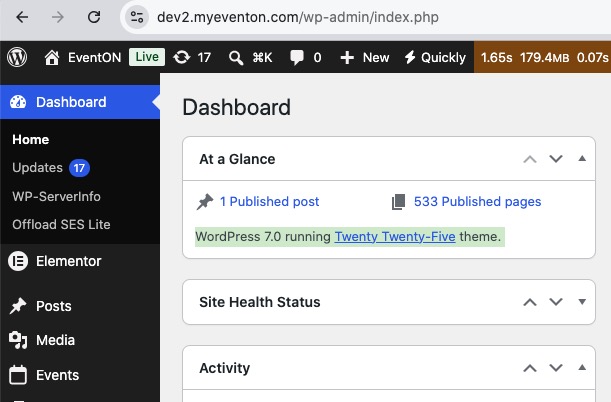
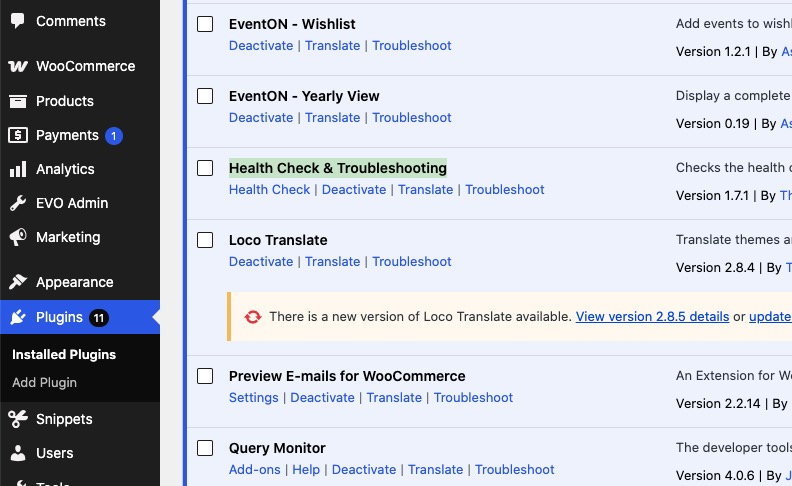
The test will take less than a minute. Then I am going to disable it.
You can try yourself.
Please follow this guide on how to increase the memory limit:
https://docs.myeventon.com/documentations/increasing-wordpress-memory-limit/
Try increasing it to 512M.