Hello,
You can either delete a repeat and then add a new one with the correct time. OR Use https://www.myeventon.com/addons/repeat-customizer/
Replies for tickets on suppota
Hello,
You can either delete a repeat and then add a new one with the correct time. OR Use https://www.myeventon.com/addons/repeat-customizer/
Hello,
Please add this CSS code to EventON > Styles (If you don’t see any change, EventON > turn off Write styles to header > save settings > turn on Write styles to header):
li.EVOLI_list_item[data-id=”132″] { display: none !important; }
Hello,
Since you are using Ticket Variations & Options add-on please go to Edit Event > Tickets > DOWNLOAD (CSV). If necessary fields aren’t available please add them by following https://docs.myeventon.com/documentations/how-to-add-additional-fields-to-download-attendees-csv-file/
Could you update EventON and Action User add-on?
I can click on events: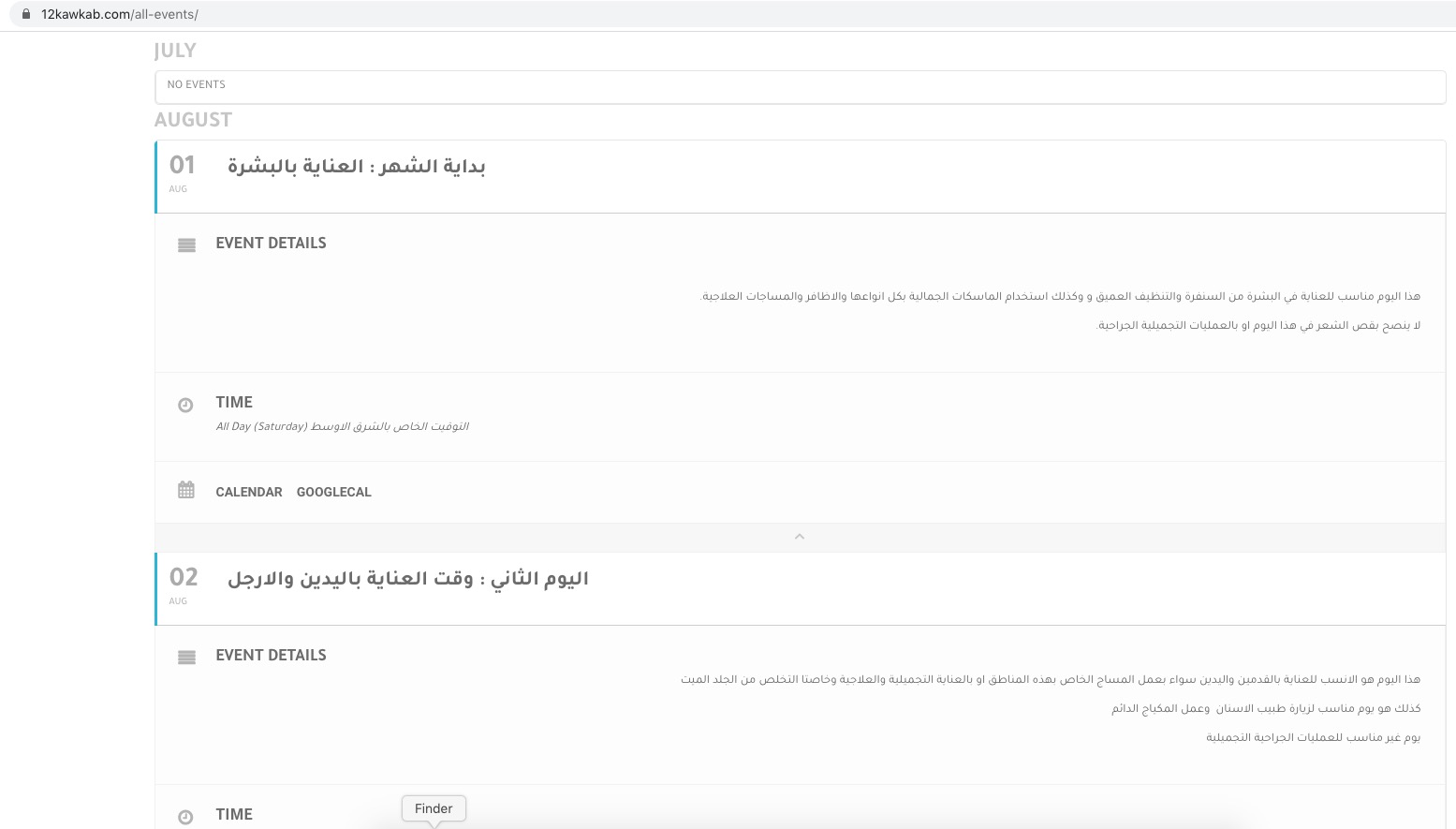
If you want them to open Single Event Page please add ux_val=”4a” to the shortcode.
Hello,
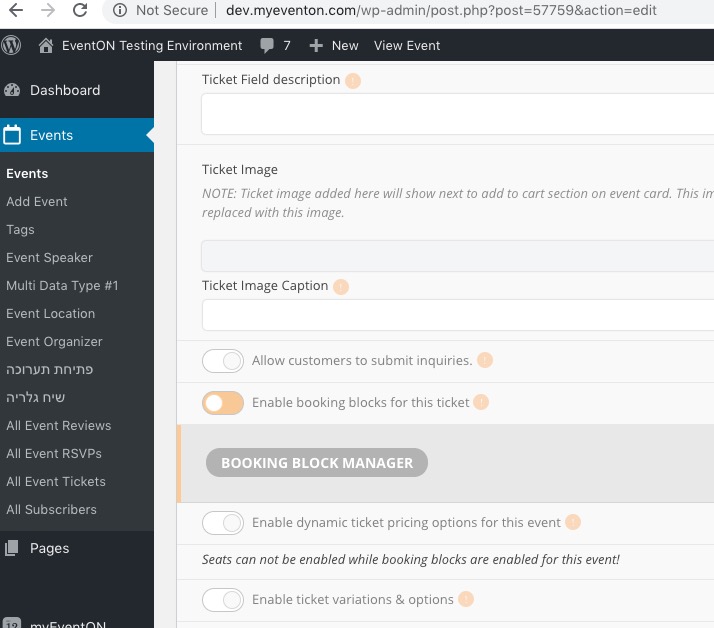
When Edit Event > Time and Date > Repeating event is enabled you cannot use Booking Blocks at all. However, if your event, for example, starts at July 31 and ends August 31, you can create as much booking blocks as you like between those dates.
Oooohhh…. that makes sense. I was changing the colors in the right place – I just had missed the write styles to header switch. Thanks! Appreciate the fast response!
Hello,
Please check https://docs.myeventon.com/documentations/terms-and-conditions-and-refund-policy/ > 7. Subscriptions & Automatic Renewal.
Hello,
Please go to EventON > Appearance > EventTop Styles > General EventTop Tags. If you don’t see any change, EventON > turn off Write styles to header > save settings > turn on Write styles to header.