Hi Susanna,
We do not have a video recording but you can always test it as a live at http://dev.myeventon.com/wp-admin/ this is why we have created that demo area
Replies for tickets on suppota
Hi Susanna,
We do not have a video recording but you can always test it as a live at http://dev.myeventon.com/wp-admin/ this is why we have created that demo area
Hi,
Can I ask why the refund needed? As I can see the order was 4weeks ago, did you managed to use the plugins properly?
Hi Steven,
From what we see on Ashish documentation, there is a field on the sign up page, where the phone number is added.
Those sections that you name, is sections that you have added manually or with other plugins?
@Ashish Rai
Hi,
I have already bought EventOn – SMS.
I followed the guidance: http://eventonsms.momothemes.com/documentationSMS/
I installed the plugin and connected with Service Provider.
I created a new event and assigned it with a course.
But no SMS send out.
For my user, there are two columns/places to record its phone number.
For EventOn SMS, which column it takes the user’s phone number?
Hope that everything will go well!
Keep fighting to finish the job. Time flies.
However, we may need to figure out some alternative solutions if you found that it was impossible to finish the job.
If you can finish the original job, please ignore the following.
In case you did found that it is impossible to make the appointment time to be displayed in EventOn timetable, is it possible for you to help us customize the EventOn – Bookings? As long as it can work like the WPLMS appointment, then we can replace the current booking system.
I want to confirm that can I use Eventon – SMS without “RSVP” and “TICKETS”?
Invoice Number:27908
Invoice Date:June 28, 2020
Order Number: 89978
Thanks
Hi, Yes, I need an update on the refund.
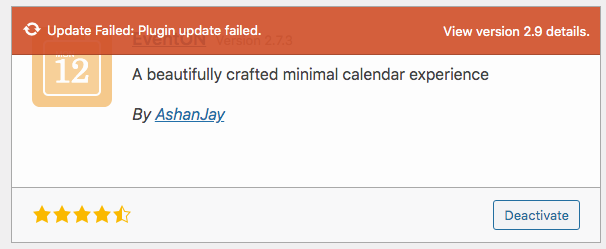
OK. I updated the plugin. Do I use the same process for updating the add ons?
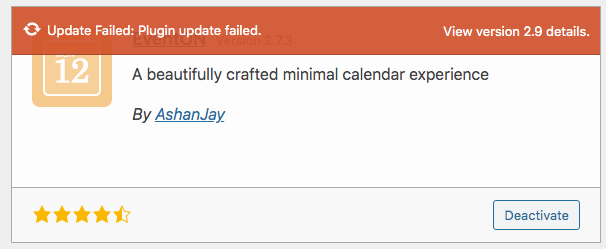
OK. I’ll try that. Thanks.