Please go to wp-admin > Settings > change Week Starts On.
Archives: Replies
Replies for tickets on suppota
Reply to: tickets(187782)
Hello,
Please follow the instructions in this documentation to activate debug in your site to see any PHP errors recorded that can provide insight on to whats going on. Please reply with a link to debug.log file. If you are not able to do this please send us FTP access to your site so we can do this for you.
Could you also give us full access:
Reply to: tickets(185008)
Hello Thomas,
I am not sure what is going on. Your WP_DEBUG did not receive any errors. But I am seeing 503 server errors.
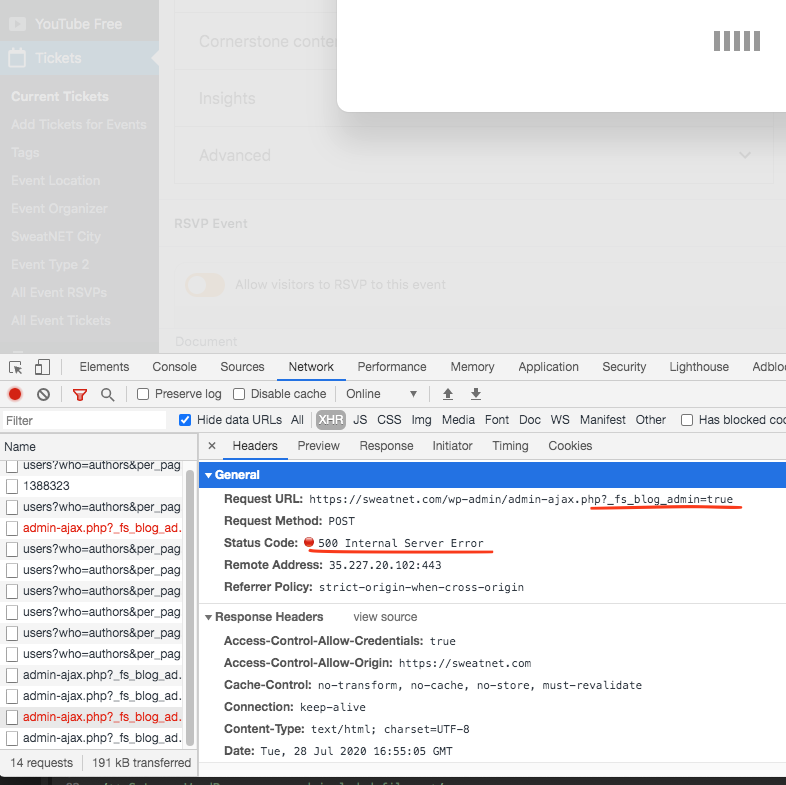
I wonder if it would be possible for your disable other plugin and switch to default WP theme and see if this error stil happen?
Reply to: tickets(187811)
Hi Faisal,
can u please let us know exactly what is not working?
Reply to: tickets(187710)
Ashan,
the receipt came to dev@thrivepop.com
The problem is that neither I nor they can find the add-on among their purchases.
Reply to: tickets(187710)
Thank you for your messages, I am going to assign this ticket to Ashan and he will be able to take it from here and find you a solution. Please allow some time for him to get back to you, we greatly appreciate your patience and thank you for being a eventon customer!
Reply to: tickets(187814)
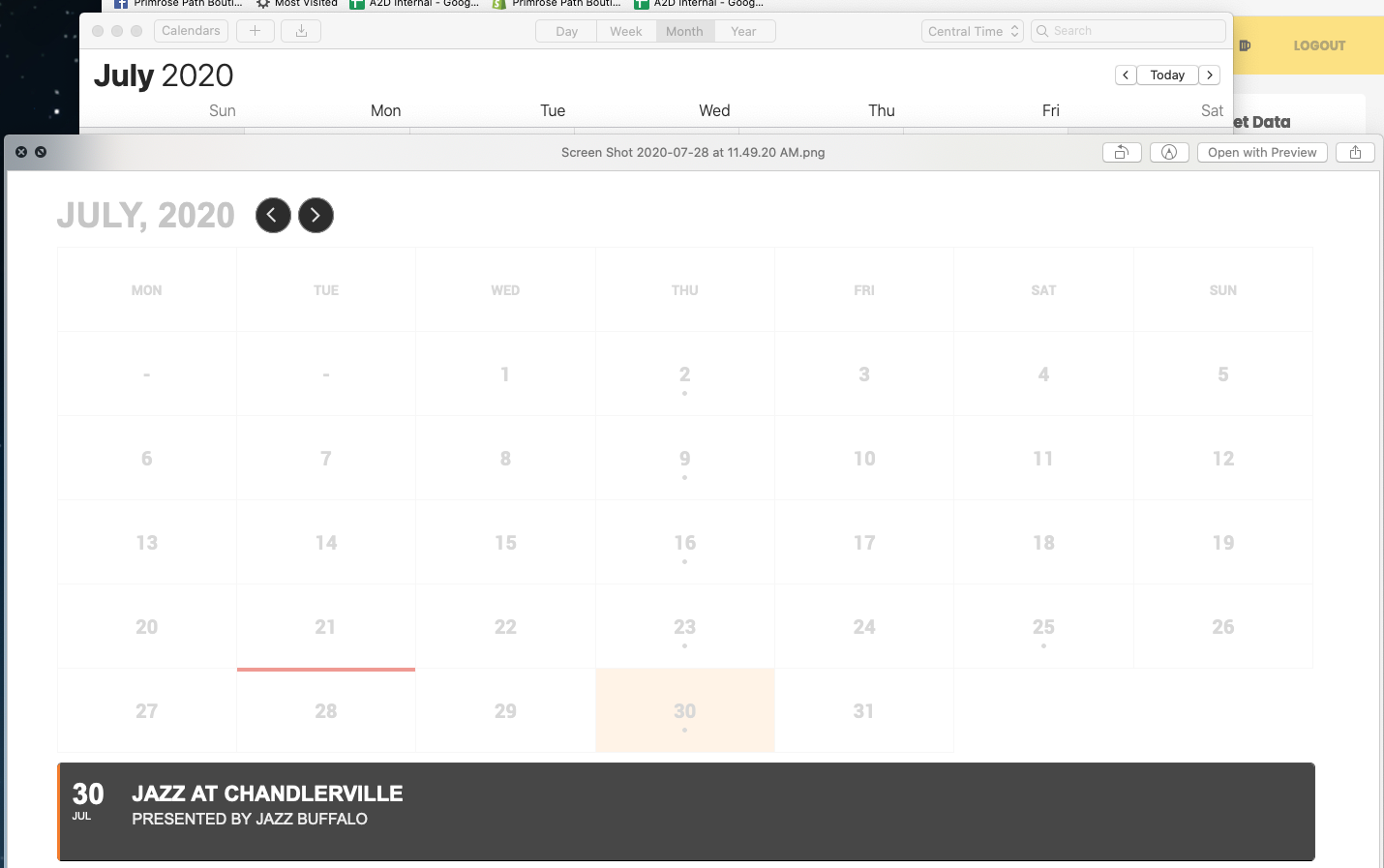
Thank you! I didn’t realize I could download the add-on plugin from my account. I did so and installed it and it’s working. One last question (tried searching for this but nothing came up…): Is there a way to start the week with Sunday? Most calendar views (Apple, etc.) list Sun-Sat so having the days shifted is confusing. I appreciate your help.
Reply to: tickets(186552)
I have refunded your order Casey. If you have more questions, kindly send us a new ticket and we would be more than happy to help you resolve your issues!
Reply to: tickets(187543)
please send your email address
Reply to: tickets(179228)
Sorry for the delay in getting in here. What is your order ID or email used to purchase? with out that I can not look up the order that was charged.
ALso what day (exactly) did you receive reminder email and what day was the order charged ?