Reply to: tickets(187104)
Replies for tickets on suppota
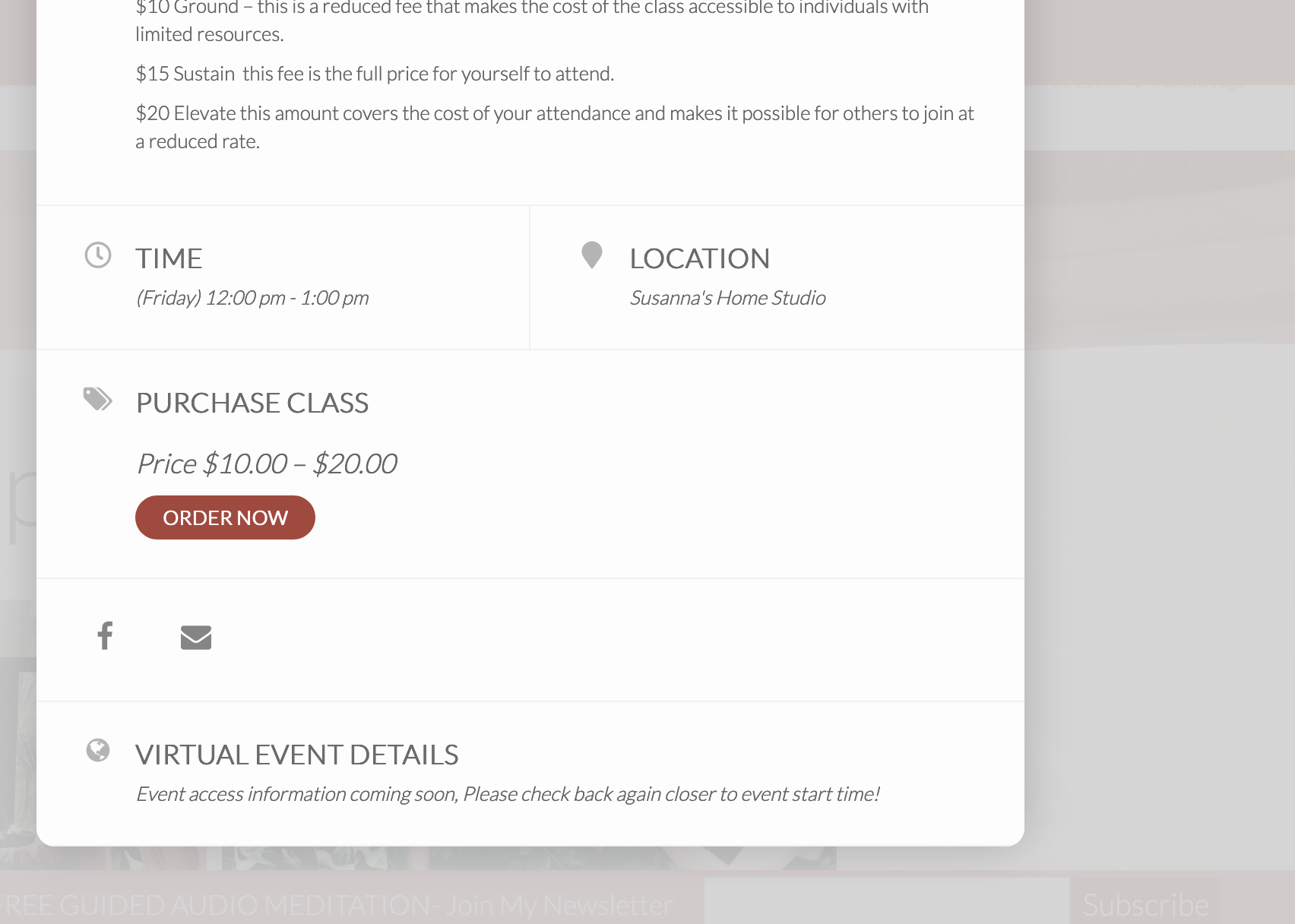
thank you!
yes it adds virtual access information to the event card, but not the email confirmation.
Hello,
WeeklyView shows the current week by default: http://dev2.myeventon.com/22502-2/
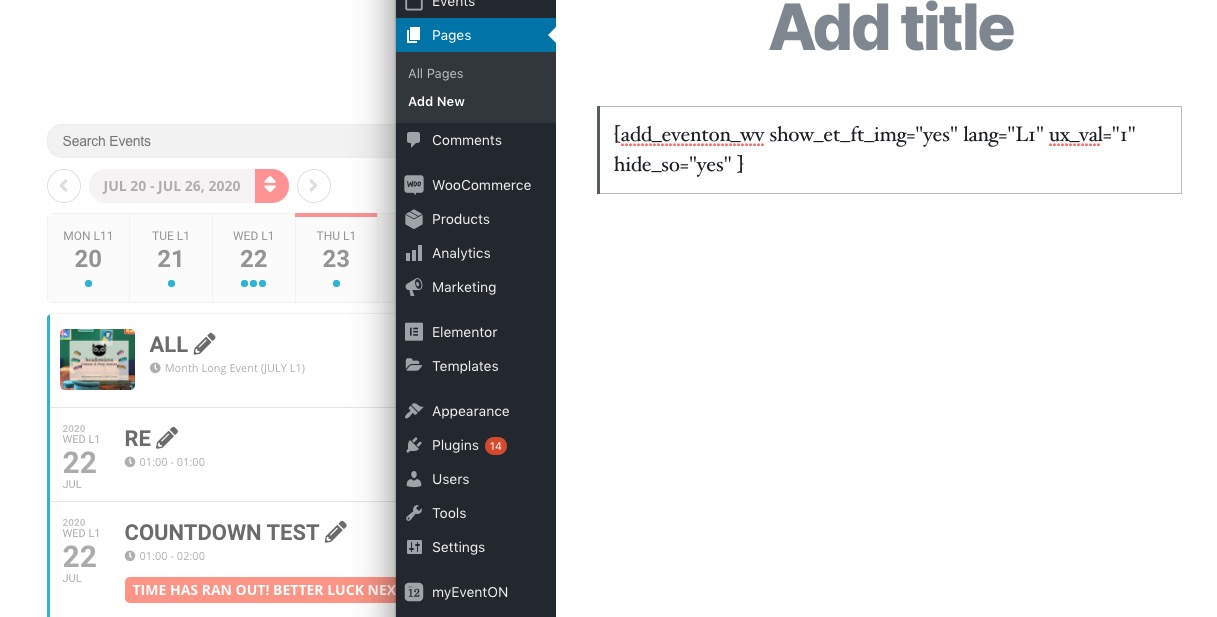
The same on your website:
https://quoifaireaukamouraska.com/4004-2/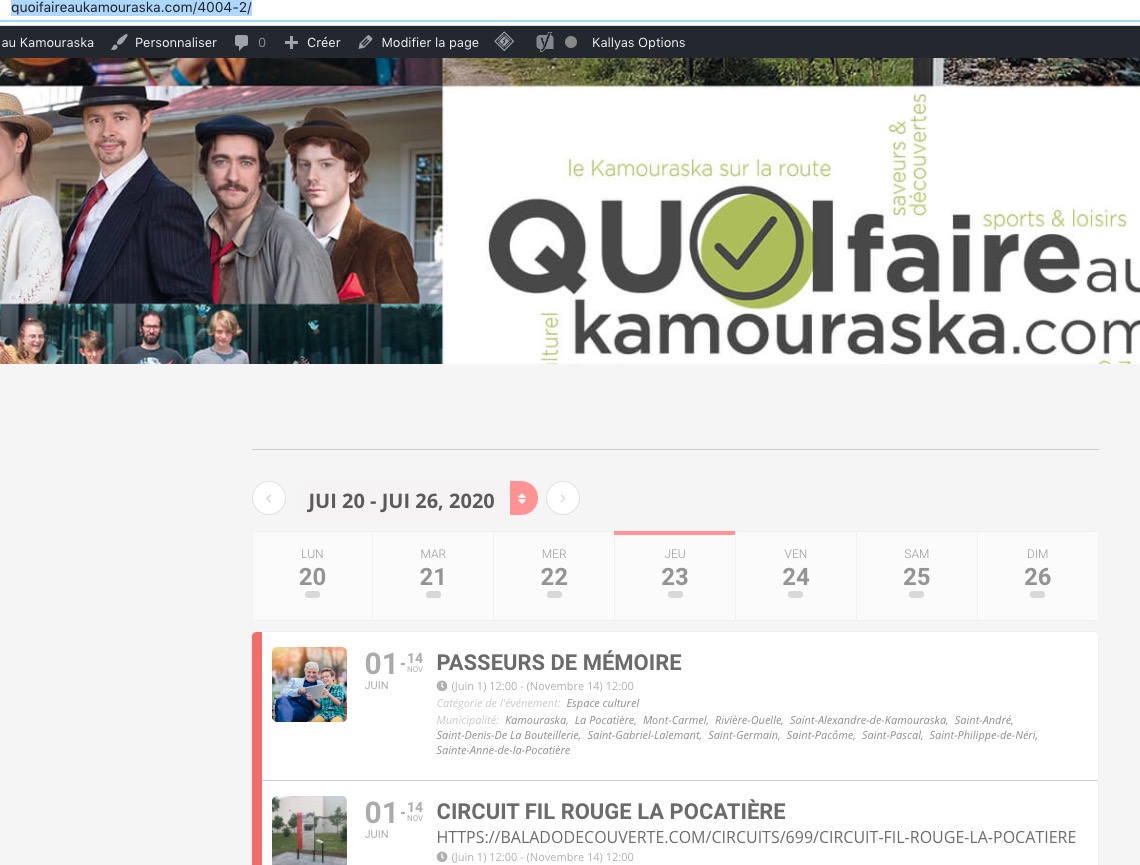
You can find available options by going to EventON > ShortCodes > [ ] GENERATE SHORTCODE > WeeklyView.
I think they should be located in EventON > Styles.
Completely forgot to tell you. I’ve commented some styles to show it: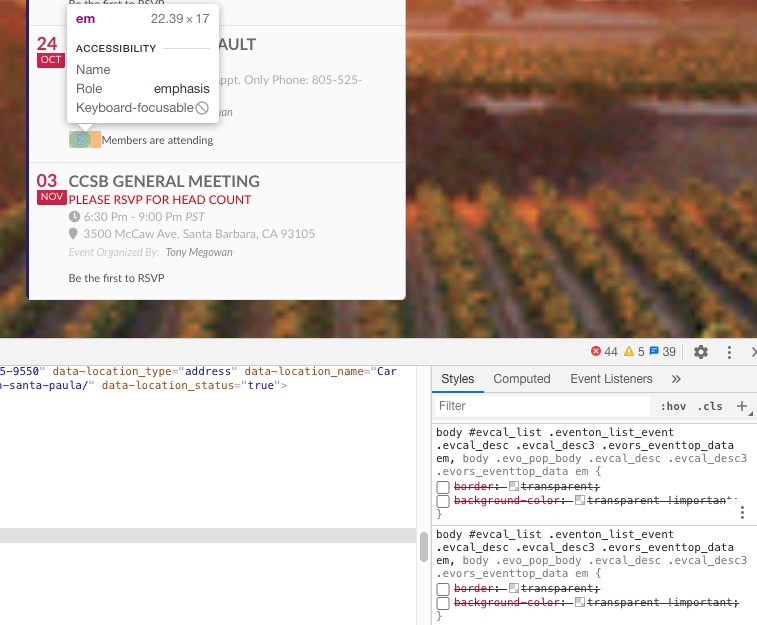
body #evcal_list .eventon_list_event .evcal_desc .evcal_desc3 .evors_eventtop_data em, body .evo_pop_body .evcal_desc .evcal_desc3 .evors_eventtop_data em { border: transparent; background-color: transparent !important; }
Could you check, comment them and let us know if it helps?
I cleared website cache and desktop browser cache for Chrome but nothing changed – # of attendees do no show. Thanks.
Hello,
Could you update EventON to 2.9 and ICS Importer to 1.1.1?
If it doesn’t help please follow the instructions in this documentation to activate debug in your site to see any PHP errors recorded that can provide insight on to whats going on. Please reply with a link to debug.log file. If you are not able to do this please send us FTP access to your site so we can do this for you.
Customizing Single Event Page template according to https://docs.myeventon.com/documentations/customize-single-events-page/ is the only possible solution in your case. Unfortunately, we unable to help with customizations like this one so please send us a customization job request by creating a new ticket in here and selecting Customization Request as the category.
I must have made a mistake in the changes I made to the single-ajde_events.php. I receive a fatal error after adding it.
Please follow the instructions in this documentation to activate debug in your site to see any PHP errors recorded that can provide insight on to whats going on. Please reply with a link to debug.log file. If you are not able to do this please send us FTP access to your site so we can do this for you.
Your Event Start/End Date and Time don’t seem to be in the correct format. Please go to EventON > CSV Import > check **CSV file guidelines:
event_start_date & event_end_date – Start/End date in format mm/dd/YYYY
event_start_time & event_end_time – Start/End time in format h:mm:AM/PM
Here is the file. Thank you