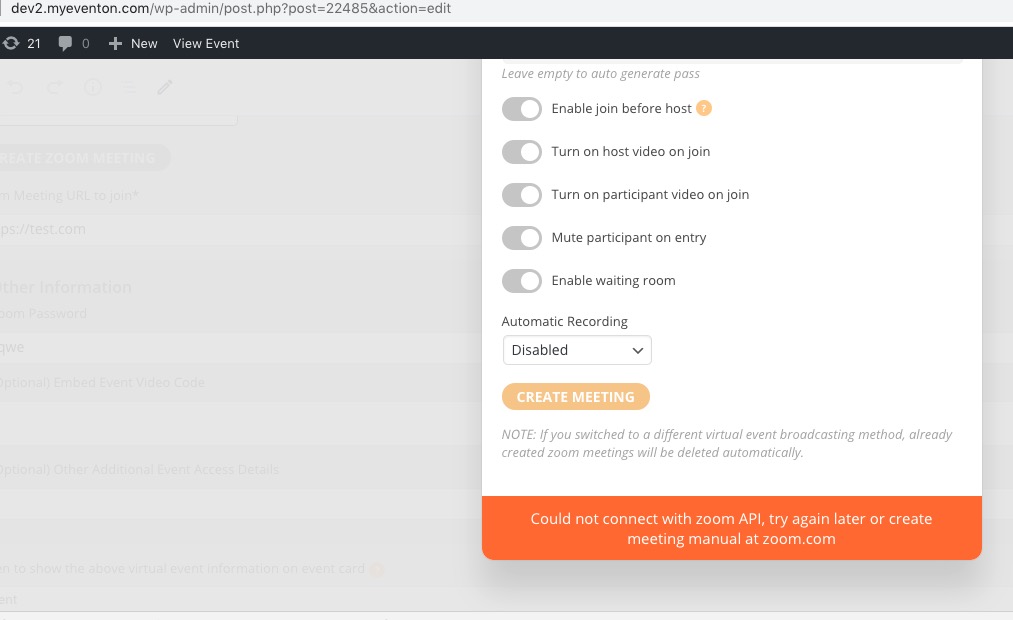
It doesn’t help.
Archives: Replies
Replies for tickets on suppota
Reply to: tickets(186795)
Could you contact the theme developers about this issue? We don’t really know how the theme works so cannot help with this from our side unless we know where to search.
Reply to: tickets(186772)
- What shortcode should I add instead of the widget?
- I had added the code to the styles section, but I don´t see any changes (even doing what you told me)
Reply to: tickets(186796)
Maybe you can somehow exclude EventON from the cache plugin?
Unfortunately, we are unable to provide support for issues caused by their-party themes or plugins. As they are not our products, we are unaware of how they have been programmed or how it is supposed to work. As such, we recommend you to contact the plugin developer and ask them for their assistance in solving the problem. Let us know if you need help with anything else.
Reply to: tickets(186429)
Ah yes, sorry. We are glad your issue is resolved, if you have any further questions or concerns please create a new ticket. If you have a moment, we would greatly appreciate if you could kindly leave us a review at codecanyon! from your account > downloads. Cheers!
Reply to: tickets(186388)
1. Please use this code:
.eventon_events_list .eventon_list_event .evcal_desc .evcal_desc3 { display: none !important; }
2. & 3. Please go to EventON > Settings > Appearance > Calendar Date Color

and EventTop Styles > Event Title font color. If you don’t see any change, EventON > turn off Write styles to header > save settings > turn on Write styles to header
Reply to: tickets(186955)
Hello,
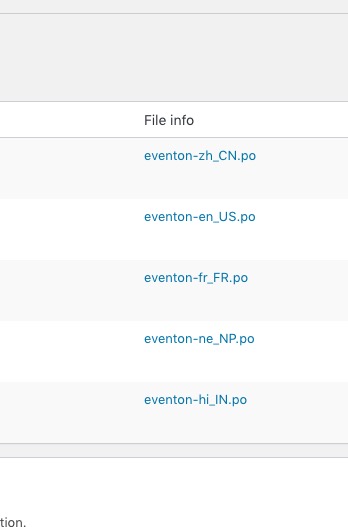
Please rename your .po file to eventon-sv_SE.po:
Reply to: tickets(186924)
We are glad your issue is resolved, if you have any further questions or concerns please create a new ticket.
If you have a moment, we would greatly appreciate if you could kindly leave us a review at codecanyon! from your account > downloads. Cheers!
Reply to: tickets(186908)
Hello,
Thank you for your messages, I am going to assign this ticket to Ashan and he will be able to take it from here and find you a solution. Please allow some time for him to get back to you, we greatly appreciate your patience and thank you for being a eventon customer! Also please disable any IP blocking on your site if there are any.
Meanwhile could you please try the instructions mentioned in this documentation?
Reply to: tickets(186908)
Ashan,
On customer’s website:
event-post.js?ver=2.9:71 Uncaught TypeError: FORM.ajaxSubmit is not a function
at HTMLSpanElement.<anonymous> (event-post.js?ver=2.9:71)
at HTMLBodyElement.dispatch (load-scripts.php?c=0&load[chunk_0]=jquery-core,jquery-migrate,utils&ver=5.4.2:3)
at HTMLBodyElement.r.handle (load-scripts.php?c=0&load[chunk_0]=jquery-core,jquery-migrate,utils&ver=5.4.2:3)
On dev2:
http://dev2.myeventon.com/wp-admin/post.php?post=22485&action=edit