Thank you! Worked perfectly!
Archives: Replies
Replies for tickets on suppota
Reply to: tickets(184577)
Hi
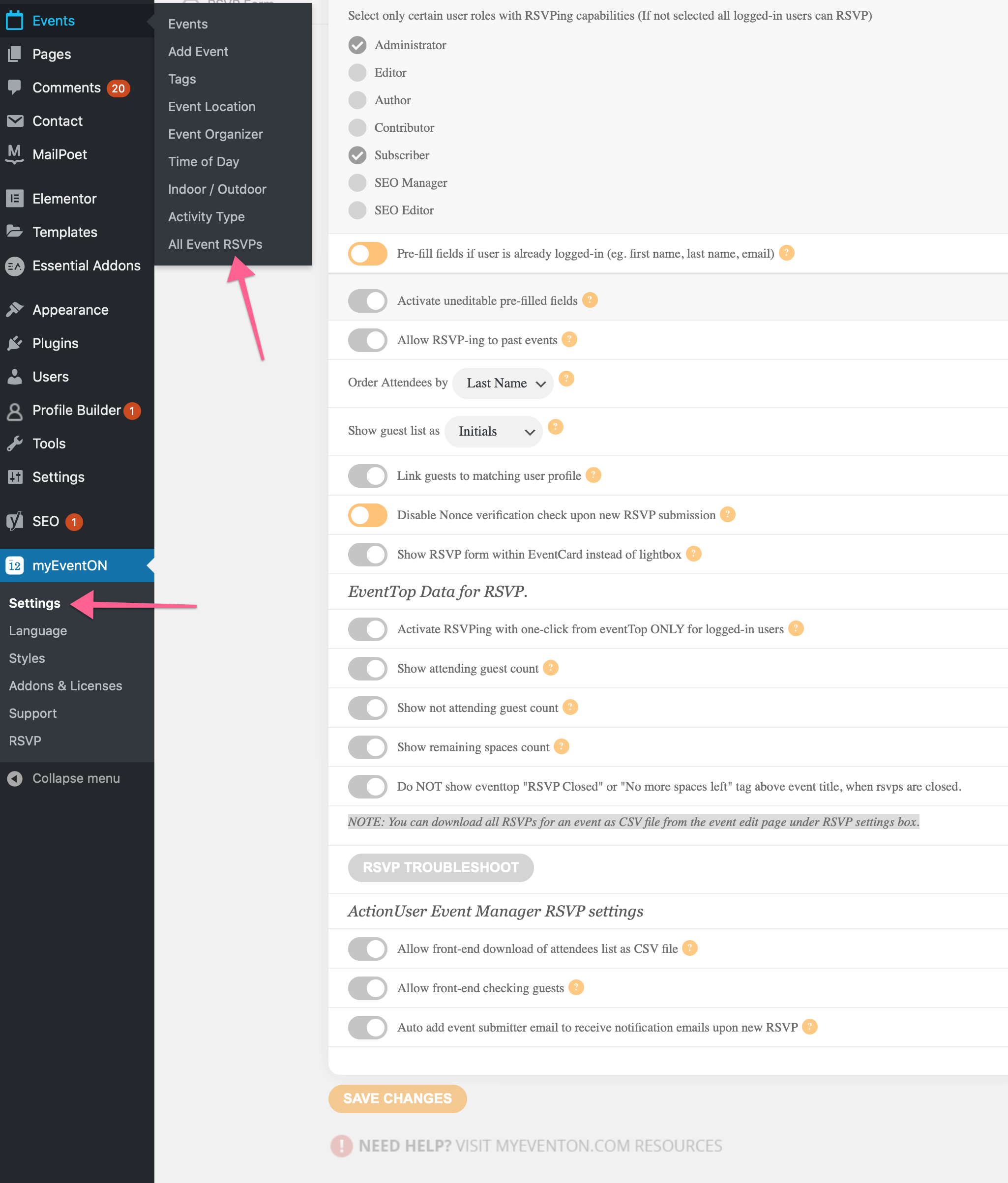
I am sorry that I can not find the area to download the RSVPs as a CSV.
I did see the note:
NOTE: You can download all RSVPs for an event as CSV file from the event edit page under RSVP settings box.
but I could not find where this is.
Is it via:
Dashboard>Events>All Event RSVPs
or
Dashboard>myEventON>Settings
or somewhere completely different?
thanks
Reply to: tickets(180755)
Hi,
I have not had a response from your CEO as yet.
Will it be via email or this helpdesk?
Thanks
Reply to: tickets(180995)
Hi I have thank you.
Reply to: tickets(185575)
Thank you. See the details below
SFTP / SSH
178.62.88.118
foogin
O%ppgowf,:ARPjM?<:5/cP|qIZ6-,-lY
vassily1985@gmail.com
JetSummer19856@
Please let me know if you need anything else
Reply to: tickets(186581)
Hi,
Strange. It should show up. It does when Im using a clean browser and am not loged in?
Login:
https://jungfrusund.se/wp-admin/
Temp / noreply@myeventon.com
0aNv^72F2R5Q4TxEB6vFpqxS
Adding another question: In the listing view – can I change the size of image as well?
Reply to: tickets(186590)
I managed to sort it out, thank you!
Reply to: tickets(186590)
It’s still uses the same code: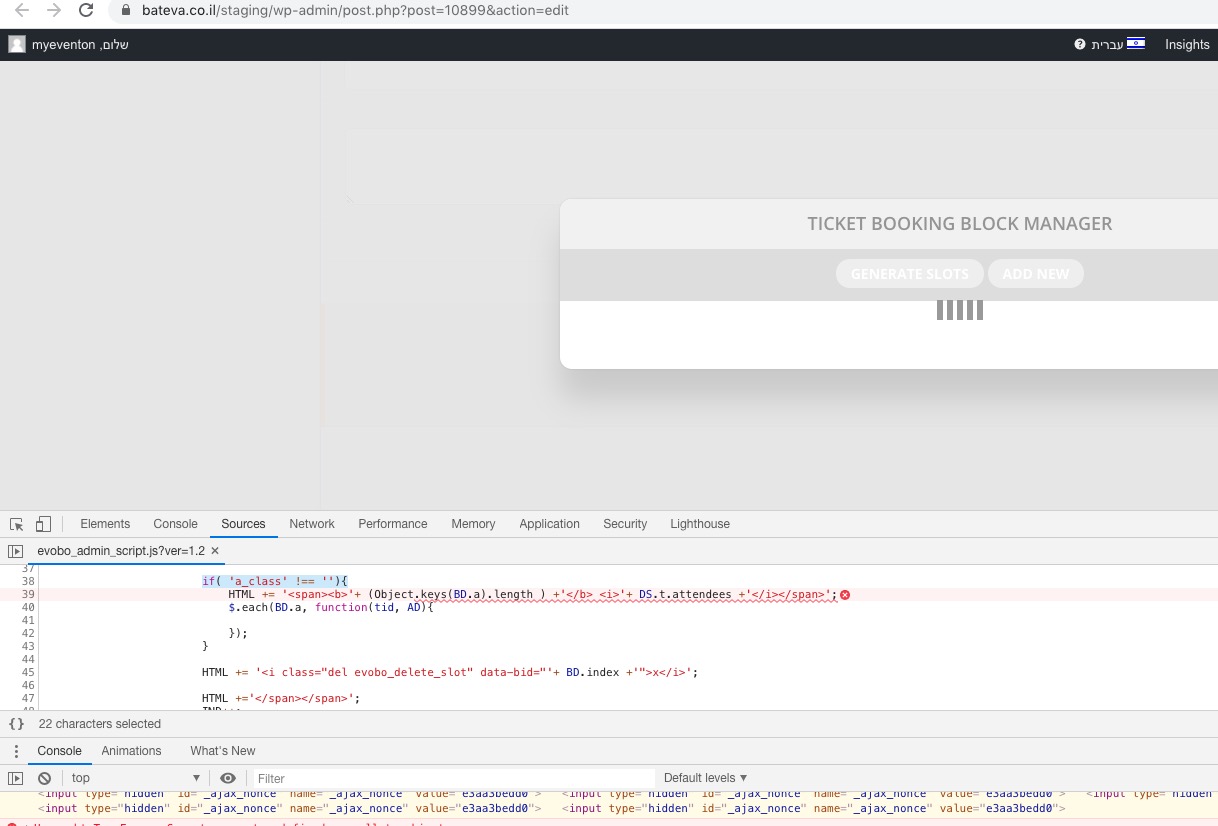
Please send us FTP access to your site as a private message, so I can try renaming the file and then renaming it back.
Reply to: tickets(182049)
Please apply the fix to your other website as well.
I also noticed that the filter for past events does not work in the right column
From my side:
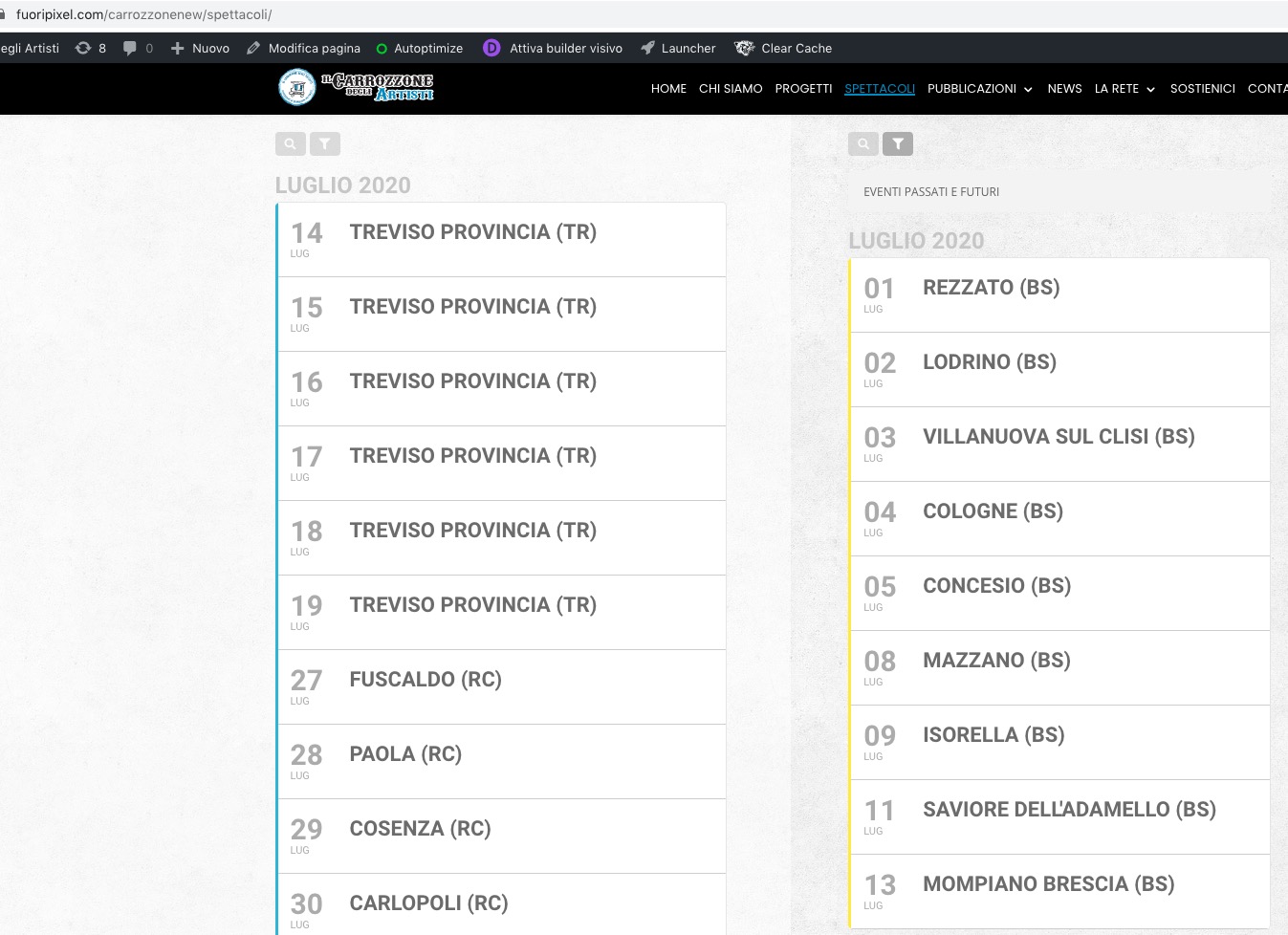
Could you send us a screenshot?
Reply to: tickets(186590)
Thank you for the super quick reply!
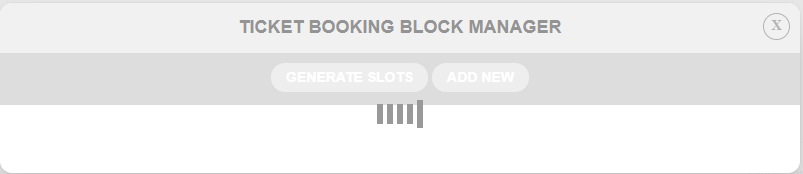
I tried again but it didn’t help.
Tried doing the same through incognito mode just to make sure that nothing is cached, but still not working.