I did add “cal_init_nonajax=”yes”” to the code to show the month, but as Artem mentioned, I can’t open the events or switch months.
Archives: Replies
Replies for tickets on suppota
Reply to: tickets(184564)
Also alternatively use Import method as Manual import from ICS file URL and see if you can get that to work.
Reply to: tickets(184227)
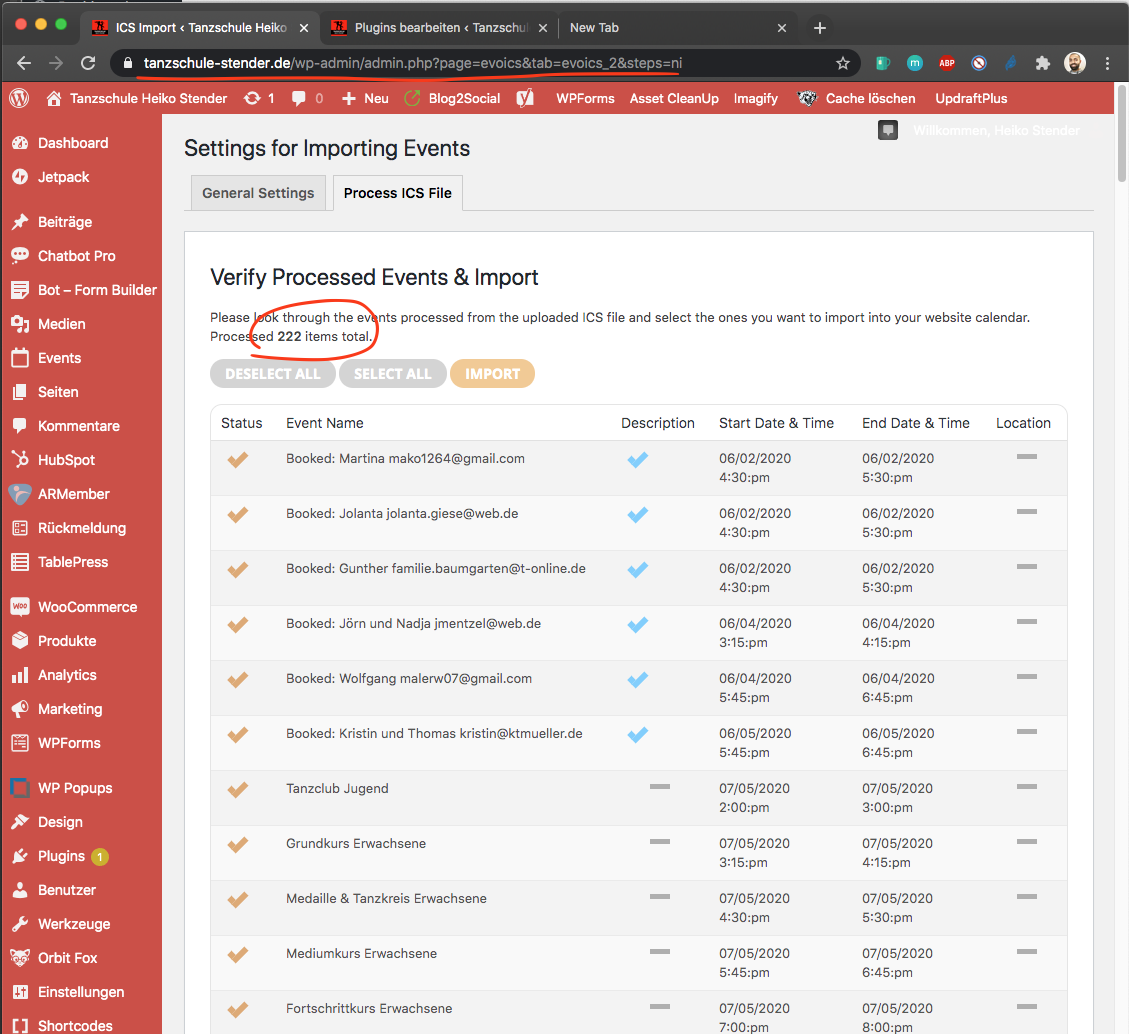
so i was not able to get the upload file to work. I am not sure why, may be $_FILES array is not supported on your server? I was able to set the ICS url and get it to work.
Reply to: tickets(185853)
Thanks for looking into this.
“we are going to release a new version of ICS addon which address this issue.”
What is the timeframe on this?
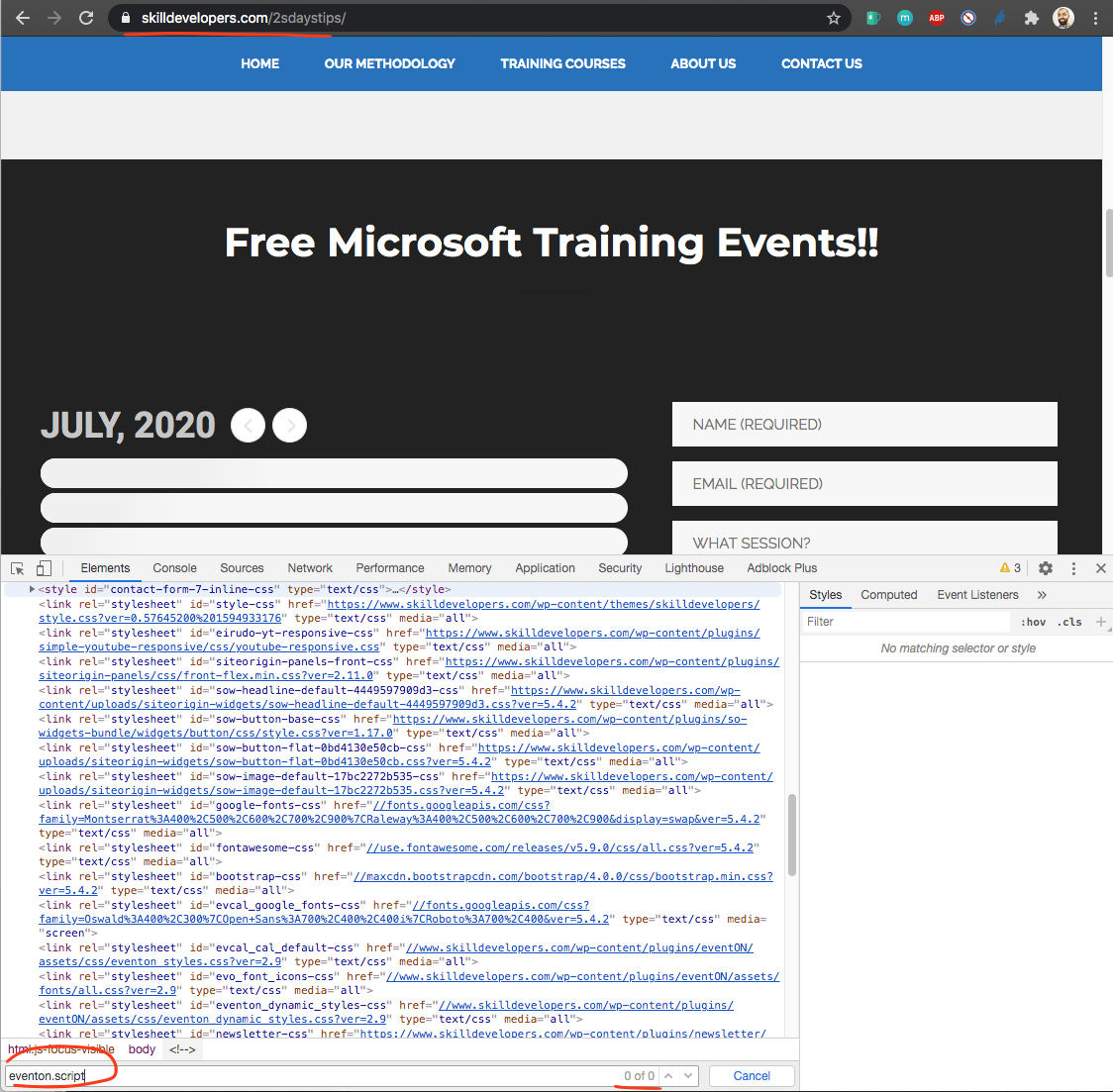
“And the reason your site is not loading is because it is missing the eventon_script.js file. Could be that you are using a bad theme that does not support scripts loading to footer.”
If this is the case, how do we fix this? The client inherited the theme and they need to keep it.
-Tim
Reply to: tickets(184564)
thank you we are going to find a fix for this and release a new version for ics adon soon.
Reply to: tickets(185853)
we are going to release a new version of ICS addon which address this issue.
And the reason your site is not loading is because it is missing the eventon_script.js file. Could be that you are using a bad theme that does not support scripts loading to footer.
Reply to: tickets(184577)
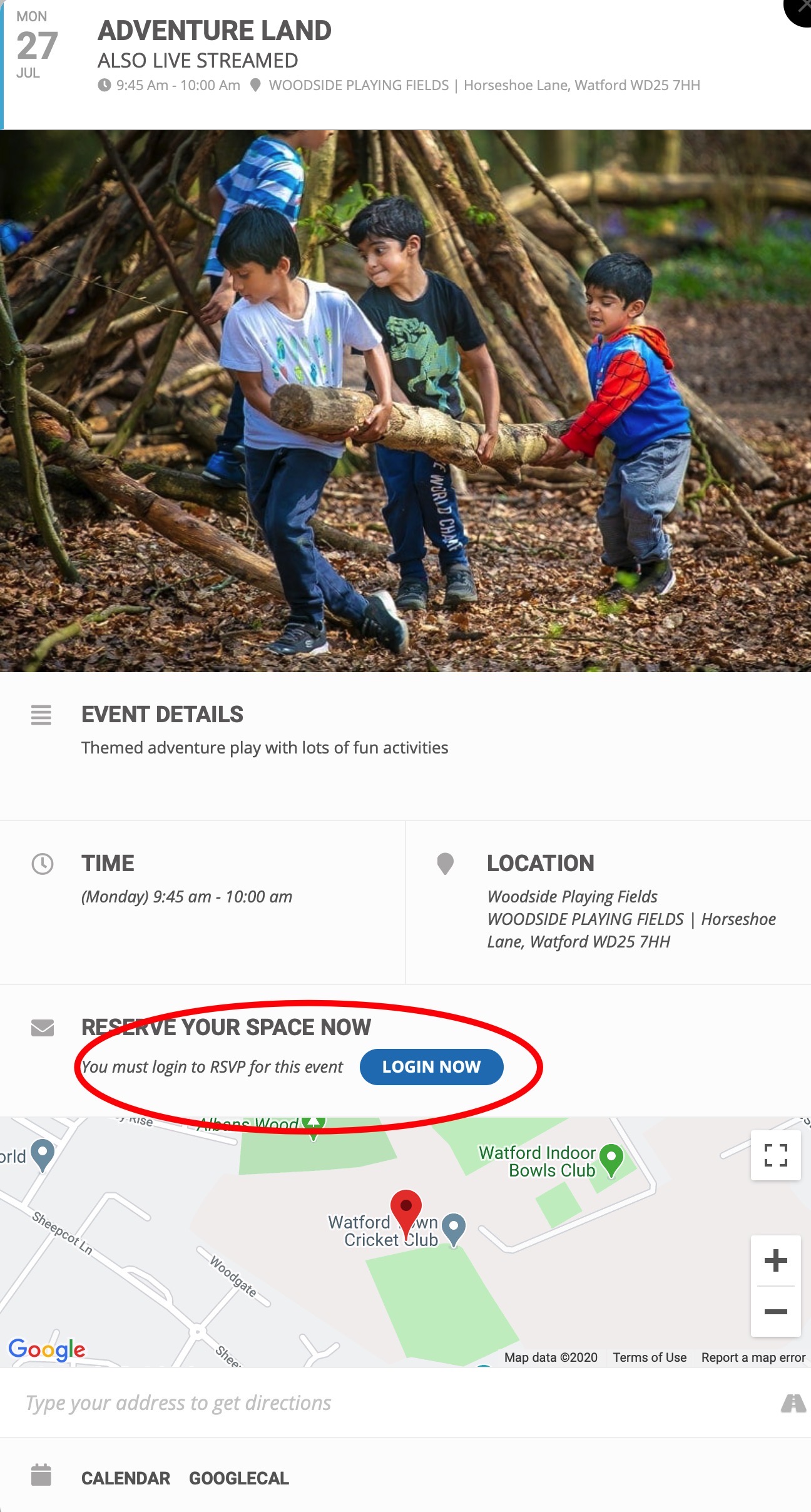
Fantastic! This is all working now.
One problem that has come up is the “Login Now” on the RSVP directs you to the standard wordpress /wp-login.php page
eg:
https://watson.events/wp-login.php?redirect_to=https%3A%2F%2Fwatson.events%2Fevents%2Fcreative-media-12%2F
I need it to go to the new login page which is at:
https://watson.events/log-in/
Where would I need to go to change the address?
Thanks
Reply to: tickets(185964)
Thank you, I did figure it out.
Kelly
Reply to: tickets(184679)
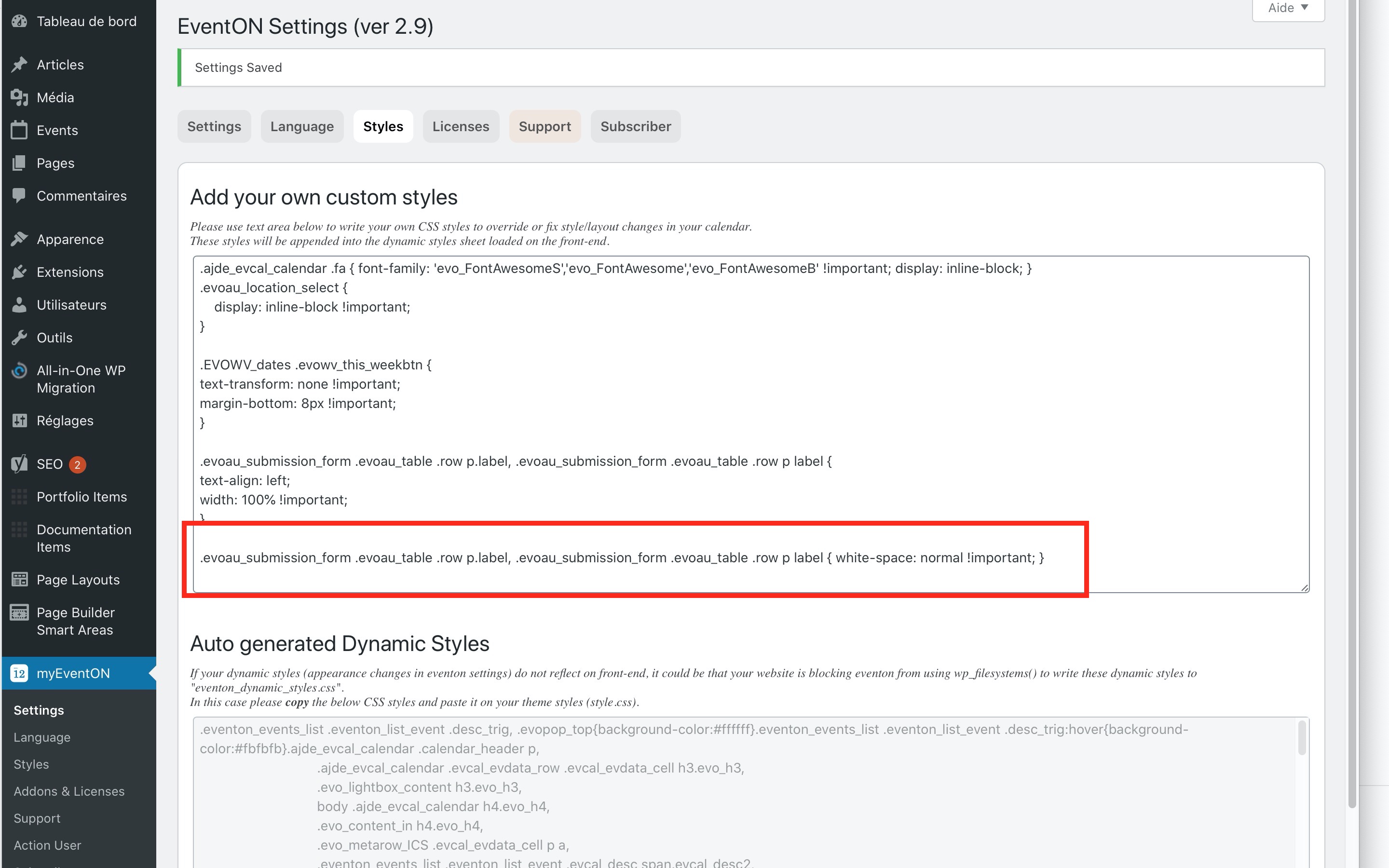
https://quoifaireaukamouraska.com/formulaire-devenement/
The code is there
Reply to: tickets(186045)
Ah – I see what’s going on. The RSVP is date-specific but the RSVP count is not. In the two images you provided, you have RSVP’d to only Sept 1, but both dates show 1 guest attending.