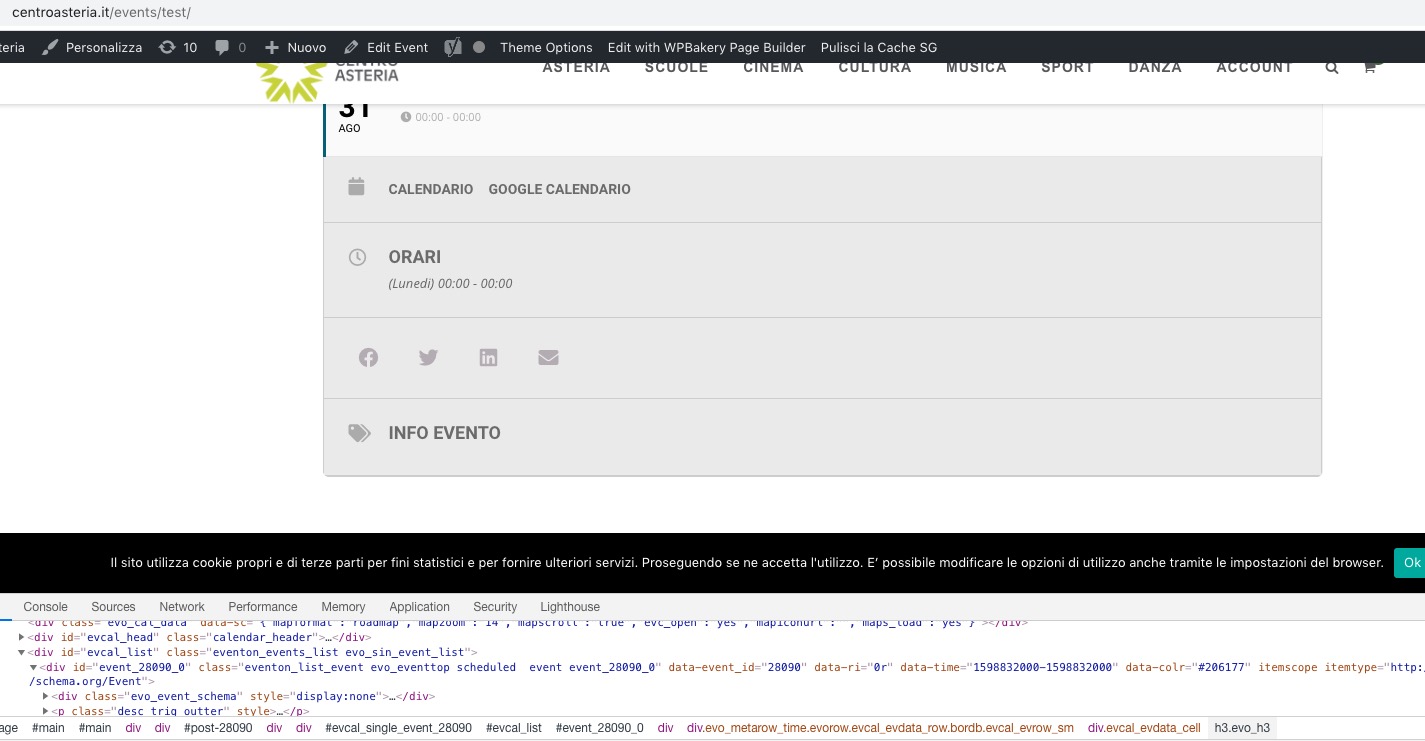
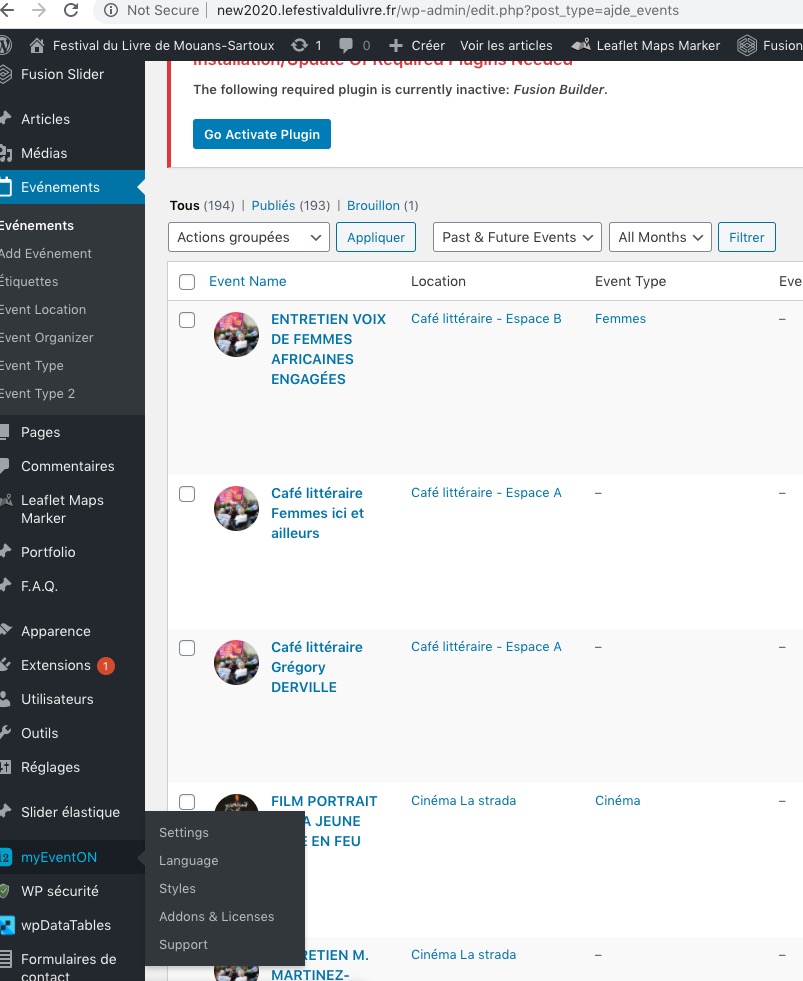
I cannot see enabled Ticket Box even in new events:
https://www.centroasteria.it/events/test/
Do you have the same issue?
About the issue. Please note that we have limited support of Woo’s Variable Ticket Pricing Type, since there is this add-on for variations and options: https://www.myeventon.com/addons/ticket-variations-options/. Try on http://dev.myeventon.com/wp-admin/
Thanks … looks better now for the client!
Can we rename it from “SORTIEREN” >> “AUSWÄHLEN”?
Yes, it will.
We are glad your issue is resolved, if you have any further questions or concerns please create a new ticket. If you have a moment, we would greatly appreciate if you could kindly leave us a review at codecanyon! from your account > downloads. Cheers!
This is not my post. So I don’t know if the login information works. I only have the same problem with the pop-up view. Should I open a separate thread?
Hi Artem,
thanks for the prompt response – by replacing this file it works now.
Will this fix be included in the next release of the plugin?
Thanks!
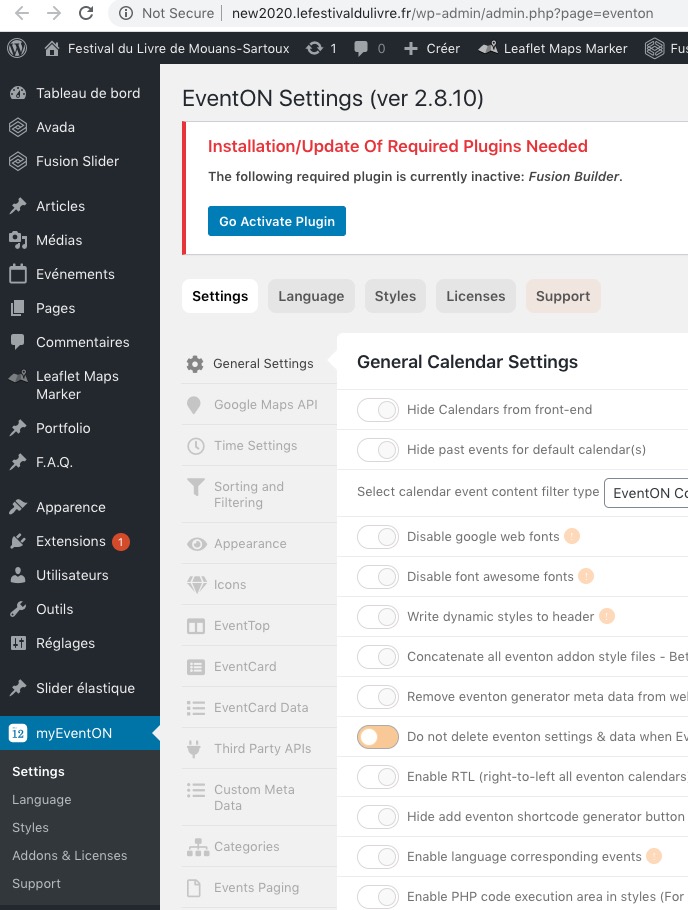
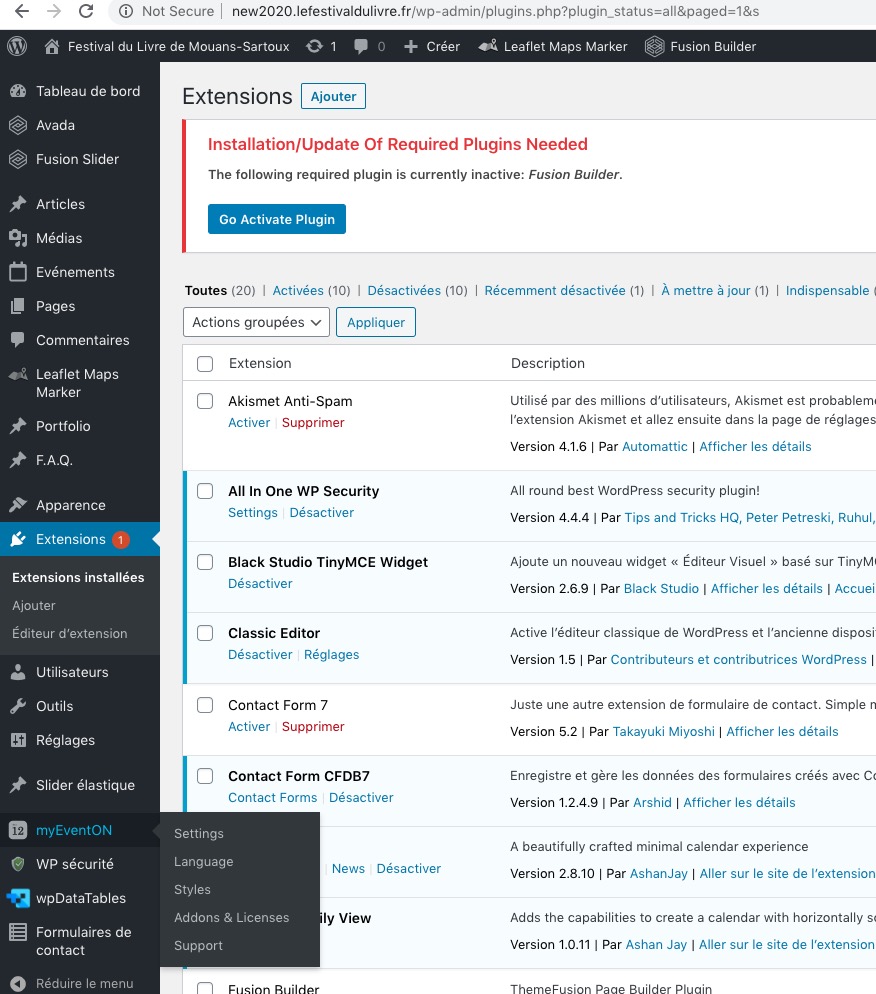
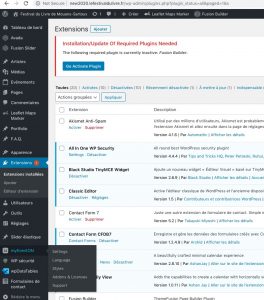
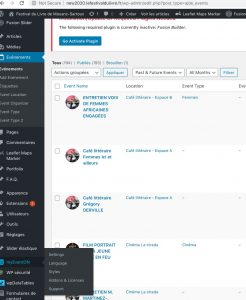
Enabled EventON: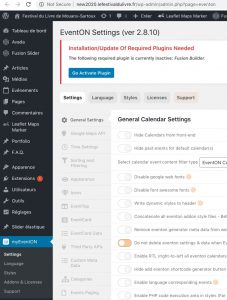
Are you still having the issue?
Hello,
yes this sku is unique, i’ve edit it after the event duplication.
Hello,
Could you please download this file: https://www.dropbox.com/s/2rqrgv5cf6wulen/ajde-wp-admin.js?dl=0 and replace eventON/ajde/ajde-wp-admin.js?
Please make sure to clear cache.
Use this code to make it full-with:
.eventon_desc_in iframe { width: 100% !important; }
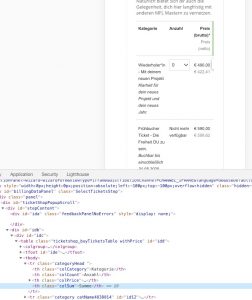
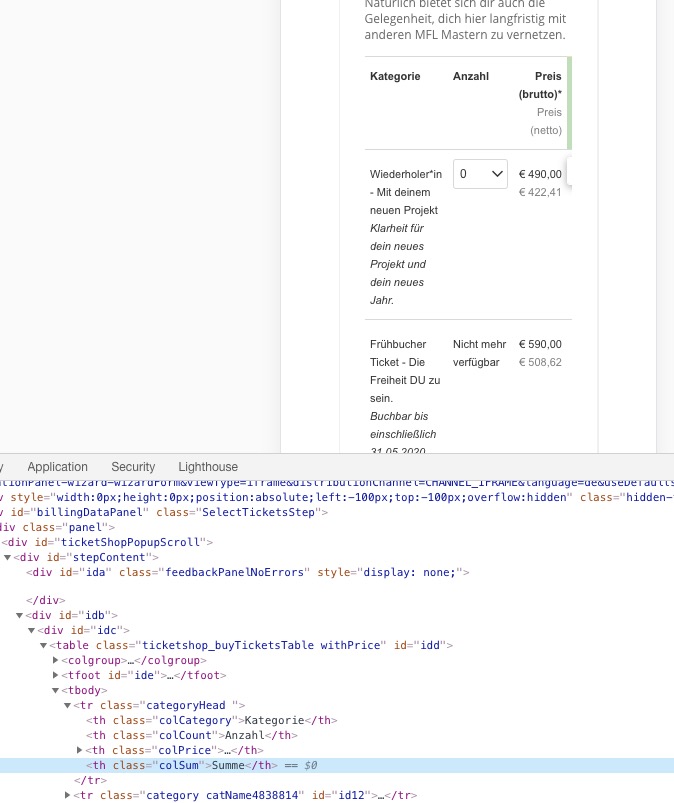
It seems that XING uses a regular table to show content, which means that without special responsive code it won’t work correctly. For example, completely hides “Summe” column: