Could you check and let us know if EventON replaced it with the one from EventON > URL for custom login link?
Archives: Replies
Replies for tickets on suppota
Reply to: tickets(185518)
Hello,
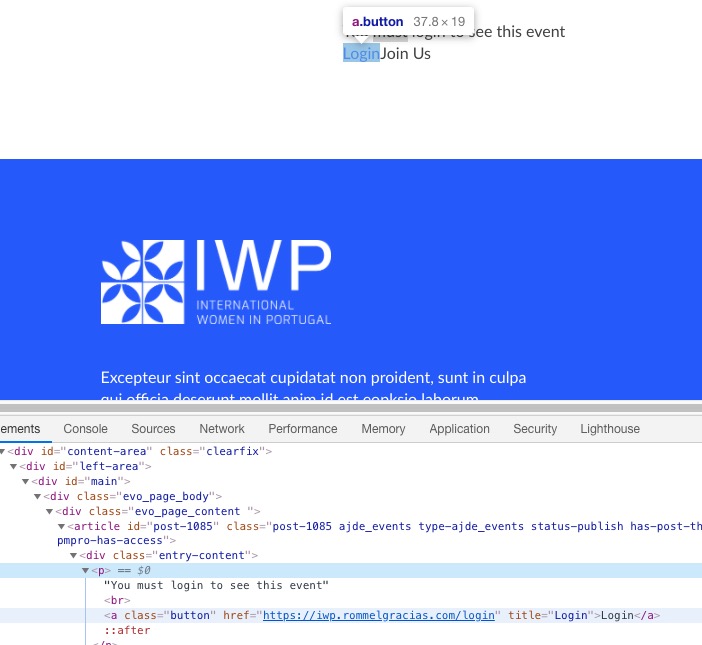
“EventON > URL for custom login link” is for Login button URL:
If provided this URL will be used instead of default wordpress URL for users to login where eventon access is restricted to only login users.
Reply to: tickets(182001)
Hello,
The quote was for the initial part you described. We will need to charge you for the recent request. Let us know how you want to proceed.
Reply to: tickets(184227)
Hello! Is there any news about my problem?
Reply to: tickets(185225)
Have a look now- I have added the shortcode and unfortunately I have never used oxygen before
I have no idea how to make the calendar content take up the space within the tab- but its is there or is this the same issue you were facing?
with having multiple calendars on the one page you need to give full cal an ID so I added: cal_id=”full” to the full cal- the extended addon doesn’t have an ID
if you could make it full width- I as I have no idea how to do that- seems to be some kind of padding or something
Reply to: tickets(185513)
I figured it out!
Needed to work with the default wp editor. Would be handy if you could add extensions to enable ‘shortcode’ config from elementor.
When I added the fullcal as a widget in elementor, it would always be vertically compressed, even if i manually changed the height in css…
Reply to: tickets(182963)
Hello,
Is there a status update on the order? Thanks.
Reply to: tickets(185225)
OK, so I reached out to the Oxygen support team and this was their response:
===
Hey Dan,
I’ve found that the same error occurs if the only shortcode on the page is the full calendar shortcode. I tried to replace the Events List shortcode with:
[add_eventon_fc]
And got the same error as shown in your video.
It seems that there’s something within that shortcode that causes the “Uncaught Error: You must pass a string or Handlebars AST to Handlebars.compile” error. I then searched both the Oxygen files and the EventON files for “Handlebars” and it only appears in their plugin, so there must be something within their code that is causing the uncaught error.
I hope this is some help to you.
Reply to: tickets(185461)
Hello,
My site is a members only site and I’d rather not share the link at this time.
However I verified the problem exists on your demo server as well. In fact, on your demo server, the add-on breaks immediately when the cal_init_nonajax=”yes” is used, as I explained above.
If you can check this for me without my site details I would really appreciate it. Thank you.
Reply to: tickets(180767)
Please clean caches, including in your browser,, and check once.