Hello,
1. Please replace your shortcode with
[add_eventon_list etc_override=”yes” number_of_months=”3″ show_year=’yes’ show_upcoming=”1″ jumper=”yes” hide_empty_months=”yes”]
2. Please fix:
Geocoding Service: This API project is not authorized to use this API. For more information on authentication and Google Maps JavaScript API services please see: https://developers.google.com/maps/documentation/javascript/get-api-key
More info: https://elfsight.com/blog/2018/06/how-to-get-google-maps-api-key-guide/
3. Could you send us a screenshot?
4. Please add this to the shortcode:
event_past_future=”future”
Hello,
Could you send us a ticket number?
Still the same issue: Please send us wp-admin access to your site as a private message for us to further assist your situation.
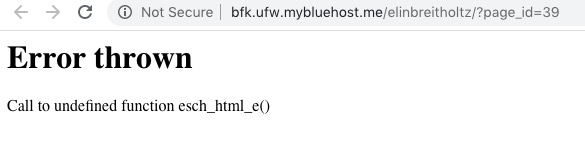
http://bfk.ufw.mybluehost.me/elinbreitholtz/?page_id=39
This is the direct page to the widget, and the problem that you previously experienced is fixed, thank you
thank you for your answer… I don´t need to sell, I just need a booking, a reservation
so, can you tell me what the booking tool is for? I mean I paid 60 USD, and it has no function?
thanks
Further testing shows:
The drop down box is working for “User Interaction for event click” is set for Slide down event card and open event page.
The drop down box is not working for “User Interaction for event click” is set for popup window.
That was basically what they said, if I can ask you to change it. It’s okay, we can live without the countdown since it would be too difficult to refactor either setup. Thanks!
That was basically what they said, if I can ask you to change it. It’s okay, we can live without the countdown since it would be too difficult to refactor either setup. Thanks!
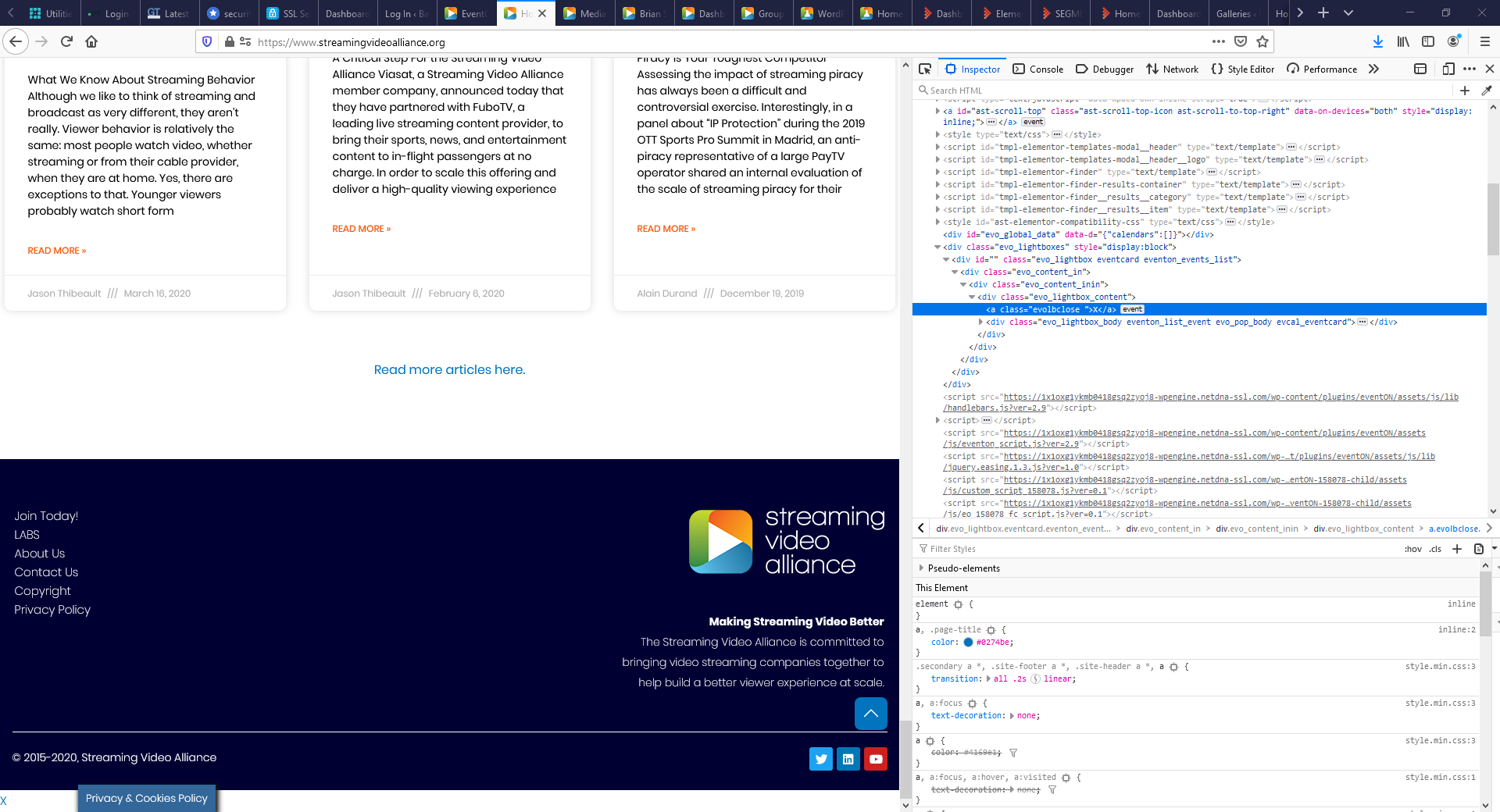
Just to add to this, apparently the whitebar with x div only appears on pages where the EventOn calendar is NOT displayed.
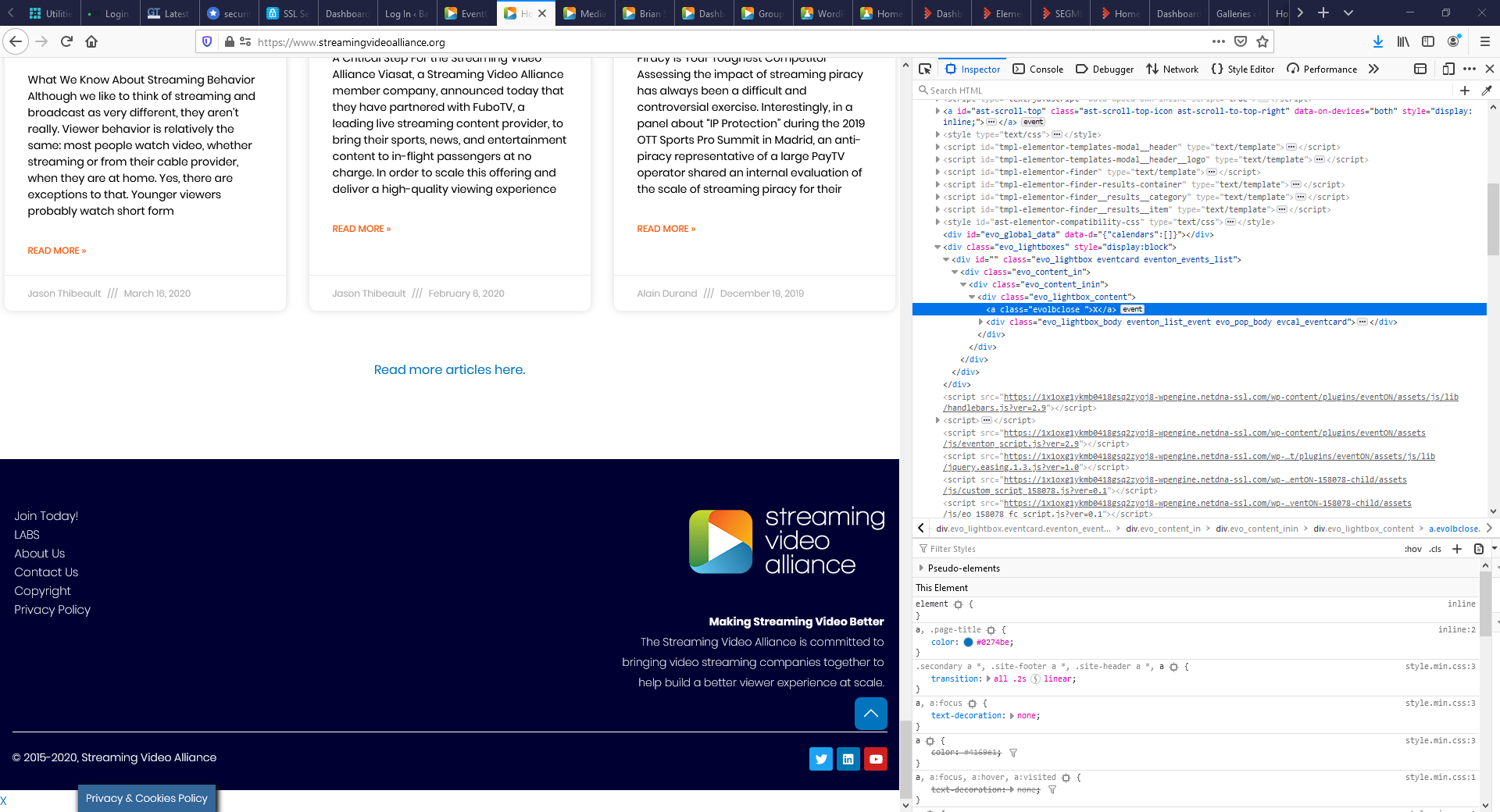
Couldn’t submit the image during the ticket creation, so here it is.