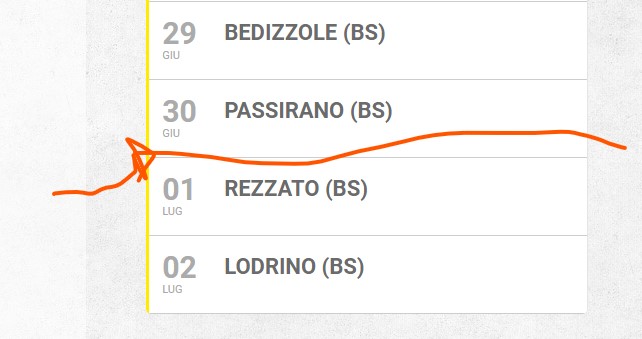
hi, I cleared the cache but in the right column in the past events does not divide the months. ( June July)
Replies for tickets on suppota
hi, I cleared the cache but in the right column in the past events does not divide the months. ( June July)
You can also follow the css customization guide to edit the styling of the page using CSS.
Hello,
Only in the source code, I am afraid. You can send us a customization job request by creating a new ticket in here and selecting Customization Request as the category.
I added the fix. Please check with clean cache.
Please customize the single event page template by following https://docs.myeventon.com/documentations/customize-single-events-page/
You need to copy the structure from page.php or single.php of the theme and then apply it to EventON’s template, since it seems that there is an issue between EventON and the theme.
You can also send us a customization job request by creating a new ticket in here and selecting Customization Request as the category.
I cannot load wp-admin page: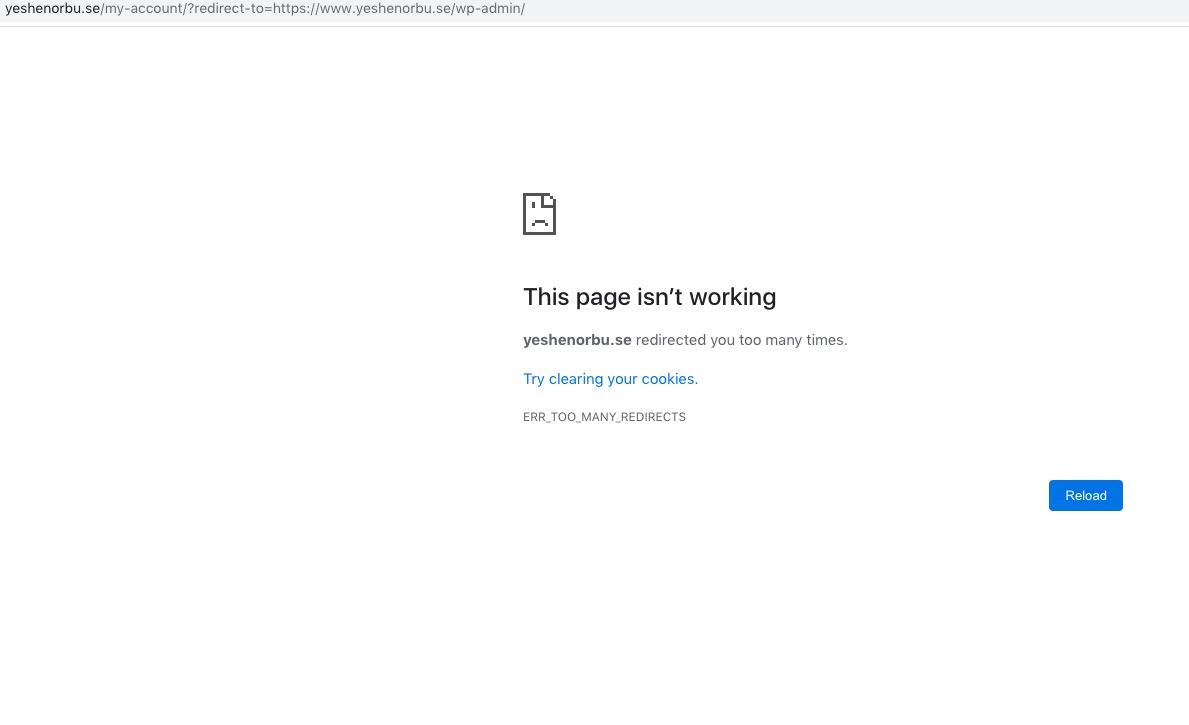
Please also note that Regular’s price cannot be empty. Could you add 0.00?
Thanks Basilis
I am sorry for not being clear enough. Please use https://docs.myeventon.com/documentations/use-eventon-shortcode-executor-widget/. Now put the shortcode you want with eventtop_style=”2″. For example,
[add_eventon eventtop_style=”2″]
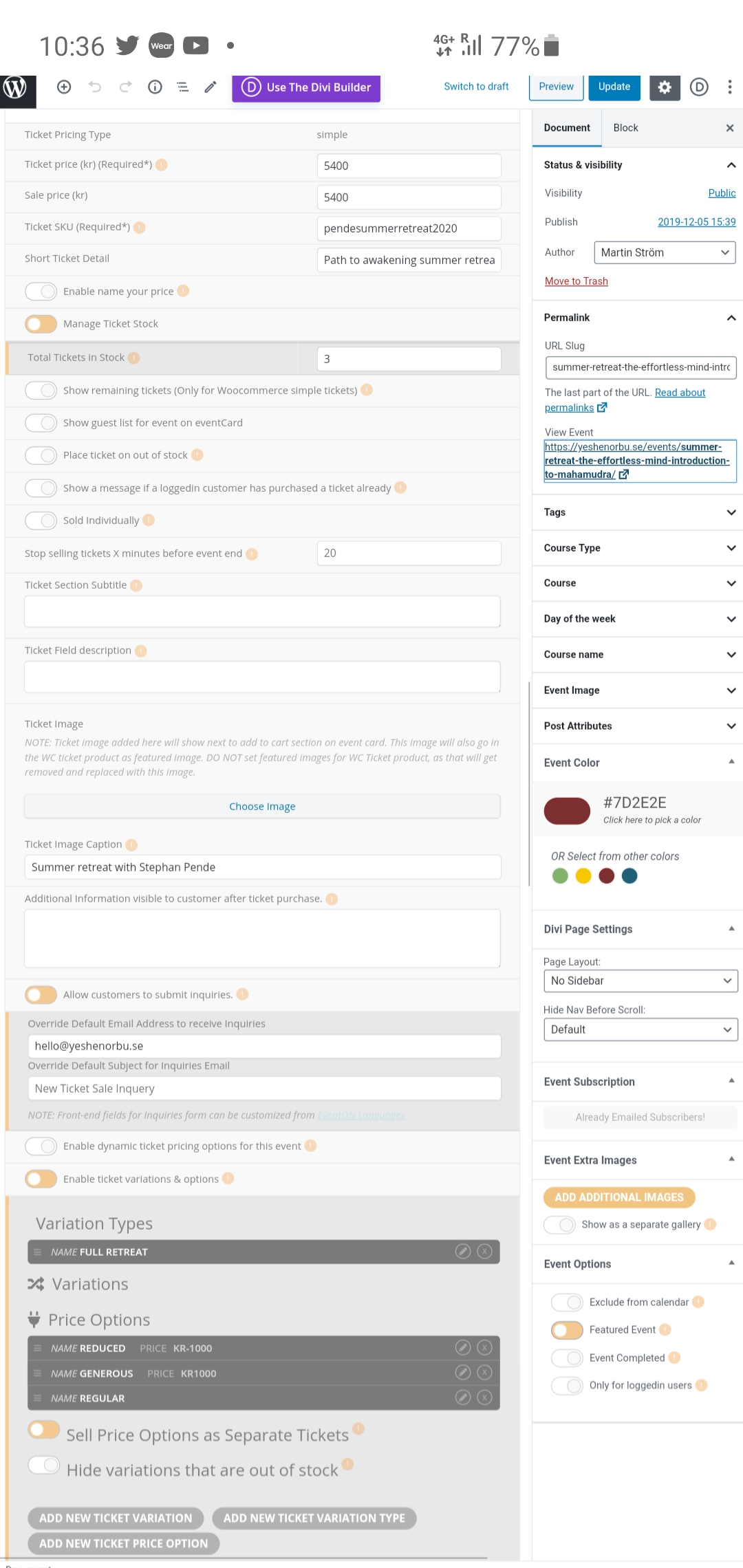
I believe this documentation is for the old way of setting this up before this was available directly in the event config UI. Please note also that we are talking about ticket options, not variations. Attached is a screenshot of how the options are set up.
Please note also that the two ticket options work. It is adding the regular ticket without options that does not work.
Hello,
Unfortunately, we unable to help you with this. Please contact CodeCanyon.