Reply to: tickets(182885)
Replies for tickets on suppota
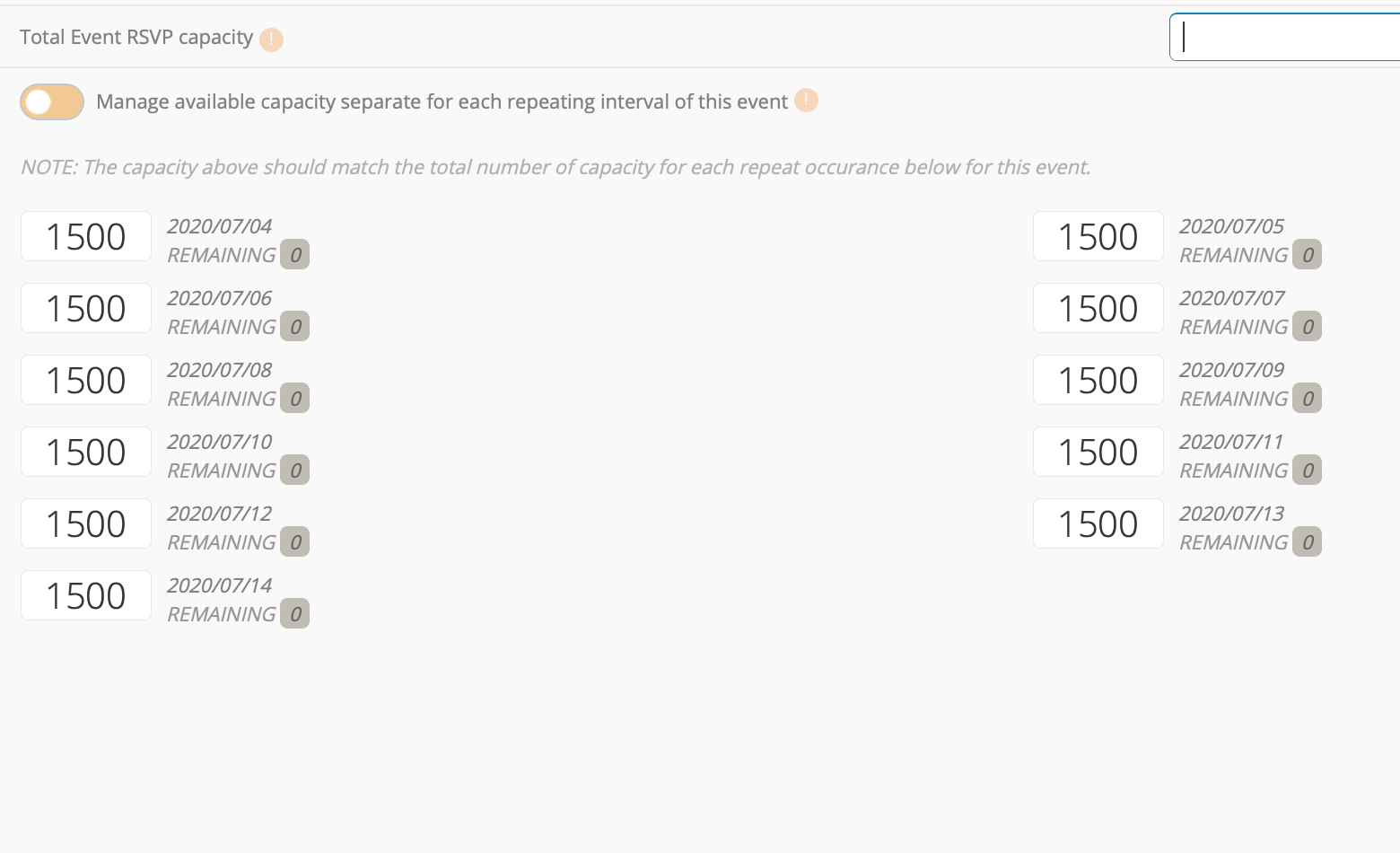
heres the screenshot to go with the info above.
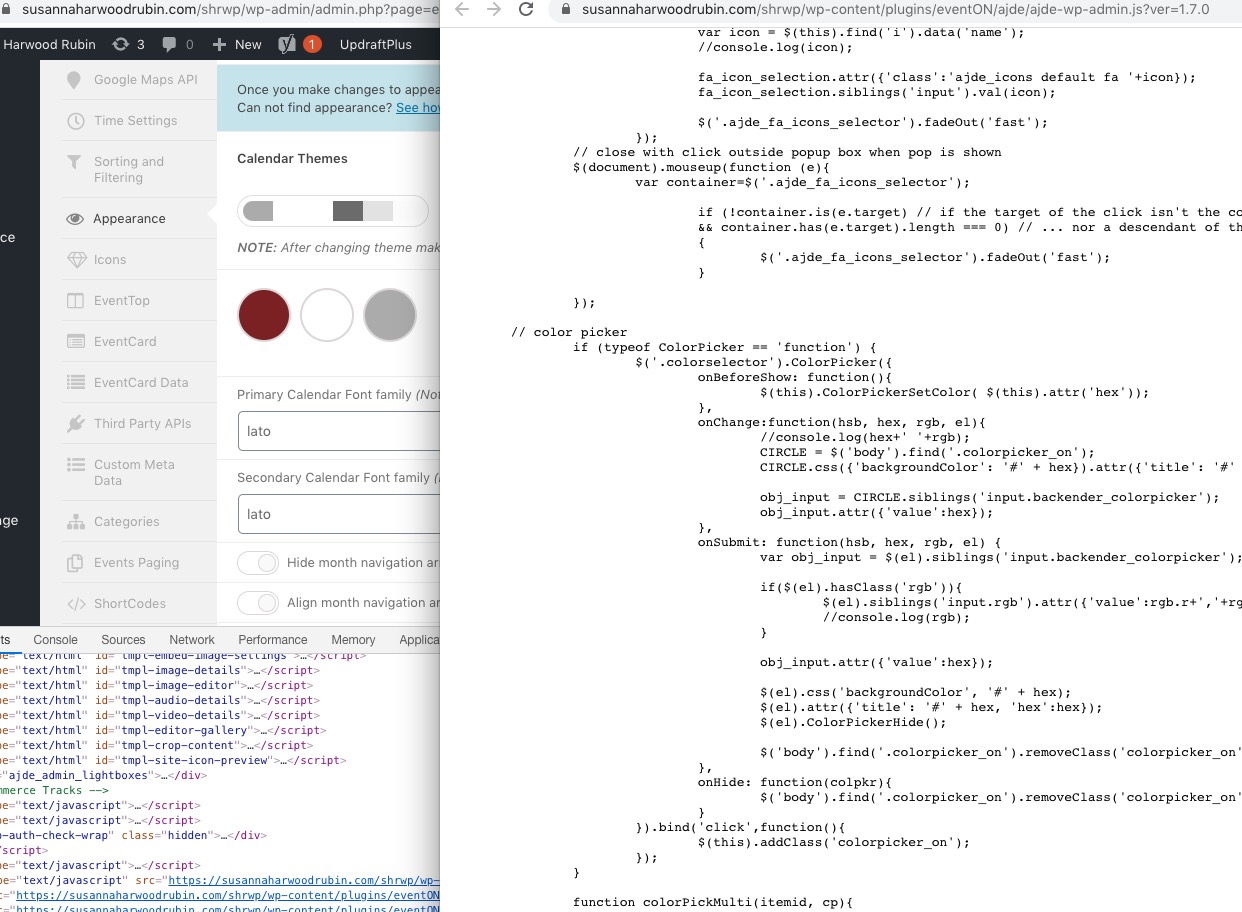
The problem is that it is not possible to change color. When you cliclk at the color nothing happens. And the font does not change.
hi,
Thanks for quick response
https://www.quovadissnooker.es/wp-login/
eventon
Supp0rT!2020
Thanks very much
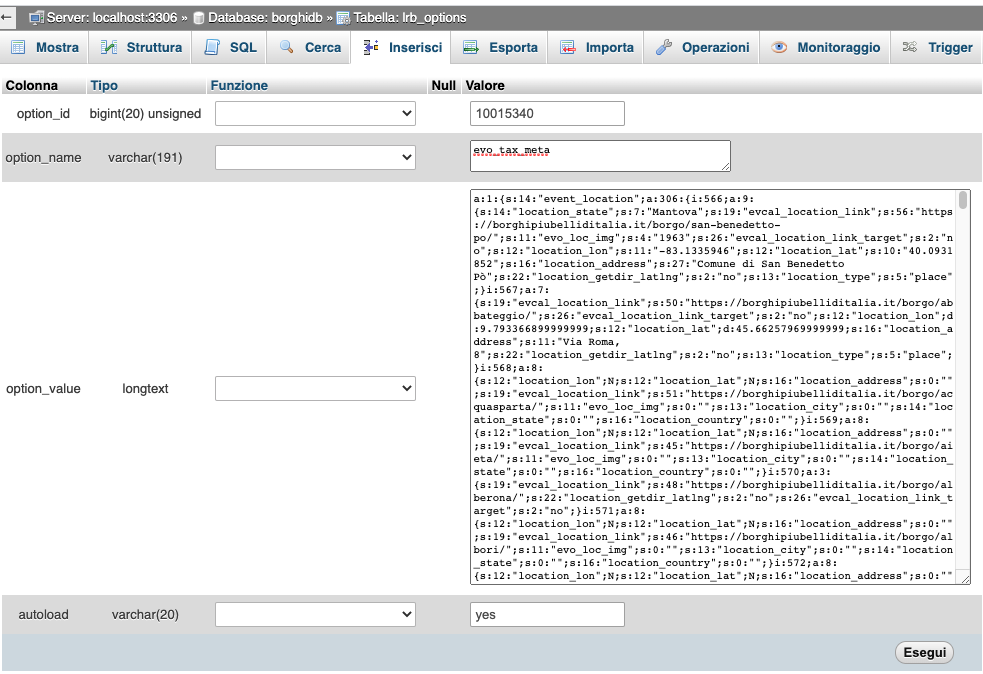
In my _termeta table there aren’t evo term meta data.
Finally i found that meta field for location taxonomy terms” are stored in option table as a serialized row (see attachment).
so can you explain me why is this happening?
Hello,
Please send us wp-admin access to your site as a private message for us to further assist your situation.
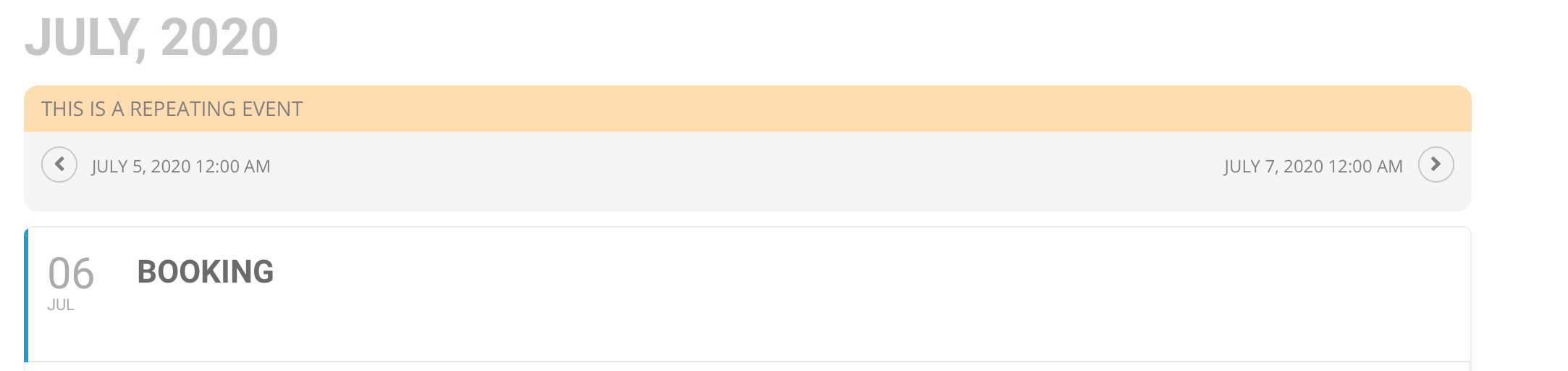
Thank you im updated now, just one thing I have setup a repeated event for 365 days so people can pick any date between now and in 1 years time, however if you look at the attached you have to use arrows to go from day to day, is there anyway to make it easier for a guest to get to a date in August for example rather than clicking the arrow 40 times.
Please add this CSS code to EventON > Styles (If you don’t see any change, EventON > turn off Write styles to header > save settings > turn on Write styles to header):
.eoas_evo_pop_body .evo_page_sidebar { display: none !important }
This code hides the sidebar.
I am trying to change some colors but the color picker isn’t letting me change any longer. I saw you told someone in another post to change the code of the plugin but I don’t know how to do that.
Thank you for your messages, I am going to assign this ticket to Ashan and he will be able to take it from here and find you a solution. Please allow some time for him to get back to you, we greatly appreciate your patience and thank you for being a eventon customer! Also please disable any IP blocking on your site if there are any.
I added some css to change the color of the “add to cart” button, but it didn’t change the hover color.
Please add this CSS code to EventON > Styles (If you don’t see any change, EventON > turn off Write styles to header > save settings > turn on Write styles to header):
#evcal_list .eventon_list_event .event_description .evcal_btn:hover, .evo_pop_body .evcal_btn:hover, .evoTX_wc .variations_button .evcal_btn:hover, .evo_lightbox.eventon_events_list .eventon_list_event .evoTX_wc a.evcal_btn:hover { background-color: red !important; }
Ashan,
Added the fix:
However, you still cannot open Date Picker.