Thank you for your messages, I am going to assign this ticket to Ashan and he will be able to take it from here and find you a solution. Please allow some time for him to get back to you, we greatly appreciate your patience and thank you for being a eventon customer!
Archives: Replies
Replies for tickets on suppota
Reply to: tickets(183905)
We are glad your issue is resolved, if you have any further questions or concerns please create a new ticket.
If you have a moment, we would greatly appreciate if you could kindly leave us a review at codecanyon! from your account > downloads. Cheers!
Reply to: tickets(183827)
We are glad your issue is resolved, if you have any further questions or concerns please create a new ticket.
If you have a moment, we would greatly appreciate if you could kindly leave us a review at codecanyon! from your account > downloads. Cheers!
Reply to: tickets(183950)
Closing that one as duplicate.
Reply to: tickets(183962)
I don’t have that info, it was managed by a former member of my staff, Hussein Alywahby (halywahby@academyart.edu). The work is listed under his email or mine.
Reply to: tickets(183981)
And when i remove this code.
event_past_future=”future”
Then i see all my event. Including my past events
Reply to: tickets(183981)
I have no changed the time from 00:00 to 23.59 on the same date.
No else changes to the calender.
And this is the code i use.
[add_eventon hide_past_by=”ss” hide_so=”yes” eventtop_style=”3″ tiles=”yes” tile_count=”3″ tile_height=”150″ tile_bg=”1″
event_past_future=”future”]
Reply to: tickets(181984)
I’m having problem with my PayPal account. I’ve asked my business partner to pay it. Let me check with her. Stay tuned!
Reply to: tickets(183828)
Hi again,
Thanks a lot that seams to do the trick and now we are able to see the events 🙂
Regards,
Niels Mellemgaard
Reply to: tickets(182739)
Thank you.
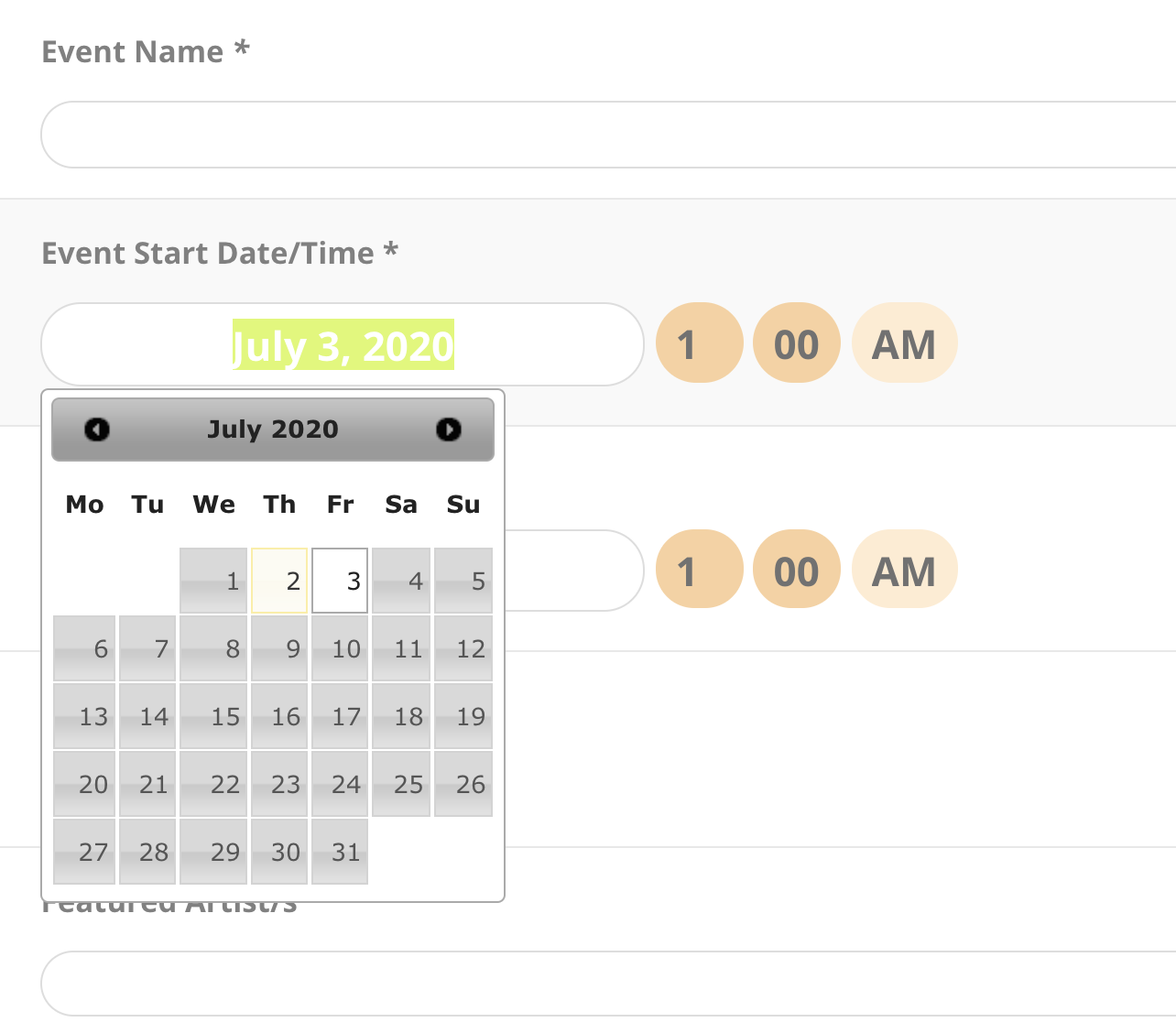
One problem remains- when you type in the date – it doesn’t show up because text is white.