It’s above.
- As it’s on staging, you have to enter a userid and password to get to the site (shesummitstage / SHEGlobl9)
- Once at the site, login and then go to /wp-admin (myeventon / BcYd0jo^2RE1v43e%(XoD&#W)
Please let me know if you have any issues. Thanks.
can you provide us with wp-admin access
not really but there may be a work around. eventon is a custom post type
are you using a plugin to display posts from a variety of sources
if so what plugin are you using- there are plugins out there that will take eventon posts and display them but not all do
we are working on a massive addon which will allow the user to switch to their time zone because with online events- your visitors can be from anywhere on earth but time zones confuse people- we have only just begun and its part of a massive online events addon where for example zoom events will play within your wordpress website integrated with tickets and rsvp however – we literally are on day one of that addon with a bit of work to do with no ETA
if you wish to speed up the process you would need to request custom development
You can send us a customization job request by creating a new ticket in here and selecting Customization Request as the category.
But yeah we hear you and are working on it- just right now there is no eta on it as there is a bunch of other things going on with the addon
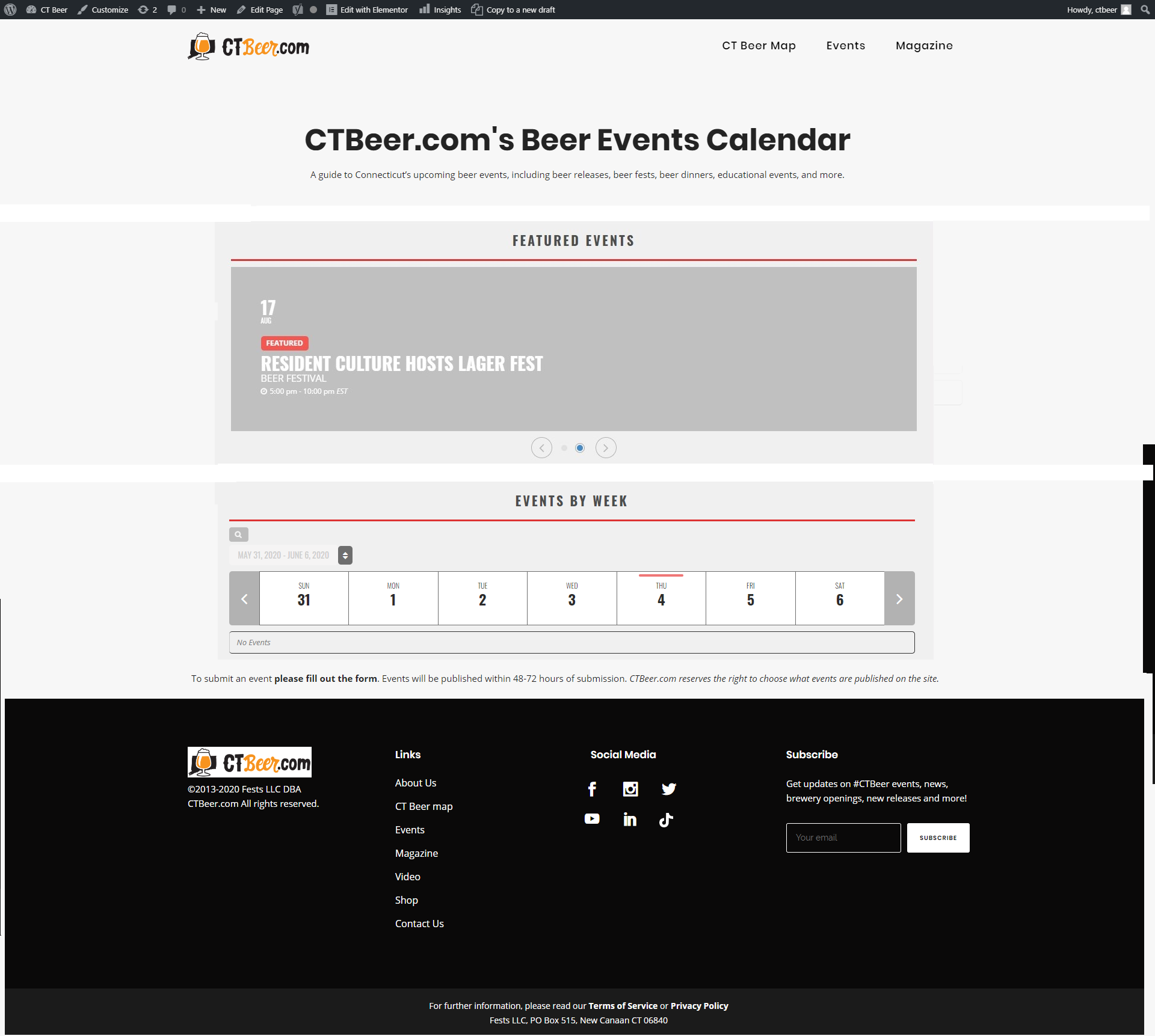
hey, yes, attached is a low fieldlity wireframe. does this help?
i was looking for featured events at the top of my site at this link (in place of the event search tool):
https://ctbeer.com/event-directory/
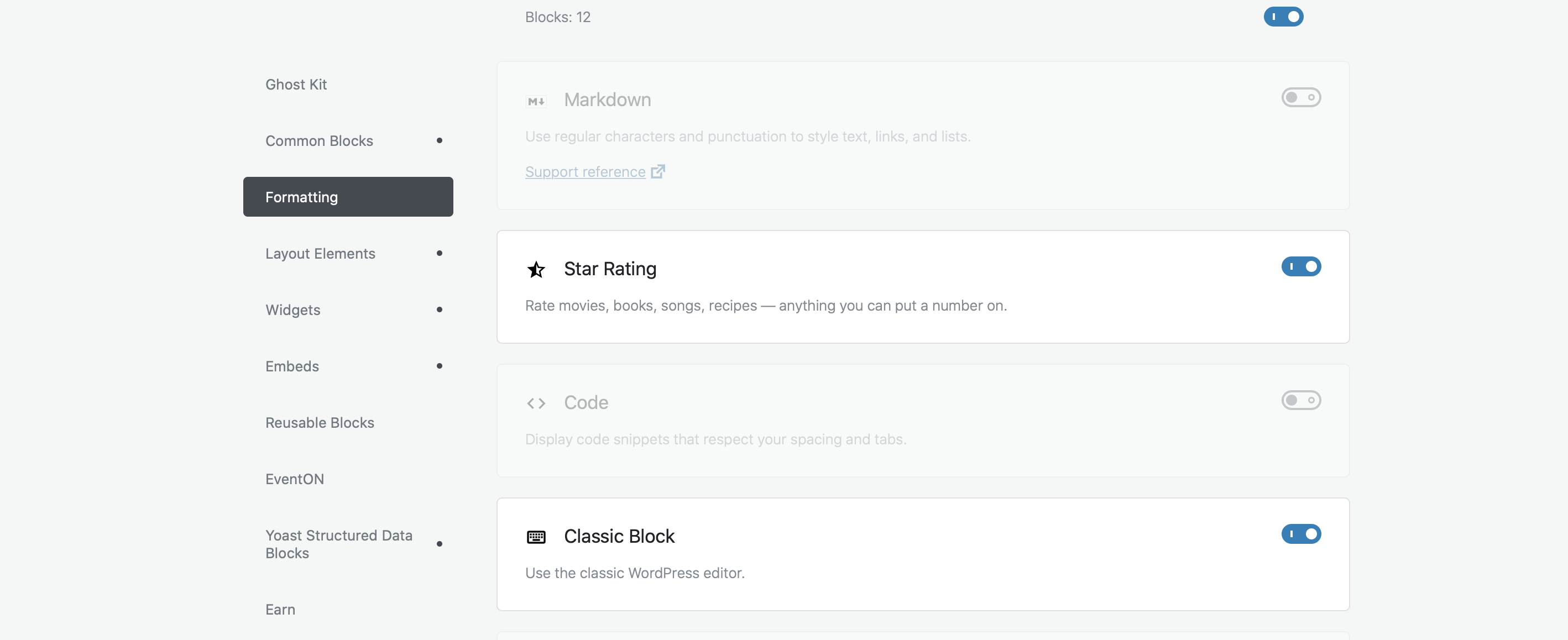
I just activated the block classical editor
Hey Kevin
it is possible, do u have a selected way you want them to be visible? As a design I mean.
I bought the events list extended. All I want to do is display the last 5 events. I can’t do it. I’ve used the shortcode generator with the events list extended among many other variations, but nothing works.
I have 6 events right now in the past. I literally just want to show the most recent 5 events (as there will eventually be more), irregardless of month (i set the event_count_list=”yes”). In some cases, it doesn’t show June (it’s now july). In other cases it does show the ‘June’ event but then shows a total of 6 (when I say event count is 5).
To be honest, it shouldn’t be this hard to display the last 5 events with an events software. I really like how you built this and how it looks, but this is an area that can be improved. I would also include links on ‘how to use’ with the purchasing emails. Explain there are new tabs in shortcode generator, there are now new options in the shortcode, etc.
Can you please log in and correct for me? Please see below how to access our staging site, how to login and the page. It’s the section
HTTP Access
userid: shesummitstage
password: SHEGlobl9
Admin Access (just click login)
userid: myeventon
BcYd0jo^2RE1v43e%(XoD&#W
Page: https://shesummitstage.wpengine.com/member/
Hi,
I don’t think I moved that page.
FTP creds:
Hostname: nassaureads.com
Username: novare@nassaureads.com
Password: f.#242&g@f4%
Port: 21
Thanks for helping Ashan.
Diana

I’m hoping there is an easy solution like this for this problem. I see the section (see attached .png), but I am not really sure how this would work? What does ‘for eventbright’ in this case mean and if I wanted to substitute ‘Bookings’ for ‘Tickets’ how would I do that in this window? And would that substitution change all references to ‘Tickets’ to ‘Bookings’ on the front end?