Sorry I can’t.
But the account I gave you is an admin, you can add plugin there or customize the code.
Replies for tickets on suppota
Sorry I can’t.
But the account I gave you is an admin, you can add plugin there or customize the code.
I did update and the form seems to be working- but the top field (Event Title) still runs off the page.
Also how would I know I needed to update? I just update 2 weeks ago. Neither the plugin page nor the Action User “square” in the licenses page said it needs to be updated. And why do I need to reenter my license number every time I update??
Thank you
Kelly
Hi Arem, great!
Thanks
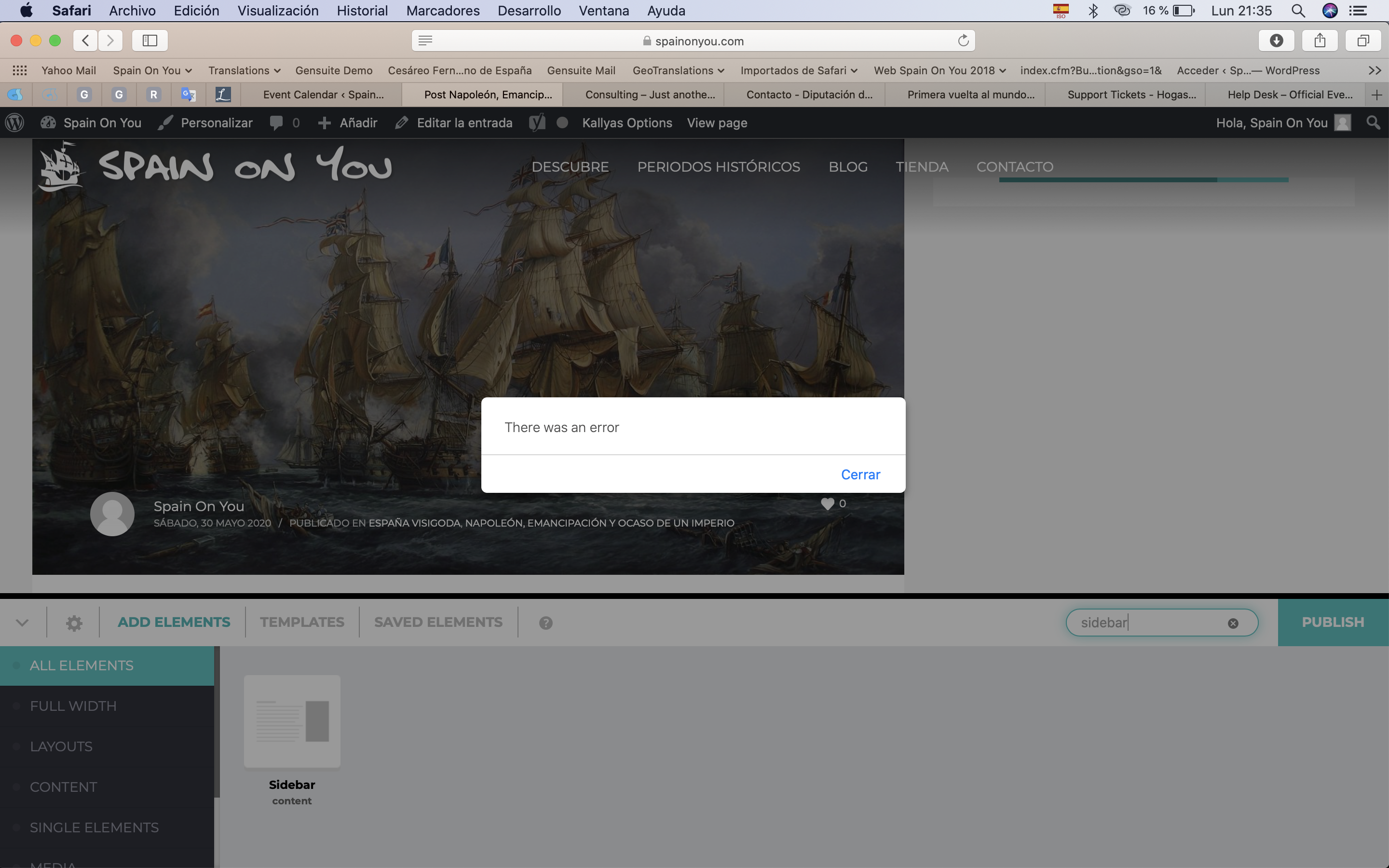
Hi Artem, sorry I had experienced a week-long issue with GoDaddy that screwed up my site. Had to change or rather upgrade to a more robust hosting plan and in the process they messed up my account, etc.
Anyway, I’m still having a pretty nasty issue with trying to add a sidebar and in particularly the Default sidebar which contains the My Wishlist shortcode. These four calendar pages all have a column to host the sidebar, but when I drag the sidebar element from the page builder I get the attached error.
https://www.spainonyou.com/calendario-de-eventos/
https://www.spainonyou.com/calendario-de-eventos-lista
https://www.spainonyou.com/calendario-de-eventos-almanaque
https://www.spainonyou.com/calendario-de-eventos-mapa
Impossible to get it to work.
Any tips?
Hello,
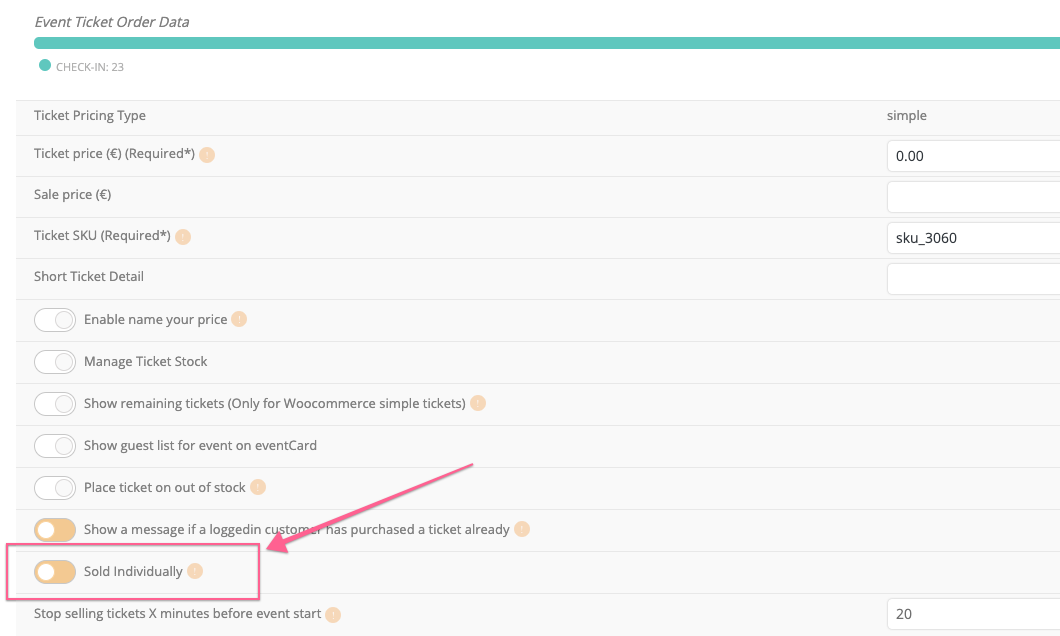
I have already found the error. The fault appears when we activate the option “Sold Individually”. I can only allow one ticket per person. How can it be solved?
Attachment screenshot.
Thank you,
Vicente
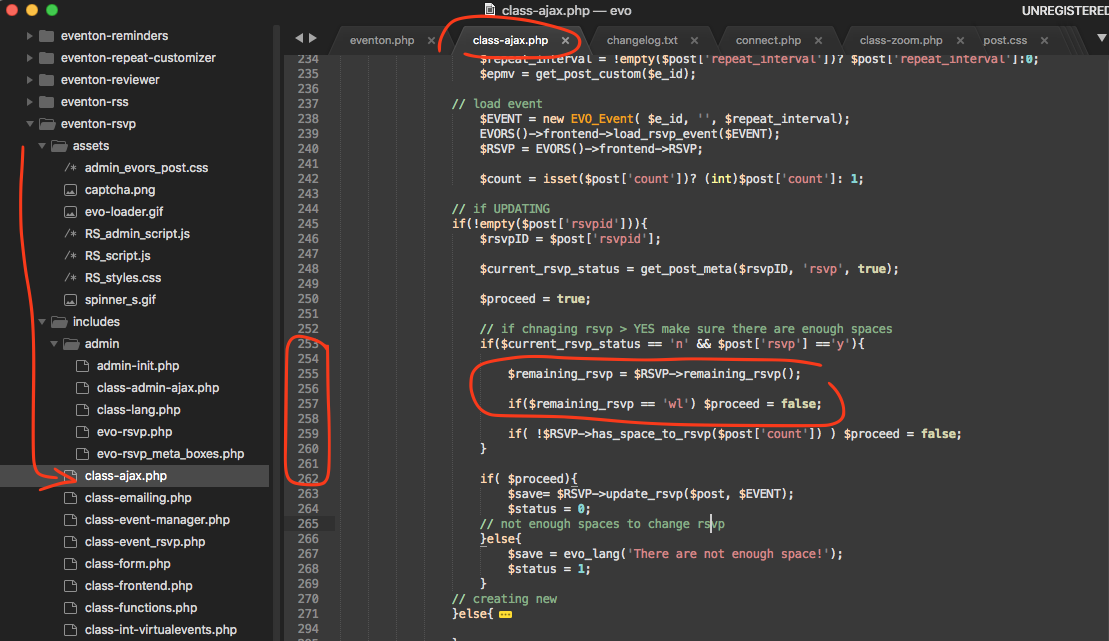
that was a wrong patch fix. Here is the correct one 🙂
Hello,
Unfortunately, we unable to refund the main plugin. Please contact CodeCanyon about this.
As for add-ons, could you send us order ids so we can find them in our system.
Thank you very much for reporting this. Here is the patch fix.
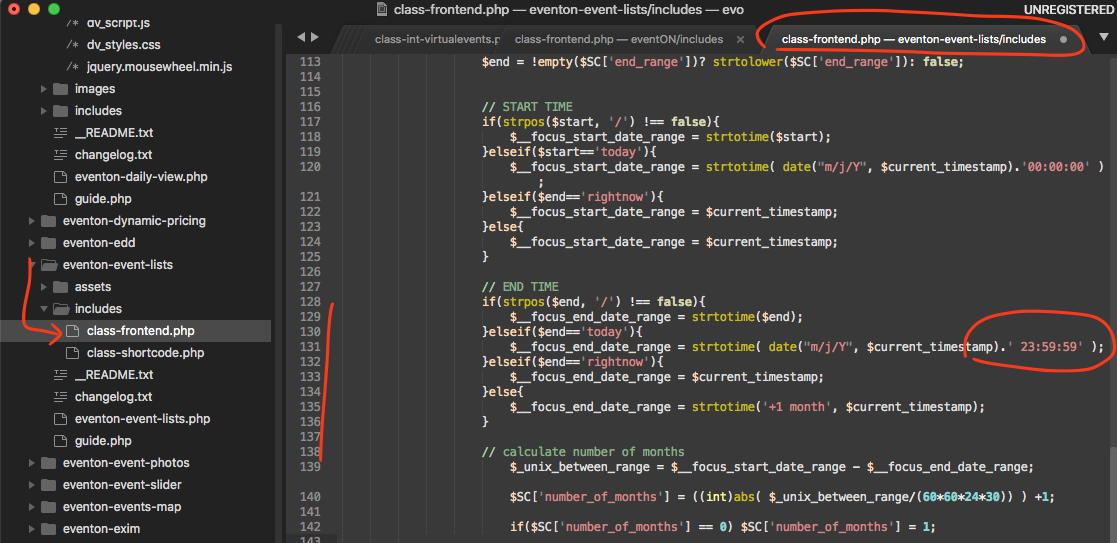
Look forward to your name in the changelog for credits for reporting this issue 😉

Organizer. The option is not in Edit Event > Organizer, but in Edit Event > RSVP > Additional email addresses to receive email notifications for new RSVPs.
No issues on our test site:
http://dev2.myeventon.com/events/te/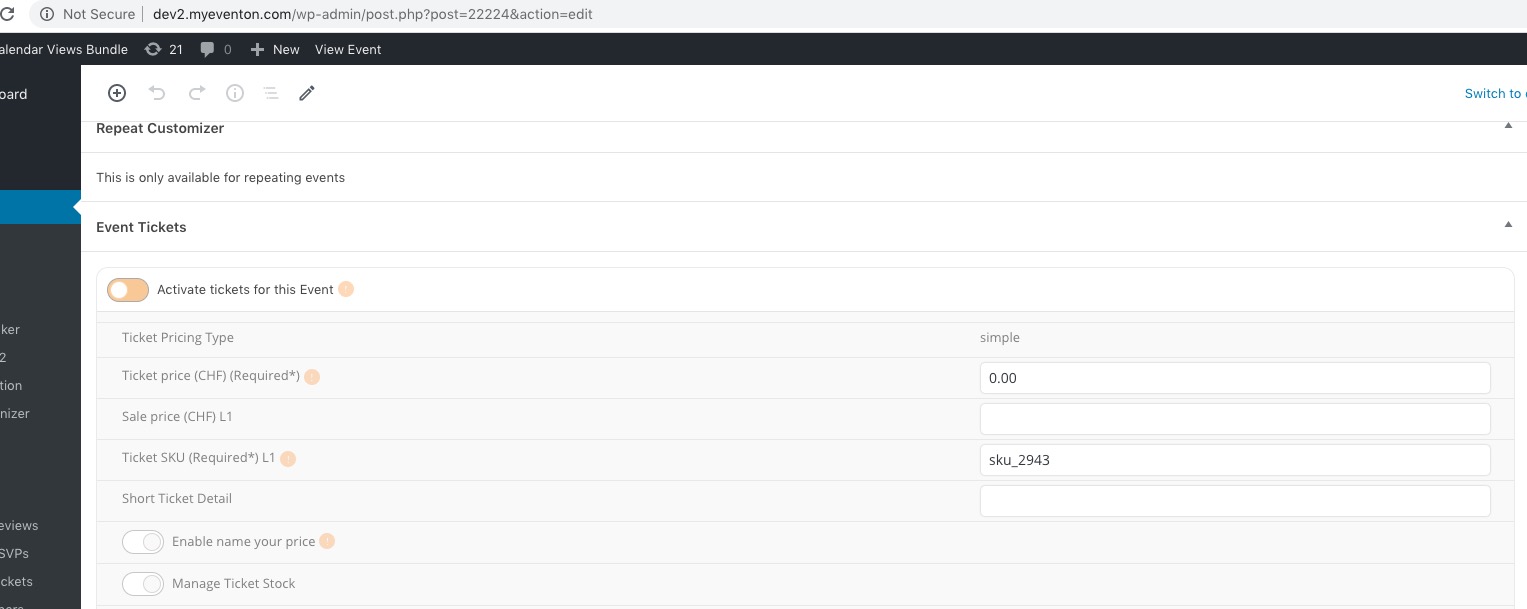
Please send us wp-admin access to your site as a private message for us to further assist your situation.