Ashan,
The same on dev2:
http://dev2.myeventon.com/wp-admin/admin.php?page=evoics&tab=evoics_2&steps=ni

Replies for tickets on suppota
Ashan,
The same on dev2:
http://dev2.myeventon.com/wp-admin/admin.php?page=evoics&tab=evoics_2&steps=ni
Hello,
Thank you for your messages, I am going to assign this ticket to Ashan and he will be able to take it from here and find you a solution. Please allow some time for him to get back to you, we greatly appreciate your patience and thank you for being a eventon customer! Also please disable any IP blocking on your site if there are any.
It seems that you are correct. In this ticket other customer points out that related term meta is stored in wp_options: https://helpdesk.ashanjay.com/ticket/event-location-and-organizer-taxonomy-meta-not-migrating-between-installs/.
Thank you, quick question, is there anyway to filter rsvp attendees by date in the backend and print out a report of all people on a certain day?
Please go to Edit Event > Times > Repeating > enable Show other future repeating instances of this event on event card AND Allow repeat dates to be clickable.
Ashan,
Please check:
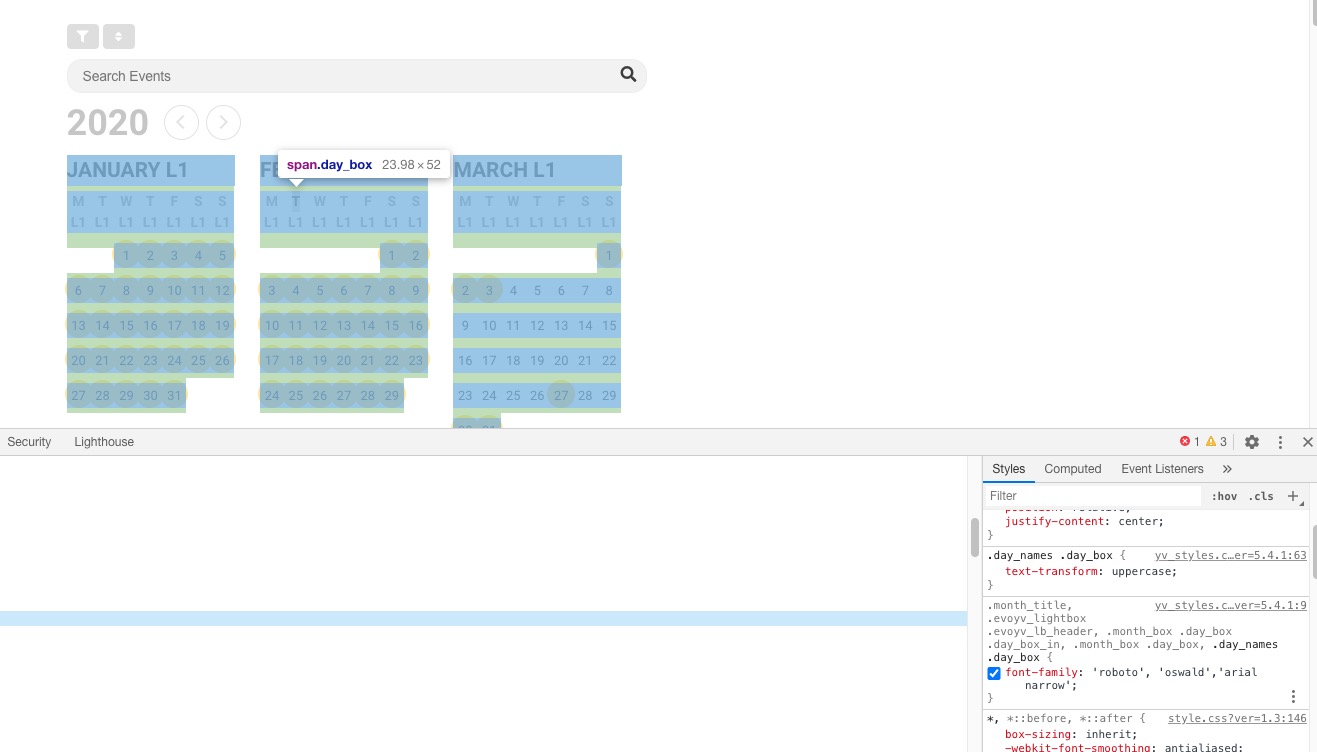
2. It seems a lot of things still have to be improved concerning the yearly view plugin, especially if the calendar is built like in my website. For example, even if the font styles have been indicated in the myeventon appearance parameters, I had to change everything manually with CSS to make it work (with the yearly view, font parameters do not work!).
The same on dev2:
2. Thank you for your messages, I am going to assign this ticket to Ashan and he will be able to take it from here and find you a solution. Please allow some time for him to get back to you, we greatly appreciate your patience and thank you for being a eventon customer! Also please disable any IP blocking on your site if there are any.
New issue: the permalink of the events is not correct because it is not translated in the website language (see enclosure). I need the word “events” in the permalink to be in French (evenements). Can we change that?
Please go to EventON > Events Paging > EventOn Event Post Slug. After go to wp-admin > Settings > Permalinks > Save.
Any news about this work?
ok, that speeds up the speed a lot!
I had another cach plugin before. I don’t think that the database querrys / objects was buffered.
Now I can put the page online with the daily view. thanks
Could you try replace the whole ajde-wp-admin.js file and make sure to clean the cache:
https://www.dropbox.com/s/2rqrgv5cf6wulen/ajde-wp-admin.js?dl=0
You can find it in plugins/eventON/ajde.