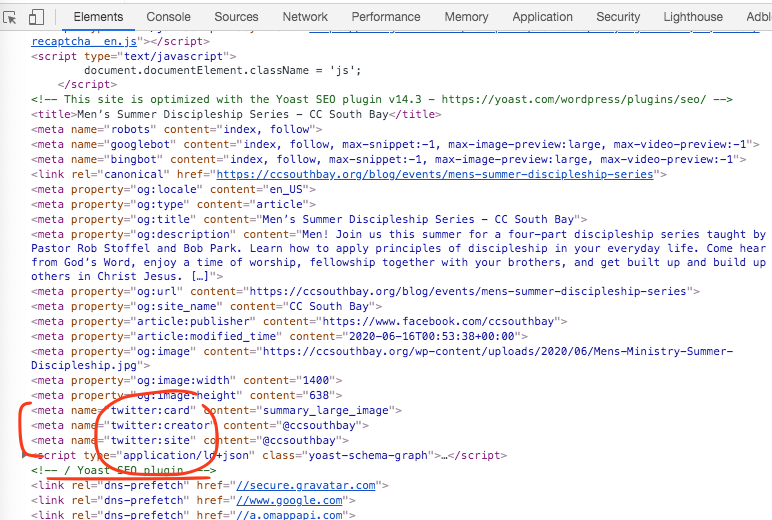
Actually i know whats happening.
The code you have added work fine. But yoast SEO is also adding twitter tags to header. and their tags are in header before eventON tags. SO i think twitter use what ever comes first and because yoast is missing image that is why you are not seeing the image.
And Peter the code i provided is the exact code twitter recommend for adding to meta headers. There is nothing we can do from outside to force the event image other than providing these meta tags. Try clearing cache as basilis suggested. Can you send me a direct link to an event you are having issues?
Brad, that is a great idea. At the moment the auto generator does not suppose gap between blocks. And I will add this in the next version update to booking addon. Will make this a priority feature as lot of people would benefit from it during these covid times.
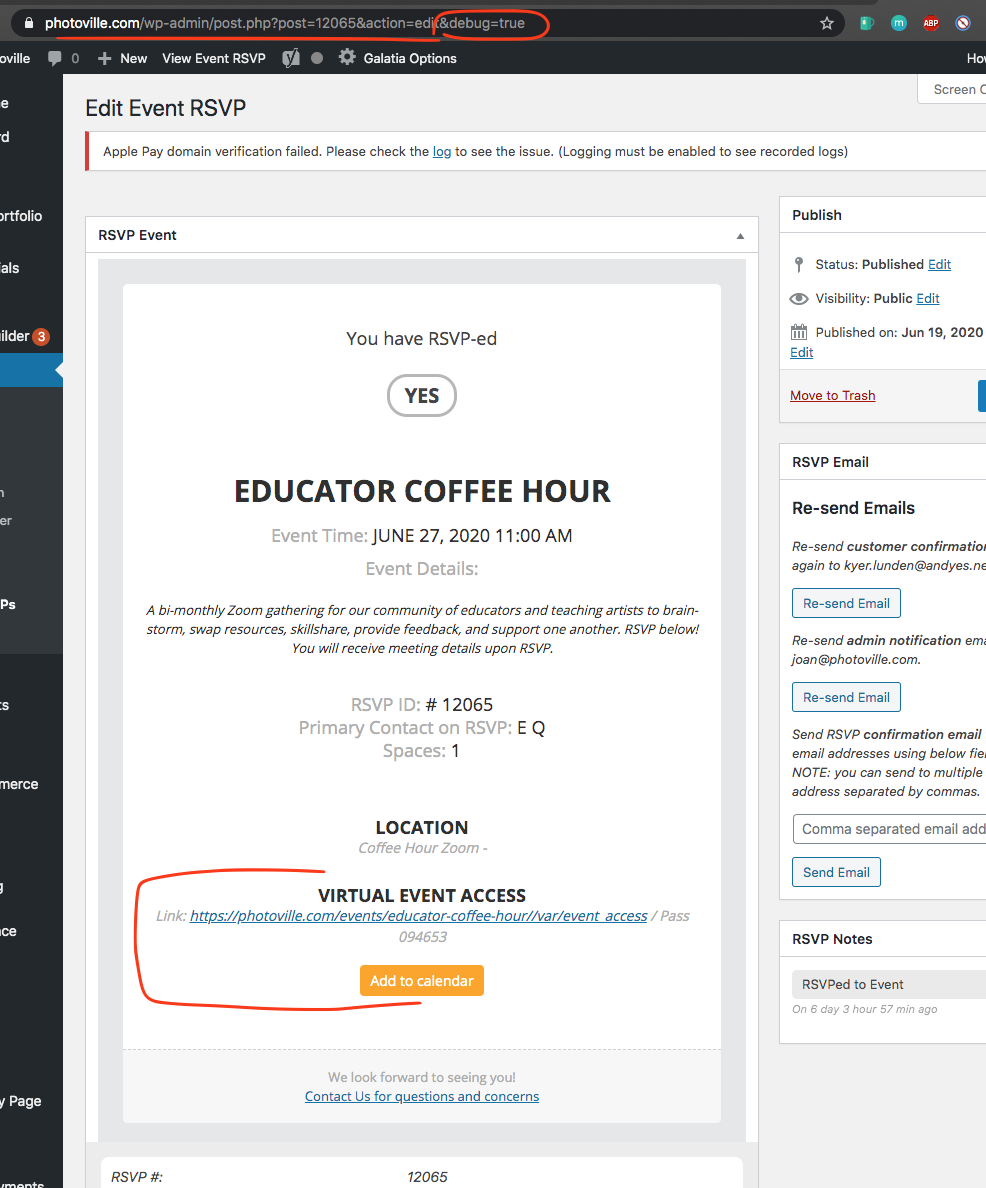
Ok so I loaded the event rsvp post with emailed template in and it shows the virtual event information in there.
Are you able to share a screenshot of how your email looked?
We are glad your issue is resolved, if you have any further questions or concerns please create a new ticket.
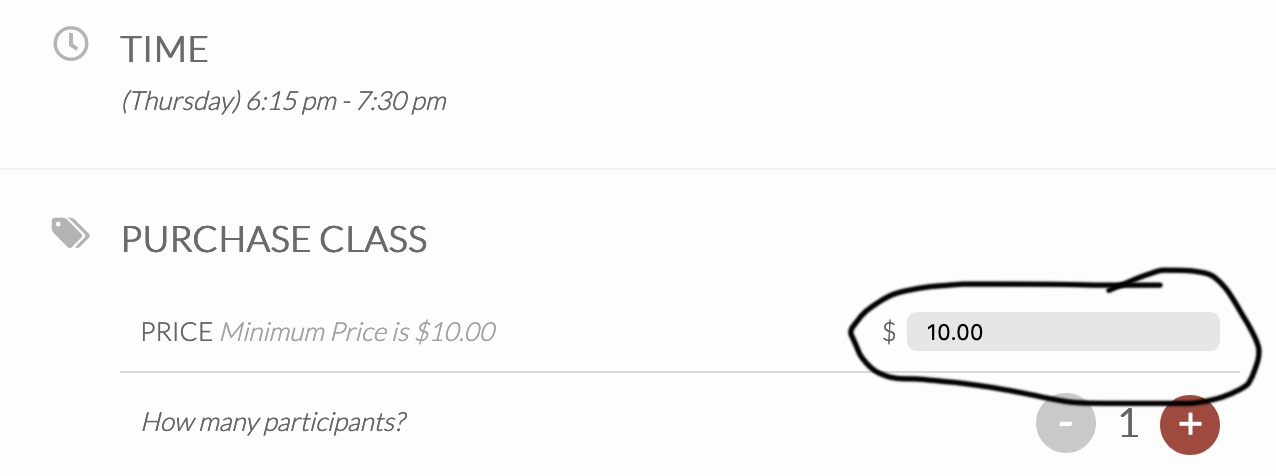
thank you! last question i think:
Is it possible to take out the name your price place holder amount as the minimum $?
Dave,
Apologies for the late response. Thank you very much for the video. It helps a lot!
Re: the information for each guest (#1 above), let’s use an example to make sure I understand: let’s say I wanted to add Company, Job Title, Email, Random Field 4 to checkout.
- I would add the filter (I do via snippets) documented here: https://docs.myeventon.com/documentations/how-to-add-additional-fields-at-checkout/.
- Then for each person in the qty, they will see each of these fields?
Thanks,
john
For example,
Then, if 5 people bought tickets, it wou
LOL! I didn’t realize people were switching those off. Thanks!
Ok last question. When entering a number it does not show more than one number at a time. So if someone was to put in 15 it would only show the second number of 5. we are having people enter in multiple numbers and getting confused because only one is showing on the screen. can that input box be made larger?
Hi,
That is a feature request and not a customization request, this is why no one has replied yet! 🙂
You can send us a customization job request by creating a new ticket in here and selecting Customization Request as the category.