Hello,
Please confirm that this is the correct Order ID:
#89027 Event API – Single Site
It lets you get Json data not “put’
Are you referring to this part:
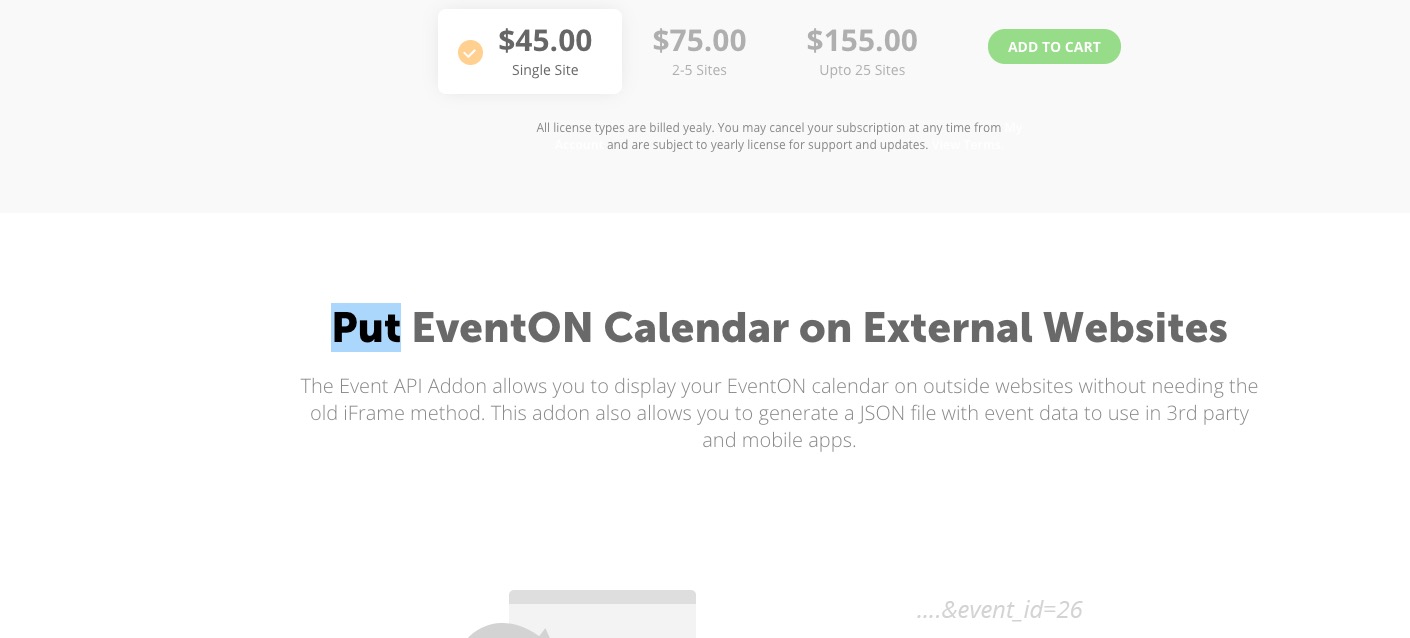
Replies for tickets on suppota
Hello,
Please confirm that this is the correct Order ID:
#89027 Event API – Single Site
It lets you get Json data not “put’
Are you referring to this part:
Please send us wp-admin access to your site as a private message for us to further assist your situation.
As I mentioned in Jun 12,2020 AT 3:57AM – Posted 4 Days Ago – #180654, your theme hides it. Please comment the CSS style in micro-office/css/plugin.eventon.css:214.
I added more styles to fix arrows. Please check and let me know.
Unfortunately, we have limited support for customzation requests. However, Additional Images IDs should be saved in this field:
_evo_images
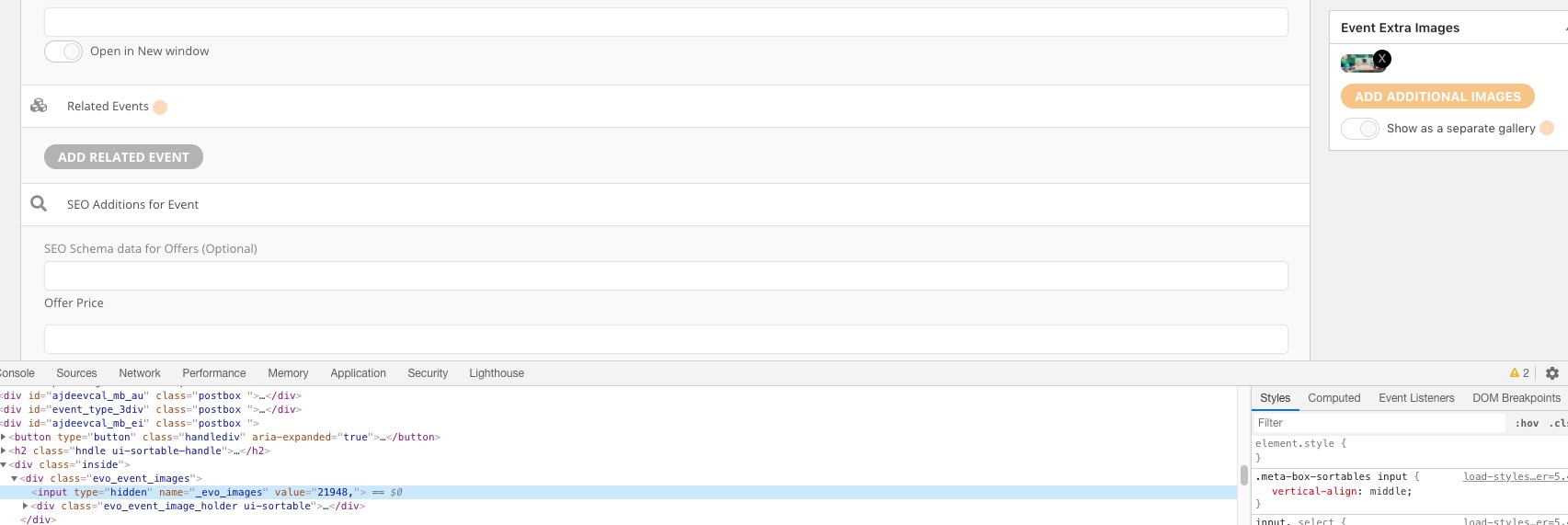
So you need to take the code from https://docs.myeventon.com/documentations/import-additional-fields-using-hooks/, replace _field_var_name with _evo_images and then put everything to functions.php of the theme.
You can also send us a customization job request by creating a new ticket in here and selecting Customization Request as the category.
Please update EventON to 2.8.10. Now go to Pages https://tribunenewsnow.com/wp-admin/edit.php?post_type=page > press Edit > add EventON shortcode
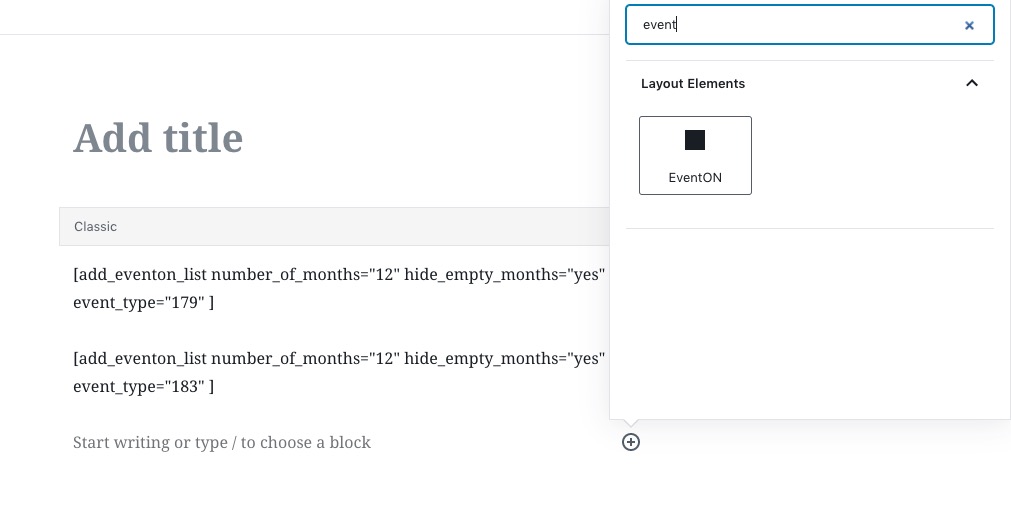
> select Event Lists > Number of Months = 12 > find Event Type and select categories you want to show.
We are sorry for the inconvenience. The thing is that my suggestion fixed the issue however since there are quite a lot of events it seems that your website didn’t have enough memory to handle the import process. No issues on our test server: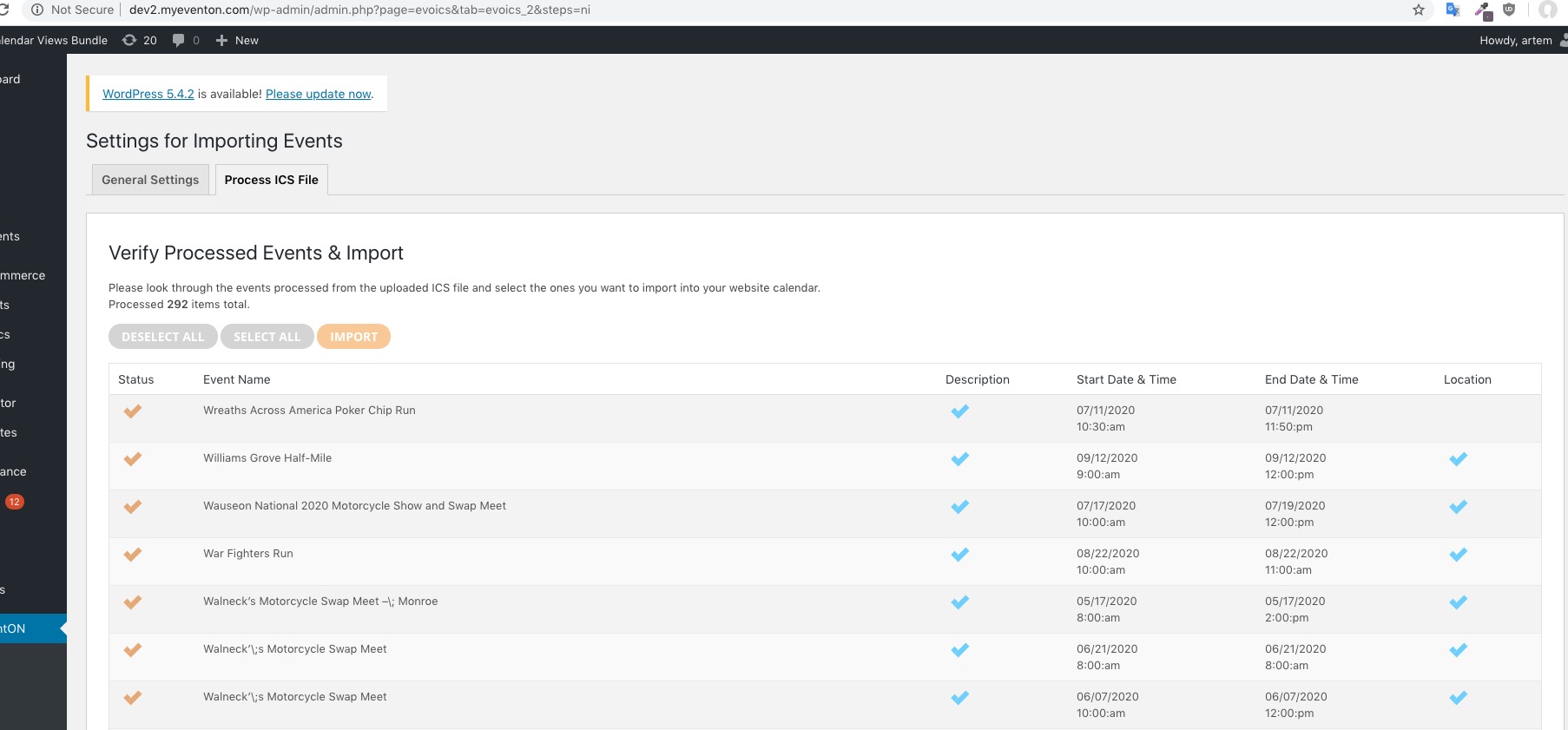
You can see yourself if you enable WP_DEBUG:
Please follow the instructions in this documentation to activate debug in your site to see any PHP errors recorded that can provide insight on to whats going on. Please reply with a link to debug.log file. If you are not able to do this please send us FTP access to your site so we can do this for you.
Just to make it clear. Could you tell us, you want to add additional fields to Google Calendar, then export the .ics file with extra fields and import it into EventON, correct?
it adds a bunch of random numbers and signs to the title, etc.
Those are UTF-8 Unicode characters and are necessary. Your editing software supposed to convert those for better readability. Could you send us a screenshot?
CodeCanyon comments are only for pre-sale questions, so for any technical assistance we must send you here, I am afraid.
As for your question, you didn’t point to the guide so I assumed you didn’t check it.
Unfortunately, what you are trying to achieve can only be done with a customization request.
Paid.
Contact Email: steven.heong@pacificapexgp.com
Login Email: stevens.heong@pacificapexgp.com
Password: 1706Custom2020
Website: https://littlemandarin.hk/ or https://littlemandarin.hk/wp-admin
While our main developer is checking your refund request on CodeCanyon, could you send us a link to your website with the styling issue? Maybe we can fix those issues with CSS and you don’t need to refund?