Hello,
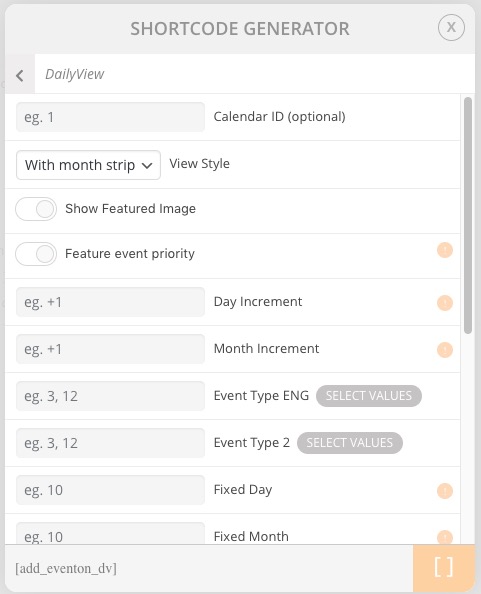
Unfortunately, Daily View doesn’t support event_count or show_limit options. Please check available options in Shortcode Generator:
Replies for tickets on suppota
Hello,
Unfortunately, Daily View doesn’t support event_count or show_limit options. Please check available options in Shortcode Generator:
Daily View uses a different design to show event dates since the user selects a day. Please add this CSS code to EventON > Styles (If you don’t see any change, EventON > turn off Write styles to header > save settings > turn on Write styles to header):
.ajde_evcal_calendar.evoDV .evcal_cblock em.date, .ajde_evcal_calendar.evoDV .evcal_cblock em.month, .ajde_evcal_calendar.evoDV .evcal_cblock em.year { display: block !important; }
.ajde_evcal_calendar.evoDV .evcal_cblock em.time, .ajde_evcal_calendar.evoDV .evcal_cblock .evo_end.only_time { display: none !important; }
.ajde_evcal_calendar.evoDV .evcal_cblock .evo_end, .ajde_evcal_calendar.evoDV .evcal_cblock .evo_start { display: inline-block !important; float: left !important; }
Hello,
Please use Event Lists: Ext https://www.myeventon.com/addons/event-lists-extended/ add-on. Try on http://dev.myeventon.com/wp-admin/:
[add_eventon_el number_of_months=”12″ event_count=”3″ event_count_list=”yes” hide_empty_months=”yes”]
Hello,
This space is needed for the slider dots navigation element.
Please add this CSS code to EventON > Styles (If you don’t see any change, EventON > turn off Write styles to header > save settings > turn on Write styles to header):
.evosl_footer_outter { display: none !important; }
Hello,
Please check this guide: https://docs.myeventon.com/documentations/how-to-deactivate-eventon-addon-licenses/. However, if you want to deactivate the license of the main plugin please go to your previous website > EventON > Licenses and press Deactivate.
Additionally, I was upgrading from 2.6.16 and did not slide the toggle to ON like the support article said to save my data. But everything got wiped out.
If you don’t want to delete events and EventON Settings you must enable “Do not delete eventon settings & data when EventON is uninstalled”. Please check:
To update eventon to latest version: If you are unable to do autoupdate, you can go to codecanyon your account > download and get the latest eventon version as zip file. Then you can go to your website, deactivate old eventon, activate (Do not delete eventon settings & data when EventON is uninstalled) from eventon settings, delete old eventon, install new one and activate. This link will further explain the process it. Also you can follow us on twitter to get real-time announcements on updates!
Hello,
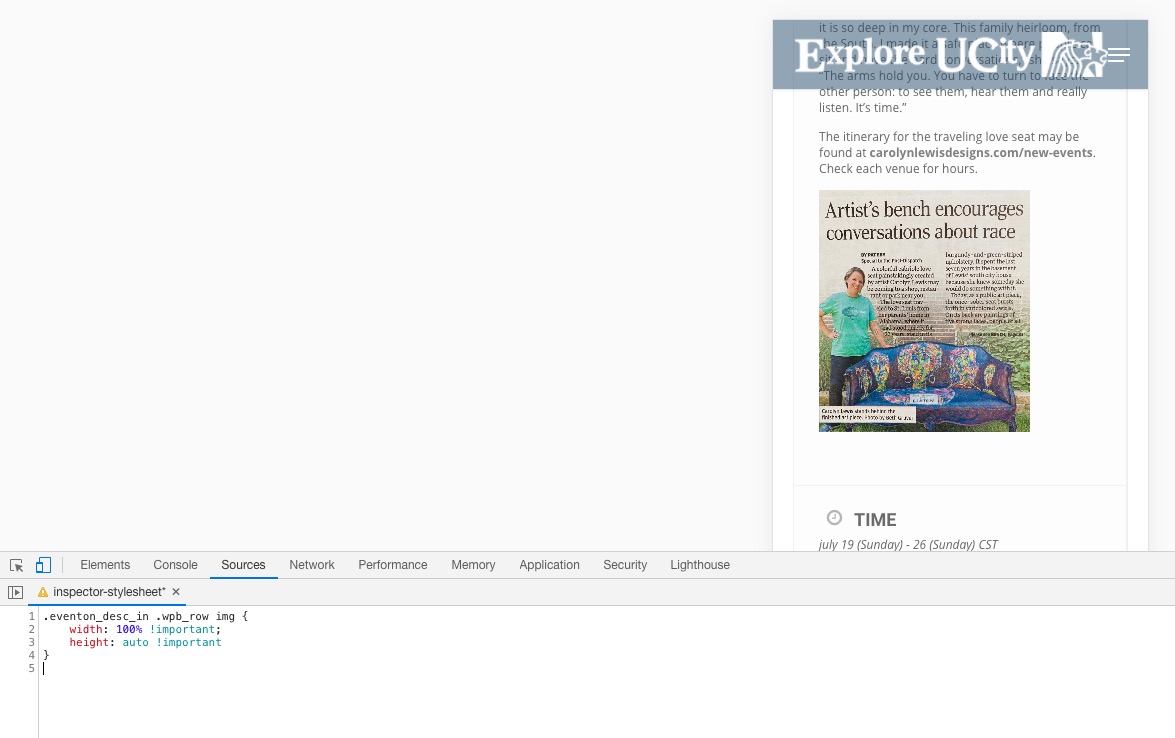
Please add this CSS code to EventON > Styles (If you don’t see any change, EventON > turn off Write styles to header > save settings > turn on Write styles to header):
.eventon_desc_in .wpb_row img { width: 100% !important; height: auto !important }
Please send us wp-admin access to your site as a private message for us to further assist your situation.
Please also send us FTP access to your site as a private message. Thank you!
I re-saved EventON Settings so now this works: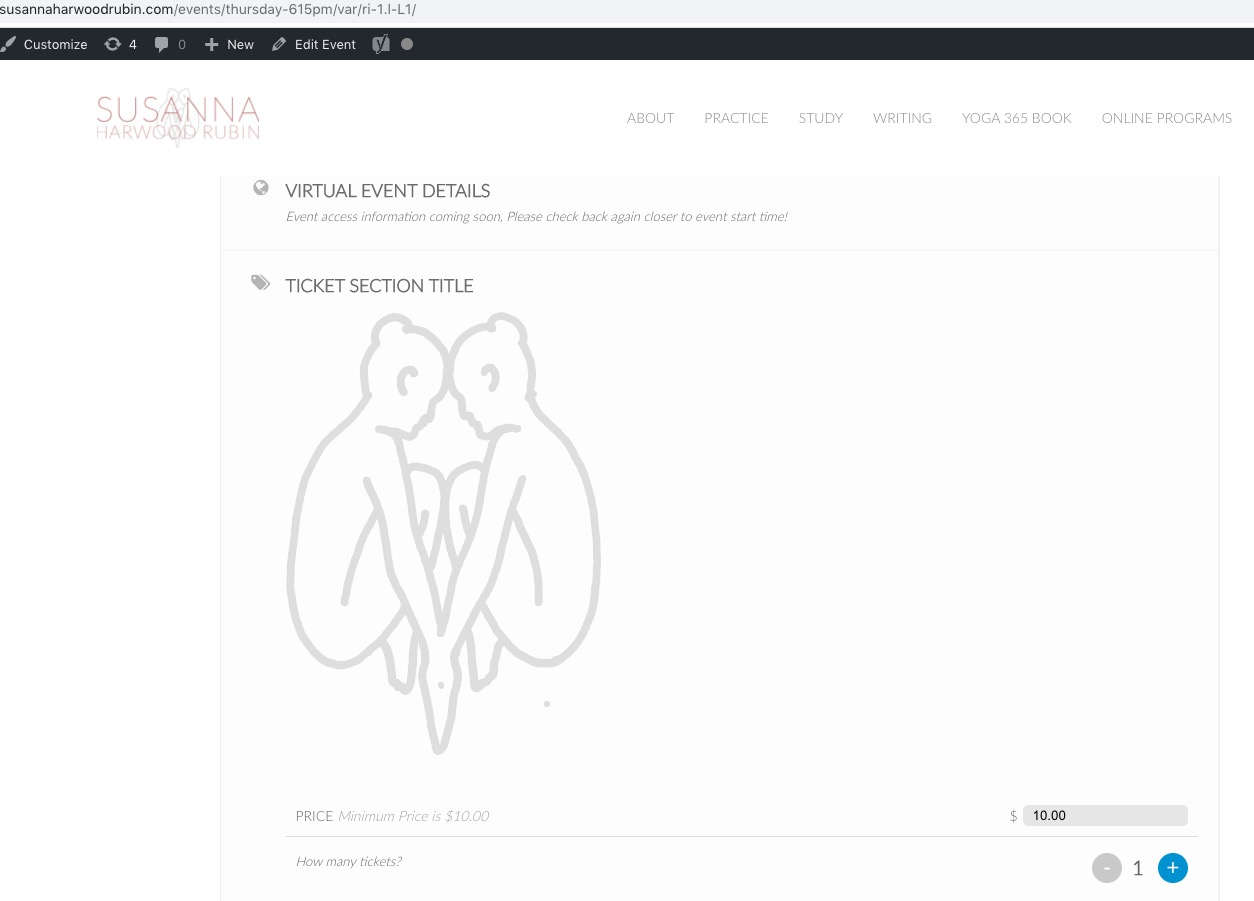
Please check and let me know.
Hello,
I cannot check the website because of the modal window. Could you give us login/pass to it as well?
Please also check and make sure that show_et_ft_img=”yes” is not present in the shortcode.
Hi Basilis,
I don’t understand why this should be a customization request.
The daily view has no separate programming elements for the tiles view. I think that at this point the CSS from the daily view behaves strange with the regular CSS elements.
Here the behavior of optical elements is changed due to the view? The view also only determines the header area and not the event output itself.