Hello,
Please go to EventON > Download all eventON events. > click on CSV Format.
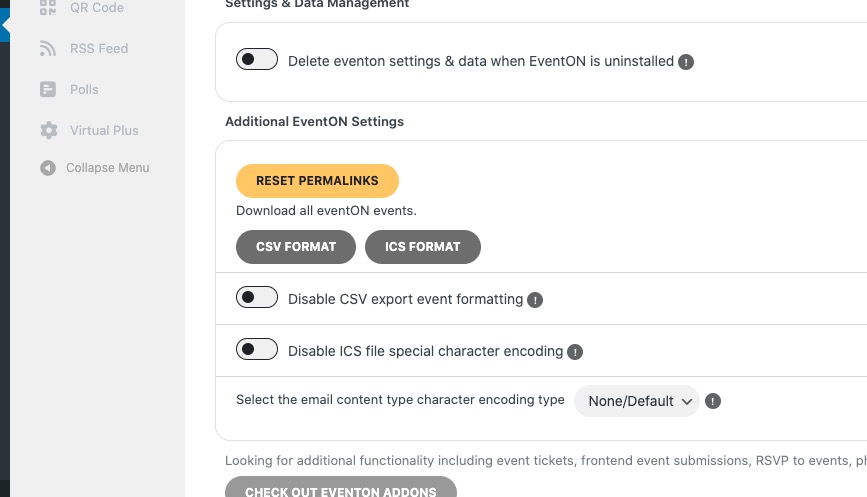
Just make sure to add a new event first, so you can then download it.
Replies for tickets on suppota
Hello,
Please go to EventON > Download all eventON events. > click on CSV Format.
Just make sure to add a new event first, so you can then download it.
Hello,
I believe that the easies way is to go to EventON > Events Paging > enable Stop using eventON single event template for single event pages.
Could you check and let me know?
Hello,
Please update EventON to 4.9.5. Seems to be working on our test site:
https://dev2.myeventon.com/surl/SY4nBTmdsHxw
Ashan,
The same on dev2:
https://dev2.myeventon.com/wp-admin/post.php?post=57440&action=edit
“Do not add main ticket to cart with variations” cannot be saved.
Hello,
Thank you for your messages, I am going to assign this ticket to Ashan and he will be able to take it from here and find you a solution. Please allow some time for him to get back to you, we greatly appreciate your patience and thank you for being a eventon customer! Also please disable any IP blocking on your site if there are any.
Hello,
I believe that there is an issue with Autocomplete orders plugin.
Please update EventON as well as Tickets add-on.
Next disable the autocomplete plugin and go to EventON > Tickets > Checkout > enable Enable auto complete ticket orders. Try making a new test purchase.
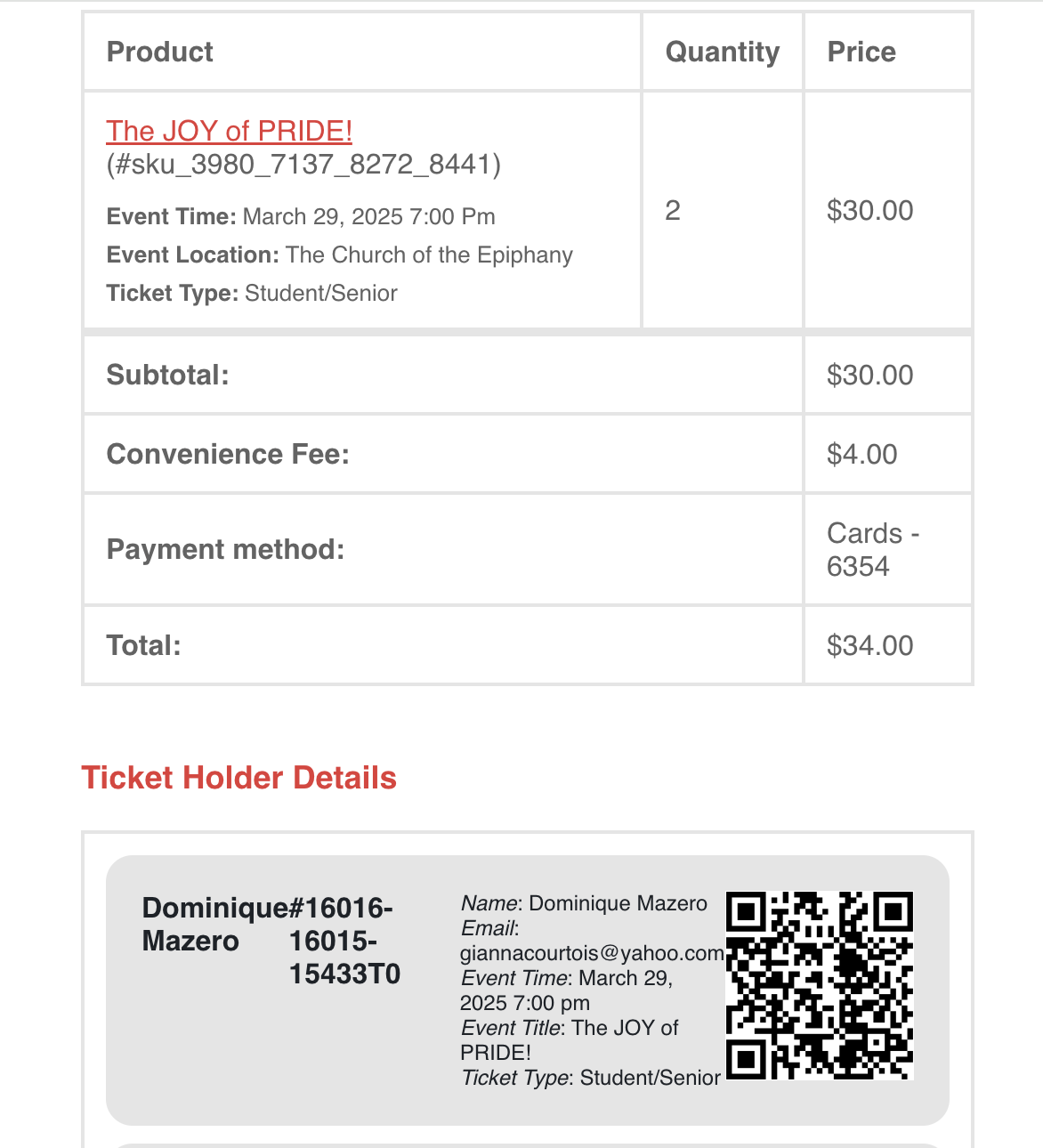
screenshot 2 where it worked properly
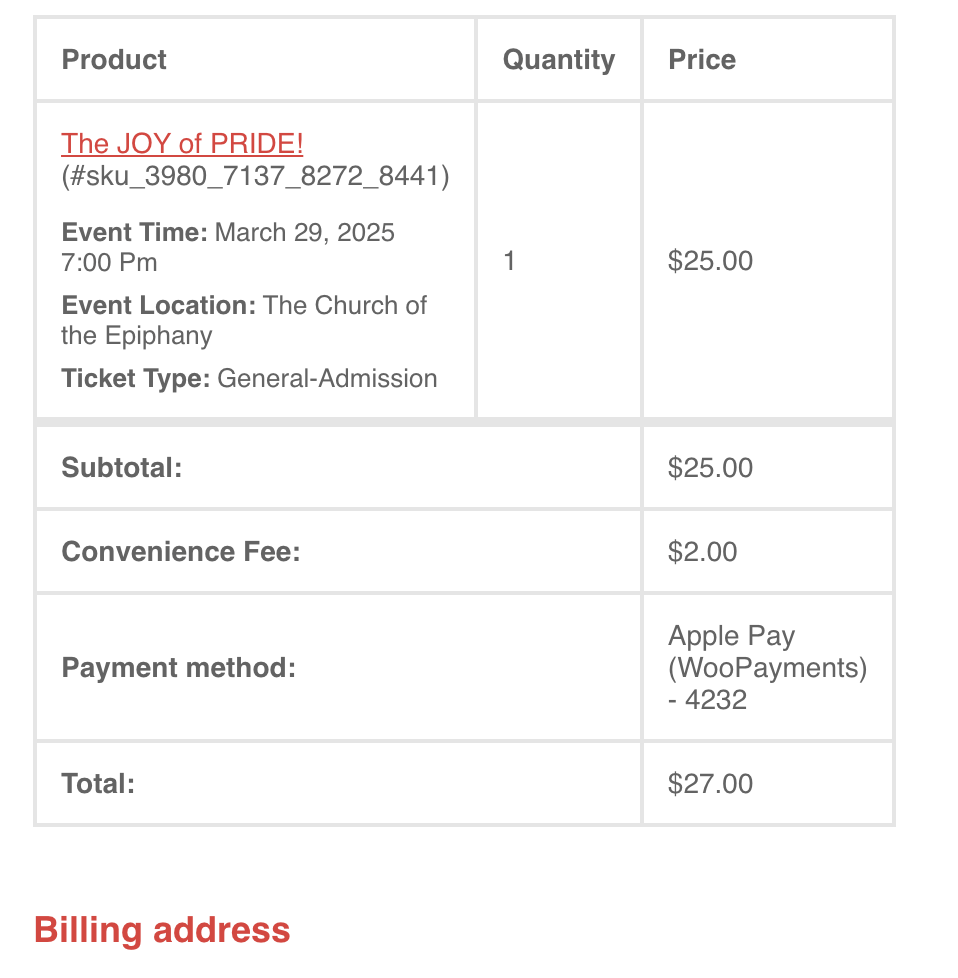
Screenshot 1 of email receipt
FYI, the time color is settle black in the options so I guess this is why it stayed black.
Hello, I changed both of these things on the site, and I copied the Override CSS into my theme CSS stylesheet and it still does not appear to change the issue. Here is the password to access my website. Please use the username given above.
ZQ8(Q(e#795JHde^@T5*&8wX