Hi Ashan,
Great! Thank you for completing our request. However, is there a way we can also change the login username to “8signal” OR “managers@8signal.com” ? Please let me know if this would be possible.
Thank you and have a great weekend!
Best,
Karen
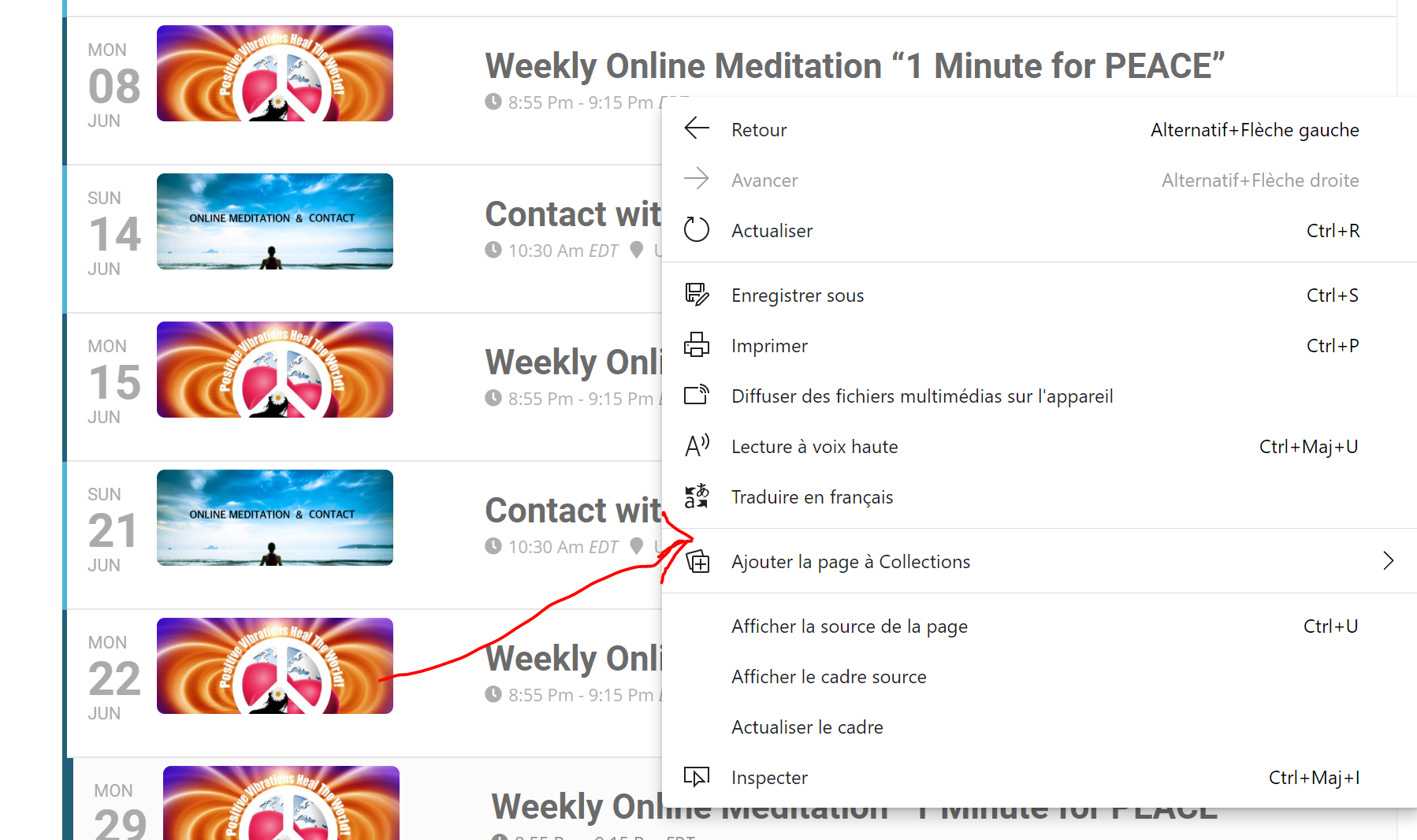
Still waiting… You can see image. There is no Copy link (URL) in the contextual menu (right click on an event). Want to know if there is a way to have it?
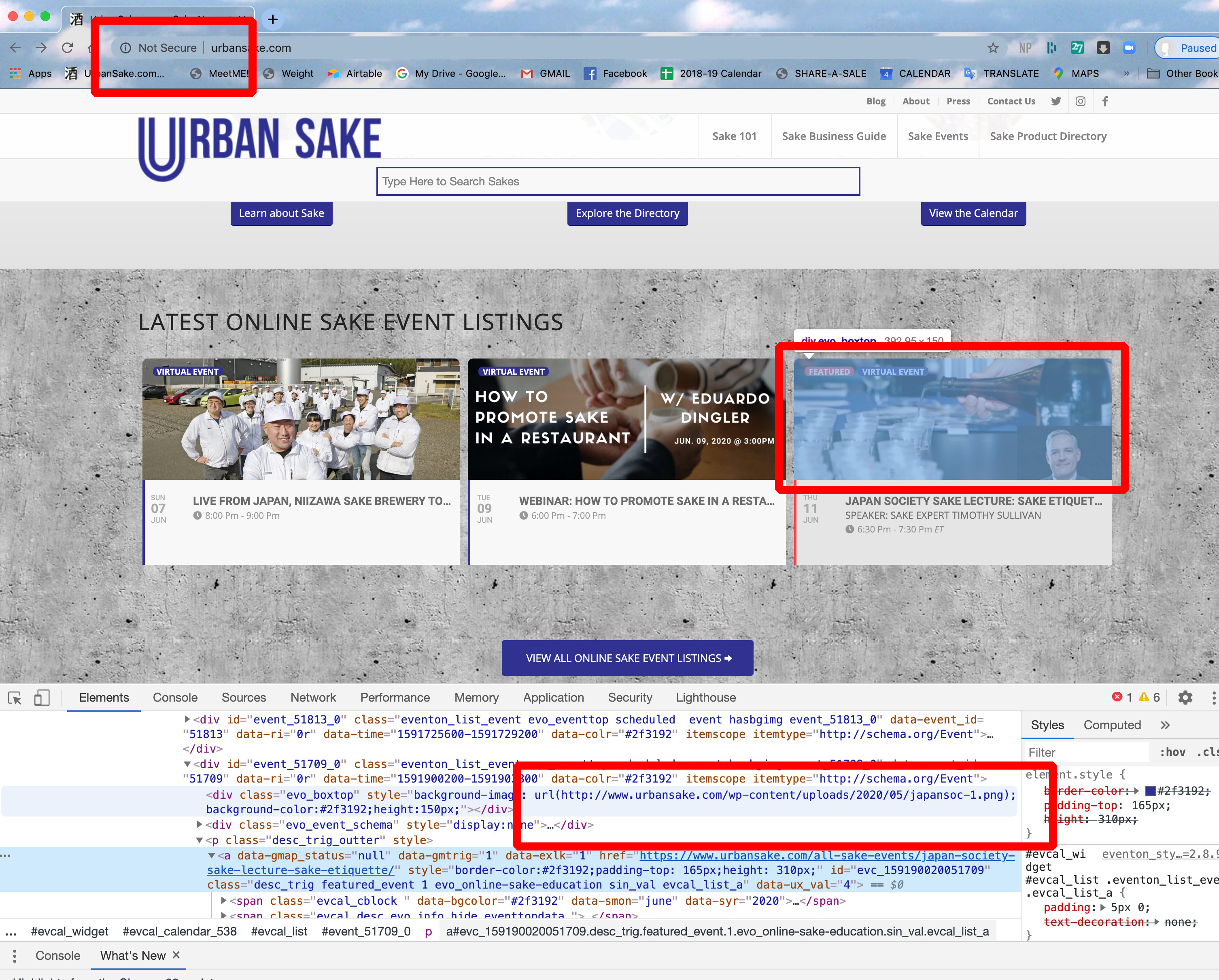
As a second example, I also use the Events List Extended add on my main website homepage:
https://www.urbansake.com/
again the event thumbnails are HTTP: not HTTPS:
this causes my website homepage to get flagged as not secure.
Please see the attached screenshot.
thank you,
Timothy
Hi Ashan,
Thank you for taking the time to look at my question.
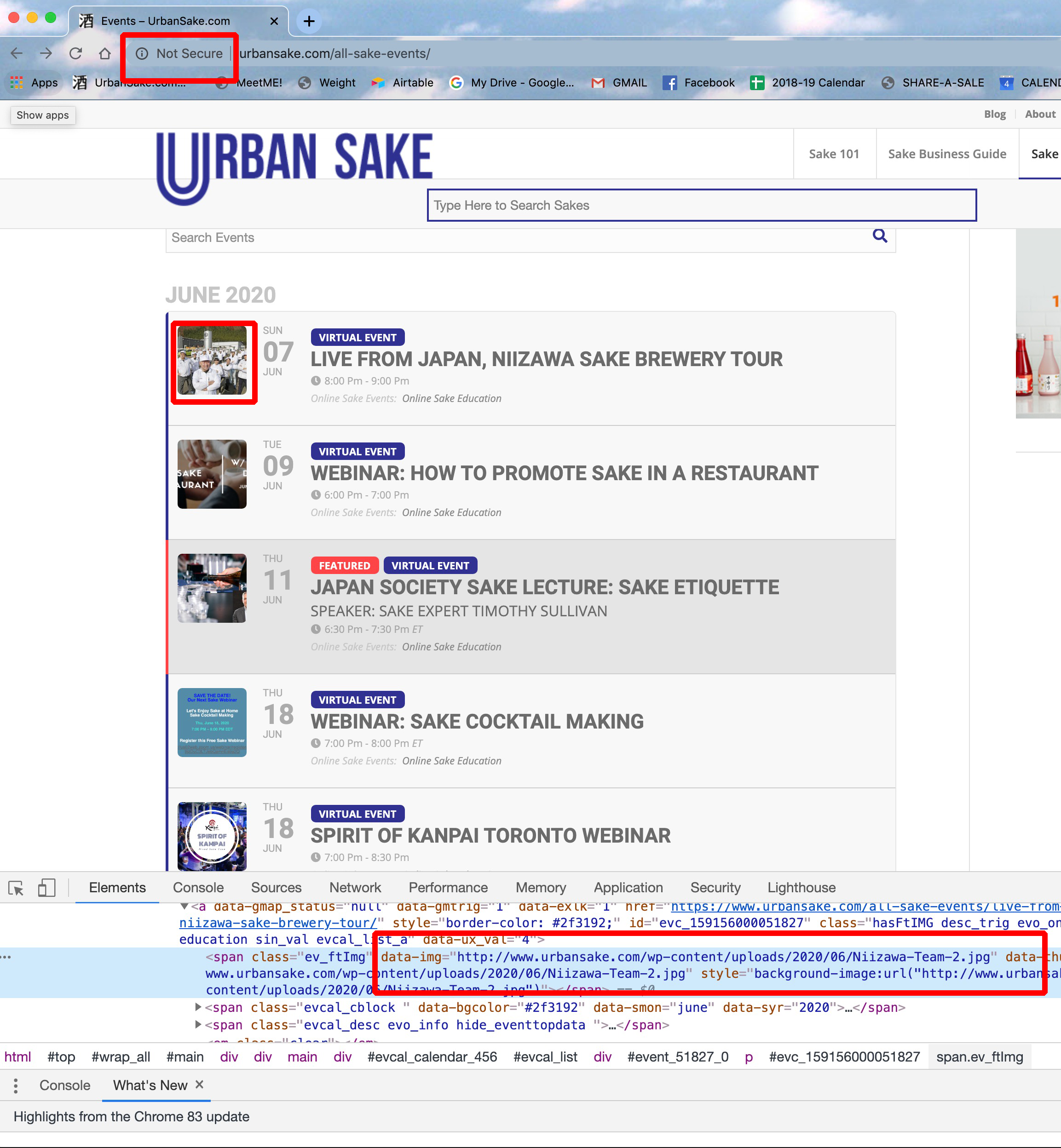
Your reply references the incorrect page on my website. If you re-read my initial post in this ticket you will see the link to the page I am asking about.
Again, this is the page I’m asking about that has the issue I have a question about (this is my “all events” home page):
https://www.urbansake.com/all-sake-events/
please note NOT this page (individual single event page):
https://www.urbansake.com/all-sake-events/live-from-japan-niizawa-sake-brewery-tour/
This issue is that when using the Events List Extended add-on, the Thumbnail images come up as not secure. HTTP: instead of HTTPS:
This causes my browser on this page to register as not secure. Please take a look at the attached screenshot (EVENT-ON.png).
thank you,
Timothy Sullivan
Thanks. I’ll hope this offer is still active a year from now.
-Jason
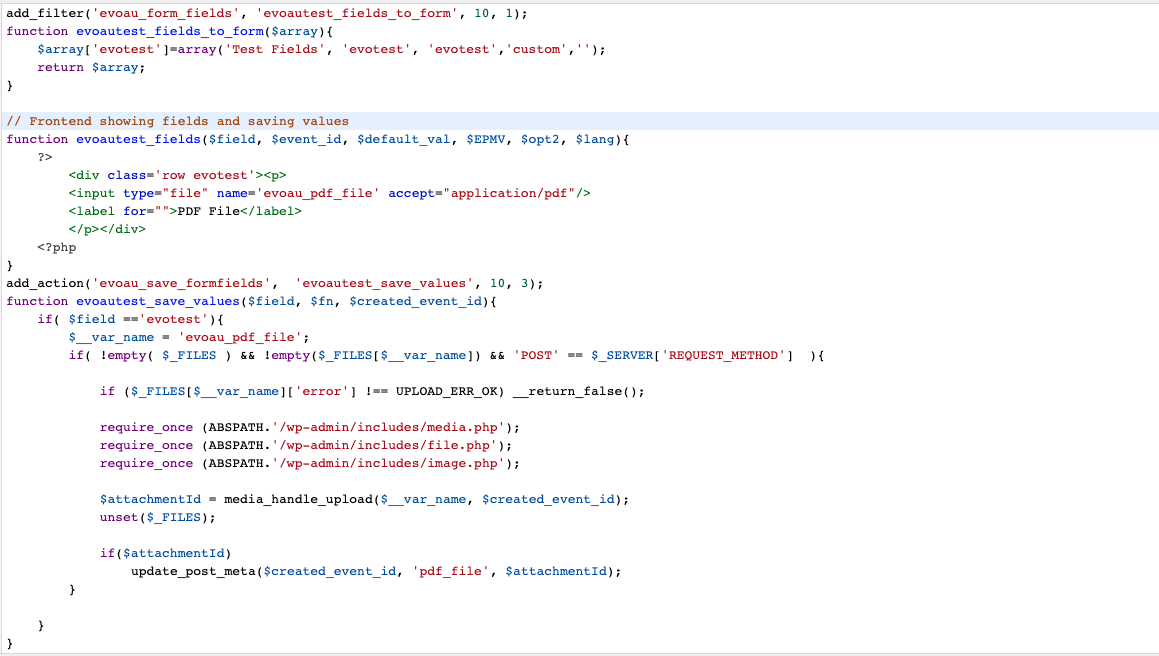
Took out that code…still nothing. I did notice that “if(!is_admin()){“
is still listed in the revised doc here: https://docs.myeventon.com/documentations/add-additional-fields-actionuser-event-submission-form/
Attached is my revised functions.php file.
Jason once you set the order to cancel I can not change it in the system to uncancel. It is cancelling both addons on May 24, 2021. One thing you can do is once it cancel, repurchase the addon. And use coupon code “EvoRescrubME” and that will get you 40% off on the addon 🙂
Matthew the trash past events function is connected to “evo_cron_daily_actions” cron job. which is created on plugin install.
And then it runs evo_process_to_past_events() which trash past events. Check to make sure that cron job is created. and as with any cron jobs they get run only when a website is visited. You can always set shortcode in the calendar to hide past so then past events will not show in calendar and will get deleted at a later time.
Actually looking back at your ticket I realized you have given us access to wp-admin so I went ahead and applied the change in codes Emilio. You should be good to go, but we are going to release the official update as Basilis mentioned after reviewing the changes are correct next week.
Glad to hear you love eventON and thank you for purchasing our software 🙂 And we are going to add more support to streaming and virtual events as it we believe it will be a staple for events going forward 🙂
Yes, I see, but it appears that BOTH Event Lists and Event Slider subscriptions will be canceled. I only want to cancel the EVENT SLIDER subscription. Can you confirm that only EVENT SLIDER will be canceled?
Thanks,
Jason