Hi Artem,
Yes, I tried the shortcode from Jun 13,2020 AT 12:56PM – Posted 1 Day Ago – #180827 and it works.
And yes, the screenshot is a _list code. I’ve found the solution > I added the location in the Event Subtitle field and that’s what I wanted. So I’ll still use the _list code for the home page but I’ll keep the _el addon, you’ll never know -)
Thanks a lot,
Roel
You need to open it with Excel or other software that allows you to work with sheets. For example, how it looks in Google Sheets:
Hello,
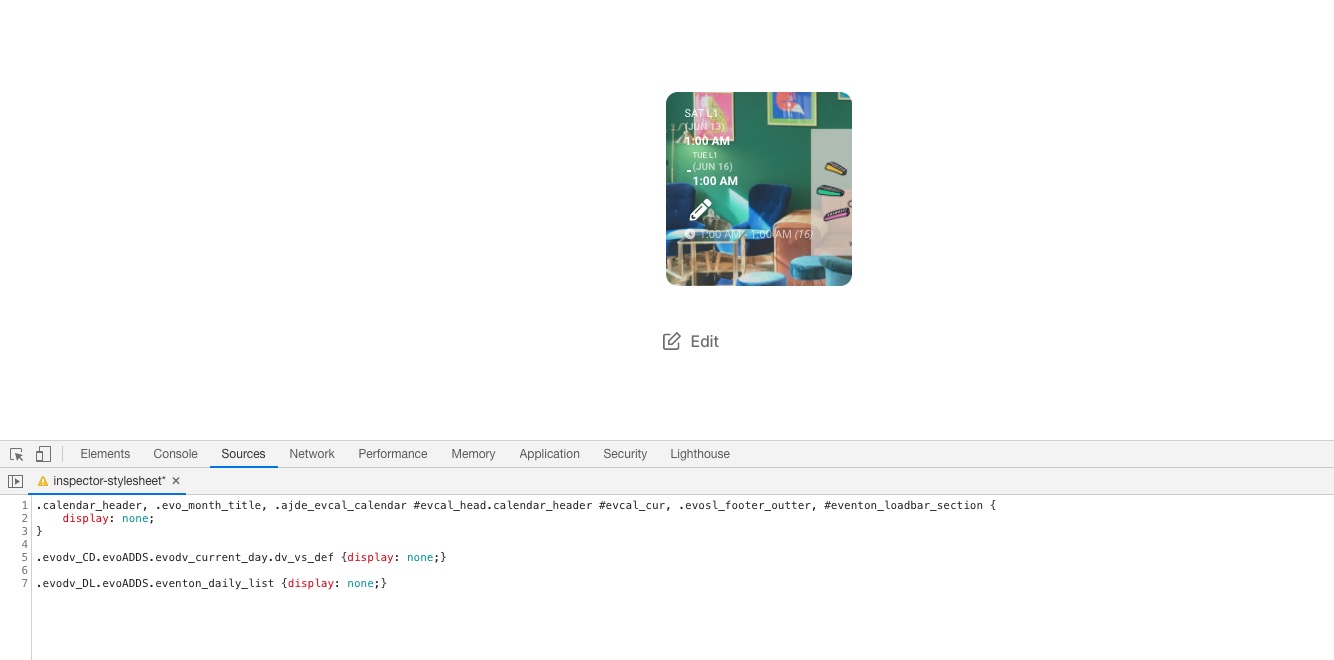
From the HTML code it seems that they use DailyView add-on: https://www.myeventon.com/addons/daily-view/ and some custom CSS styling:
.calendar_header, .evo_month_title, .ajde_evcal_calendar #evcal_head.calendar_header #evcal_cur, .evosl_footer_outter, #eventon_loadbar_section { display: none; } .evodv_CD.evoADDS.evodv_current_day.dv_vs_def {display: none;} .evodv_DL.evoADDS.eventon_daily_list {display: none;}

Try on http://dev.myeventon.com/wp-admin/ with this shortcode:
[add_eventon_dv dv_view_style=”def” hide_date_box=”yes” tiles=”yes” tile_count=”3″ tile_bg=”1″]
Thank you Artem
Now I know where to export my CSV File
unfortunately this downloaded CSV file is unusable:
the content is distributed in full of columns in a not regular way … and therefore I cannot find the label which corresponds to the field “dpt” in my import CSV
See here the dropbox link https://www.dropbox.com/s/6mtj327ootgpebd/Eventon_events_15-06-20.csv?dl=0
Best regards
Pascal
If you want to import speakers and schedule with CSV Import you can either follow this guide https://docs.myeventon.com/documentations/import-additional-fields-using-hooks/ or create a customization job request, so our developers can implement this for you.
Only the developer who’ll take the job can tell the price.
Hello,
Could you try updating EventON to 2.8.10? Before the update please backup the data.
To update eventon to latest version: If you are unable to do autoupdate, you can go to codecanyon your account > download and get the latest eventon version as zip file. Then you can go to your website, deactivate old eventon, activate (Do not delete eventon settings & data when EventON is uninstalled) from eventon settings, delete old eventon, install new one and activate. This link will further explain the process it. Also you can follow us on twitter to get real-time announcements on updates!
After the update please check this guide: https://docs.myeventon.com/documentations/why-my-site-and-eventon-page-loading-slow/
Hello,
You can use Ticket Variations & Options https://www.myeventon.com/addons/ticket-variations-options/ and add multiple variations of the price: one class for 10$, 15 for 100$ and so on. Guide: https://docs.myeventon.com/documentations/how-to-setup-and-get-started/
However, please note that you cannot use them with EventON’s recurring events so you need to create a separate event for each date.
Try on http://dev.myeventon.com/wp-admin/
Hello,
Maybe you can use Advanced Custom Fields https://oxygenbuilder.com/documentation/templating/advanced-custom-fields/? Just go to EventON > Events Paging > enable Stop using eventON single event template for single event pages. Now EventON should use the default’s post template.
Please check this guide, that describes available Post Variable you can show using Advance Custom Fields: https://docs.myeventon.com/documentations/event-post-meta-variables/
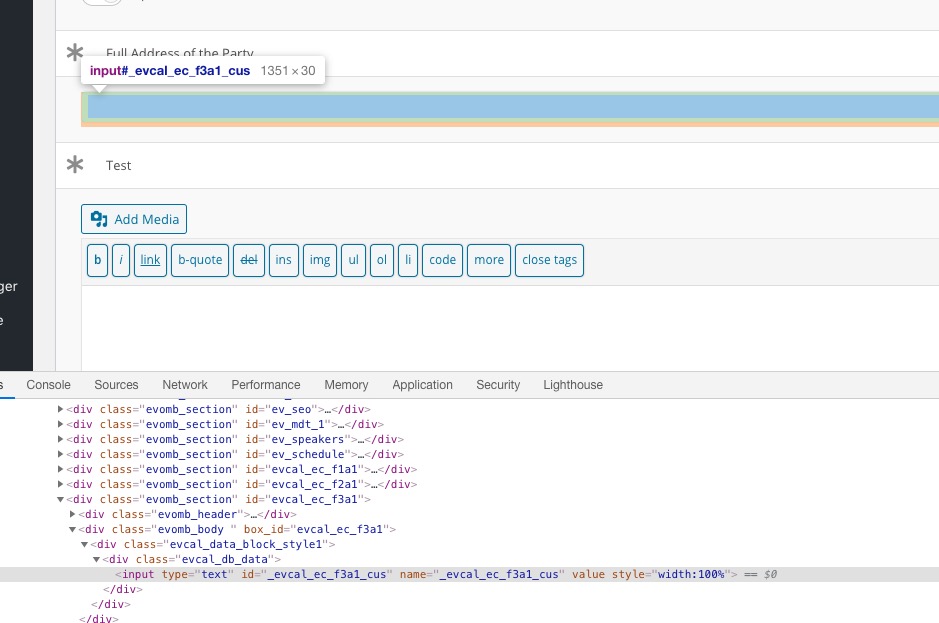
If you need to find the field’s name go to Edit Event > click Right Mouse on the input field > Inspect > check it’s id (ie _evcal_ec_f3a1_cus):
Since there is no direct compatibility between Oxygen and EventON you cannot customize EventON’s default template with Oxygen Builder. However, you can send us a customization job request by creating a new ticket in here and selecting Customization Request as the category. Maybe one of our developers may implement this or check https://oxygenbuilder.com/documentation/templating/singular-and-archive/
Hello,
I am sorry, the access information you have provided did not work for us. Please check them and post the correct login information as a private message, thank you!
Please go to Edit Event > locate location and pricing input fields > click Right Mouse > Inspect > use id (ie _evcal_ec_f3a1_cus):
Please also note that since there is no full compatibility between EventON and Divi this may not work. I need to check wp-admin to make sure.
this file is from the current download section on code canyon.