You can access to my ftp :
Serveur / Host:
home183570950.1and1-data.host
Port:
22
Protocole:
SFTP
user :
u42779921-eventon
password :
Eventonpassword2020#!#
Replies for tickets on suppota
You can access to my ftp :
Serveur / Host:
home183570950.1and1-data.host
Port:
22
Protocole:
SFTP
user :
u42779921-eventon
password :
Eventonpassword2020#!#
Yes well for all events at first view, 1000 or not.
We have approximately 25 events but cannot see them because they are hidden by filters
so need to see all available events at first view, then filter by month / year
I messaged you to let me know if anything wasn’t working. There was no response, so I closed the ticket.
I will have a look at this but please let me know if anything is not working within 5 days, as it is the support period provided for customization works.
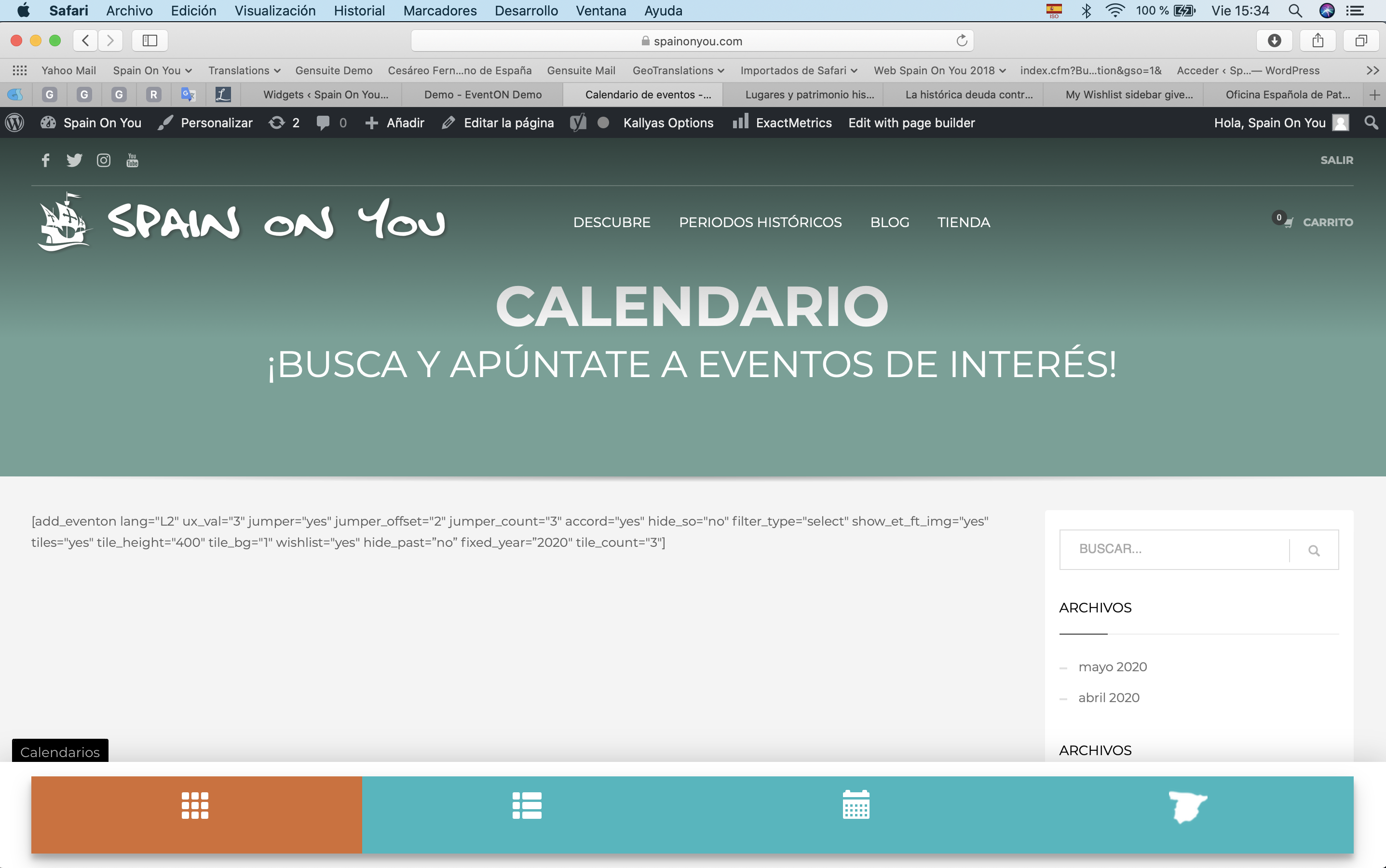
Artem, second screenshot in reference to the above follow-up.
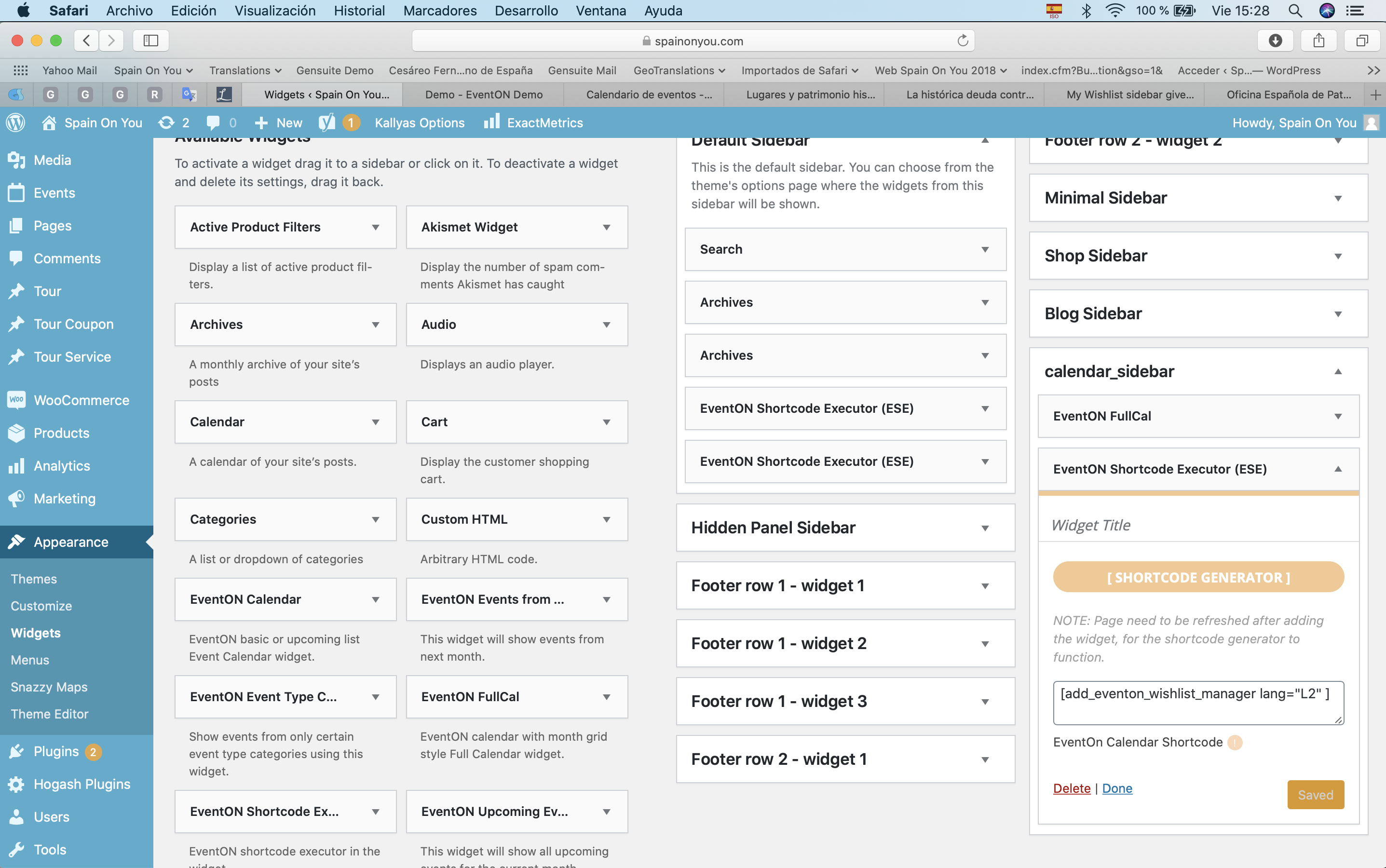
Hi Artem, thanks for responding.
I had created the calendar sidebar in the Appearance > Widgets option of WP. See first screenshot attached. I remember this is how it’s supposed to be done correct? or did I forget and I am doing something wrong? I’m puzzled as to how you were able to add the My Wishlist widget no problem (!!).
Last night all 4 calendars were set up and working fine. But now I’ve just gone in, refreshed the pages for the first two calendars:
https://www.spainonyou.com/calendario-de-eventos/
https://www.spainonyou.com/calendario-de-eventos-lista/
and I see that the calendars have disappeared and only the shortcodes show. See second screenshot attached in the follow-up ticket to this one (it seems I cannot attach two images). How come??? I’ve always noticed that although awesome, the EventON plug-in seems to be somewhat unstable. This is not the first time this happens. With every update to the plug-in I always run into the same issue: calendars gone and only shortcodes left, and then I am forced to reproduce/recreate aaaaaall 4 calendars all over again from scratch (I keep the shortcodes in excel to remember the values I pick for the shortcode generator).
I notice just now there’s a new update, so I’ll update the plug-in and see what the heck.
I await your news and help. Thanks for helping.
Omar
You mean even if there are 1000 events, you want to display them all at first view?
Also, the first time, you asked if I was on your site just recently. I replied I had. You then automatically blamed whatever the issue you had on site on me. You are making assumptions.
Where did I admit causing you site to crash?
Can you send screenshot?
I have already requested management to refund your money.
I logged in to your site prior to your last mail and all I had done was to test rsvp subscription. You notified me you experienced problem on your site and was expecting same thing wouldn’t happen again. After that, I had already decided to never log into your site again.
Yesterday, I wanted to deliver the completed work and I saw your recent message saying that your site was broken again and you are actually blaming it on me. I did not log into your site after the first time you mentioned it. And whatever caused the issue recently was not caused by me as I have told you already.
I have already informed you that I will not be providing you customization service and your money will be refunded.
By the way, I don’t understand how just rsvp’ing breaks a site.
htaccess :
username: natus
password: internal2020
Hi Artem,
Yes, but I can see that you’ve used an embed code from YouTube rather than using just the link. If I use the embed code it works for me also. But when you use just a YouTube url on a new line, the embed is square rather than 16:9.
🙂