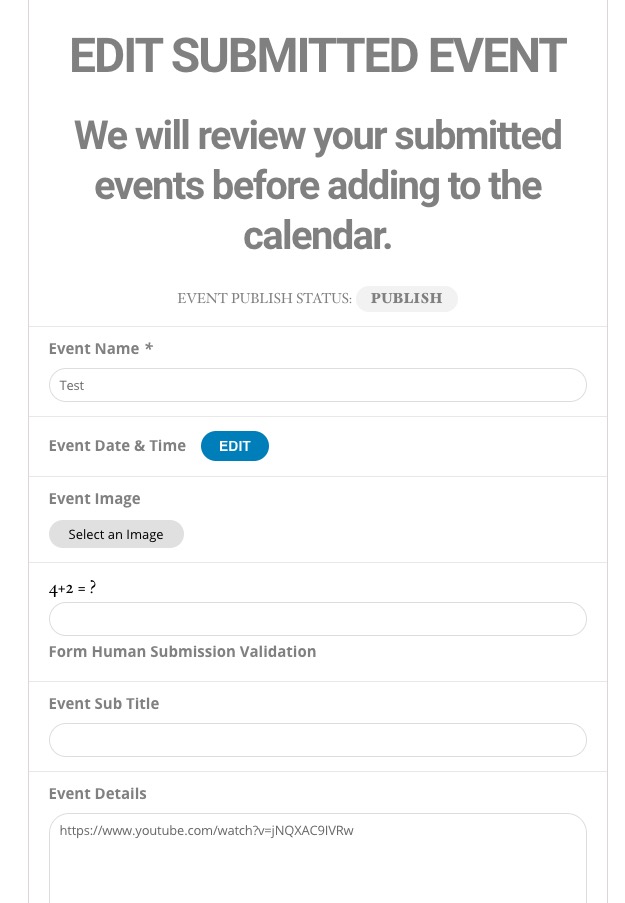
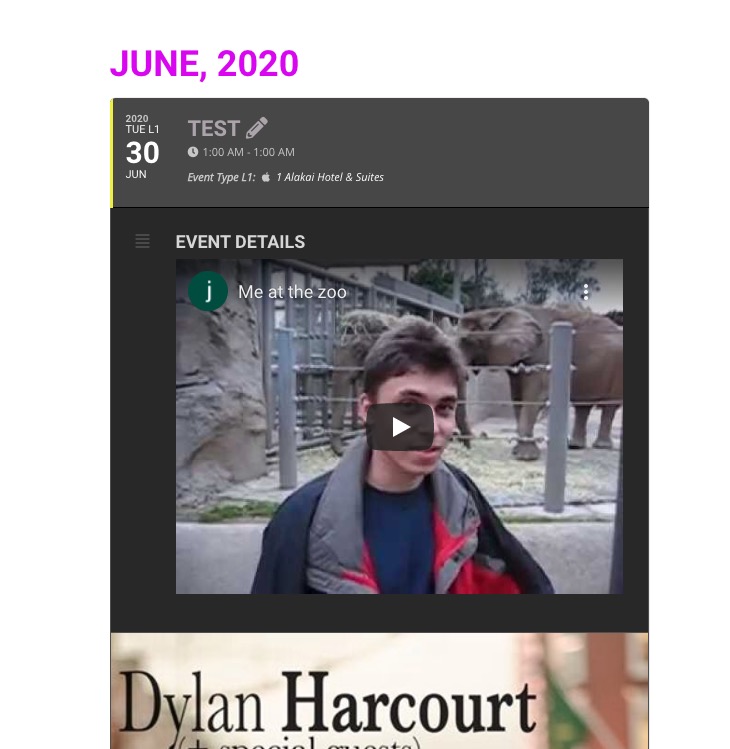
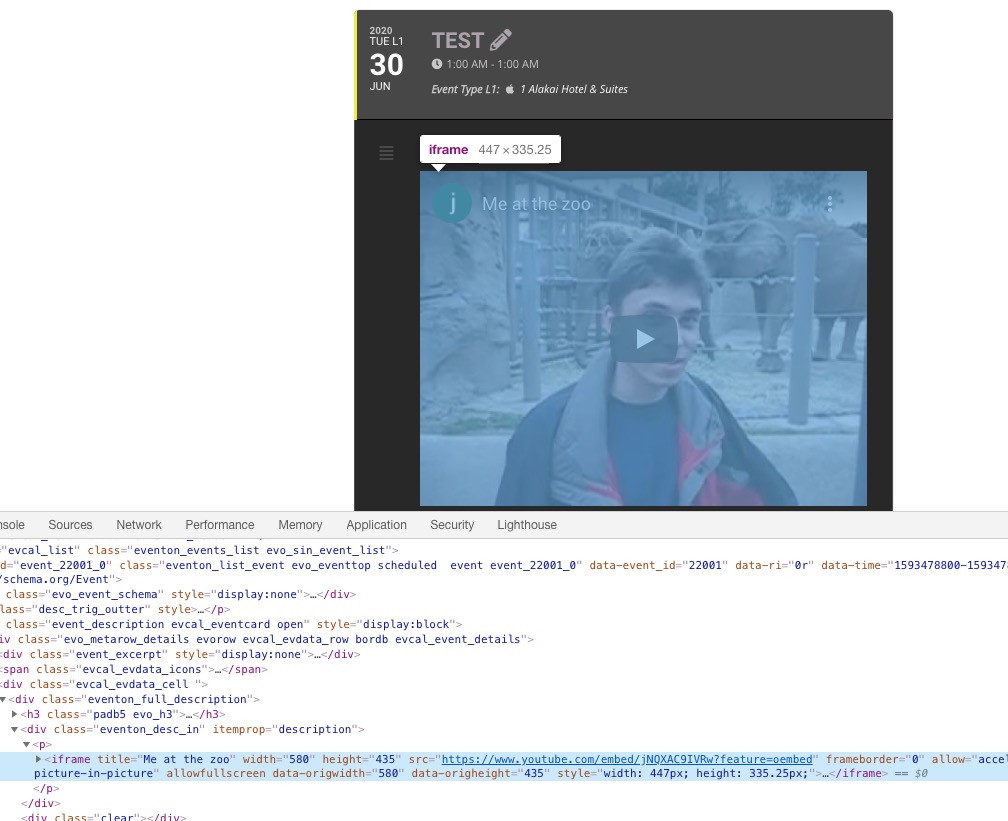
Hi Artem, thank you for your time for this, but you could even see the video being square rather than 16:9 ration on your provided screenshots. If you try to embed this video somewhere else, it will be rectangular rather than square. In the previous update of your plugin, videos were adapting perfectly in a 16:9 default ratio . Now they get embedded in a square format.
Could you please test the 1st issue by writing something before the link and see if eventon will generate the embed or not. In your screenshot there’s only the url, and this way it works for me also, but not if you’d have something written before the url like this for example:
blah blah https://youtube…….
At this moment i can’t give access to the site, apologies for this. But i can confirm that the action user form was flawless in this sence in the previous versions of the plugin.
Thanks again
Timur
Ah ok, sorry for not understanding this the first time. Please check this compatible with EventON add-on: https://codecanyon.net/item/eventon-slider-addon/11063359. Carousel demo: http://www.eventonslider.com/advanced-demo-a/
1. Not on our test server. First and the only line in Event Details: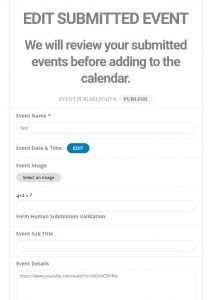
Event:
http://dev2.myeventon.com/events/test-6/
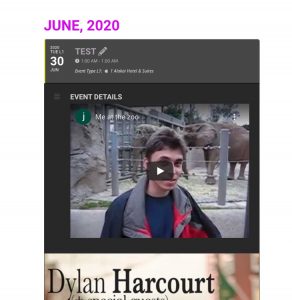
Please send us wp-admin access to your site as a private message for us to further assist your situation.
2. It’s different on our test server:
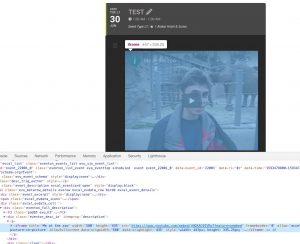 Could you please try the instructions mentioned in this documentation to make sure your issue is indeed coming from eventon.
According to this error:
[11-Jun-2020 19:33:03 UTC] PHP Fatal error: Allowed memory size of 134217728 bytes exhausted (tried to allocate 83 bytes) in /home/k4vd966r7nsb/public_html/wp-includes/wp-db.php on line 1889
There is an issue with the memory on your server. Could you follow https://docs.myeventon.com/documentations/increasing-wordpress-memory-limit/ and fix it?
Hello,
Could you tell us more about what EventON couldn’t do in your case?
I am going to assign this ticket to Ashan. Please allow some time for him to get back to you, we greatly appreciate your patience and thank you for being a eventon customer!
Hello,
Please send us wp-admin access to your site as a private message for us to further assist your situation.
On our test server http://dev2.myeventon.com/21991-2/ with this option in the shortcode:
ev_uxval=”3″
I added the field “location_getdir_latlng” in the plugin editor (eventon-csv-importer / includes / class-admin-init.php) and tried to import it.
That did not work. Is it mapped to a different name?
Hello,
I am sorry, the access information you have provided did not work for us. Please check them and post the correct login information as a private message, thank you!
Please also note that we have limited support for issues caused by third-party plugins and themes. As they are not our products, we are unaware of how they have been programmed or how it is supposed to work. As such, we recommend you to contact the plugin developer and ask them for their assistance in solving the problem.
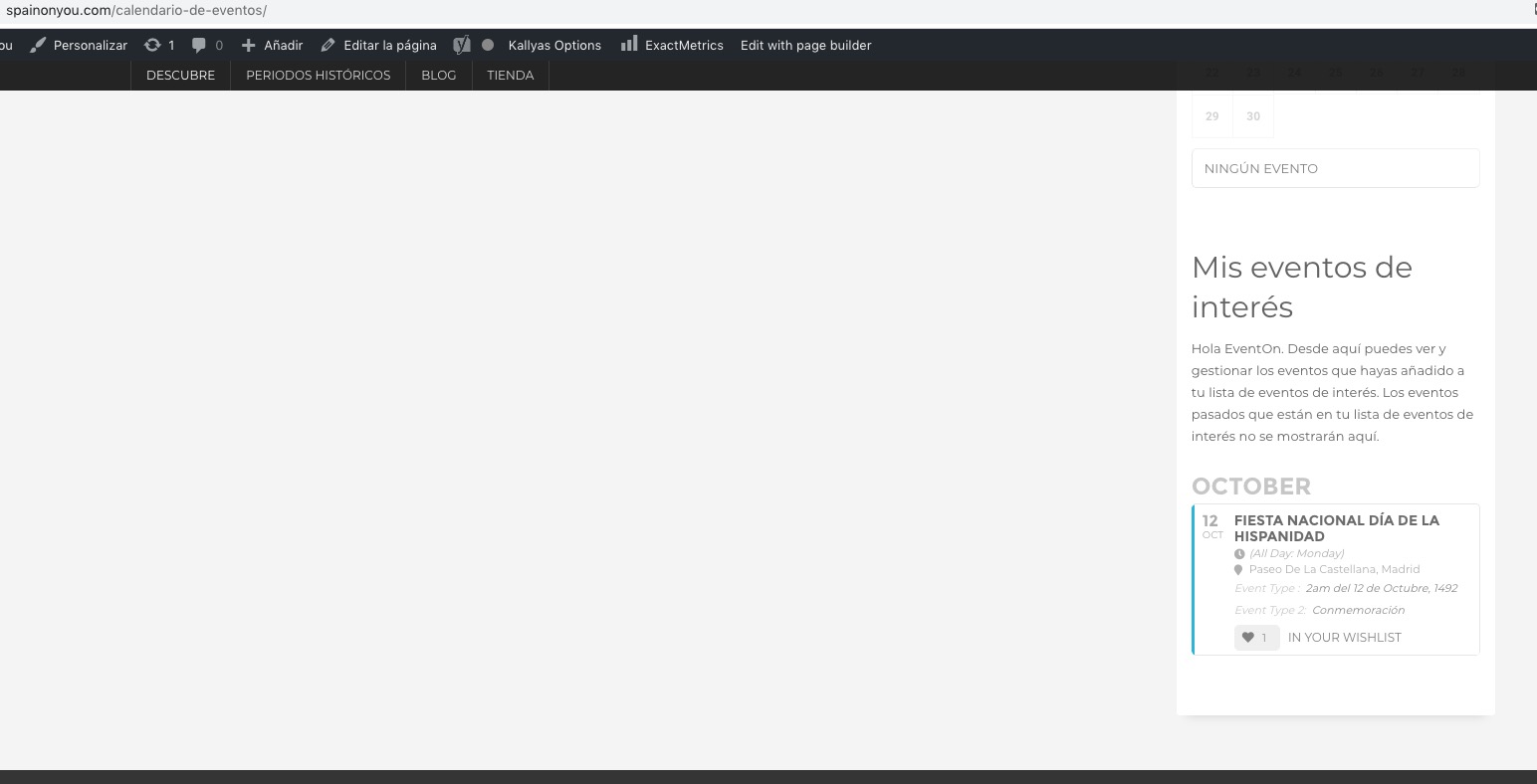
I cannot find calendar_sidebar on this page: https://www.spainonyou.com/calendario-de-eventos.
I added [add_eventon_wishlist_manager] to Default Sidebar and it seems to be working correctly:
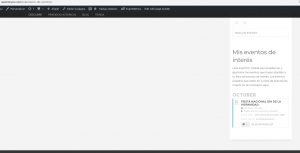
How can I reproduce the error?
I have just updated my 4 calendars so that part is done
So updating resolved the main issue?
How can we fix this so that the translucent skin covers the entire background image? Could you fix this for me please?
Could you try turning off Snazzy Maps?