Here is the link again. Please note that there is no modifications done to any of the plugins here:
http://dev2.myeventon.com/165840-2/
Please check and let me know how this is working differently than on your site.
Replies for tickets on suppota
Here is the link again. Please note that there is no modifications done to any of the plugins here:
http://dev2.myeventon.com/165840-2/
Please check and let me know how this is working differently than on your site.
Did you check the link I provided of our side?
I am telling you it is like that by default. It works like that even if you remove the modification.
So, if you want it to work differently, you will need to do additional customization.
Good morning
Thats the file link:
https://BSEPictures.myqnapcloud.com:443/share.cgi?ssid=0ttExVg
Ashish has accepted the job for 100
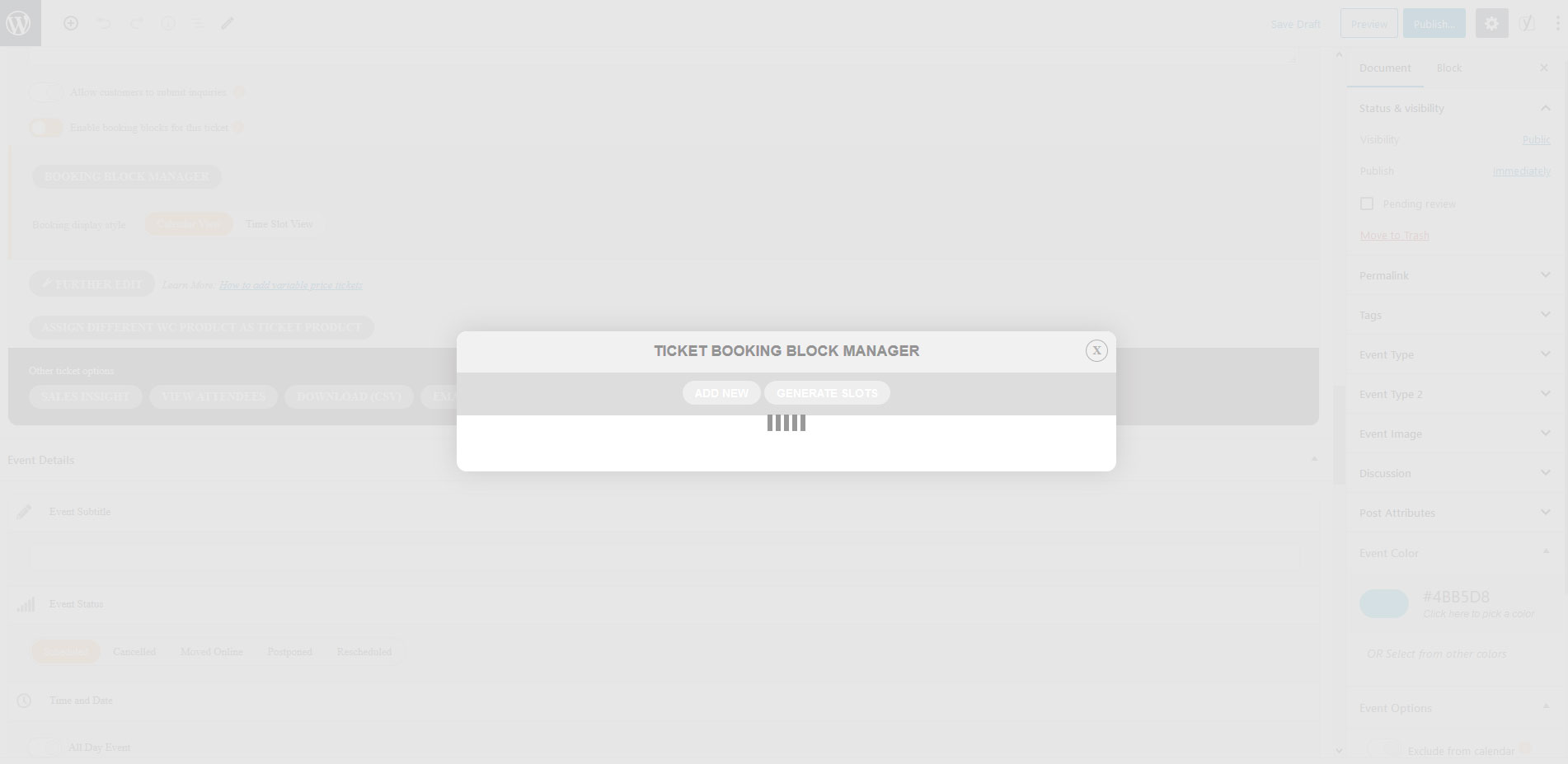
To add, I have also tried 3 different browers, Chrome, Firefox, and Brave, and all of them do the exact same thing. Image of loader attached.
the password I sent must’ve been outdated?? I’ve just updated one for you: 2020OnEvent2020
I have just updated my 4 calendars so that part is done. I have another question: notice in the first calendar (https://www.spainonyou.com/calendario-de-eventos), if you click on October, the only test event I have there the skin over the image does not match the background image OR the other way around, resulting in a rectangle skin area over the background image. How can we fix this so that the translucent skin covers the entire background image? Could you fix this for me please?
Many thanks.
Omar
I want someone else to look into this. Ashish says THIS is normal after his modification.
https://www.dropbox.com/s/w82njc6uqtcs22k/Recording%202.mov?dl=0
https://www.dropbox.com/s/29bp5kmc5wrv8v9/Screen%20Recording%202020-02-15%20at%2016.22.13.mov?dl=0
So another two weeks just passed…
Sorry, I have been sick.
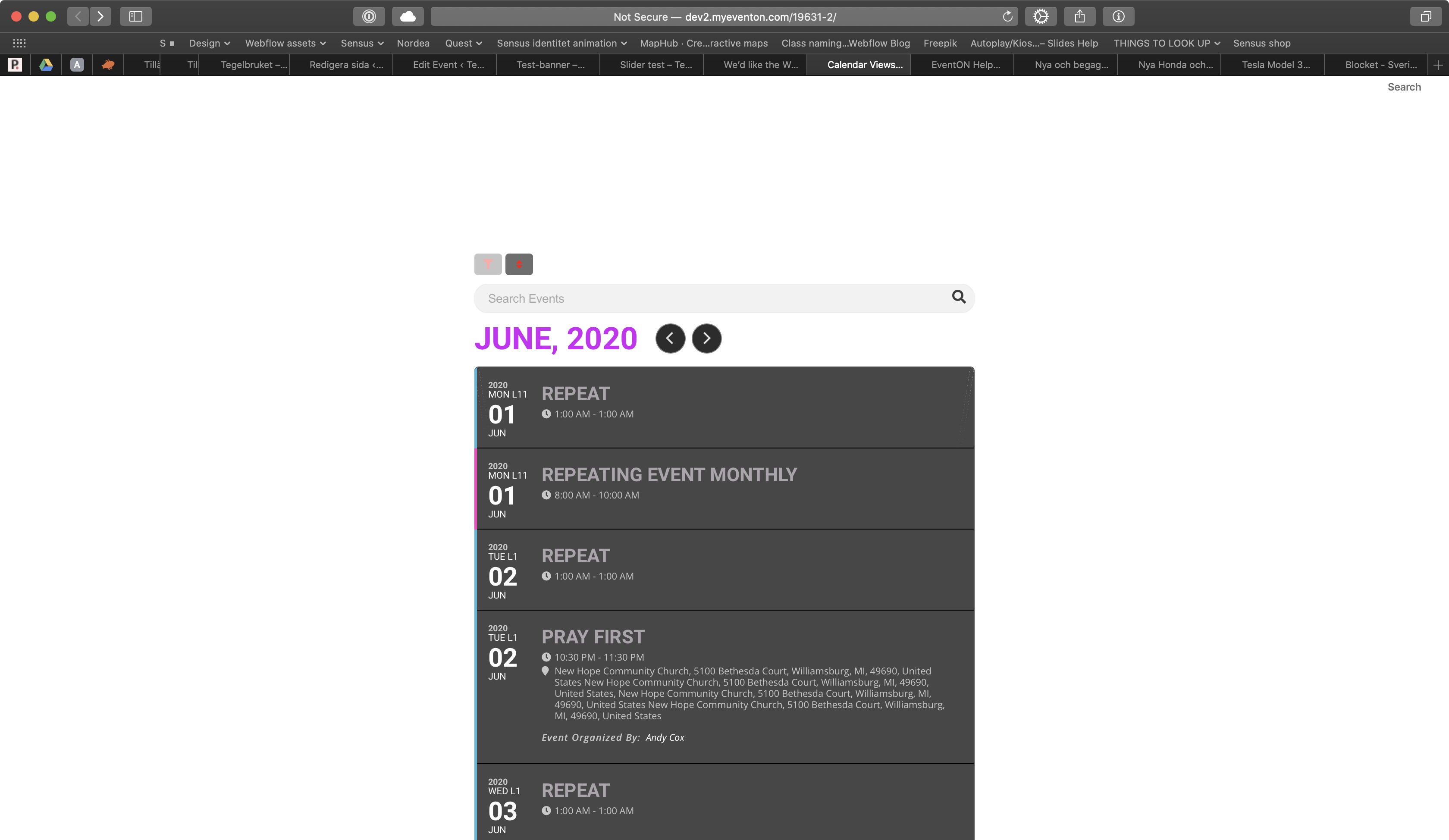
Your test page does not have the weekly addon. See screenshot.
And, please, Ashish, don’t say “Nothing is broken”. The plugin with the modification is broken.
Here is another screencast showing how crazy it is. Please look and tell me how this could be normal?
https://www.dropbox.com/s/w82njc6uqtcs22k/Recording%202.mov?dl=0
I also deactivated Wordfence again so you can login.