Hi, i tried to use thiss shortcode:
[add_eventon_list event_type=”37″ hide_empty_months=”yes” ]
Creating a category for 2019 (id 37).
But the page show the correct month of the past even, in this case june, but the month is empty… why? the past event is public..
Best regards
I asked your colleague, they let me know that Subscriber add-on cannot send out emails 15 minutes before the event start.
Therefore, I need a refund.
I am also creating a new ticket for a custom job. Please follow up!
Many thanks!
Well, I obviously cant change that. Hence I used the option to display the label on top of the variations table (aus you see in your screenshot). However – I liked the version in your demo a bit more. But, it works now. That’s okay for me.
One more thing:
You should think of a separat translation for seat and seats (plural) for EventOn Tickets… as it has been done in other segments… this would make it more accurate (when the customer is buying the last seat..) 1 seat (remaining)/ 2 seats (remaining)
thanks
P.-
Hey Agence,
So this is total of $570, do we confirm on that?
I have deactivated Wordfence and now the page is loading so it looks like there is a conflict there with Wordfence. What can I do to fix this? It was compatible before.
Since support period for customization work is 5 days, please let me know if anything is not working as soon as possible. Thank You
Thank you for your great suggestion, at the moment it is not supported. However please create a new ticket and select Feature Request as category so others can vote on your idea and get it moved into development faster.
cannot access your website due to wordpfense
while we diagnose and fix you may wish to deactivate it
Whatever the issue was, it has stopped!
Thanks for any work you may done to make that happen.
Scott
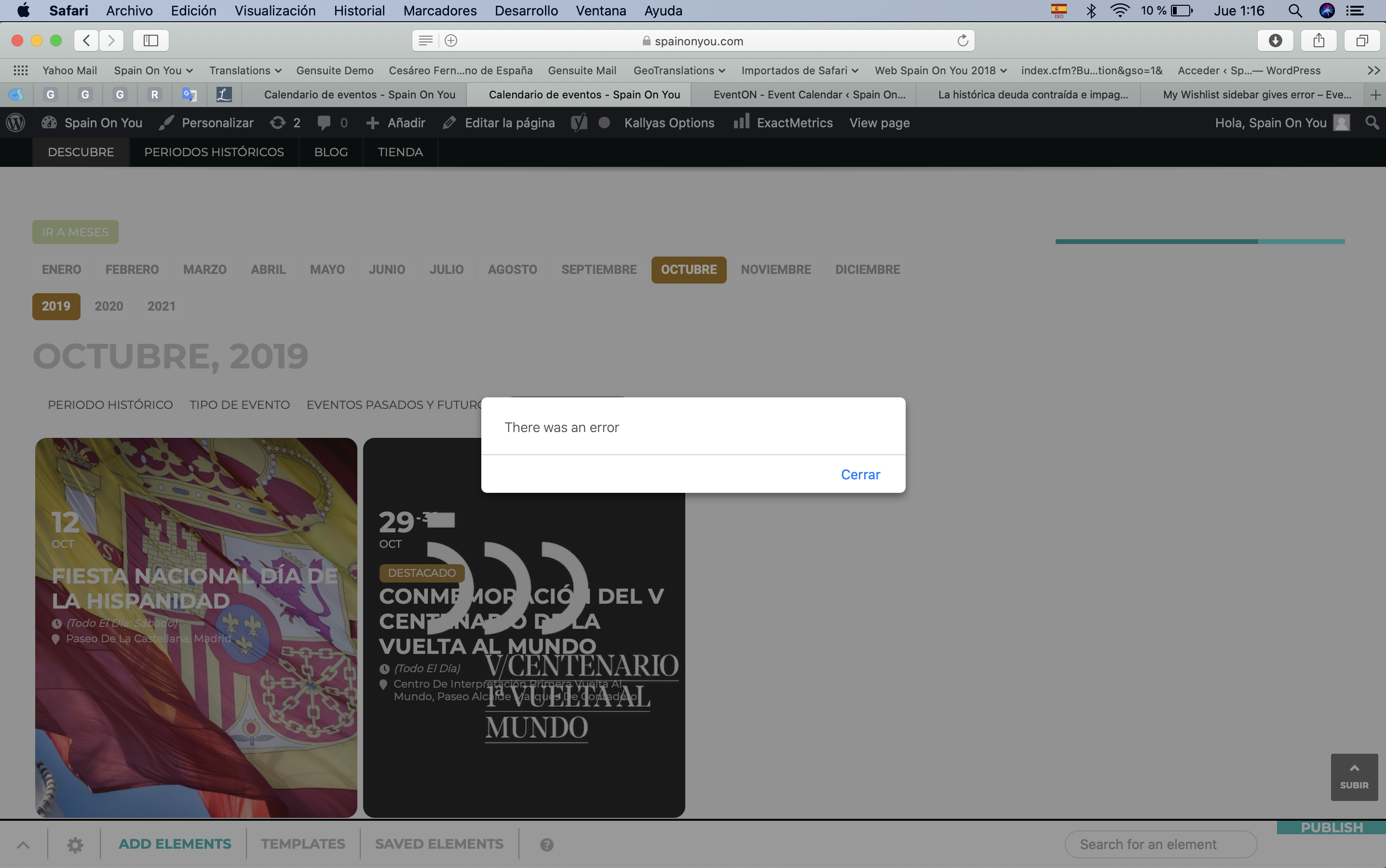
Hi Basilis, sorry for my delayed answer. I thought I was supposed to get an email notification whenever an answer was provided to tickets. I was puzzled I didn’t so I’ve just gone in and I see your initial answer here.
I’ve just turned WP_DEBUG to true and enabled it so I guess it’s good to go?
Let me know what you find out. The My Wishlist widget was working perfectly fine up until 3 days ago when I updated to the latest version of EventON. Let me know if you need anything else from my side. The sidebar widget that contains My Wishlist is called calendar_sidebar. I am attaching an image of the error I get also when the theme loads the widget.
Thanks, look forward to your news.
Omar