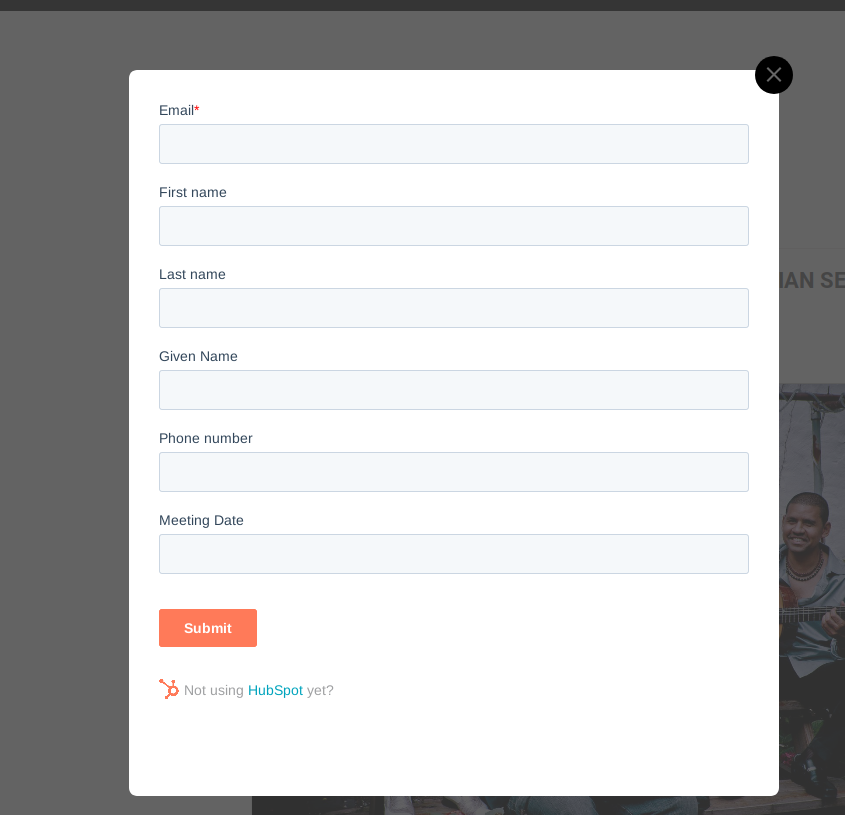
Hi,
Can you please open the web site, so we can provide you with a small CSS rule that will fix that issue?
Replies for tickets on suppota
Hi,
Can you please open the web site, so we can provide you with a small CSS rule that will fix that issue?
Hey Alex,
This would require customization to be done. Do u want a quote for it?
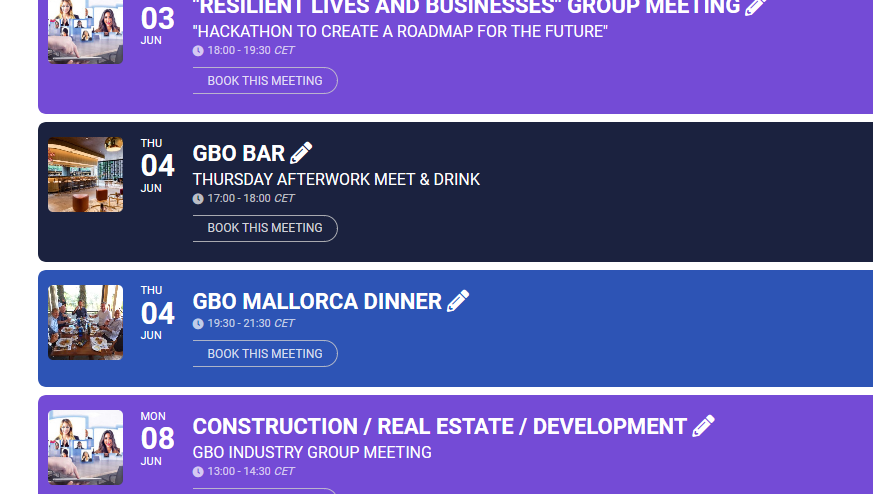
Ok, did both. I never get any notifications about updates, so easy to miss.
Problem seems solved, but now the RSVP buttons (here called “Book this Meeting”) are cut off.
See attached image.
Please also note that the access information you have provided did not work for us. Please check them and post the correct login information as a private message, thank you!
Hello,
Please go to wp-admin > Settings > set “Week Starts On” to Sunday.
That worked! Thanks!
found the event- when the event is set to draft- then all the events take on the info of another event
so first things first: we need to see if eventon is causing the issue or another plugin is causing the issue
so step 1: deactivate all plugins (do this when the website is not busy)
then activate them one by one- and in between each activation- test to see if the calendar is working right or not
you can also do this with the theme as well.
remember when deactivating all plugins- clear the cache as well.
Also: I don’t know if adding that zoom link is causing any effect- but with the latest eventon- it now has a place to add your zoom link
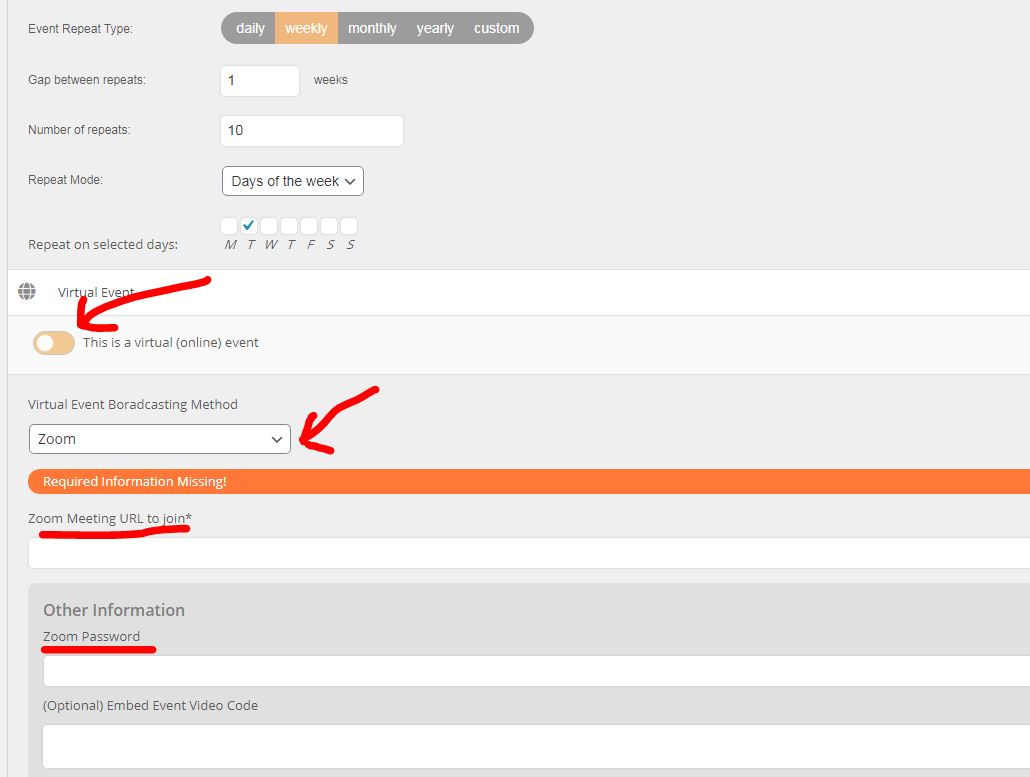
I see what you mean- thats Odd behaviour
which event is it pulling the that info from?
Hi,
This is our CEO reviewing them and the main developer.
Please be patient.