Hello,
Do you have the same issue after you saved and published the page? Or only in Edit More?
Replies for tickets on suppota
Hello,
Do you have the same issue after you saved and published the page? Or only in Edit More?
Hello,
Could you tell us more about “other Calendars”? Are all of them EventON?
Please also note that EventON has this add-on: https://www.myeventon.com/addons/rss-feed/. It allows you to output events as a RSS feed.
Also check this add-on: https://www.myeventon.com/addons/event-api/
The event count ( the issue on 1 you pointed ) will be fixed yes. I just need to figure why on my account I do not see previous and next. Can u share me your own access, so I can work on the same thing that YOU see, so I can be able to fix the error please?
I can not play back and forth. Share me your access so I can understand the issue please.
Hi Brando,
No I did not knew, I do not smell my fingers. We do development here, we do not play around, so understand exactly what you purchased.
I am working on the 1, for the 3 I do no promises, I will check their code, it it works I will fix it, else as I said for 5th time now, this is related to the plugin you have selected.
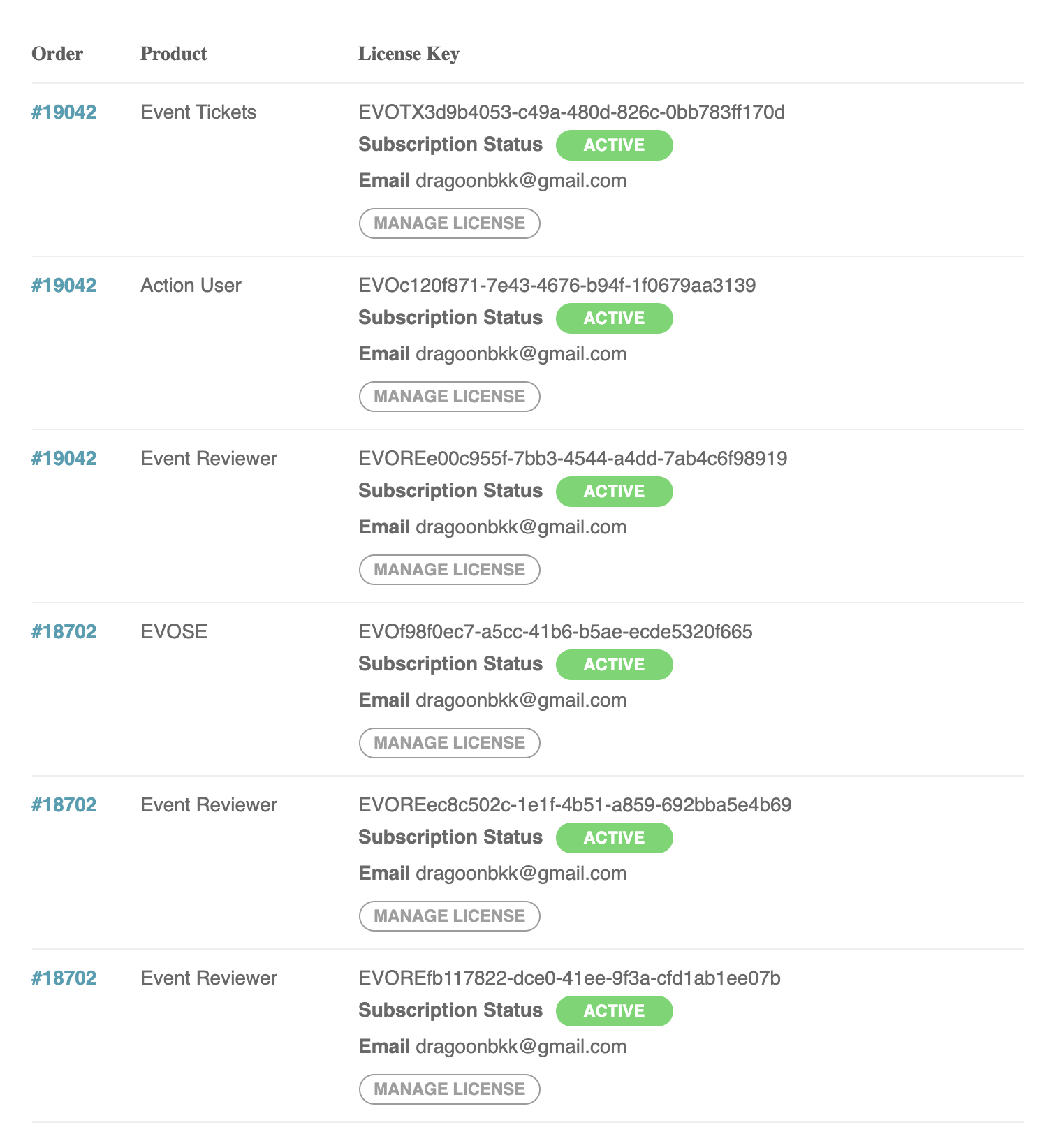
Ipurchased the addons on your site. so i don’t have it on envato. It shows up all as reviewer
THanks will try it now
I have already started the work. I will let you know as soon a sit is done.
Meanwhile, please provide both ftp and wp-admin access of your site.
Thank You
Hi there,
You knew exactly what I wanted and it is written above. How do you think this will work if you just IMPLEMENT the shortcode to sit and do nothing? that’s now what I Since you are an experienced developer that has 15 yrs of experience, you should know that you need to hook the code with the function to call and print the page view of the respected event. If you don’t know how to do it, who will know?
The issue with double count is the issue I need to sort with the plugin developer, but from you I need that events in the event manager show the event view count.
Kindly help me to achieve what I asked for or refund $50.
Thank you.
Best,
Brando
Basilis,
Thank You for your reply.
Is there a way to export the “Learn More” link into google cal? Is there a way to access it on the $object in the above mentioned code?
Thank You!
Updated & Modified!
Now it seems to work. Just to let you know…when you create an event, and set date and time of start, by default it ends the same day at 00:00. It seems to crash the display of the event, because strictly it should end 00:00 of the next day…If you don’t modify the end time to same day-23:oo for example, it won’t display the event. I modified one and worked. By extension, end time should not be before starting time. Hope my explanation helps.
Best regards,