We will include this fix in the next update, so you don’t need to include any files to your child theme.
Archives: Replies
Replies for tickets on suppota
Reply to: tickets(178537)
Go to CodeCanyon.com or please follow:
To update eventon to latest version: If you are unable to do autoupdate, you can go to codecanyon your account > download and get the latest eventon version as zip file. Then you can go to your website, deactivate old eventon, activate (Do not delete eventon settings & data when EventON is uninstalled) from eventon settings, delete old eventon, install new one and activate. This link will further explain the process it. Also you can follow us on twitter to get real-time announcements on updates!
Reply to: tickets(178720)
We are glad your issue is resolved, if you have any further questions or concerns please create a new ticket. If you have a moment, we would greatly appreciate if you could kindly leave us a review at codecanyon! from your account > downloads. Cheers!
Reply to: tickets(178880)
Hello,
Thank you for your messages, I am going to assign this ticket to Ashan and he will be able to take it from here and find you a solution. Please allow some time for him to get back to you, we greatly appreciate your patience and thank you for being a eventon customer!
Reply to: tickets(178875)
Ashan,
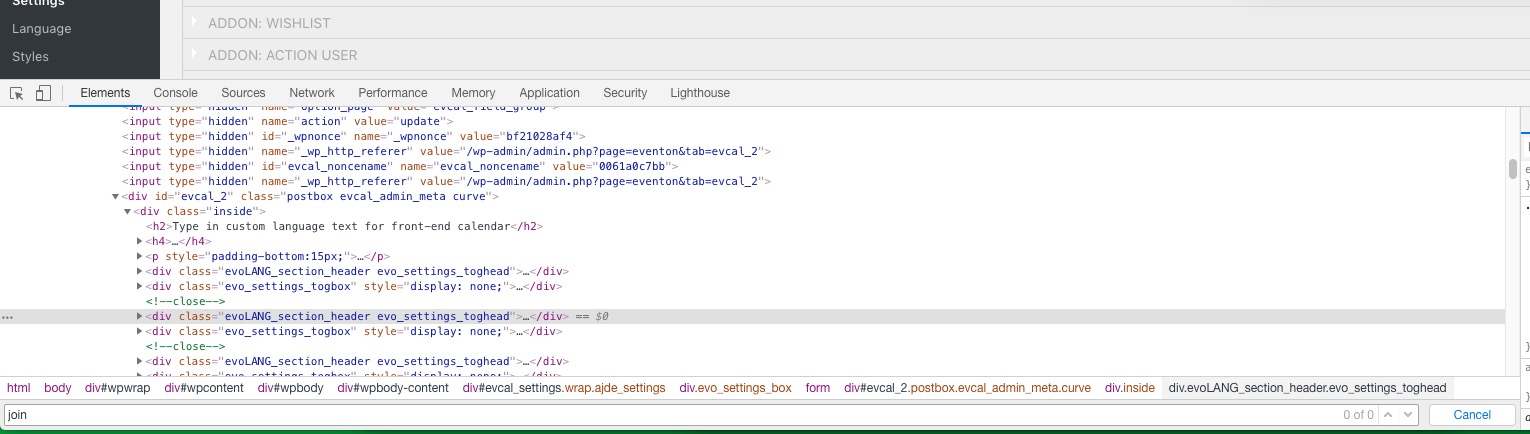
I cannot find “JOIN THE EVENT NOW” in EventON > Languages:
http://dev2.myeventon.com/events/21819/
http://dev2.myeventon.com/wp-admin/admin.php?page=eventon&tab=evcal_2
Reply to: tickets(178875)
Hello,
Thank you for your messages, I am going to assign this ticket to Ashan and he will be able to take it from here and find you a solution. Please allow some time for him to get back to you, we greatly appreciate your patience and thank you for being a eventon customer! Also please disable any IP blocking on your site if there are any.
Reply to: tickets(178850)
Hello,
Thank you for your great suggestion, at the moment it is not supported. However please create a new ticket and select Feature Request as category so others can vote on your idea and get it moved into development faster. OR You can send us a customization job request by creating a new ticket in here and selecting Customization Request as the category.
Reply to: tickets(178574)
Unfortunately, at the moment it is not supported. However please create a new ticket and select Feature Request as category so others can vote to get this moved into development faster. OR You can send us a customization job request by creating a new ticket in here and selecting Customization Request as the category.
Reply to: tickets(178873)
Hello,
Since day names use numbers as CSS classes, please follow this guide:
https://stackoverflow.com/questions/45293534/css-class-starting-with-number-is-not-getting-applied
For example, .21781_0.muld_m should look like this
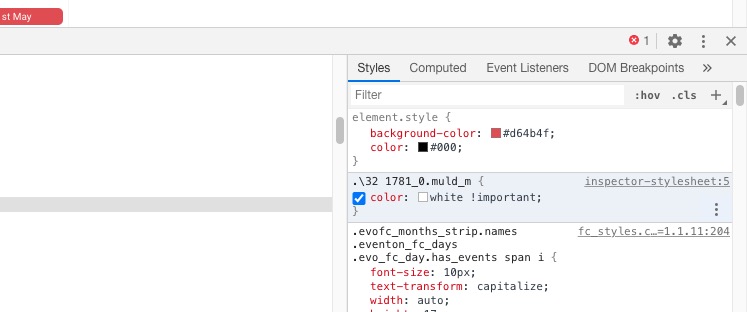
You can also go to Edit Event > Colour to change it’s background.
Reply to: tickets(178873)
Ashan,
The customer wants to change the colour of the event name inside of the day box:
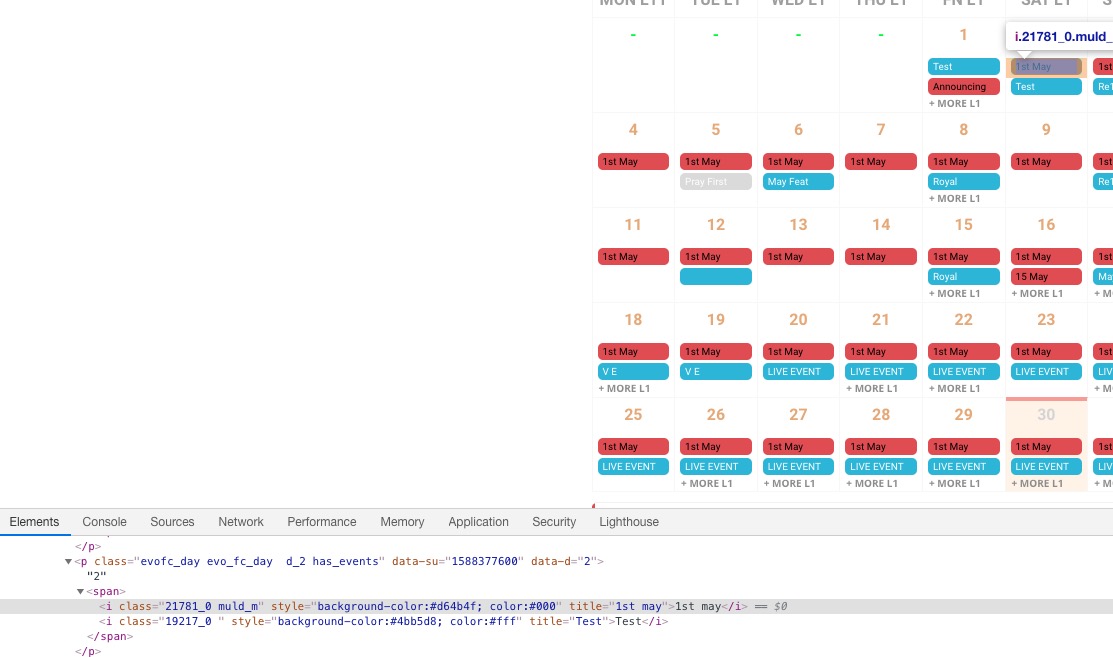
The problem is that CSS cannot be applied to numbers so this doesn’t work:
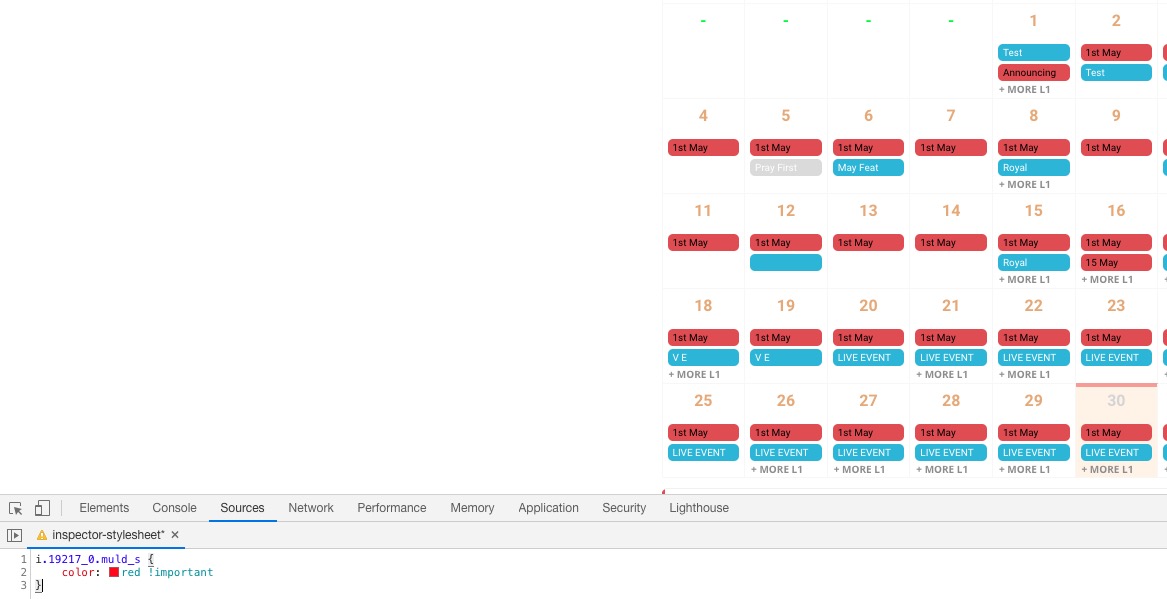
Could you change this in future updates?