We are sorry for the delay.
Login info stopped working for me. Could you check?
Replies for tickets on suppota
We are sorry for the delay.
Login info stopped working for me. Could you check?
Could you go to /wp-content/plugins/eventon-tickets and try to comment this line:
When I check Event Details as HTML 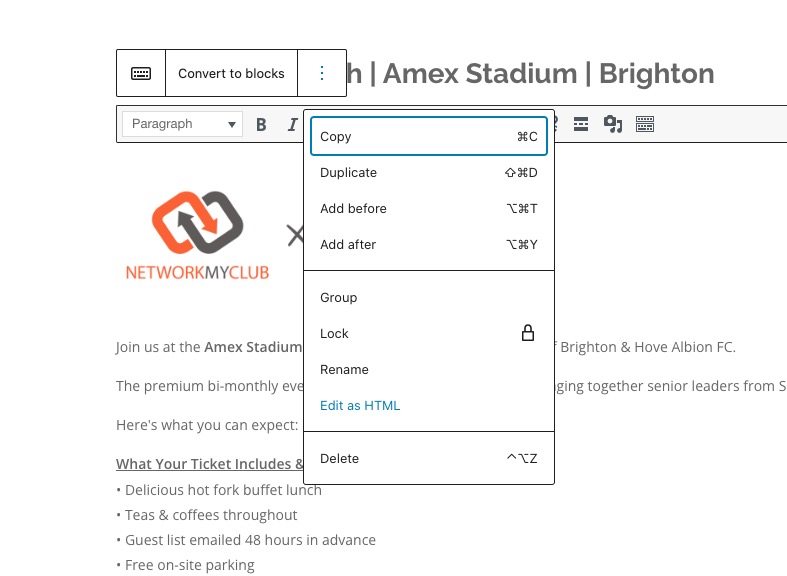
There are a lot of HTML tags that are added directly to the code:
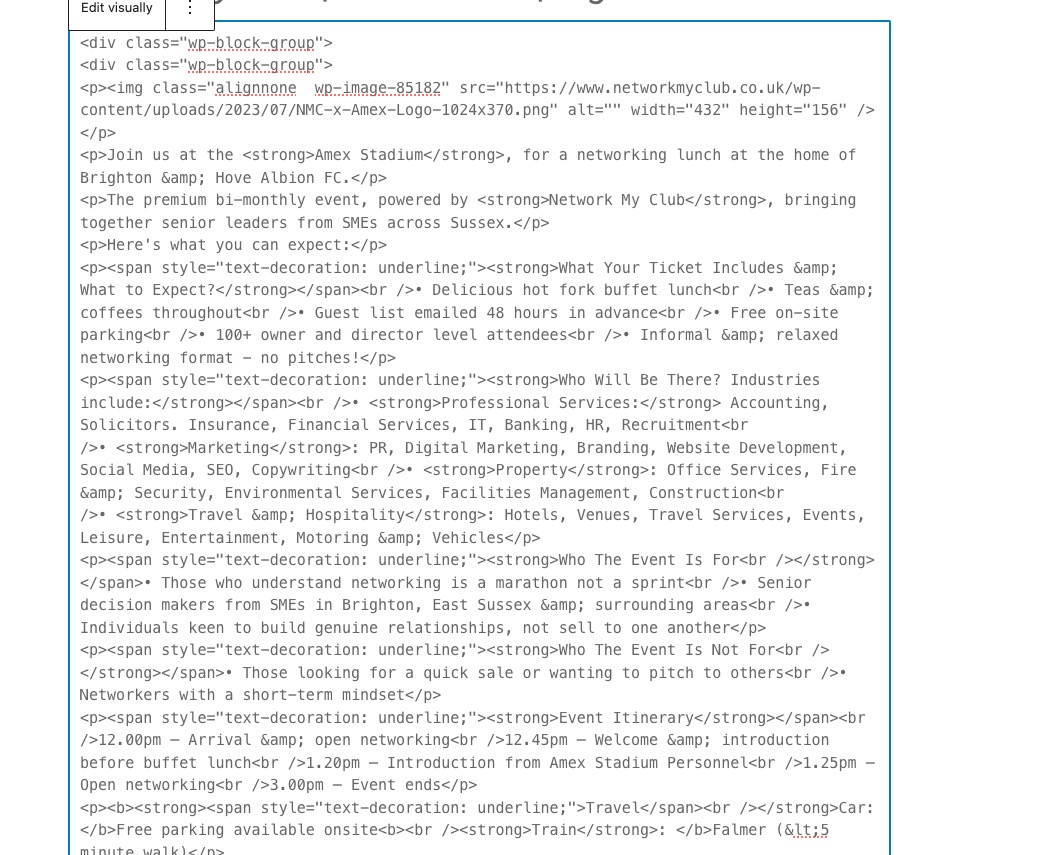
For example,
<div class=”wp-block-group”>
Did you copy the text from somewhere with the code included?
Hello,
Please send us wp-admin access to your site as a private message for us to further assist your situation.
I am sorry, the access information you have provided did not work for us. Please check them and post the correct login information as a private message, thank you!
Does debug.log file show any issues?
Coming next is ok, happening now is wrong now
Hello,
Since you are using EventON Lite, please go to https://wordpress.org/support/plugin/eventon-lite/ and create a new ticket there.
1. Please try following
https://docs.myeventon.com/documentations/single-events-page-not-working-404-error/
2. Seems to be working on my side:
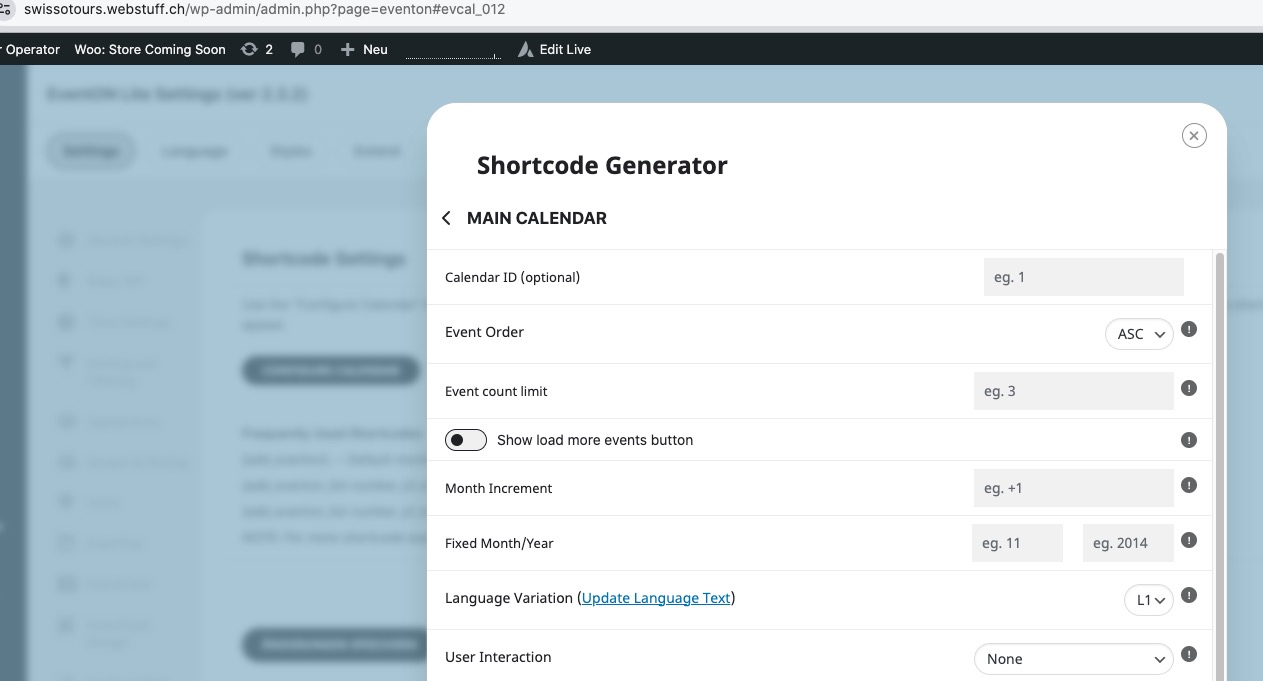
Could you try clearing your browser cache or try a different browser?
About the not loading issue. Usually this issue is coming from lack of memory limit on the server. The issue can be fixed by follow
https://docs.myeventon.com/documentations/increasing-wordpress-memory-limit/
However, please also follow the instructions in this documentation to activate debug in your site to see any PHP errors recorded that can provide insight on to whats going on. Please reply with a link to debug.log file. If you are not able to do this please send us FTP access to your site so we can do this for you.
We unable to refund the main plugin from here. You need to contact CodeCanyon about it:
https://help.market.envato.com/hc/en-us/articles/202821460-Can-I-Get-A-Refund
As for add-ons, do you want to refund all of them? Please send us Order IDs.
Hello,
EventON has it’s own Timezone that can be set in EventON > Time Settings > Default Event Timezone. The patch provided by Ashan fixing the issue when you cannot select any timezone other than London.
Please apply the patch to fix the issue.
Hello,
You don’t know where to download the calendar or how to install it or how you can add it to a page to see it?
Could you elaborate?